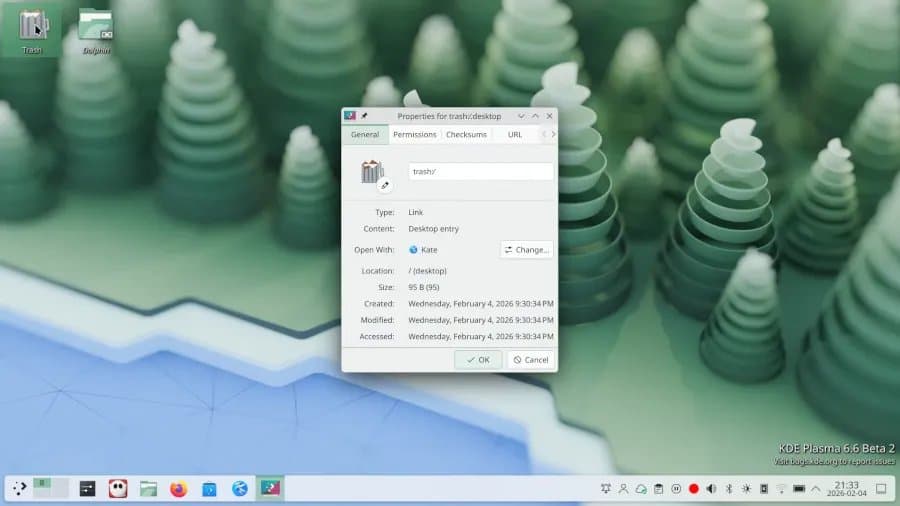
KDE Plasma 6.6 brings substantial usability improvements, accessibility enhancements, and performance optimizations to the popular Linux desktop environment, making it more polished and user-friendly than ever before.
KDE Plasma 6.6 has officially arrived, marking another significant milestone in the evolution of one of Linux's most popular desktop environments. Released today by the KDE community, this latest version brings a wealth of improvements that KDE developers boldly claim makes it "the best desktop in the known universe (according to us)." While that statement might seem like typical developer enthusiasm, the breadth and depth of changes in Plasma 6.6 suggest there's genuine substance behind the claim.
A Focus on Usability and Accessibility
The overarching theme of Plasma 6.6 is making the desktop experience as effortless as possible without compromising the flexibility that KDE users have come to expect. This balance between simplicity and power has always been a hallmark of Plasma, and version 6.6 refines this approach further.
One of the most notable additions is the new Plasma Setup wizard, which guides users through initial account creation and system configuration. This addresses a common pain point for new Linux users who might find the traditional setup process somewhat daunting. The wizard streamlines the onboarding experience while still allowing experienced users to customize their setup as needed.
Accessibility has received significant attention in this release. The new on-screen keyboard provides essential functionality for users with mobility challenges or those using touch-enabled devices. This feature has been thoughtfully integrated into the desktop environment, appearing automatically when needed and offering a clean, responsive interface.
Visual and Interactive Refinements
Theme improvements in Plasma 6.6 extend beyond mere aesthetics. The desktop now offers more cohesive visual elements, with better integration between different components and more consistent styling throughout the interface. These changes might seem subtle, but they contribute significantly to the overall polish of the desktop experience.
For users with high refresh rate displays, Plasma 6.6 delivers noticeably smoother animations. This enhancement takes full advantage of modern hardware capabilities, making interactions feel more fluid and responsive. Whether you're scrolling through applications or transitioning between virtual desktops, the improved animation system provides a more satisfying user experience.
Enhanced Security and Convenience Features
Security-conscious users will appreciate the new optional log-in manager for Plasma. This addition provides an extra layer of security while maintaining the desktop's characteristic ease of use. The flexibility to enable or disable this feature ensures that users can tailor their security posture to their specific needs.
Automatic screen brightness adjustment represents another practical improvement, particularly for laptop users and those with ambient light sensors. This feature eliminates the need for manual brightness adjustments as lighting conditions change, reducing eye strain and improving battery life on portable devices.
Wayland Support and Technical Improvements
Plasma 6.6 continues KDE's commitment to Wayland, with numerous enhancements to the display server protocol support. While the details of these improvements are technical, users should notice better stability, improved performance, and expanded compatibility with various hardware configurations.
The release also includes countless minor refinements throughout the desktop environment. These incremental improvements, while individually small, collectively create a more polished and reliable experience. From improved file management to enhanced system settings, every aspect of Plasma has received attention.
Performance and Compatibility
While specific benchmark data wasn't provided in the initial release notes, KDE's focus on performance optimization is evident throughout Plasma 6.6. The desktop environment maintains its reputation for being resource-efficient while adding new features, ensuring that it remains suitable for both modern high-end systems and older hardware that users might want to extend the life of.
Compatibility with existing KDE applications remains excellent, with the update process designed to be smooth for existing users. The KDE community has a strong track record of maintaining backward compatibility, and Plasma 6.6 continues this tradition.
Looking Forward
Plasma 6.6 represents more than just another incremental update; it demonstrates KDE's ongoing commitment to creating a desktop environment that balances power, flexibility, and ease of use. The improvements in this release address real user needs while maintaining the extensibility that makes Plasma unique among desktop environments.
For existing KDE users, upgrading to Plasma 6.6 is a straightforward process that brings immediate benefits. New users will find a more welcoming and polished experience than ever before. As Linux desktop environments continue to evolve, KDE Plasma remains at the forefront, setting standards for what a modern, open-source desktop can achieve.
Those interested in exploring Plasma 6.6 can find downloads and additional information on the official KDE website at KDE.org. The release is available through standard package managers for most Linux distributions, with official installation instructions provided for users who prefer manual installation methods.
The KDE community continues to demonstrate that open-source desktop environments can compete with and often surpass proprietary alternatives in terms of features, performance, and user experience. Plasma 6.6 is the latest proof of this ongoing success story.
Comments
Please log in or register to join the discussion