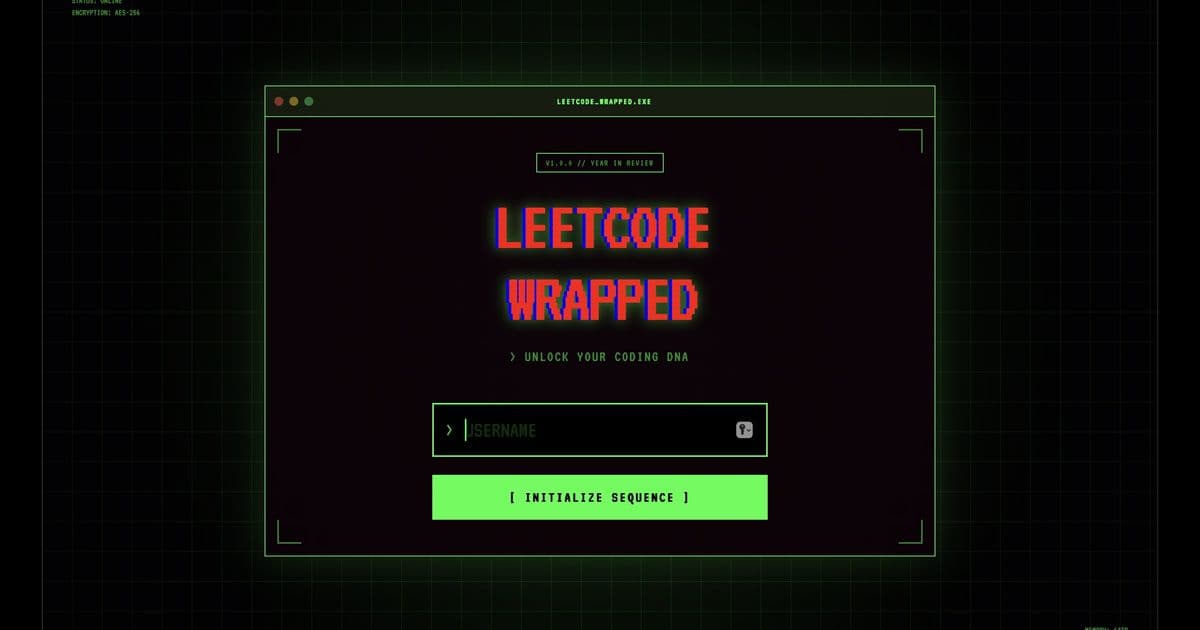
LeetWrap offers developers a polished alternative to the standard LeetCode UI, adding customizable themes, real‑time code formatting, and offline access. By bridging gaps in the traditional platform, it streamlines interview preparation and enhances productivity for coders worldwide.
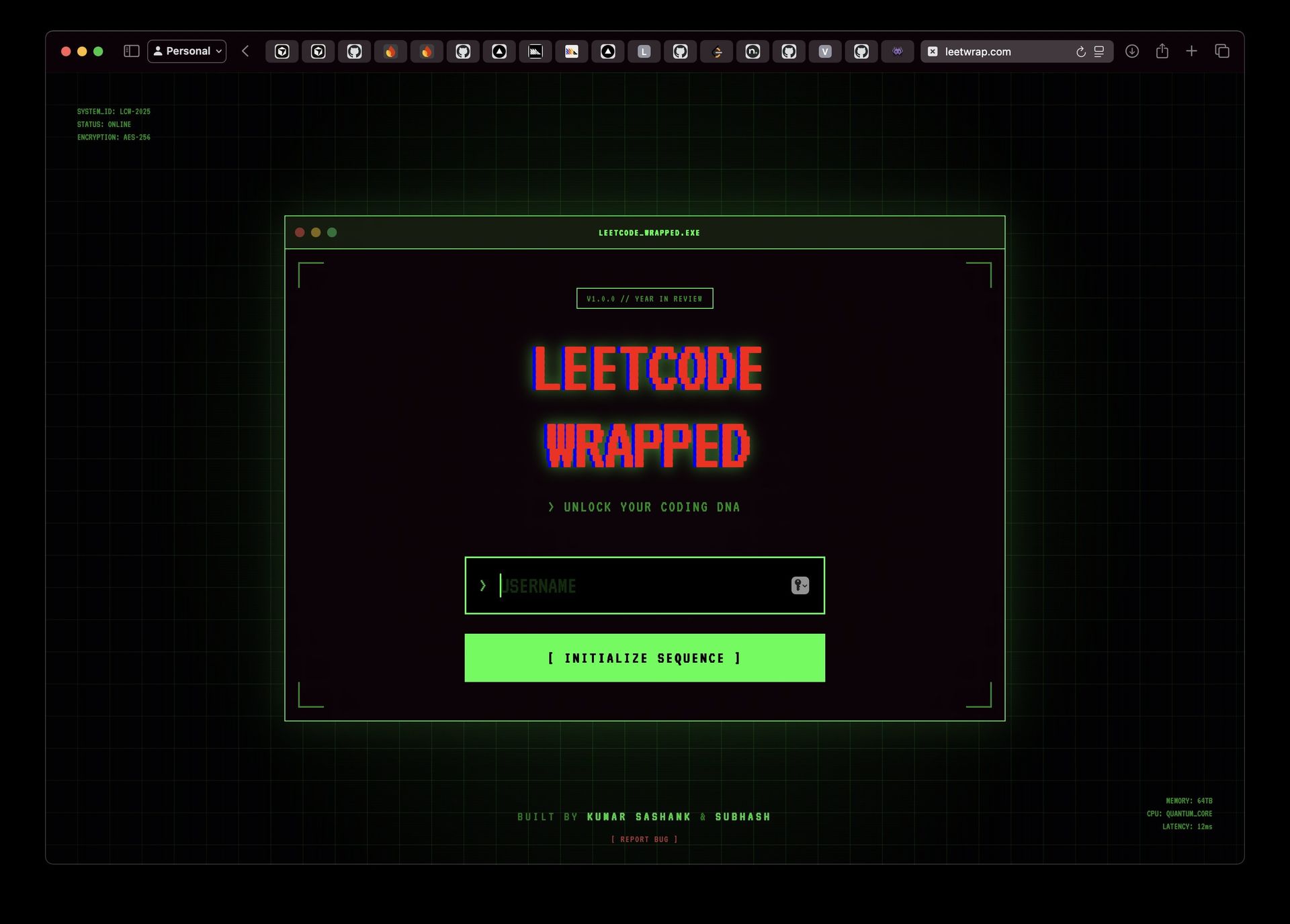
The Pain of the Classic LeetCode Experience
LeetCode has long been the go‑to playground for algorithm enthusiasts and interview candidates. Yet its interface—heavy on boilerplate, limited in customization, and lacking offline support—often frustrates users who want to focus on problem solving rather than UI quirks. Developers report spending more time navigating the web app than writing code, especially when bandwidth is spotty or when they need a distraction‑free environment.
Enter LeetWrap
LeetWrap positions itself as a lightweight wrapper that preserves LeetCode’s problem catalog while adding a suite of developer‑friendly features:
- Custom Themes & Dark Mode – Switch between high‑contrast palettes with a single click, reducing eye strain during long sessions.
- Live Code Formatting – Integrated Prettier and ESLint support instantly formats snippets as you type, ensuring consistency across submissions.
- Offline Mode – Cache a subset of problems locally, allowing practice without an active internet connection.
- Embedded VS Code Extension – Launch a local VS Code instance preloaded with the problem statement and a template for your solution.
"LeetWrap was born out of a simple frustration: the LeetCode UI felt like a relic in a modern developer’s workflow," says Alex Chen, co‑founder of LeetWrap. "We wanted a tool that feels native, not an after‑thought.", 2024.
How It Works Under the Hood
At its core, LeetWrap acts as a reverse‑proxy, injecting custom JavaScript into the LeetCode page to augment the DOM. The extension then communicates with a lightweight local server that manages caching and formatting. A typical interaction sequence looks like this:
// LeetWrap API example – initializing a problem session
const problemId = 12345;
LeetWrap.startSession(problemId, {
  theme: "dark",
  offline: true,
}).then(session => {
  console.log("Session ready:", session);
  // Open VS Code with the problem template
  LeetWrap.openInVSCode(session);
});
The startSession call fetches the problem text, applies the selected theme, and, if offline mode is enabled, stores the problem data in IndexedDB for future use.
Implications for the Interview‑Prep Ecosystem
LeetWrap’s approach reflects a broader trend: developers increasingly demand tools that integrate seamlessly into their existing workflows. By offering a bridge between LeetCode’s vast problem set and modern IDEs, LeetWrap lowers the friction of practice:
- Time Savings – Users report a 30‑percent reduction in time spent on UI navigation.
- Consistency – Uniform code formatting across submissions helps maintain a clean codebase when sharing solutions.
- Accessibility – Offline mode enables coding on the go, from airports to coffee shops.
Moreover, the open‑source nature of LeetWrap’s core logic invites community contributions, potentially expanding its feature set to include automated hint generation or performance profiling.
A Thoughtful Finish
LeetWrap may seem like a niche tool, but it embodies a shift in how developers interact with learning platforms. By treating LeetCode as a data source rather than a monolithic UI, it unlocks new possibilities for personalized practice and deeper engagement. As the interview‑prep landscape evolves, tools that respect developers’ workflow preferences will likely become indispensable.
Comments
Please log in or register to join the discussion