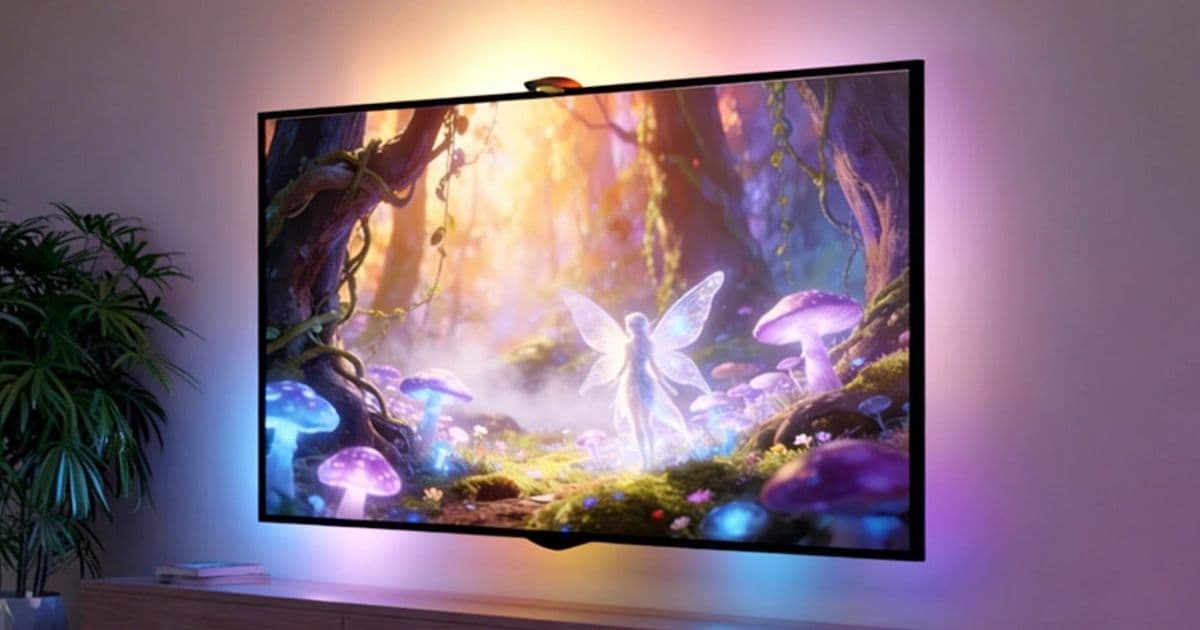
Lepro launches the STV1, a camera‑based backlight system that adds immersive ambient lighting to Apple TV without the need for an HDMI sync box, starting at $89.99.
Lepro’s STV1 Backlight Kit Brings Affordable Reactive Lighting to Apple TV Set‑ups
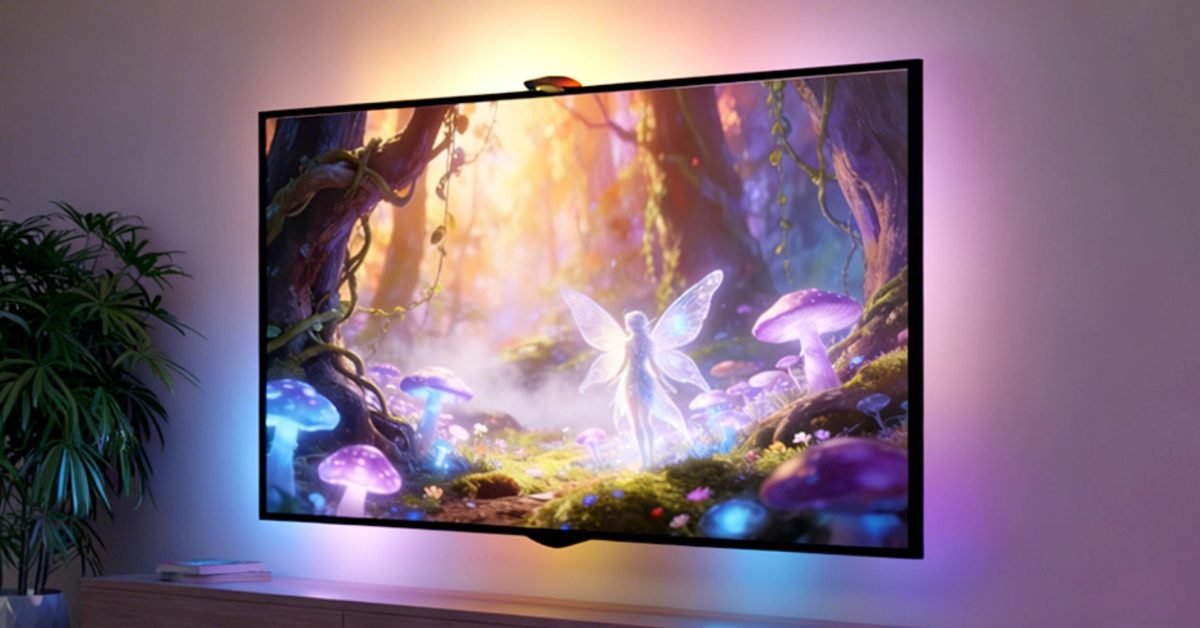
Reactive ambient lighting has become a popular way to make TV watching feel more cinematic, but most solutions rely on an HDMI sync box that can cost $200 – $400. Lepro’s new STV1 kit sidesteps that hardware cost by using an ultra‑wide‑angle camera to read the screen and drive an LED strip in real time. The product went on sale on May 15, 2026 and is positioned as the budget‑friendly alternative for Apple TV owners.
What the STV1 Does Differently
| Feature | Typical HDMI‑sync kits | Lepro STV1 |
|---|---|---|
| Sync method | HDMI signal passthrough | Camera captures screen colors |
| Hardware cost | $200 – $400 sync box + LED strip | LED strip only, $89.99 – $109.99 |
| Installation | Requires HDMI splitter, power adapters | Mount camera, plug strip into power, no HDMI changes |
| AI lighting | Fixed presets or limited scene control | LightGPM™ 4 AI Designer – text, voice or image prompts |
| Power saving | Manual off or timer | Auto‑off when camera sees a blank screen |
The core of the system is a fisheye lens with a field‑of‑view greater than 180°. Lepro’s proprietary Lens Correction software removes distortion and maps the captured image to a virtual screen grid. That grid is then divided into zones, each of which drives a corresponding segment of the LED strip. Because the camera sits a few inches from the TV, it can handle screens up to 85 inches without losing color fidelity.
Developer‑relevant Details
While the STV1 is a consumer product, developers who build Apple TV apps may find a few integration points useful:
- Screen‑blank detection – The kit automatically disables the LEDs when the camera sees a black screen. If your app uses a custom idle screen, you can keep the backlight active by ensuring a low‑contrast frame is displayed.
- Custom color zones – The LightGPM™ 4 AI engine exposes a simple HTTP endpoint (documented in the Lepro developer guide). Apps can send a JSON payload with preferred hue values for specific zones, enabling game‑specific lighting without user interaction.
- Privacy considerations – The camera operates locally; no video is streamed to the cloud. However, Apple TV’s privacy settings require that any app accessing the camera request the
NSCameraUsageDescriptionentitlement. If you plan to call the STV1 API from your app, include a clear description for users.
Migration Path for Existing HDMI‑Sync Set‑ups
If you already own a premium sync box (e.g., Philips Hue Play HDMI Sync Box or Luminoodle), moving to the STV1 can be done in three steps:
- Remove the HDMI chain – Disconnect the sync box and reconnect your Apple TV directly to the TV.
- Mount the camera – Lepro ships a magnetic bracket that attaches to the TV’s top bezel. Position the camera so the entire screen is within the lens view; the included calibration app will guide you.
- Install the LED strip – The STV1 kit includes adhesive‑backed 5050 LEDs. Cut the strip to the appropriate length (11.8 ft for 55‑65 in, 16.4 ft for 75‑85 in) and snap the connectors into the supplied power hub.
- Configure AI scenes – Open the Lepro mobile app, link the hub via Bluetooth, and experiment with the LightGPM™ 4 designer. You can save scenes as shortcuts on the Apple TV home screen using the Shortcuts app.
Pricing and Availability
| Model | TV size range | LED length | Retail price |
|---|---|---|---|
| STV1‑11.8 | 55‑65 in | 11.8 ft | $89.99 |
| STV1‑16.4 | 75‑85 in | 16.4 ft | $109.99 |
Both versions ship from Lepro’s online store and select authorized retailers. Shipping is free within the United States, and the company offers a 30‑day return window.
What This Means for the Apple TV Ecosystem
The STV1 lowers the entry barrier for ambient lighting, which could lead to a modest uptick in Apple TV usage during group‑watch events, sports nights, and movie marathons. Because the solution is camera‑based, it works with any HDMI source, not just Apple TV, making it a flexible addition for households that mix streaming sticks, consoles, and Blu‑ray players.
For developers, the exposed API opens a niche for context‑aware lighting features—think a horror‑game that dims the room or a fitness app that syncs a calming blue hue during cooldowns. As Apple continues to push HomeKit and Matter compatibility, we may see third‑party accessories like the STV1 become first‑class participants in the broader smart‑home automation flow.
Bottom Line
Lepro’s STV1 offers a cost‑effective, camera‑driven alternative to traditional HDMI sync boxes, with AI‑powered scene creation and automatic power saving. At under $110, it is an attractive upgrade for anyone looking to add immersive lighting to an Apple TV setup without breaking the bank.
For more details, visit the official Lepro STV1 product page and check out the GitHub repository that hosts the open‑source SDK for developers.
Comments
Please log in or register to join the discussion