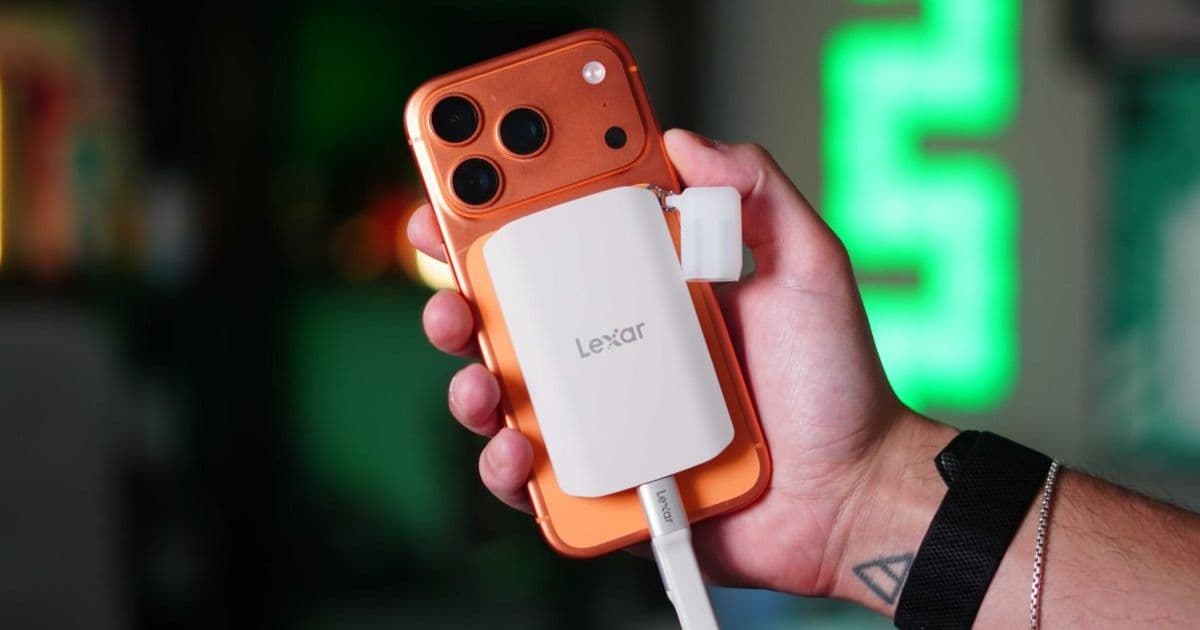
Lexar's new ES5 Magnetic Portable SSD combines MagSafe attachment with 2000MB/s transfer speeds and native ProRes support, offering iOS and cross-platform developers a cost-effective way to record high-bitrate media, test camera apps, and offload storage without relying on expensive internal upgrades.
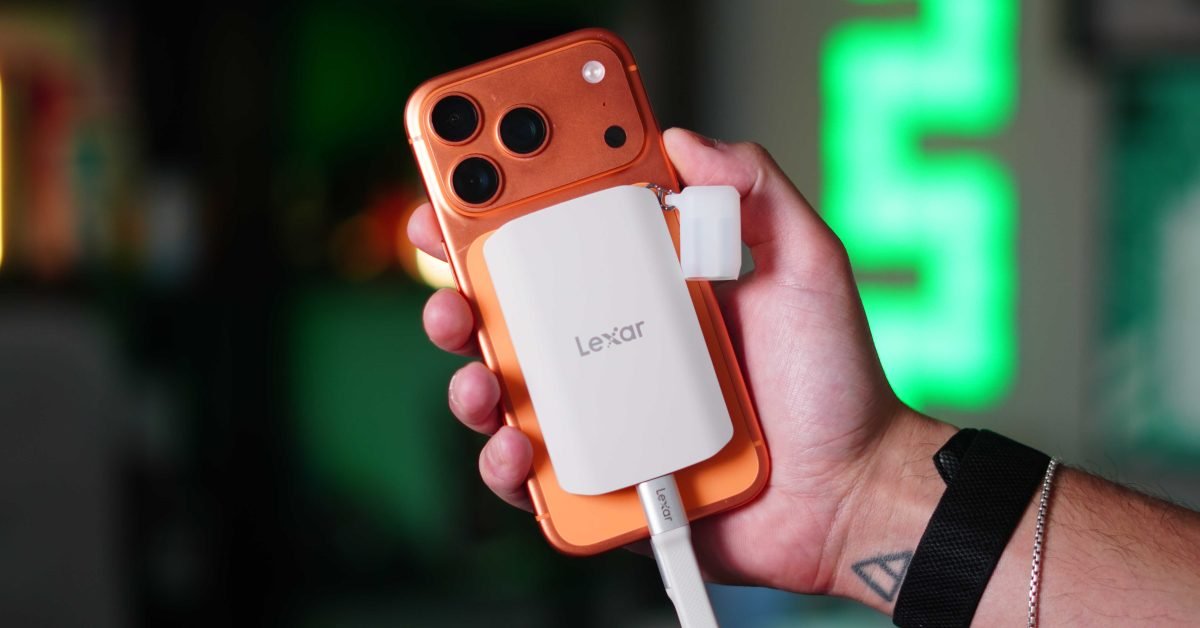
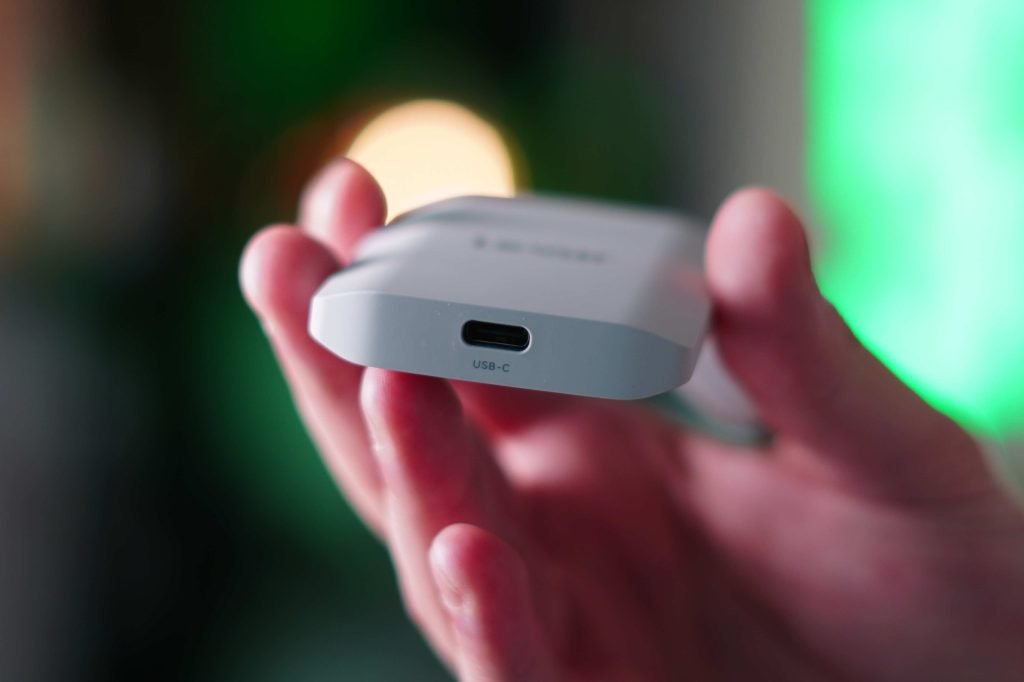
When Apple first introduced MagSafe in the iPhone 12 lineup, it enabled a modular accessory ecosystem for iPhone. 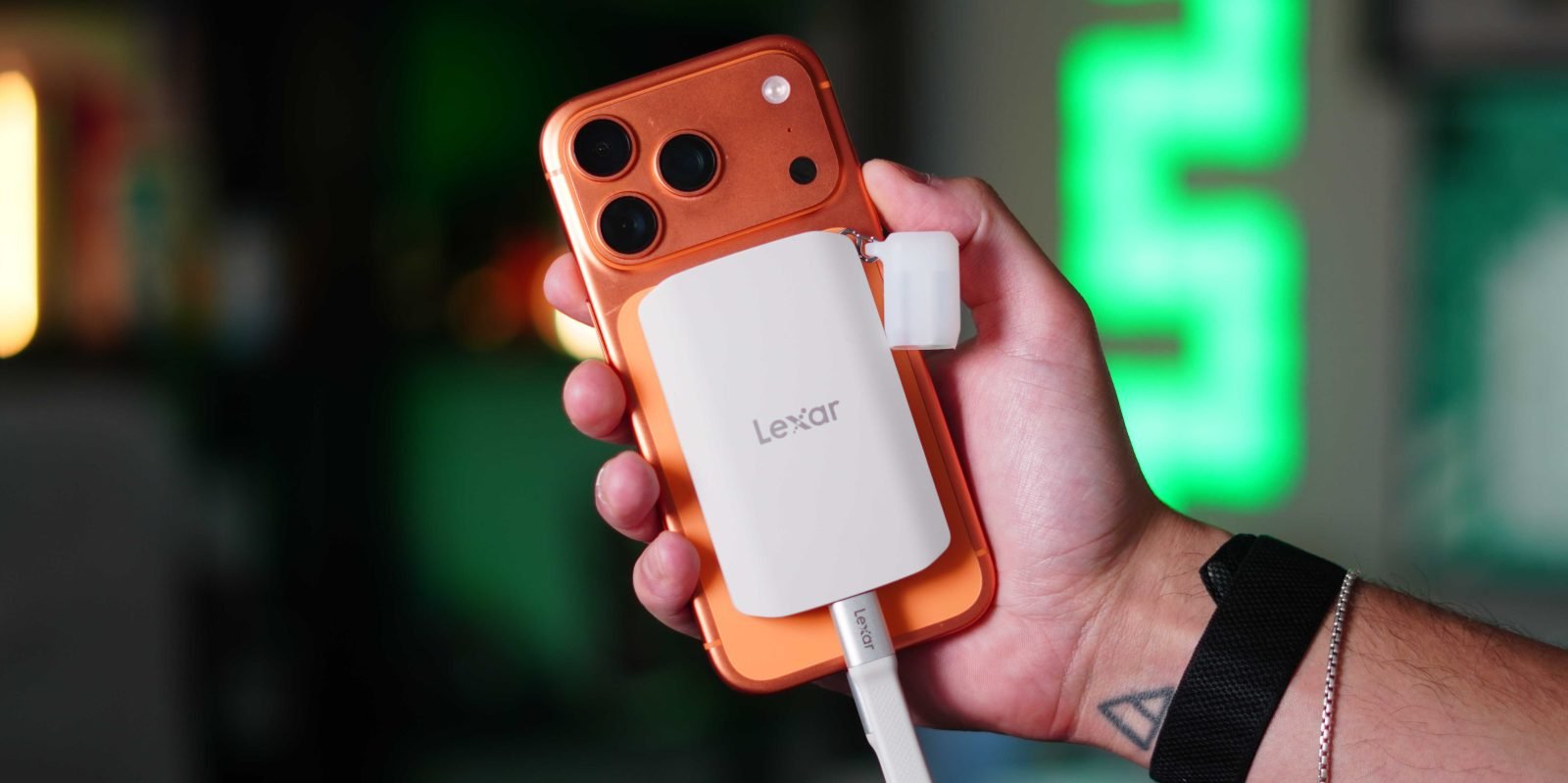 The transition to USB-C starting with the iPhone 15 series opened further possibilities for high-speed data transfer accessories. The Lexar ES5 Magnetic Portable SSD is a new entry designed for both content creators and mobile developers, combining MagSafe convenience with performance suited for professional video workflows.
The ES5 builds on Lexar's existing portable SSD lineup, which includes the well-regarded SL500, with specs tailored for iPhone use:
- Up to 2000MB/s read and write speeds via USB 3.2 Gen 2×2
- Native MagSafe-compatible magnetic attachment, with an included metal ring for non-MagSafe surfaces
- Full support for Apple ProRes and ProRes RAW recording
- IP65 dust and water resistance, 3-meter drop resistance
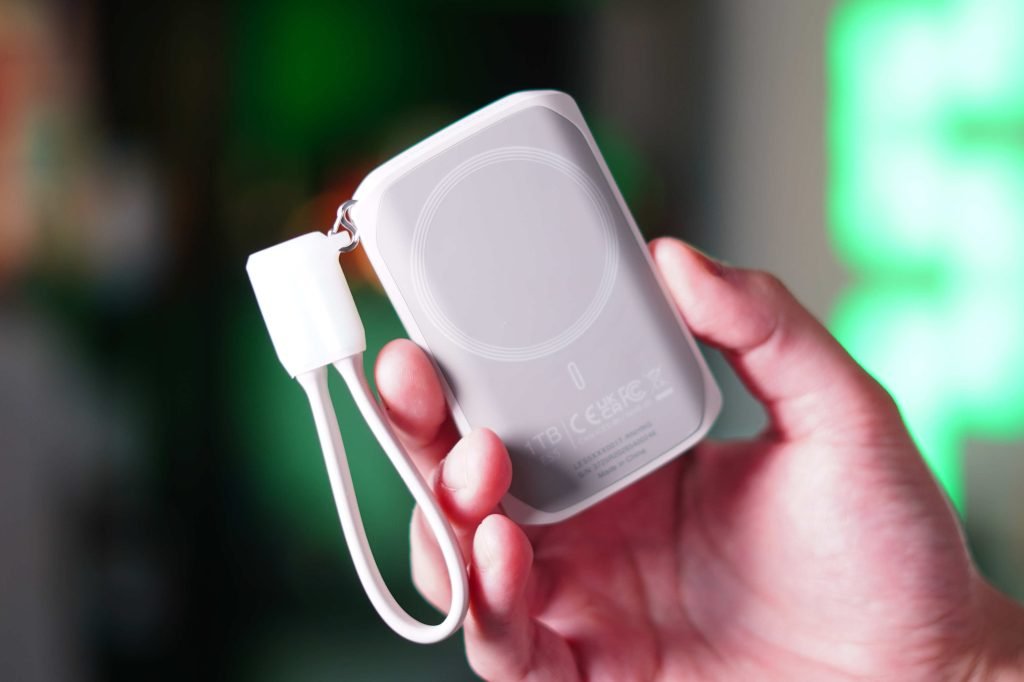
- Compact 80g weight, 11mm thickness, soft-touch rubber finish
- Included USB-C cable that doubles as a lanyard, removable for cleaner setups
The SSD is compatible with any USB-C device, but its ProRes support and MagSafe attachment make it particularly useful for iPhone 15 Pro and later models, which support ProRes RAW recording to external storage via iOS 17 and later. You can find full specs on the Lexar ES5 official product page.
Developer Impact
For iOS developers, the ES5 addresses several common pain points in media app development and testing. Camera app developers using AVFoundation can record high-bitrate ProRes content directly to the external SSD, avoiding internal storage limits. ProRes RAW 4K 60fps footage requires sustained write speeds of at least 150MB/s, a threshold the ES5's 2000MB/s speeds exceed by a wide margin, eliminating frame drops during long recording sessions. To support external recording, apps must target iOS 16 or later for external volume access, with iOS 17 or later required for ProRes RAW to external storage. Developers need to request user permission via UIDocumentPickerViewController and add the com.apple.security.files.downloads.read-write entitlement to their app's entitlements file. Apple's AVFoundation documentation provides full details on recording to external volumes.
Apps that manage large media files, such as video editing or photo organization tools, can also benefit. The ES5 allows users to offload files to external storage, reducing pressure on internal iPhone storage. iOS 16 and later provide APIs to monitor external volume capacity, letting apps display available recording time when the SSD is connected, similar to the stock Camera app's USB icon and time estimate feature.
For developers who record app demos, bug reports, or tutorial content, the ES5 streamlines workflows. Recording directly to the SSD via apps like Blackmagic Camera removes the need to transfer files from the iPhone via AirDrop or iCloud. After recording, the SSD can be plugged directly into a MacBook Pro or iPad Pro for immediate editing, cutting out multiple file management steps.
Cross-platform developers working with tools like Flutter or React Native will find the ES5 useful for testing camera apps on both iOS and Android. The SSD works with any USB-C Android device, though Android does not support ProRes, relying instead on HEVC or AV1 codecs for high-quality video. Android 14 (API 34) and later support external storage recording via the Storage Access Framework, which requires user interaction to select the external volume. Unlike iOS, Android apps do not need special entitlements for external storage access, but must handle scoped storage permissions correctly. Cross-platform implementations need platform-specific code for external path access: iOS uses path_provider to locate external volumes, while Android uses storage_path or the Storage Access Framework.
Migration Guide
Developers moving from internal storage to external workflows should follow these steps:
- Update deployment targets: Set iOS deployment target to 16.0 for external storage access, 17.0 for ProRes RAW to external. Android deployment target should be 34 (Android 14) or later for reliable external recording support.
- Add required permissions: For iOS, update entitlements to include file access permissions for external volumes. For Android, add MANAGE_EXTERNAL_STORAGE to AndroidManifest.xml if full access is needed, or use the Storage Access Framework for scoped access without broad permissions.
- Test hardware compatibility: Verify that your app works with the ES5 on target devices. For iPhone, test MagSafe attachment on 12 series and later, and USB-C transfer speeds on 15 Pro and later. For Android, test on devices with USB 3.0 or later ports to ensure speed limitations do not affect recording.
- Update app UI: Add indicators for connected external volumes, display available recording time, and handle volume disconnection gracefully to prevent data corruption. Test disconnection scenarios to ensure apps do not crash or lose recorded data.
Pricing and availability align with the value for developers. The ES5 is available in 1TB ($199) and 2TB ($399) options, with 4TB models coming soon. For context, adding 1TB of internal storage to an iPhone costs $400 from Apple, while the 1TB ES5 is nearly half the price. This makes the ES5 a cost-effective solution for developers who need large storage for testing media apps or recording high-bitrate content.
The build quality holds up well for development use. The 80g weight and 11mm thickness fit comfortably on the back of an iPhone 17 Pro (used in testing), with strong magnets that hold without a MagSafe case. The soft-touch rubber finish provides grip during handheld use, and the IP65 rating protects against dust and water during field testing. 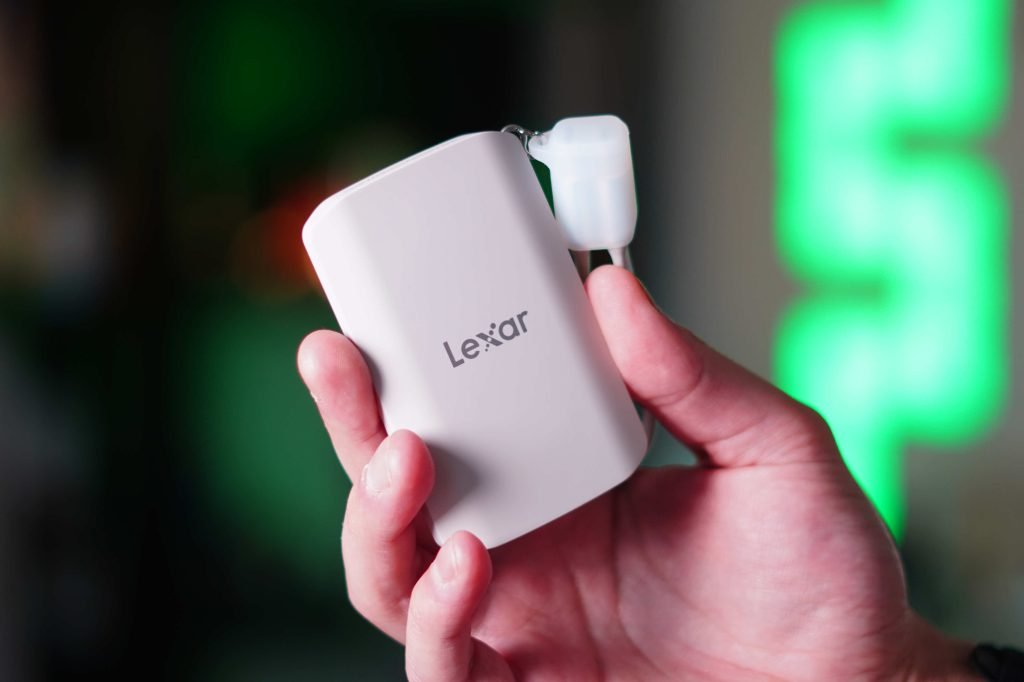
Broader trends point to MagSafe and USB-C enabling more modular, high-performance accessories for iPhone. As Apple continues to standardize on USB-C across its lineup, accessories like the ES5 will become more common, reducing reliance on proprietary Lightning accessories and making cross-platform testing more straightforward. For developers building media apps, the ES5 provides a reliable, high-speed external storage option that integrates directly into existing iPhone workflows.
Comments
Please log in or register to join the discussion