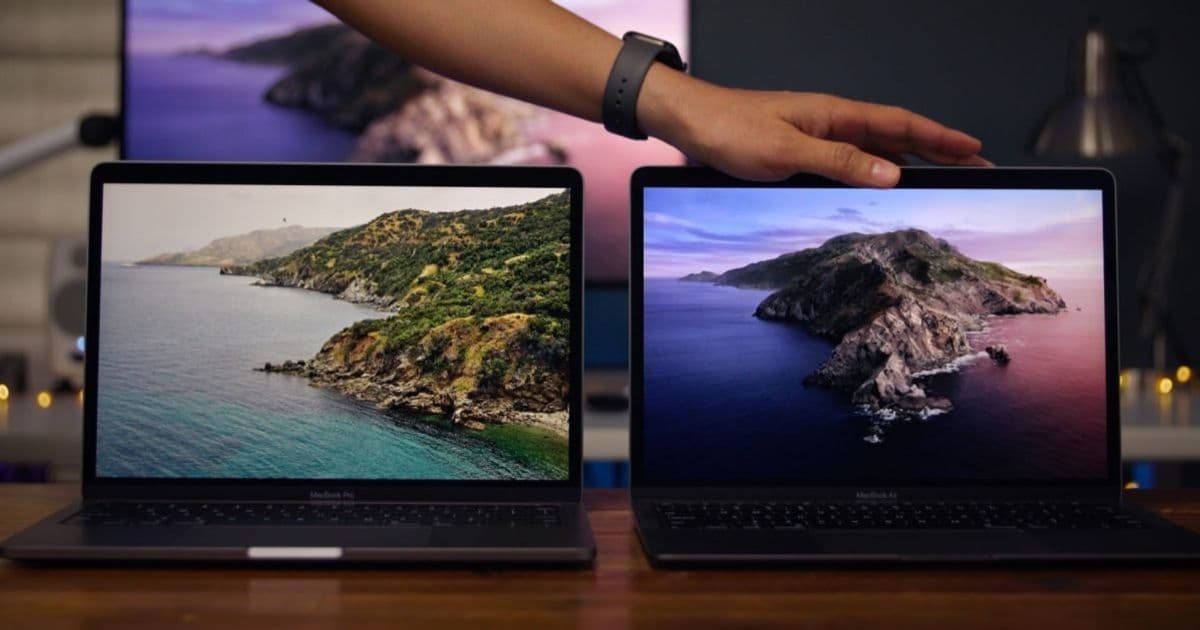
Apple’s upcoming macOS 27 will be the first release that runs only on Apple silicon. Four Intel‑based Macs – the 16‑inch 2019 MacBook Pro, the 13‑inch 2020 MacBook Pro with four Thunderbolt 3 ports, the 2020 iMac and the 2019 Mac Pro – will be left behind. This article explains the SDK changes, the impact on iOS/macOS cross‑platform projects, and how to migrate your codebase before the fall release.
macOS 27 will drop support for these four Intel Macs – what developers need to know
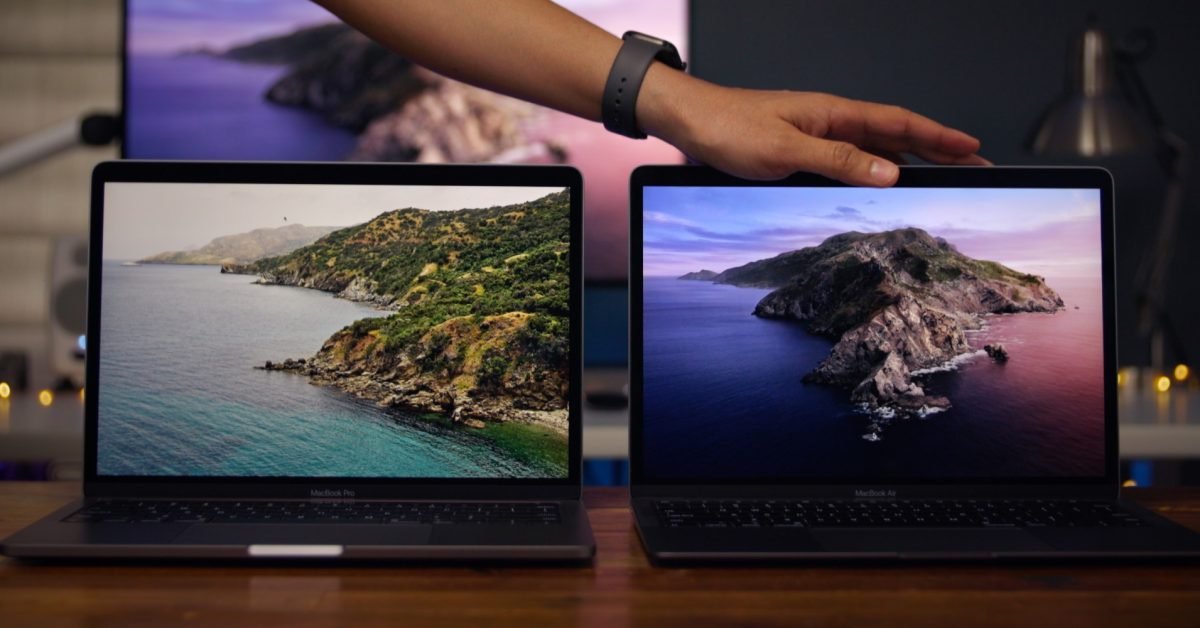
Apple is set to ship macOS 27 this fall, and the release marks a clear line: only Apple silicon Macs will be able to run the new system. The company confirmed that four Intel‑based models will be excluded:
- MacBook Pro (16‑inch, 2019)
- MacBook Pro (13‑inch, 2020, four Thunderbolt 3 ports)
- iMac (2020)
- Mac Pro (2019)
These are the last Intel machines still receiving updates under macOS Tahoe (macOS 13). From a developer’s perspective, the shift has three immediate consequences:
- Xcode and SDK versioning – macOS 27 will require Xcode 15.2 or later, which bundles the macOS 27 SDK (version 27.0). The SDK drops support for the
x86_64macOS target, leaving onlyarm64as a valid architecture for new builds. - Cross‑platform toolchains – frameworks such as React Native, Flutter, and Xamarin will need to update their macOS host tooling to run on Apple silicon. Most teams have already been using Rosetta 2 for development on Intel Macs, but the new SDK will no longer compile under Rosetta, forcing a migration to native ARM builds.
- CI/CD pipelines – hosted macOS runners that still use Intel hardware (e.g., older GitHub Actions macOS‑latest runners) will be unable to test macOS 27 builds. Projects must switch to ARM‑based runners or self‑hosted Apple silicon machines.
Impact on existing macOS apps
If your app still ships a universal binary that includes an x86_64 slice, it will continue to run on the four listed Macs under macOS 26, but it will be blocked from installing macOS 27. Users on those machines will see a dialog prompting them to stay on the previous OS version.
For developers who maintain a single codebase for macOS, iOS, and potentially Android via a cross‑platform layer, the loss of Intel support simplifies the build matrix:
- Remove
x86_64fromARCHSin your Xcode project. The setting can be changed to$(ARCHS_STANDARD)which now resolves toarm64only. - Update third‑party dependencies that still ship Intel‑only binaries. Most major libraries (e.g., Alamofire, SwiftUI‑Introspect) have already released ARM‑only wheels, but a quick audit with
lipo -infocan confirm. - Test UI on Apple silicon. Performance characteristics differ; for example, the new Metal 3 improvements in macOS 27 are only exposed to ARM GPUs. Verify that your rendering code still meets frame‑rate targets.
Migration checklist for cross‑platform projects
| Step | Action | Reason |
|---|---|---|
| 1 | Install Xcode 15.2 or newer on an Apple silicon Mac. | Provides the macOS 27 SDK and the updated Swift compiler (Swift 6.0). |
| 2 | Run xcodebuild -showsdks to confirm the macOS 27 SDK appears. |
Guarantees the build system can target the new OS. |
| 3 | Remove x86_64 from VALID_ARCHS in your project and any podspecs. |
Prevents accidental inclusion of the unsupported slice. |
| 4 | Update package managers (CocoaPods, Carthage, Swift Package Manager) to the latest versions. | Newer resolvers understand the ARM‑only constraints. |
| 5 | For React Native, upgrade to version 0.74+ and run npx react-native upgrade. The CLI now defaults to arch -arm64 builds on macOS. |
Ensures the JavaScript bridge and native modules compile for ARM. |
| 6 | For Flutter, switch the macOS channel to stable and run flutter doctor. The Flutter toolchain now bundles an ARM‑only engine for macOS. |
Allows you to produce a macOS app that runs on Apple silicon without Rosetta. |
| 7 | Verify CI runners: if you use GitHub Actions, change runs-on: macos-latest to runs-on: macos-13-arm. |
Prevents build failures caused by missing ARM toolchains. |
| 8 | Run the full test suite on an Apple silicon device or emulator. | Catches architecture‑specific bugs before release. |
What about Apple‑silicon Macs?
The M1, M1 Pro, M1 Max, M2, and the newer M3 families will continue to receive macOS updates for at least two more years, according to Apple’s typical support cadence. The macOS 27 SDK introduces a few new APIs that are exclusive to Apple silicon, such as MTLDevice.isLowPower refinements and the ProcessInfo.isTranslated flag for detecting Rosetta. If your app relies on these, you can safely adopt them now; they will be no‑ops on Intel hardware, but that hardware will no longer be able to run the OS anyway.
Bottom line for developers maintaining cross‑platform code
- Plan for an ARM‑only macOS build by the time macOS 27 ships.
- Audit your dependencies for Intel‑only binaries and replace them with ARM‑compatible versions.
- Adjust CI pipelines to use Apple silicon runners.
- Take advantage of new Apple‑silicon‑only APIs to improve performance on the devices that will keep receiving updates.
By following the checklist above, you can avoid a last‑minute scramble when the fall release lands and keep your app available to the entire macOS user base.
For more details on the SDK changes, see the official Apple Developer Documentation.
Comments
Please log in or register to join the discussion