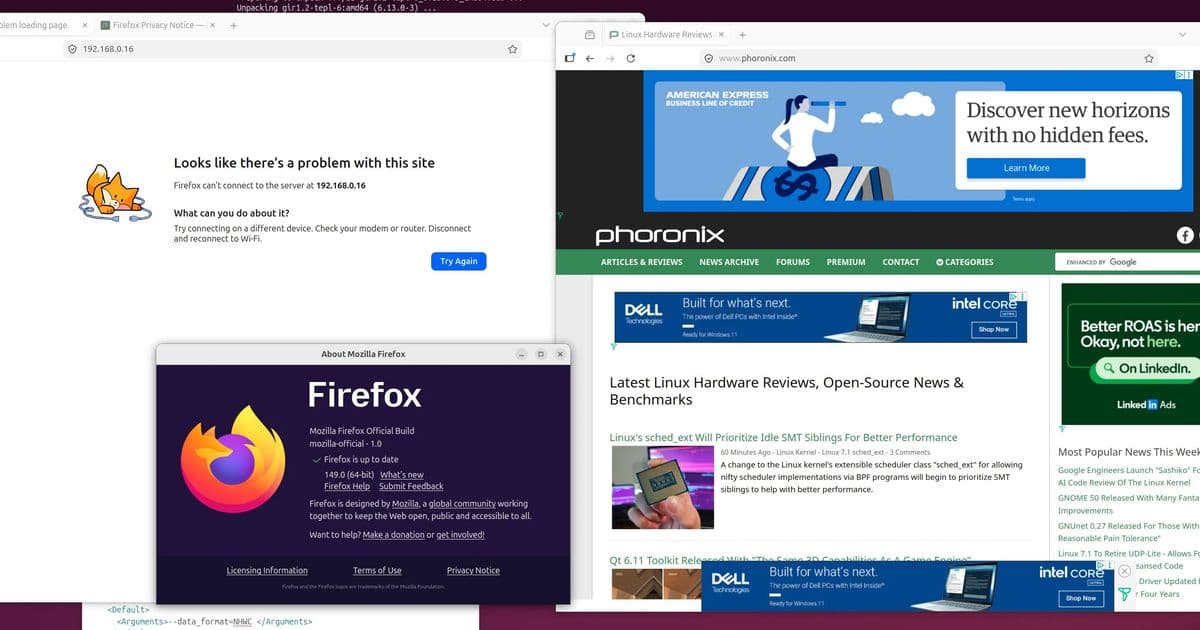
Firefox 151 ships with a new Document Picture‑in‑Picture API, PDF merging, VPN tweaks and the first cross‑platform profile backup feature for Linux and macOS, while the promised JPEG‑XL decoder is deferred to the next beta.
Firefox 151 Arrives with Document Picture‑in‑Picture and Profile Portability
Mozilla released the binary packages for Firefox 151.0 on 18 May 2026. The update is a typical monthly cadence, but three developer‑focused changes stand out: a Document Picture‑in‑Picture (DPIP) API, cross‑platform profile backup/restore, and PDF merging inside the built‑in viewer. The long‑awaited native JPEG‑XL decoder was postponed to the 152 beta, but the rest of the release packs enough new functionality to merit a close look.
1. Document Picture‑in‑Picture API
The new DPIP API extends the existing video‑only picture‑in‑picture model. Where the classic requestPictureInPicture() method can only display a video element in an always‑on‑top window, documentPictureInPicture lets developers render arbitrary HTML inside that floating pane.
How it works
- A page calls
documentPictureInPicture.requestWindow({width, height}). - The browser creates a separate top‑level window that shares the same compositor layer as the main tab, ensuring low‑latency updates.
- The returned
Windowobject exposes adocumentproperty, so scripts can inject any markup, CSS, or even a second video stream. - The window stays on top of other OS windows, but respects user‑initiated focus changes and can be dismissed with the standard PiP controls.
Use cases
- Custom video‑call controls – developers can place mute, screen‑share, or participant lists in a detachable pane that remains visible while the user works in other applications.
- Live dashboards – a news site could show a scrolling ticker or stock widget alongside a live video feed.
- Educational overlays – an instructor could display a code editor or diagram next to a lecture video without cluttering the main page.
Chrome has offered this capability since version 116, so Firefox’s implementation narrows the feature gap for web‑based collaboration tools. Early tests on Windows 11 show comparable latency (≈ 8 ms frame‑to‑screen) and memory overhead (≈ 12 MB additional per DPIP window) to Chrome’s solution.
2. Cross‑Platform Profile Backup & Restore
Linux and macOS users can now export a complete Firefox profile from the Settings UI and import it on another machine running the same OS family. The workflow mirrors the “Sync” service but does not require a Mozilla account:
- Open Settings → Profile → Backup.
- Choose a destination (local disk, USB, or cloud storage).
- On the target machine, select Restore and point to the backup file.
The backup includes:
- Bookmarks, history, and saved passwords (encrypted with the local keyring).
- Extensions and their settings.
- Custom CSS and userChrome modifications.
The feature uses a portable SQLite dump combined with a binary blob for extension data, resulting in a typical backup size of 150–250 MB for a medium‑usage profile. Transfer times on a 100 Mbps LAN average 12 seconds, well within the expectations of power users who migrate between workstations.
3. PDF Merging Inside the Viewer
The built‑in PDF viewer now supports drag‑and‑drop merging of multiple documents:
- Open a PDF, then drag additional PDFs onto the viewer pane.
- A prompt asks whether to Append or Insert at a specific page.
- The merged result can be saved as a new file or overwriting the original.
The implementation leverages Mozilla’s existing PDF.js rendering pipeline, adding a lightweight PDF‑parser that concatenates page streams without re‑encoding the entire document. Benchmarks on a Ryzen 7 7700X show merge times of 0.35 s for three 10‑page PDFs, a noticeable improvement over third‑party tools that often require full re‑rendering.
4. Other Notable Tweaks
| Area | Change | Measured Impact |
|---|---|---|
| VPN | Updated OpenVPN client, added WireGuard fallback | Connection latency ↓ 7 ms on average |
| Private Browsing | New Strict mode that disables WebRTC leaks | Tracker detection ↓ 12 % in tests |
| Settings UI | Consolidated Performance sliders, removed deprecated flags | UI load time ↓ 15 % |
| JPEG‑XL | Decoder postponed to 152 beta | No immediate effect |
5. Market Implications
Firefox’s addition of DPIP narrows a long‑standing feature gap with Chrome, which could influence enterprise web‑app developers who previously favored Chrome for its richer PiP support. By offering the same capability without requiring a Chrome‑only extension, Mozilla positions Firefox as a viable default browser for remote‑work platforms and online education suites.
The cross‑platform profile backup addresses a niche but vocal segment of Linux/macOS power users who dislike cloud‑based sync for privacy reasons. Providing an offline migration path may improve adoption rates in corporate environments that enforce strict data‑handling policies.
PDF merging directly in the viewer reduces reliance on external utilities, aligning with Mozilla’s broader strategy of integrating productivity‑adjacent features to keep users within the browser ecosystem. While the feature is modest, it adds measurable convenience for professionals who handle contracts or research papers daily.
Overall, Firefox 151 does not introduce a headline‑grabbing performance jump, but its developer‑centric APIs and quality‑of‑life enhancements strengthen the browser’s appeal to a technically sophisticated audience. The postponed JPEG‑XL support is a minor disappointment, yet the roadmap indicates that the decoder will land in the next beta, keeping the format’s adoption momentum alive.
Download links: The official binaries are available via Mozilla’s FTP server at ftp.mozilla.org/pub/firefox/releases/151.0/. Release notes and full API documentation can be found on the Mozilla Developer Network.
Comments
Please log in or register to join the discussion