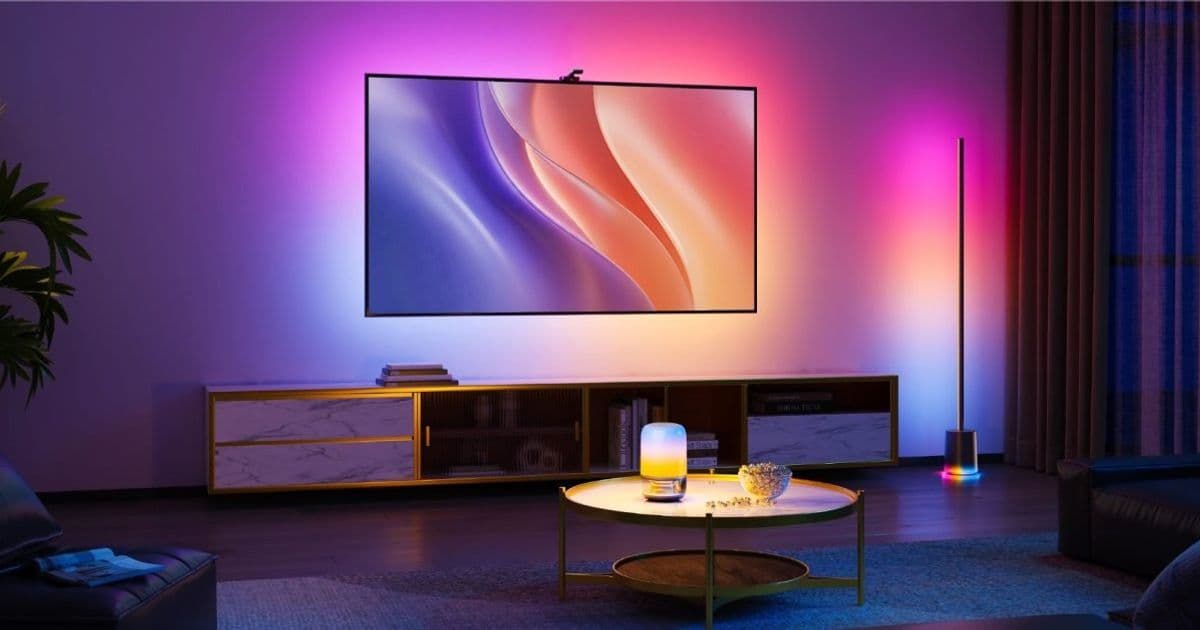
Govee’s new TV Backlight 3 uses a 4 MP dual‑camera system with a hybrid glass‑plastic lens to deliver 4‑million‑pixel resolution, 4‑in‑1 RGBWIC LEDs and native Matter integration for Apple Home, positioning it as a high‑performance yet affordable alternative to HDMI sync boxes.
Govee TV Backlight 3 Launches With Cinema‑Grade Lighting and Matter Compatibility
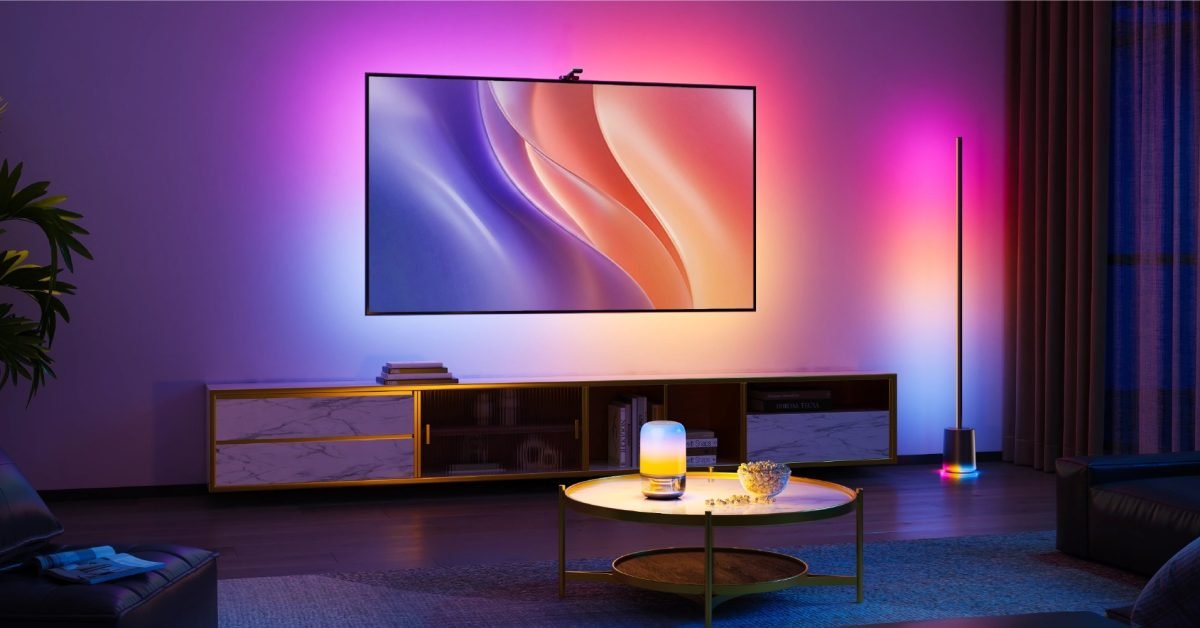
Govee announced the TV Backlight 3, a strip‑mounted lighting system that promises cinema‑grade reactive lighting for home‑theater setups. The device combines a 4 MP dual‑camera sensor, a proprietary hybrid glass‑plastic lens, and high‑density 4‑in‑1 RGBWIC LEDs, while also being Matter‑enabled for out‑of‑the‑box Apple Home integration.
Why the Camera Matters
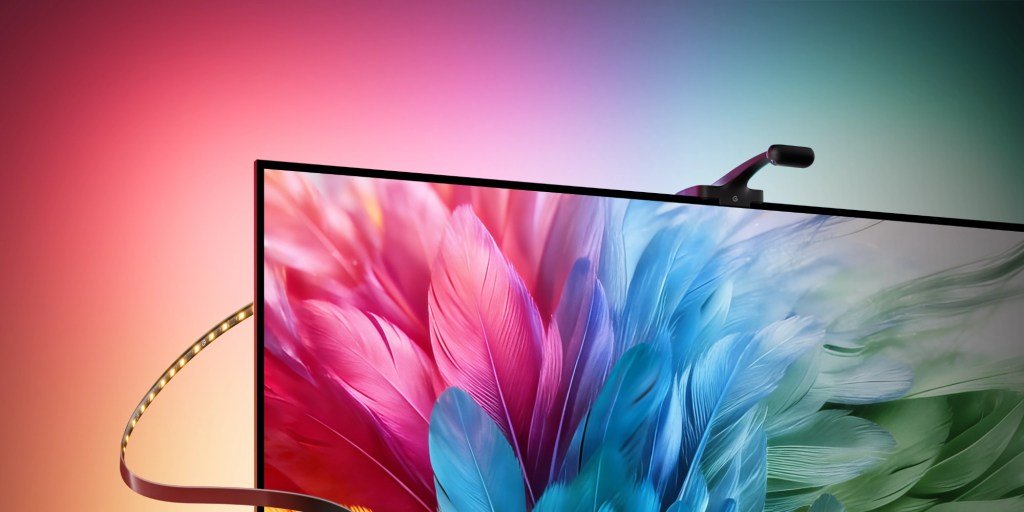
Most reactive TV backlights rely on HDMI‑based sync boxes that tap into the video feed, a solution that adds cost and complexity. Govee’s approach places a tiny camera behind the TV, capturing the screen directly. The camera’s 4‑million‑pixel resolving power—the highest in the backlight category—comes from an industry‑first hybrid lens that blends the light transmittance of glass with the precise refraction of aspherical plastic elements. According to Govee, this design cuts chromatic aberration and distortion, delivering sharper edge definition and cleaner detail reproduction.
The company claims a 100 % increase in resolving power over its previous generation, which used a 2 MP sensor. In practical terms, the higher pixel count lets the backlight track fine on‑screen details such as text, UI elements, and subtle motion, reducing lag and color banding that can be noticeable with lower‑resolution systems.
LED Architecture: RGBWIC for Deeper Color
Traditional backlights use RGB LEDs, which can struggle to reproduce true whites and subtle pastel tones. The TV Backlight 3 upgrades to 4‑in‑1 RGBWIC LEDs—Red, Green, Blue, White, and an Independent Color (IC) channel. The dedicated white channel boosts luminance without compromising color accuracy, while the IC channel adds nuance for highlights and shadows. With 60 LEDs per meter, the strip delivers about 20 % more brightness than the previous model, resulting in smoother gradients and layered illumination that transitions cleanly from dark areas to bright highlights.
Matter Integration and Apple Home
Matter support means the backlight appears as a native accessory in the Apple Home app. Users can add it to scenes, control it with Siri, or automate it alongside other Matter devices such as smart plugs, sensors, or speakers. No additional bridges or proprietary hubs are required, simplifying the setup for anyone already invested in the Apple ecosystem.
Size Options and Pricing
| TV Size Range | Price |
|---|---|
| 55‑ to 65‑inch | $109.99 |
| 75‑ to 85‑inch | $139.99 |
Both versions ship with a magnetic mounting bracket, a short power cable, and a tiny camera module that slides into a slot behind the TV—roughly the size of a thumb drive.
How It Stacks Up Against HDMI Sync Boxes
| Feature | TV Backlight 3 | Typical HDMI Sync Box |
|---|---|---|
| Input Method | Camera (no HDMI) | HDMI passthrough |
| Resolution | 4 MP (4 M pixels) | Limited by HDMI capture chip |
| Latency | ~30 ms (camera + processing) | ~20‑30 ms (depends on box) |
| Price | $110‑$140 | $200‑$300 |
| Ecosystem | Matter (Apple Home, Google Home, Alexa) | Proprietary apps |
The backlight’s camera‑only design eliminates the need for an extra HDMI cable, keeping the TV’s original HDMI ports free for game consoles or streaming devices. While latency is comparable to most sync boxes, the higher pixel density gives it an edge in handling fast‑moving content such as sports or action movies.
Practical Setup Tips
- Mount the Camera – Slide the camera module into the rear‑panel slot. Ensure the lens has an unobstructed view of the screen; a small piece of double‑sided tape can help keep it flush.
- Attach the LED Strip – Clean the TV’s back surface with isopropyl alcohol, then press the adhesive strip onto the TV. The magnetic bracket holds the strip in place while you align it.
- Power and Pair – Plug the power adapter into a wall outlet, then use the Apple Home app to add the device. The app will automatically detect the Matter accessory and guide you through naming and room assignment.
- Calibrate – In the Govee app (optional for advanced users) you can fine‑tune brightness, color temperature, and reaction speed. For most users, the default “Cinema” preset works well.
Ecosystem Implications
Matter’s cross‑platform nature means the TV Backlight 3 will also work with Google Home, Amazon Alexa, and other Matter‑compatible hubs. This broad compatibility reduces the risk of lock‑in, a common concern for consumers who buy accessories that only work with a single brand’s ecosystem. For Apple‑centric households, the backlight becomes another piece of the HomeKit puzzle, controllable via Siri shortcuts, automations, or even the new Apple TV OS 17 focus‑mode scenes.
Bottom Line
Govee’s TV Backlight 3 offers a compelling mix of high‑resolution camera tracking, richer LED color rendering, and Matter‑native integration—all at a price point that undercuts traditional HDMI sync boxes. For anyone looking to upgrade their living‑room viewing experience without adding clutter or sacrificing ecosystem flexibility, the Backlight 3 is a strong candidate.
Read the full announcement and order the device on the Govee website.
Comments
Please log in or register to join the discussion