Microsoft now includes its Copilot AI assistant during Windows 11's out-of-box experience (OOBE), allowing users to interact with the tool during update installations without requiring a Microsoft account sign-in.
Microsoft has extended its AI integration strategy to include Copilot in Windows 11's initial setup sequence, marking the first time an AI assistant appears during the operating system's out-of-box experience (OOBE). This development positions Copilot as a companion during what was previously passive installation time.
How Copilot Works During Windows Setup
During the update installation phase of Windows 11 setup, users now encounter a prompt titled "Explore Copilot on Windows." Selecting "Try it now" launches a functional Copilot interface within the OOBE environment. This allows users to:
- Ask questions about Windows features
- Request assistance with setup options
- Explore device capabilities
- Execute basic commands
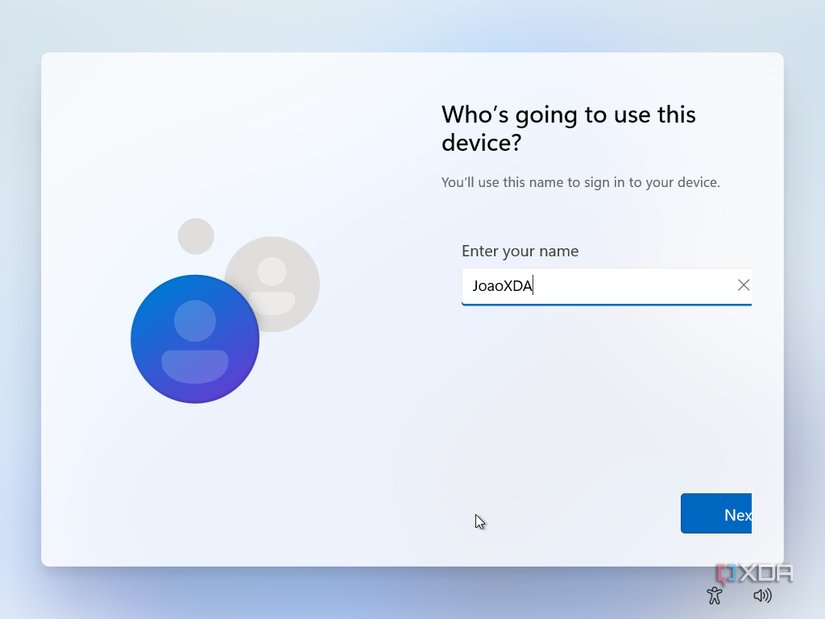 Windows 11 OOBE featuring Copilot access during updates
Notably, Microsoft enables Copilot functionality without requiring a Microsoft account login during this phase. This contrasts with Copilot's standard behavior post-installation, where authentication is typically mandatory. The implementation uses a limited-access version of Copilot, though it retains core conversational abilities.
Technical Implementation and User Experience
The Copilot interface loads as a discrete window within the OOBE framework, maintaining responsiveness even during background update processes. Microsoft appears to have optimized the AI workload to avoid resource conflicts with critical installation tasks. Early observations indicate the interface uses approximately 300-500MB RAM during operation, a manageable footprint given modern system requirements.
From a user flow perspective, this placement transforms waiting periods into interactive sessions. Where users previously watched progress bars during updates, they can now engage with the AI assistant. However, the feature doesn't currently guide users through setup steps—it functions more as an informational companion than an installation wizard.
Ecosystem Implications
This move signals Microsoft's commitment to embedding AI throughout the Windows experience:
- Expanded Surface Area: By reaching into OOBE, Copilot gains presence at the first user touchpoint
- Account Strategy: The temporary authentication waiver suggests Microsoft prioritizes exposure over immediate account conversion
- Future Integration Potential: This could evolve into a setup assistant that configures settings via natural language commands
Industry observers note parallels with mobile ecosystems, where assistants increasingly mediate initial device setup. Unlike Apple's Siri or Google Assistant however, Microsoft's implementation arrives post-purchase rather than pre-configuration.
Adoption Considerations
The feature currently appears selectively during installations, suggesting a controlled rollout. Users performing clean installs with internet connectivity appear most likely to encounter it. While optional, its prominent placement functions as both utility and advertisement for Copilot's capabilities.
Looking forward, this establishes a foundation for AI-driven setup processes. Future iterations could potentially automate driver installations, personalize settings based on conversation, or troubleshoot installation issues—reducing reliance on manual configuration menus.
As Windows continues evolving into an AI-centric platform, Microsoft appears determined to make Copilot unavoidable. The OOBE integration demonstrates that no aspect of the operating system remains untouched by the company's AI ambitions.
Comments
Please log in or register to join the discussion