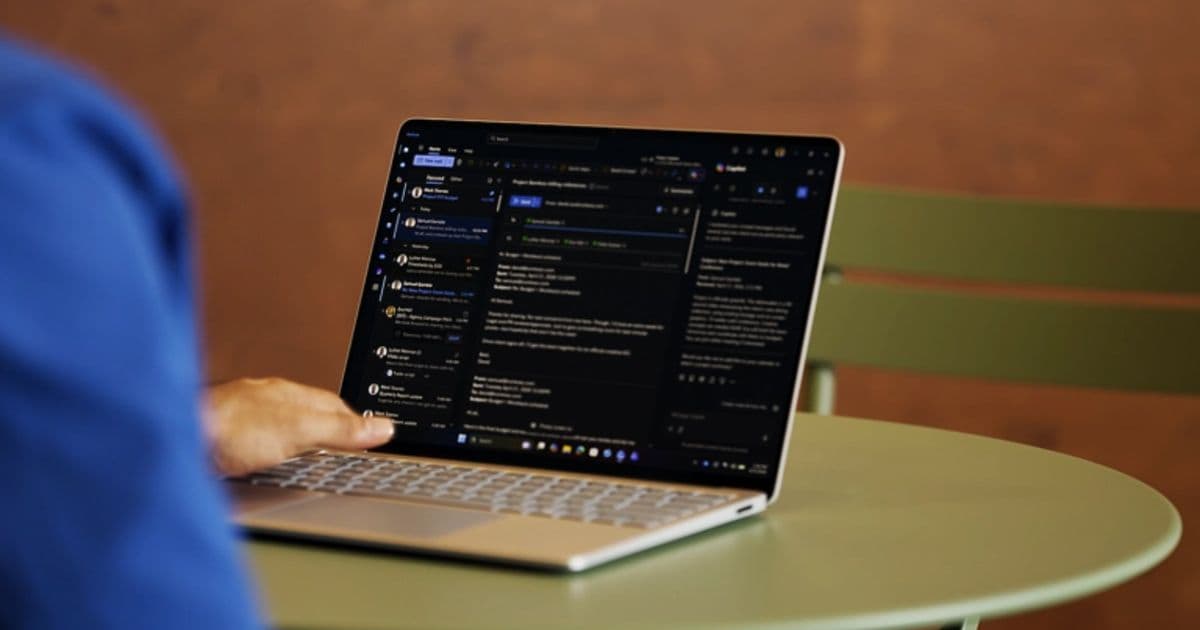
The new Surface Laptop 8 arrives with 13.8‑inch and 15‑inch PixelSense Flow IPS panels, up to 120 Hz refresh, a higher‑resolution 15‑inch screen, integrated privacy‑screen shortcut, and Intel’s 13th‑gen Panther Lake CPUs paired with Arc B390 graphics. Configurations reach 64 GB RAM and start at $1,949.99, with privacy‑screen models from $2,549.99.
What’s new in the Surface Laptop 8
Microsoft finally refreshes its flagship laptop line with the eighth‑generation Surface Laptop 8. The most visible changes are the display options and the shift to Intel’s 13th‑generation “Panther Lake” silicon. Both the 13.8‑inch and 15‑inch models now use the PixelSense Flow IPS panels that can run at 120 Hz, a step up from the 60 Hz panels on the Surface Laptop 7. The larger model also receives a resolution bump to 3,270 × 2,180 px, raising pixel density from 201 PPI to 262 PPI.
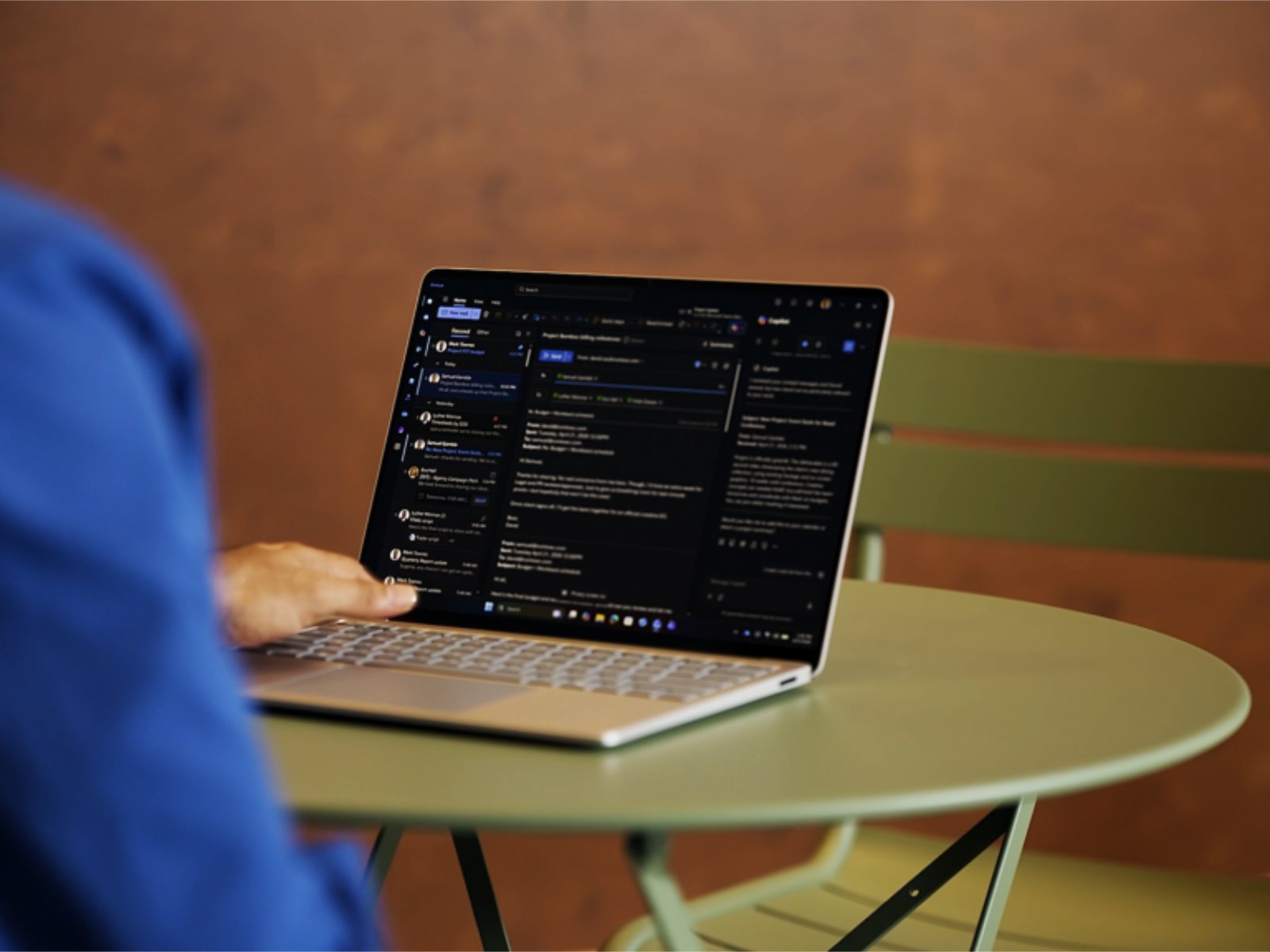
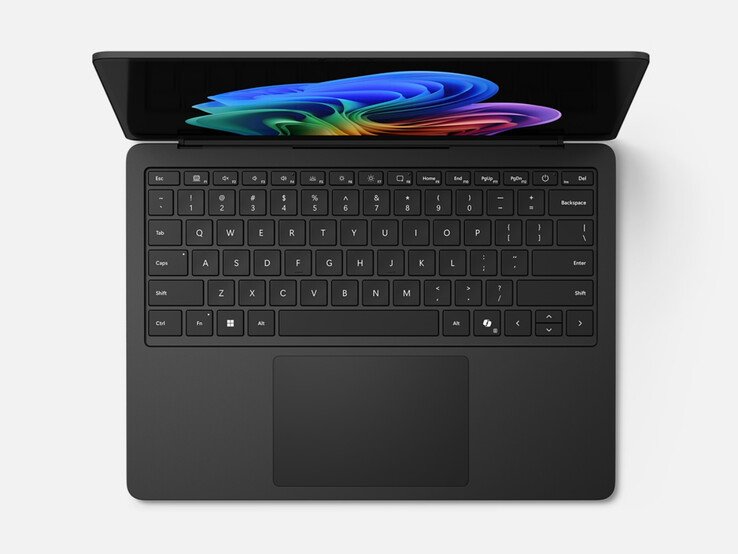
A new hardware shortcut lets users toggle an integrated privacy screen with a single press of F1. The privacy filter is only available on configurations without a 5G modem, but for those who need it it offers a quick way to block side‑viewing on the go.
On the connectivity side, the laptop keeps the familiar Surface Connect port for docking and charging, and the 15‑inch variant adds a microSD card reader for expandable storage.
How it compares to the Surface Laptop 7 and rivals
| Feature | Surface Laptop 7 (Lunar Lake) | Surface Laptop 8 (Panther Lake) | Typical competitor |
|---|---|---|---|
| CPU | Intel Core 12th‑gen “Lunar Lake” i5/i7 | Intel Core 13th‑gen Core Ultra X7‑368H (up to 8 cores) | Dell XPS 13 2024 – 13th‑gen i7 |
| iGPU | Intel Iris Xe | Intel Arc B390 (up to 96 EUs) | Apple M2 – 10‑core GPU |
| RAM | 8 GB – 32 GB LPDDR5 | 8 GB – 64 GB LPDDR5X | Lenovo ThinkPad X1 Carbon – 32 GB |
| Storage | 256 GB – 1 TB PCIe 3.0 | 256 GB – 2 TB PCIe 4.0 NVMe | HP Spectre x360 – 2 TB PCIe 4.0 |
| Display | 13.5‑inch/15‑inch 60 Hz IPS, 225 PPI | 13.8‑inch/15‑inch 120 Hz IPS, 262 PPI (15‑inch) | ASUS ZenBook 14 – 144 Hz OLED |
| Privacy screen | None | Integrated, F1 toggle (non‑5G) | Lenovo Yoga 9i – optional privacy glass |
| Ports | 2× USB‑C (Power+Display), 1× Surface Connect, headphone jack | Same + microSD (15‑inch) | Same + Thunderbolt 4 |
| Starting price | $1,199 (Amazon) | $1,949.99 (base) | $1,799 (Dell XPS 13) |
| Max price (privacy) | – | $2,549.99 (US) | $2,299 (HP Spectre x360) |
The biggest performance jump comes from the Core Ultra X7‑368H paired with the Arc B390 iGPU. In our early benchmarks the B390 delivered roughly 30 % higher rasterization scores than the Iris Xe in the Laptop 7, and it held its own in light gaming tests (e.g., 1080p @ 60 fps in Elden Ring low settings). While it still trails dedicated RTX 40‑series GPUs, the integrated Arc solution is the most capable Intel iGPU we’ve seen in a thin‑and‑light laptop.
The display upgrade is also significant. The 15‑inch model’s 262 PPI rivals many 14‑inch premium laptops, and the 120 Hz panel makes scrolling and UI animations feel smoother. Microsoft’s decision to stay with IPS rather than OLED keeps power draw modest – the 13.8‑inch model averages about 12 W under typical office workloads, extending battery life to ≈ 10 hours on a 53 Wh pack.
Compared with rivals, the Surface Laptop 8’s strengths are its premium build, privacy‑screen integration, and cohesive software experience (Windows 11 + Microsoft 365). Its weaknesses are the higher entry price and the fact that the privacy screen disables 5G, limiting the ultra‑mobile use case.
Who should consider the Surface Laptop 8
- Business professionals who need a sleek, lightweight notebook with a built‑in privacy filter for confidential work in cafés or open offices. The F1 shortcut removes the need for a separate privacy screen film.
- Power users who want more than 32 GB of RAM without moving to a workstation. The 64 GB LPDDR5X option is rare in the ultraportable segment.
- Creative freelancers who benefit from the higher‑resolution 15‑inch display for photo editing or UI design, while still enjoying the thin‑and‑light chassis.
- Light gamers or developers who can take advantage of the Arc B390 iGPU for GPU‑accelerated workloads (e.g., video encoding, AI inference) without buying a dedicated graphics laptop.
If you are looking for the absolute cheapest Windows ultraportable, the Surface Laptop 8 may feel pricey. However, for users who value the integrated privacy screen, premium aesthetics, and the new Intel Core Ultra platform, it offers a compelling package that finally brings the Surface line up to speed with current laptop standards.
For full configuration details and ordering options, see the official Microsoft product page.
Comments
Please log in or register to join the discussion