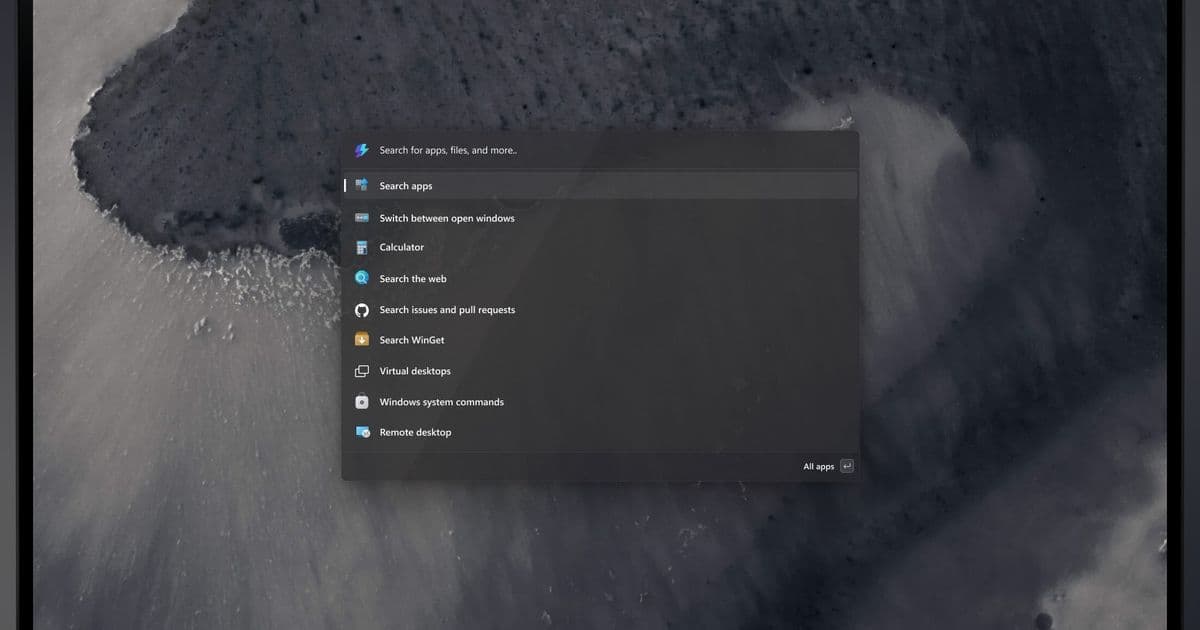
Microsoft PowerToys is testing a new Command Palette Dock feature that brings macOS-style functionality to Windows 11, allowing users to access tools and extensions without keyboard shortcuts.
Microsoft PowerToys, the beloved open-source utility suite for Windows, is about to get a significant upgrade that could change how Windows 11 users interact with their desktops. The team is developing a new Command Palette Dock feature that brings dock functionality to Windows, allowing users to access PowerToys features without relying on keyboard shortcuts.
The Evolution of PowerToys' Command Palette
The Command Palette has been one of PowerToys' most useful features since its introduction. By pressing Win+Alt+Space, users can bring up a text box that searches for programs, commands, and settings. It's essentially a supercharged launcher that can also invoke extensions for additional functionality like system monitoring, clipboard management, and more.
But what if you want that functionality without remembering a keyboard shortcut? That's where the new Command Palette Dock comes in.
What the Command Palette Dock Offers
According to early previews shared on the Microsoft PowerToys GitHub repository, the dock is still under development but shows promise for transforming how users interact with PowerToys features.
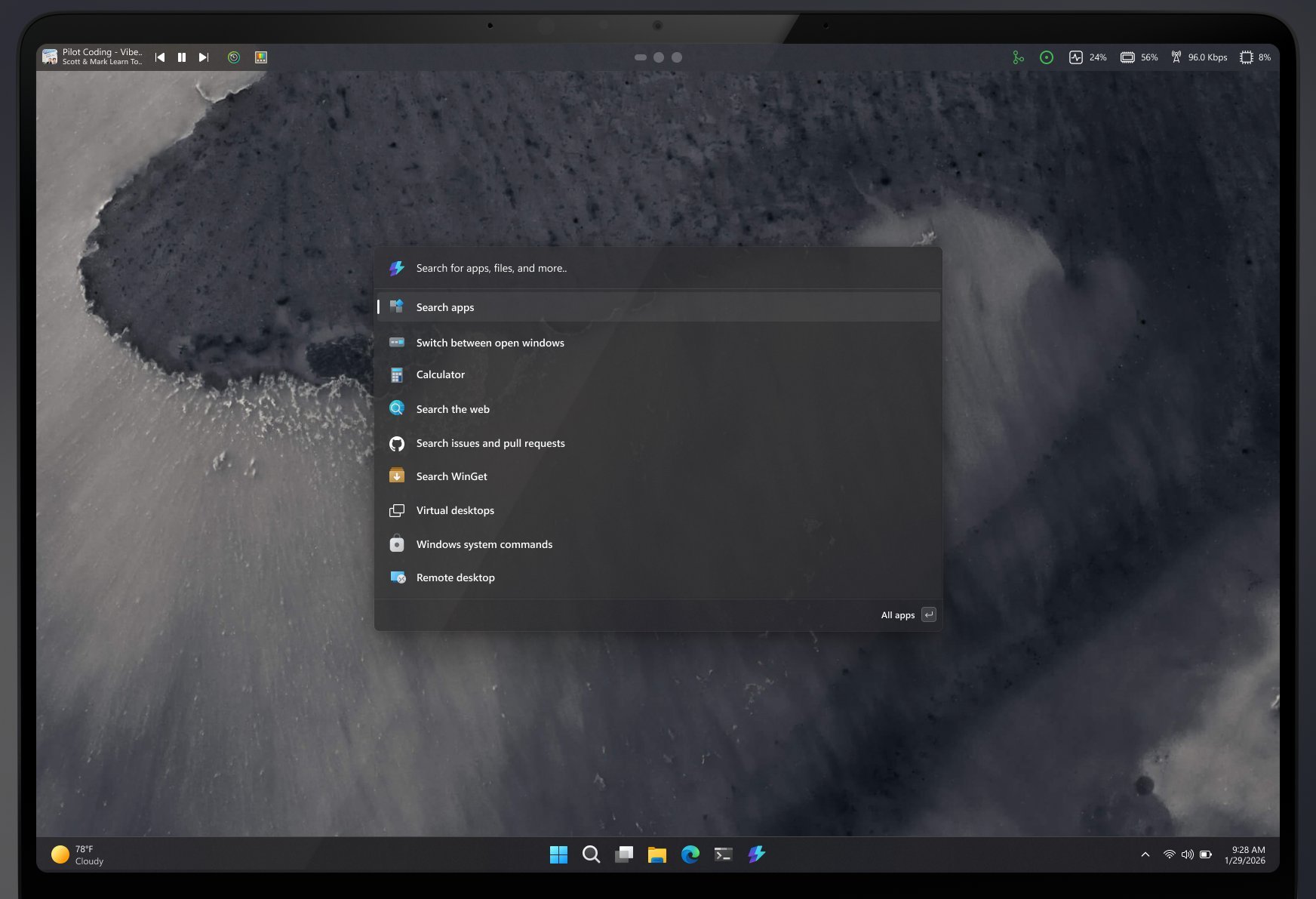
The dock would be an optional feature that users can enable or disable from the Command Palette Settings menu. Once enabled, it appears as a configurable bar that can be positioned on any edge of your Windows desktop - top, bottom, left, or right.
Key features include:
- Flexible positioning: Unlike macOS's fixed menu bar, the Command Palette Dock can be placed on any screen edge
- Three-pin positions: Users can pin extensions to the start, center, or end of the dock
- Visual customization: Options for styles, themes, and background appearance
- Always-visible extensions: Pin media controls, clipboard history, system info, and more
Not Quite macOS, But Close
Some early screenshots showing the dock positioned at the top of the screen have led to comparisons with macOS's menu bar or Linux desktop environments like GNOME. However, there are important distinctions.
Unlike macOS, where the menu bar changes based on the active application, the Command Palette Dock would maintain consistent functionality regardless of what apps are running. It's more of a customizable toolbar for PowerToys extensions than a system-wide menu bar replacement.
Current Development Status
As of now, the Command Palette Dock is still in development and not available in the stable PowerToys release. Microsoft developers are actively soliciting feedback on the concept and have even provided instructions for developers to import and test an early version in Visual Studio.
This approach aligns with PowerToys' open-source nature, where community feedback plays a crucial role in shaping features before they reach general users.
Why This Matters for Windows Users
The addition of a dock feature represents Microsoft's continued investment in making Windows more customizable and user-friendly. For Power users who rely on PowerToys daily, having quick access to frequently used extensions without keyboard shortcuts could significantly improve workflow efficiency.
The dock could be particularly useful for:
- Media consumption: Quick access to playback controls
- Productivity: Instant clipboard history and system monitoring
- Accessibility: Reducing reliance on complex keyboard combinations
- Customization: Tailoring the dock to individual workflow needs
The Broader Context of PowerToys Development
PowerToys has evolved significantly since its revival, becoming an essential tool for many Windows power users. The suite now includes utilities for window management, image resizing, keyboard remapping, and more. The Command Palette Dock represents the next logical step in making these tools more accessible.
This development also reflects Microsoft's broader strategy of enhancing Windows 11's user experience through both built-in features and third-party tools like PowerToys. As Windows continues to evolve, utilities that bridge the gap between basic functionality and power user needs become increasingly valuable.
Looking Ahead
While there's no official release date for the Command Palette Dock feature, its development signals Microsoft's commitment to expanding PowerToys' capabilities. Users interested in testing early versions can follow the PowerToys GitHub repository for updates and potentially contribute to the development process.
For now, Windows users can continue enjoying the existing Command Palette functionality while anticipating what could be one of PowerToys' most significant interface enhancements yet. The dock promises to make PowerToys' powerful features more accessible than ever, potentially changing how millions of Windows users interact with their computers.
The Command Palette Dock represents an exciting evolution in Windows customization, bringing dock functionality that was once exclusive to other operating systems into the Microsoft ecosystem. As development continues, it will be interesting to see how the community shapes this feature and what other innovations PowerToys has in store for the future.
Comments
Please log in or register to join the discussion