
Microsoft has activated in-app warnings alerting Publisher users to export files before the application becomes permanently inaccessible in October 2026.

Microsoft has activated urgent warnings within Microsoft Publisher, notifying users they have exactly eight months to export their files before the application becomes completely inaccessible. This alert confirms Microsoft's previously announced plan to retire Publisher from Microsoft 365 in October 2026, first revealed in February 2024.
The notification displayed upon opening Publisher states: "Publisher is retiring. Beginning October 2026, Microsoft Publisher will no longer be supported, and you won't be able to access Publisher or open Publisher files." This unambiguous message underscores the critical deadline for users who rely on the desktop publishing software for creating newsletters, brochures, and other print materials.
After October 2026, Publisher will be removed from Microsoft 365 subscriptions entirely. Existing installations will cease functioning, and users will lose access to all PUB files unless they proactively migrate their content. This retirement is part of Microsoft's ongoing strategy to streamline its productivity suite, focusing resources on cloud-based collaborative tools rather than standalone desktop applications.
Microsoft's official retirement documentation recommends Affinity Publisher 2 as a replacement solution. However, Affinity Publisher 2 doesn't natively support opening PUB files, potentially requiring conversion tools for migration. Users should anticipate workflow adjustments as Affinity Publisher operates on a perpetual license model rather than Microsoft 365's subscription approach.
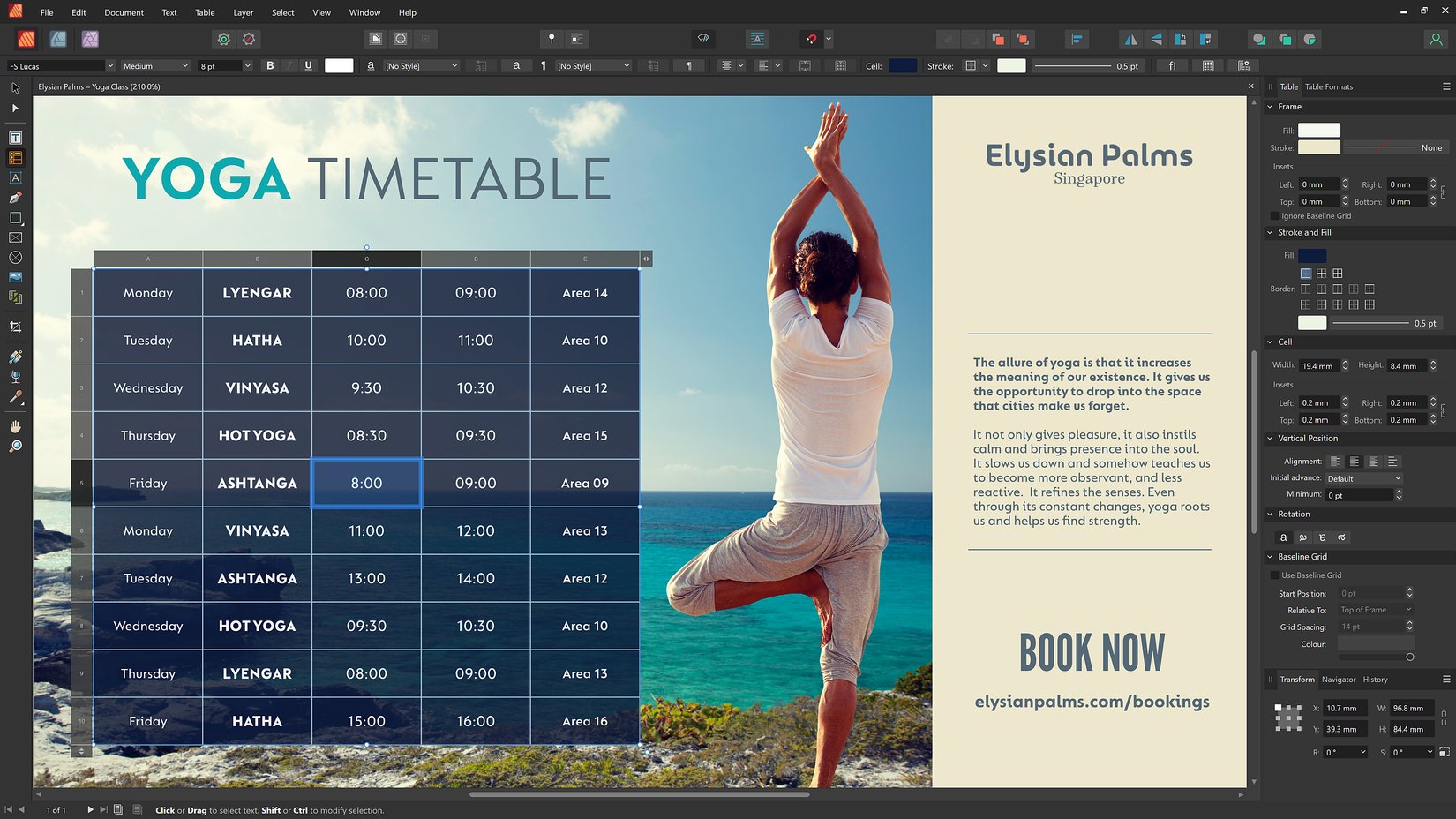
For those seeking alternative migration paths, LibreOffice provides a viable open-source option. Its Draw component can directly open PUB files, enabling users to extract content without intermediate conversion steps. Testing confirms basic compatibility with many PUB documents, though complex layouts may require manual adjustments.
Proactive migration steps:
- Inventory PUB files: Identify all existing Publisher documents across devices
- Prioritize exports: Convert mission-critical files to PDF or other formats immediately
- Test alternatives: Evaluate Affinity Publisher 2 and LibreOffice with sample files
- Implement conversion: Use built-in export features or specialized tools for complex documents
- Archive originals: Maintain PUB files alongside exported versions until transition completes
Users should begin migration immediately rather than waiting for the October deadline. Microsoft's warning provides adequate time for transition, but complex publishing projects may require weeks or months to fully migrate. Those ignoring the alerts risk permanent data loss when Publisher becomes inaccessible next year.
Comments
Please log in or register to join the discussion