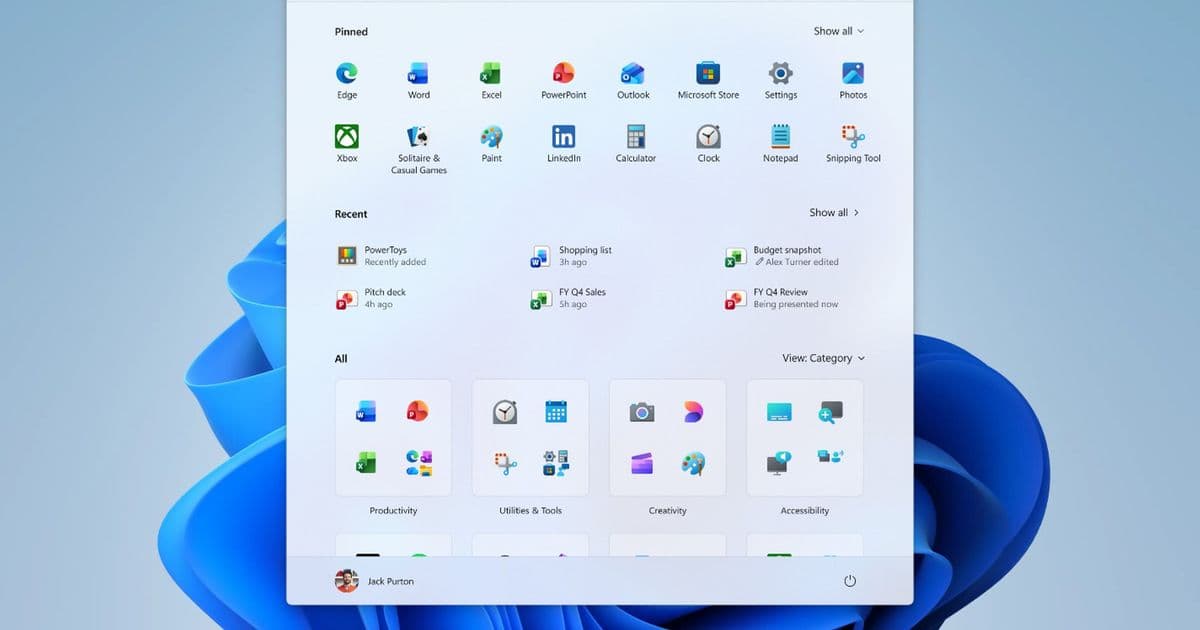
Insider builds of Windows 11 now let users move the taskbar to any screen edge, choose a compact height, and keep start/menu flyouts aligned—features that were missing since the OS launch.
Microsoft has begun rolling out a set of taskbar tweaks to Windows 11 Insider channels that echo the custom‑positioning freedom of Windows 10. The changes arrive as a response to years of community feedback and aim to make the taskbar behave consistently across a range of display configurations.
What’s new
- Full‑edge placement – The taskbar can now be anchored to the top, bottom, left, or right of the screen. When placed horizontally the icons default to a centered layout, but a left‑aligned option is also available. In vertical mode the icons can sit at the top or remain centered.
- Compact taskbar mode – A new “smaller taskbar” toggle reduces the bar’s height, shrinks the icons and frees up vertical screen real estate. This is especially useful on laptops with limited display height or on multi‑monitor setups where a tall bar feels intrusive.
- Dynamic start/menu positioning – The Start menu, Search flyout and other system panels now open from the same edge as the taskbar. Move the bar to the top and the Start menu will pop down from there instead of the bottom.
- Improved window labeling on vertical bars – When “Never combine” is enabled and labels are shown, each open window appears as a separate button with its own title, making it easier to differentiate multiple instances of the same app.
All adjustments take effect instantly; no sign‑out or reboot is required. The options live under Settings → Personalization → Taskbar → Taskbar behaviors and are currently available in the Experimental channel.
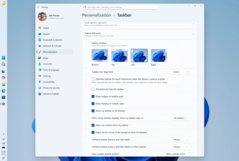
How it compares to the original Windows 11 experience
When Windows 11 launched, the taskbar was locked to the bottom of the screen, made taller to accommodate larger touch targets, and forced a centered icon layout. Those decisions simplified the visual design but removed several workflows that power users relied on:
- No side placement – Users who preferred a left‑hand dock for ergonomic reasons or who ran ultra‑wide monitors lost that option.
- Fixed height – The taller bar ate valuable vertical pixels on 1080p laptops and on devices with limited screen space.
- Static start/menu origin – The Start menu always emerged from the bottom, even if the taskbar was moved via third‑party tools, leading to a disjointed feel.
The new Insider tweaks bring the taskbar back in line with the flexibility of Windows 10 while preserving the visual language of Windows 11. Compared to the original build, the bar now adapts its icon alignment based on placement, and the compact mode restores the slimmer profile that many users missed.
Who will benefit
- Multi‑monitor power users – Those who run a vertical monitor for coding or chat can now dock the taskbar on the left edge and have Start, Search and notification flyouts follow suit.
- Laptop owners with 1080p or lower displays – The reduced‑height option frees up up to 30 px of vertical space, which translates into a noticeable gain for document work or browsing.
- Accessibility‑focused users – The ability to align icons left or top gives a more predictable navigation path for screen‑reader setups and for users who rely on keyboard shortcuts that reference the taskbar’s edge.
- Gamers and streamers – A compact bar means less visual clutter when a game runs in borderless window mode, and the “Never combine” labeling helps keep track of multiple streaming tools.
Looking ahead
While the changes are limited to Insider builds for now, the implementation suggests Microsoft may integrate them into a future stable release. If the community response stays positive, we could see the compact taskbar and full‑edge placement become standard options in the next major Windows 11 update.
For the full list of new settings and screenshots, see the official Microsoft announcement and the Insider blog post.
Image credits: Microsoft screenshots used under fair use for editorial purposes.
Comments
Please log in or register to join the discussion