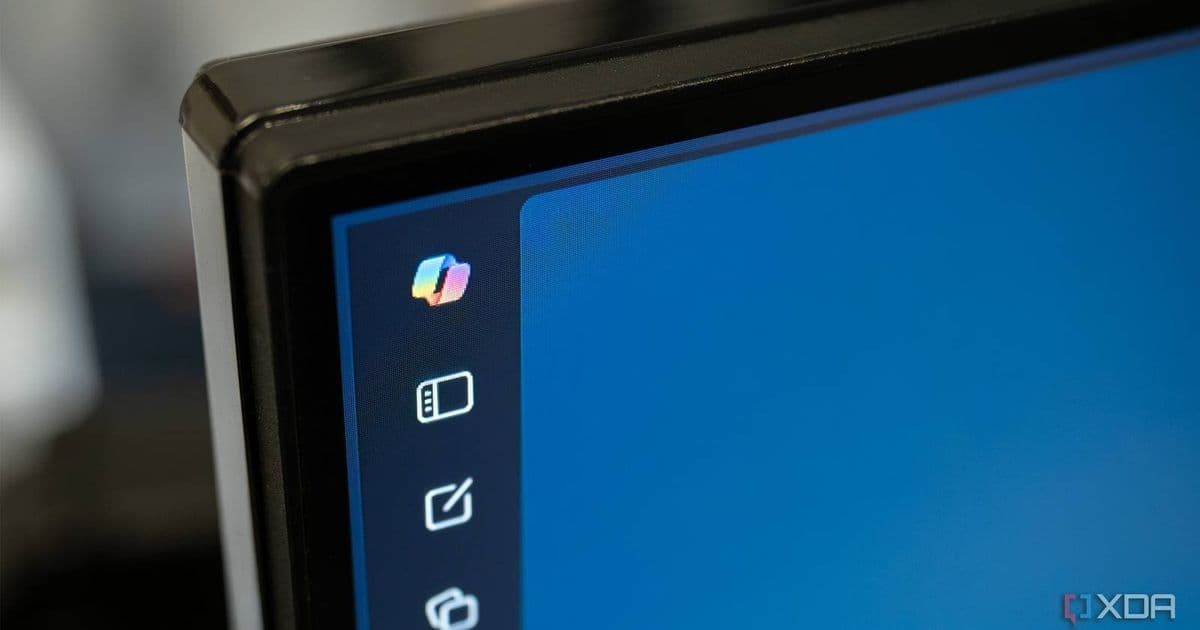
Microsoft is continuing its Copilot rollback by allowing Office users to move the intrusive Copilot bubble to the ribbon, giving users more control over the AI assistant's placement while maintaining its availability for those who want it.
Microsoft continues its Copilot rollback strategy with a new feature that lets users move the Copilot button in Office applications to the ribbon, addressing user complaints about the AI assistant's intrusive placement. This change represents a significant shift in Microsoft's approach to Copilot integration, moving from a forced centerpiece to an optional tool that users can position according to their preferences.
The Change: From Floating Bubble to Ribbon Integration
As reported by Windows Latest and confirmed in Microsoft's official article titled "Shaping Copilot across Word, Excel, and PowerPoint", the update allows users to dock the Copilot bubble to the Office ribbon. This simple but significant change means that instead of having a floating Copilot window that might interfere with document editing, users can now place it alongside other Office tools.
The docked Copilot remains fixed to the side for the entire session, eliminating the frustration of it floating back to its default position after each use. This stability is particularly valuable for users who want to access Copilot's features regularly but don't want it obstructing their workflow.
Part of a Larger Pattern
This Office adjustment doesn't exist in isolation. Microsoft has been making similar changes across its product line, signaling a broader reevaluation of its Copilot integration strategy. Recent tweaks include:
- Modifications to Paint and Notepad to make Copilot more aligned with actual user needs rather than packed with unnecessary features
- The upcoming ability to change the Copilot key on keyboards after admitting it wasn't a great implementation
- Reduced prominence of Copilot in Windows Search and other system components
These changes collectively suggest Microsoft is acknowledging user feedback and adjusting its aggressive Copilot rollout to be more user-centric.
Developer Implications
For developers building applications that integrate with Microsoft Office or Windows, this change has several implications:
UI/UX Considerations: The shift toward optional AI assistants suggests that developers should consider making AI features opt-in rather than prominent by default in their own applications.
Integration Patterns: Microsoft's approach provides a model for how to balance AI assistance with traditional workflows—making features accessible without being intrusive.
Cross-Platform Consistency: As Microsoft adjusts its Copilot strategy across platforms, developers should consider maintaining consistent AI integration patterns across iOS, Android, and desktop applications.
User Control: The emphasis on user control suggests that applications should provide customization options for AI tool placement and prominence.
Migration Path for Existing Implementations
For organizations that have already implemented Copilot integration into their workflows, this change requires minimal adjustment. The functionality remains the same; only the placement has changed. However, this could be an opportunity to:
- Review user adoption patterns and see if the docked position improves usage
- Update training materials to reflect the new interface
- Gather additional feedback on whether users prefer the ribbon placement or would like other options
Cross-Platform Considerations
While this change specifically affects Office on Windows, it raises important questions for cross-platform development:
- How should AI assistants be positioned on mobile platforms where screen real estate is even more limited?
- Should Android and iOS implementations follow a similar opt-in approach rather than default prominence?
- How can developers maintain consistent AI functionality across platforms while respecting each platform's design conventions?
Microsoft's adjustment suggests that the future of AI integration lies in flexibility and user choice rather than forced adoption. This approach likely extends to mobile platforms as well, where space constraints make intrusive AI assistants even more problematic.
Conclusion: A Pragmatic Middle Ground
Microsoft's decision to allow Copilot movement in Office represents a pragmatic middle ground between completely removing the AI assistant and maintaining its intrusive placement. It acknowledges that Copilot has value for some users while respecting that others prefer to work without constant AI interruptions.
For developers, this approach offers a valuable lesson: successful AI integration should enhance rather than obstruct user workflows. By providing flexibility in how AI tools are presented, applications can cater to diverse user preferences while still making powerful features accessible.
As Microsoft continues to refine its Copilot strategy across platforms, developers should pay attention to these adjustments as they inform best practices for AI integration in their own applications. The trend is clear: AI should be a helpful assistant, not an unwelcome guest.
Comments
Please log in or register to join the discussion