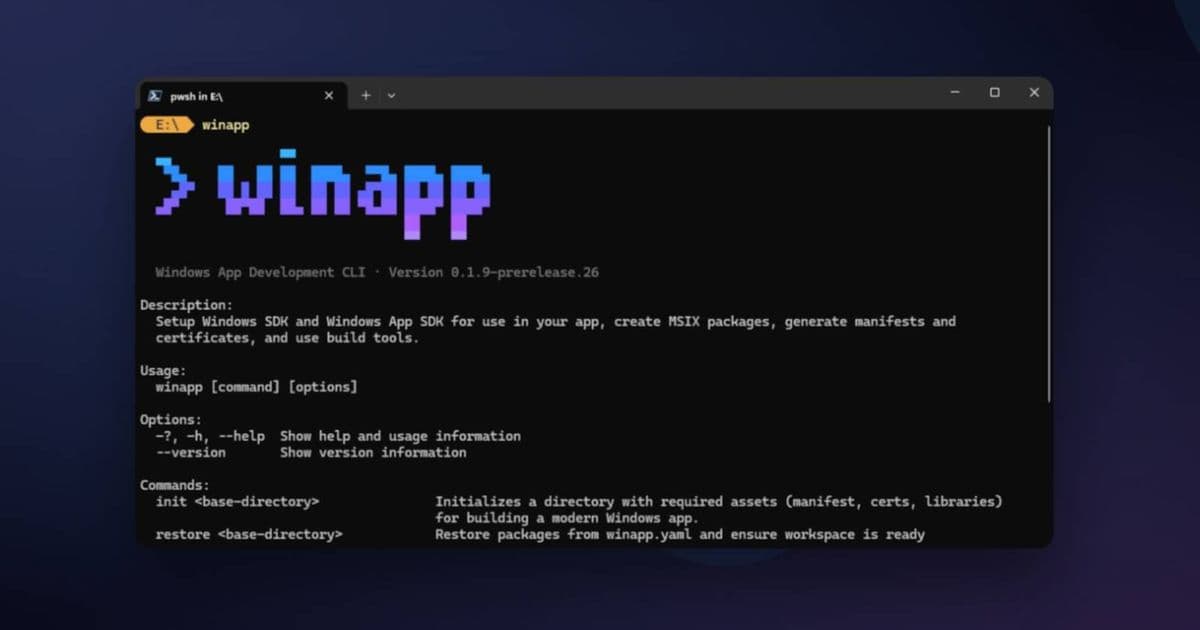
Microsoft's newly released Windows App Accelerator streamlines native app development with AI-powered templates and unified APIs, reducing setup time from hours to minutes.
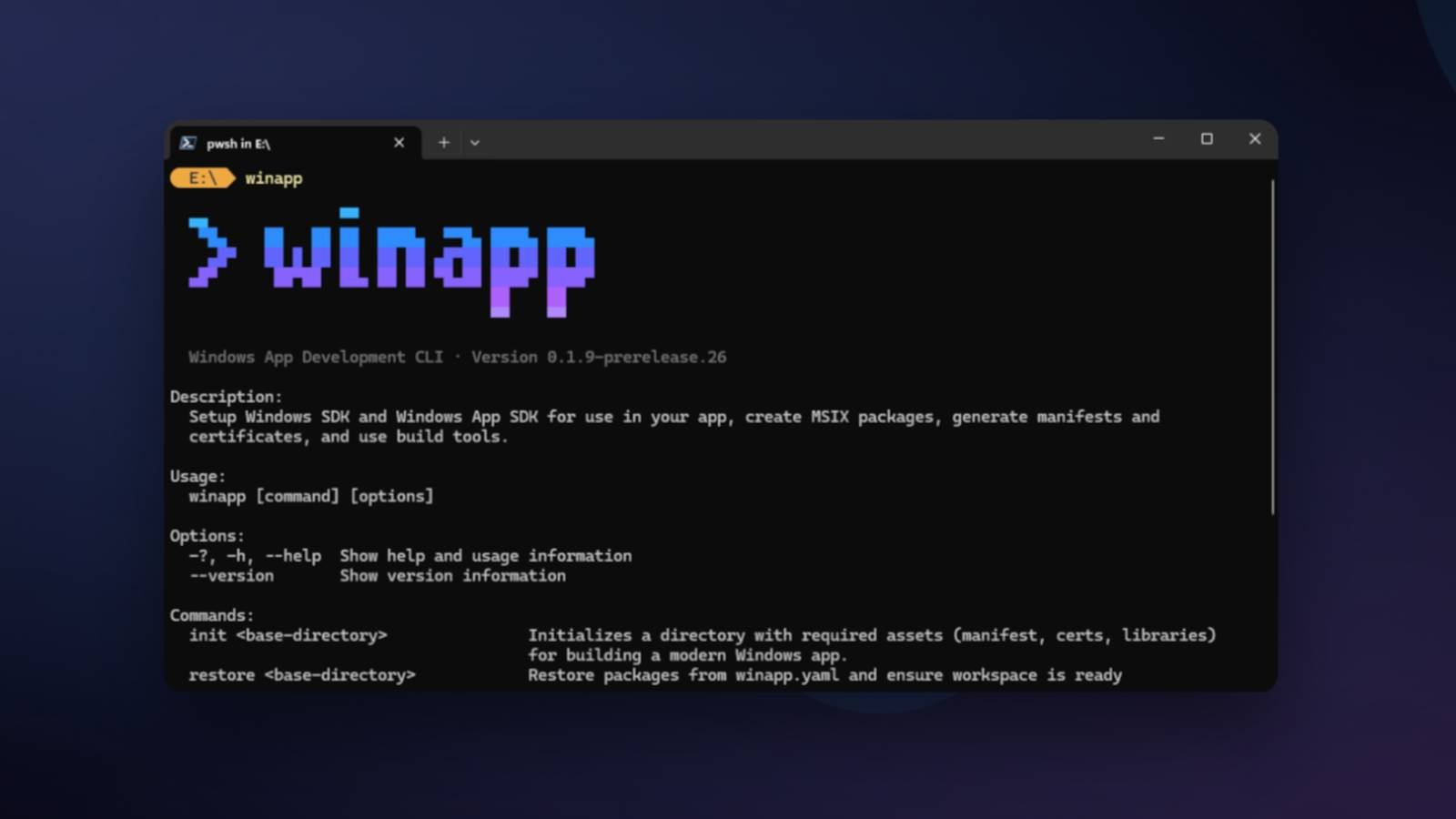
Microsoft has launched the Windows App Accelerator, a comprehensive toolkit designed to eliminate common friction points in native Windows application development. Announced at Microsoft Build 2026, this suite targets both WinUI 3 and Windows App SDK developers by automating boilerplate code generation and simplifying platform-specific configurations.
Core Capabilities Reshaping Development
The Accelerator introduces three transformative components:
AI-Powered Project Scaffolding: Generates complete solution structures based on natural language descriptions (e.g., "inventory management app with Azure sync"), creating MVVM-ready projects with pre-configured data binding and navigation. This replaces manual setup that previously took hours (GitHub repository).
Unified API Gateway: Consolidates Windows OS APIs into a single simplified namespace, abstracting version-specific quirks. Developers no longer need conditional code blocks for different Windows builds, as the tool handles compatibility through runtime shims (Documentation).
Design System Integrator: Automatically translates Figma designs into XAML templates with accessibility attributes and responsive breakpoints pre-configured, reducing UI implementation time by up to 70%.
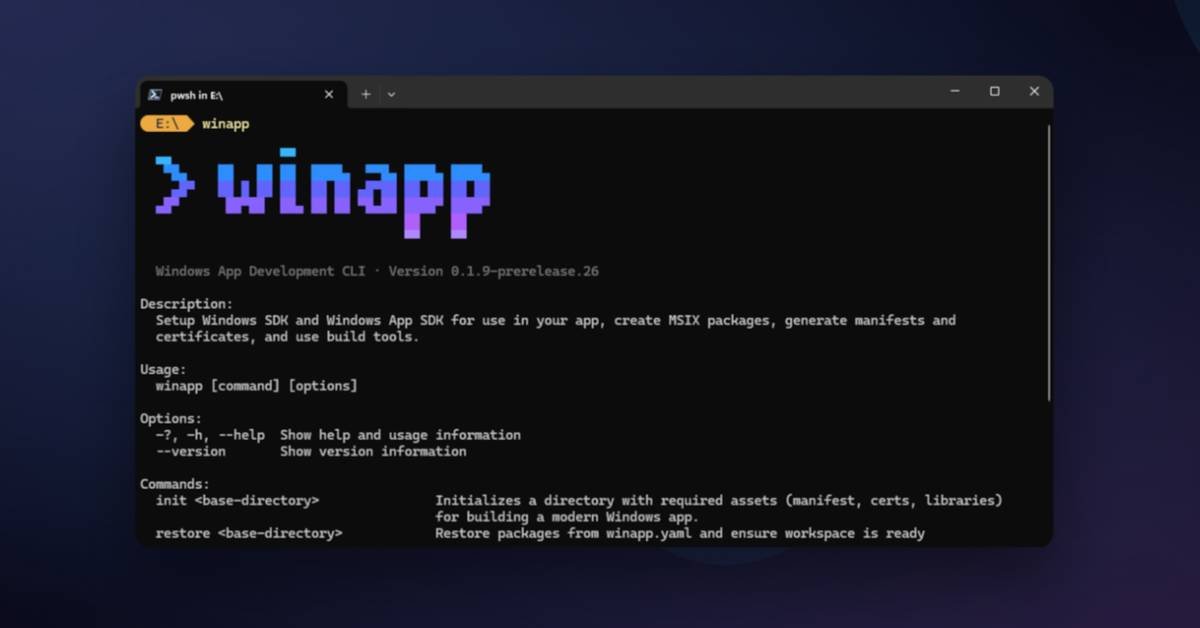
Solving Real-World Development Pain Points
Traditional Windows development often required:
- Manual NuGet dependency management
- Complex capability declarations in app manifests
- Repetitive MVVM boilerplate
- Separate designers for UI implementation
The Accelerator addresses these through opinionated defaults. For example, deploying to the Microsoft Store now requires just one CLI command (wacc deploy --store) that handles package signing, asset generation, and submission—replacing a 15-step process.
Performance and Migration Tradeoffs
While dramatically accelerating initial setup, the tool imposes constraints:
- Projects use a predefined folder structure
- UI customization requires overriding generated templates
- Limited support for legacy Win32 interop scenarios
Microsoft provides clear migration paths for existing projects via the wacc import command, which refactors solution files while preserving business logic. Early adopters report 40% faster feature delivery cycles despite these tradeoffs.
Getting Started
- Install via winget:
winget install Microsoft.WindowsAppAccelerator - Initialize project:
wacc init --template="retail POS system" - Extend with custom logic
The toolkit currently targets Windows 11 22H2+ and requires Visual Studio 2022 17.8+. As Microsoft expands its AI training dataset, future updates promise WPF and MAUI integration—potentially reshaping cross-platform .NET development.
For developers entrenched in Windows ecosystems, this represents the most significant workflow improvement since .NET Core's unification. By automating repetitive tasks, Microsoft enables focus on unique value rather than platform plumbing.
Comments
Please log in or register to join the discussion