Wi-Fi's instability can cripple remote work and streaming, but MoCA adapters offer a clever workaround by converting existing coaxial cables into high-speed wired connections. With speeds up to 2.5Gbps, this solution bypasses costly Ethernet rewiring while delivering enterprise-grade reliability. For developers and IT pros, it's a game-changer for latency-sensitive tasks like video conferencing and large file transfers.
In the era of remote work and bandwidth-hungry applications, Wi-Fi's unreliability isn't just an annoyance—it's a productivity killer. Glitchy video calls during critical meetings or lag in cloud-based development environments highlight why wired connections remain superior for stability and speed. Yet, retrofitting homes with Ethernet cables is often impractical, especially for renters or those in multi-story buildings. Enter MoCA (Multimedia over Coax Alliance) technology, a networking sleight-of-hand that repurposes existing coaxial cable infrastructure—the same lines used for cable TV—into a robust wired network backbone.
The Coax Conundrum and a Developer's Dilemma
Senior ZDNET contributor Ed Bott faced this firsthand after moving to a loft-style condo. Despite a gigabit internet connection, brick walls throttled his Wi-Fi to unusable levels in his home office. 'I didn't have Ethernet jacks anywhere,' Bott notes, 'but every room had cable outlets.' That observation unlocked a solution: MoCA 2.5 adapters, which leverage decades-old coax wiring to achieve speeds up to 2.5Gbps—rivaling modern Ethernet. For engineers, this isn't just convenient; it's a revelation in minimizing latency for real-time collaboration tools, CI/CD pipelines, or even low-latency gaming sessions.
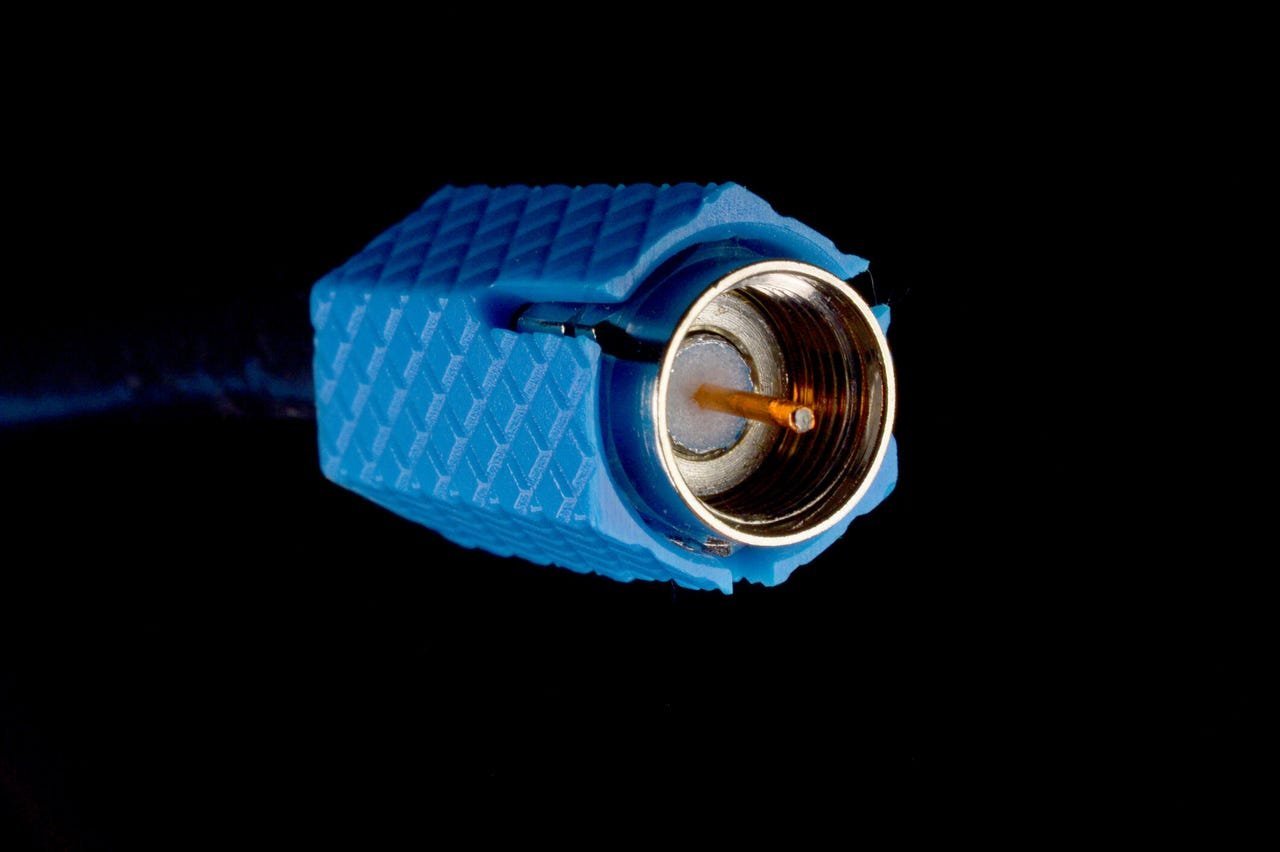 Caption: Bryan Steffy / Moment / Getty Images
How MoCA Works: A Technical Lifeline
MoCA adapters act as translators between coax and Ethernet. Each adapter features:
- A coaxial input (for your wall outlet)
- An RJ45 Ethernet port (for your device)
Setup is straightforward:
- Connect one adapter to your router via Ethernet and a nearby coax outlet.
- Plug a second adapter into a coax outlet in your target room (e.g., home office).
- Link the adapter to your device (PC, Mac, server) via Ethernet cable.
Crucially, MoCA coexists with most internet sources—whether cable, fiber, or satellite. Bott used a Trendnet TMO-312C MoCA 2.5 Adapter ($60-80), emphasizing that even 20-year-old coax can handle gigabit speeds if it supports HDTV. For non-MoCA-compatible modems, a simple splitter and additional adapter bridge the gap. Performance-wise, MoCA slashes latency to sub-5ms, dwarfing Wi-Fi's variability, and supports full duplex communication—ideal for upload-heavy tasks like video rendering or database syncing.
# Sample MoCA setup for a home office:
Router → [MoCA Adapter] → Coax Wall Outlet
                           │
Coax Wiring (Existing)
                           │
Coax Wall Outlet → [MoCA Adapter] → PC/Server
Security and Scalability: Beyond the Basics
For enterprise-grade integrity, Bott recommends adding a Point of Entry (POE) filter (e.g., Belden’s $10 model). This screws into your home's main coax line, preventing signal leakage and boosting performance by reflecting RF signals internally. It’s a must for cybersecurity-conscious users, as it blocks external access to your network. MoCA also scales elegantly: add adapters to multiple rooms for wired connections to NAS devices, smart TVs, or Wi-Fi access points that eliminate dead zones. Compared to Powerline adapters—which falter across circuit breakers—MoCA offers consistent throughput, making it a superior choice for multi-room DevOps setups.
Why This Matters for Tech Professionals
In a landscape where hybrid work is permanent, MoCA democratizes high-reliability networking. It eliminates the $500+ cost and disruption of Ethernet installations while providing a wired backbone for bandwidth-intensive workflows. For cloud engineers, lower latency means smoother AWS/Azure interactions; for data scientists, faster model training data transfers. As Bott concludes, 'When Wi-Fi can’t get from Point A to Point B, MoCA isn’t just an alternative—it’s the smartest upgrade you’re not using yet.'
Source: Adapted from Ed Bott's reporting for ZDNET, last updated September 2025.
Comments
Please log in or register to join the discussion