
A common pattern in modern web development sees developers using Next.js as a glorified React router, calling external APIs directly from the client. This approach misses the framework's core security and architectural benefits, turning a full-stack solution into a simple frontend with routing.
A month ago, I published a post on LinkedIn with this exact title. It caught a lot of developers’ attention. More than I expected. And even found its way to a Reddit group with over 500 upvotes, and arguments among developers: https://www.reddit.com/r/webdev/comments/1pqrqfv/i_guess_ive_been_using_nextjs_the_wrong_way/
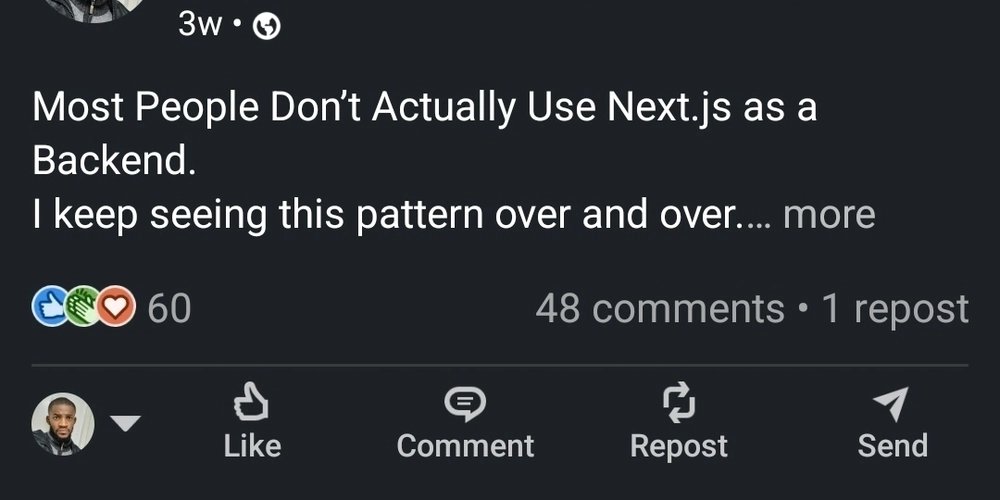
The core observation is simple but pervasive. I keep seeing the same pattern: developers claim they're using Next.js for full-stack projects, but when you examine the architecture, all data fetching happens on the client. Every request goes straight from the browser to some external API. There's no server logic, no backend responsibility, and no real use of the framework's server-side capabilities.
At that point, you're not really using Next.js. You're just using React with better routing and a more complex build process.
The Security and Architectural Cost
When your frontend calls external services directly, you're exposing several things that should remain private:
- API endpoints and request patterns: Anyone can inspect network traffic and see exactly which services you're using, how they're structured, and what data formats you expect.
- Secrets and credentials: Even with environment variables, if they're bundled into client-side code, they're accessible. Environment leaks happen more often than developers admit.
- Business logic: Your data transformation, validation, and orchestration logic becomes visible and manipulable.
Next.js exists to prevent this. It lets your application act as the backend. External services stay hidden behind server routes, secrets never touch the browser, and users only interact with your controlled endpoints. No direct exposure. No unnecessary attack surface.

The API Pattern Problem
Let's consider a typical e-commerce scenario. A developer builds a Next.js app that needs to fetch product data from a headless CMS and process orders through a payment gateway.
The common (but flawed) approach:
- Client-side
fetch()calls directly to the CMS API - Client-side calls to the payment gateway
- Environment variables for API keys bundled in client code
- No server-side validation or rate limiting
The proper Next.js approach:
- Server-side API routes that act as a proxy
- Environment variables stored only on the server
- Server-side validation and transformation of data
- Rate limiting and caching at the edge
- No external API endpoints exposed to the client
The difference isn't just security—it's control. With direct client calls, you're at the mercy of the external API's rate limits, CORS policies, and response formats. With server routes, you can transform responses, implement caching strategies, and handle errors gracefully.
When Express Still Makes Sense
This isn't to say Next.js should replace all backend frameworks. Express still makes sense for:
- Large, shared, multi-client APIs: When you need to serve web, mobile, and desktop clients with the same backend
- Microservices architectures: When you have multiple services that need to communicate independently
- Heavy computational workloads: When you need dedicated server resources for processing
- Legacy system integration: When you're building on existing infrastructure
But if your app is web-only and you already chose Next.js, using it like Create React App defeats both security and simplicity. You're maintaining two separate codebases (frontend and backend) when you could have one.
The Performance Misconception
A common counterargument is that server-side rendering (SSR) or server components are "slower" than client-side fetching. This misunderstands the architecture.
When you fetch data client-side from an external API, you're making at least two network requests:
- Browser → Your Next.js app (for the initial HTML)
- Browser → External API (for data)
- External API → Browser (with data)
With proper server-side data fetching:
- Browser → Your Next.js app (for the initial HTML)
- Your Next.js app → External API (server-side, often with connection pooling)
- Your Next.js app → Browser (with rendered HTML + data)
The second approach reduces latency by eliminating one round trip. It also allows for connection pooling to external services, which is far more efficient than each browser connection.

The Framework's Intent
Next.js was designed with this server-first mentality. The App Router, server components, and API routes aren't just features—they're architectural guidance. The framework assumes you'll keep sensitive logic and data on the server.
When you bypass this, you're fighting the framework's design. You're adding complexity (managing client-side state for server data) while losing benefits (security, performance, simplicity).
A Practical Migration Path
If you're currently using Next.js as a simple React router, migrating to proper server-side patterns doesn't require a complete rewrite:
- Start with API routes: Move your external API calls from client-side
fetch()to server-side API routes. Keep the same interface initially. - Implement server components: Gradually move data-fetching components from client to server components.
- Secure your environment variables: Remove all sensitive keys from client bundles. Use server-side environment management.
- Add server-side validation: Validate and transform data before it reaches the client.
- Implement caching: Use Next.js's built-in caching mechanisms for better performance.
The Bottom Line
If your Next.js app exposes external APIs directly to the client, you're not using the framework properly. You're leaving security, performance, and control on the table.
The framework gives you the tools to build a proper full-stack application with minimal overhead. Using it as a simple frontend router is like buying a Swiss Army knife and only using the bottle opener. It works, but you're missing 90% of the value.
Use the right tool. And more importantly, use it correctly.
This article was inspired by a LinkedIn post that sparked significant discussion in the developer community. The conversation highlights a common gap between how developers think they're using frameworks and how those frameworks were designed to be used.
Further Reading:
- Next.js Documentation on API Routes
- Next.js Server Components Guide
- Security Best Practices for Next.js
Related Discussion:
Comments
Please log in or register to join the discussion