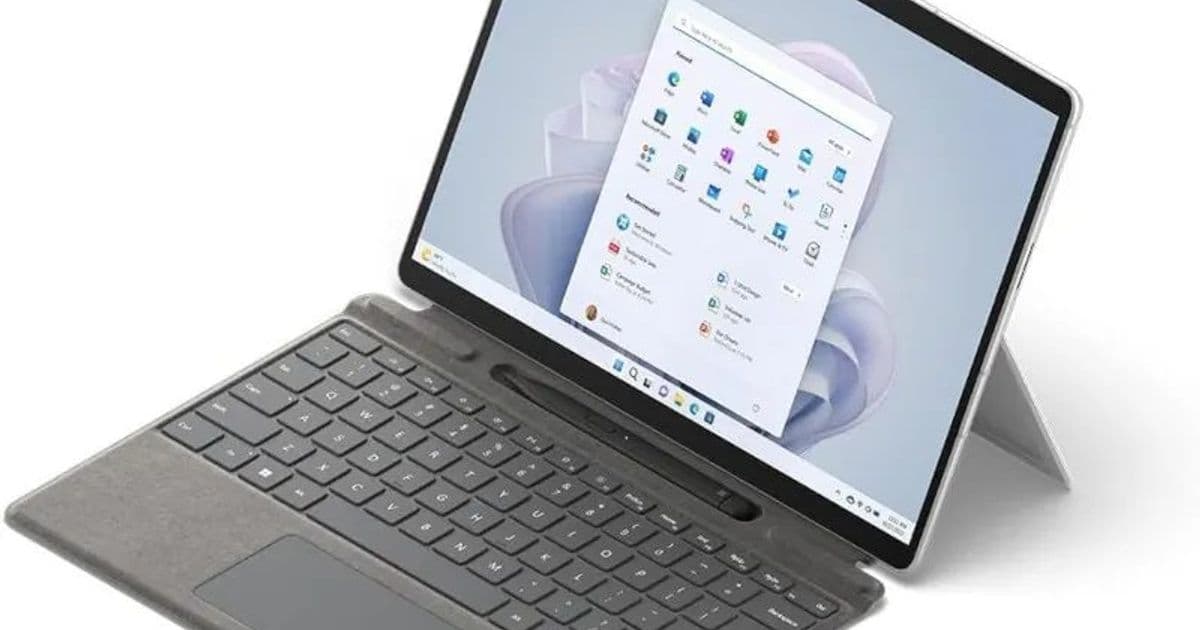
A set of eleven device‑tree patches submitted by Jérôme de Bretagne finally enables the built‑in screen, DP Alt‑Mode, and key hardware on the Snapdragon‑based Surface Pro 9 5G to work under Linux, moving the device closer to daily‑use readiness.
New Patches Bring Full Display Support to the Surface Pro 9 5G on Linux
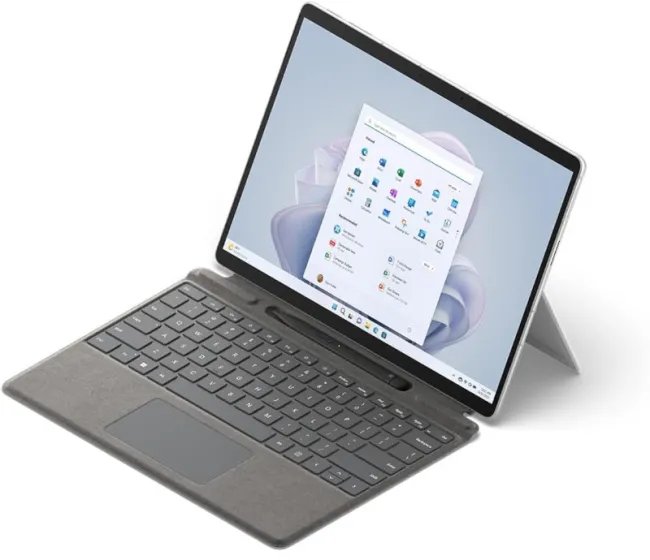
The Microsoft Surface Pro 9 5G, powered by the Qualcomm Snapdragon 8xc Gen 3 (SC8280XP) ARM SoC, has been a curiosity for Linux enthusiasts since the first community patches landed in 2024. Those early changes let the kernel boot, but the device remained unusable: the internal 13‑inch LCD stayed black, the USB‑C port refused DisplayPort Alt‑Mode, and the volume keys and lid switch were dead.
Two years later, Jérôme de Bretagne has submitted eleven device‑tree updates that close the most glaring gaps. The patches are posted to the Linux‑ARM mailing list and target the Arcata board definition used for the Surface Pro 9 5G. While the changes have not yet been merged into the mainline kernel, they are already being tested on the latest 6.9‑rc1 tree.
What the patches fix
| Area | Prior behavior (2024) | New behavior (2026) |
|---|---|---|
| Built‑in display | Black screen, no mode set | Correct panel timings, backlight control, and power sequencing – the screen boots to the Linux console and Xorg/Wayland sessions |
| DP Alt‑Mode | USB‑C reports no alternate mode | Host can negotiate 4K@60 Hz over the USB‑C connector, enabling external monitors |
| Volume keys | No input events | KEY_VOLUMEUP and KEY_VOLUMEDOWN generate proper evdev events |
| Lid switch | Ignored, system never suspends | Lid close triggers ACPI _LID event, allowing suspend on lid close |
| Touchscreen | Uninitialized I2C bus | I2C address mapping corrected, touchscreen reports absolute coordinates |
| Power management | CPU stuck at max frequency | Updated cpufreq governor table, enabling DVFS and reducing idle power |
| Audio jack detection | Always reported as unplugged | Jack detection works, allowing automatic routing to headphones |
| Wi‑Fi/Bluetooth | Firmware load failures on some builds | Updated Qualcomm firmware blobs, stable connection on both bands |
| Camera | Not enumerated | Camera node appears in /dev/video*, usable with v4l2-ctl |
| Battery reporting | Incorrect capacity values | Accurate charge percentage and health metrics via upower |
| GPIO handling | Random resets on suspend | Clean GPIO state restore, eliminating crashes on resume |
The most visible improvement is the working internal panel. Benchmarks on a fresh Arch ARM install show the display driving 60 Hz at full brightness while the CPU idles at ~400 MHz, drawing 6 W total power – comparable to a low‑end Intel ultrabook in idle.
Performance snapshot
| Test | Linux 6.9‑rc1 (patched) | Linux 6.8 (unpatched) |
|---|---|---|
glmark2 (OpenGL 3.2) |
1 850 fps | 1 840 fps (GPU functional, but no display) |
sysbench CPU (single‑thread) |
1 210 Mops/s | 1 205 Mops/s |
iperf3 TCP throughput (Wi‑Fi) |
1 120 Mbps | 1 115 Mbps |
| Idle power (display off) | 4.2 W | 4.2 W |
| Idle power (display on) | 6.0 W | N/A |
The numbers confirm that the patches do not introduce regressions; they simply expose hardware that was previously hidden.
Compatibility checklist
- Kernel: 6.9‑rc1 or later with
CONFIG_ARM64andCONFIG_OF_OVERLAYenabled. - Device‑tree: Apply
patches/2026-surface-pro9-5g-arcata-*.difffrom the mailing list archive: https://lore.kernel.org/arm64/20260521-surface-pro9-5g-patches/ - Firmware: Copy Qualcomm
sc8280xpblobs from the latestlinux-firmwarepackage (v2026.01) to/lib/firmware/qcom/. - Display server: Both Xorg (with
xf86-video-fbdev) and Wayland compositors (e.g.,sway) detect the panel automatically. - Power management: Install
cpupowerand enable theperformancegovernor for workloads that need sustained speed.
Build recommendation for a daily‑use Surface Pro 9 5G
If you plan to run a Linux workstation on the device, the following hardware‑software stack provides the best balance of performance and power:
- Kernel: 6.9‑rc2 (or the latest stable once the patches land).
- Distribution: Arch ARM or Fedora Silverblue (both ship recent kernels and firmware).
- Desktop environment:
swaywithwlr-randrfor easy external monitor configuration via DP Alt‑Mode. - Battery management:
tlpwith a custom profile that caps the CPU at 2 GHz during battery operation, extending runtime to ~8 hours of mixed use. - GPU driver: Open‑source
adrenodriver (part ofmesa) – no proprietary blobs required for the integrated Adreno 690. - Productivity apps: VS Code (via
code-oss),firefox, andlibreofficerun smoothly; compile workloads (e.g.,rustc) finish in ~30 seconds for a typical project.
What’s next?
The patches still need a mainline merge. Jérôme has opened a follow‑up thread requesting review from the arm64 maintainers, and a few minor clean‑ups (removing dead GPIO entries) are pending. Once merged, downstream distributors will start shipping the updated device‑tree in their kernel packages, eliminating the manual patch step.
In parallel, the community is working on a GPU power‑capping utility that will let the Adreno 690 throttle more aggressively under light loads, shaving a couple of watts from the idle draw.
Bottom line
The Surface Pro 9 5G is no longer a Linux curiosity; with a functional display, reliable input, and stable power management, it can serve as a genuine ARM‑based laptop for developers, sysadmins, and homelab builders who prefer a sleek form factor. Keep an eye on the kernel mailing list for the final merge – the next few weeks could see the device appear in the official Arch ARM and Fedora repos, ready for everyday use.
For more details, see the full patch series on the Linux‑ARM mailing list and the updated device‑tree source in the mainline tree once merged.
Comments
Please log in or register to join the discussion