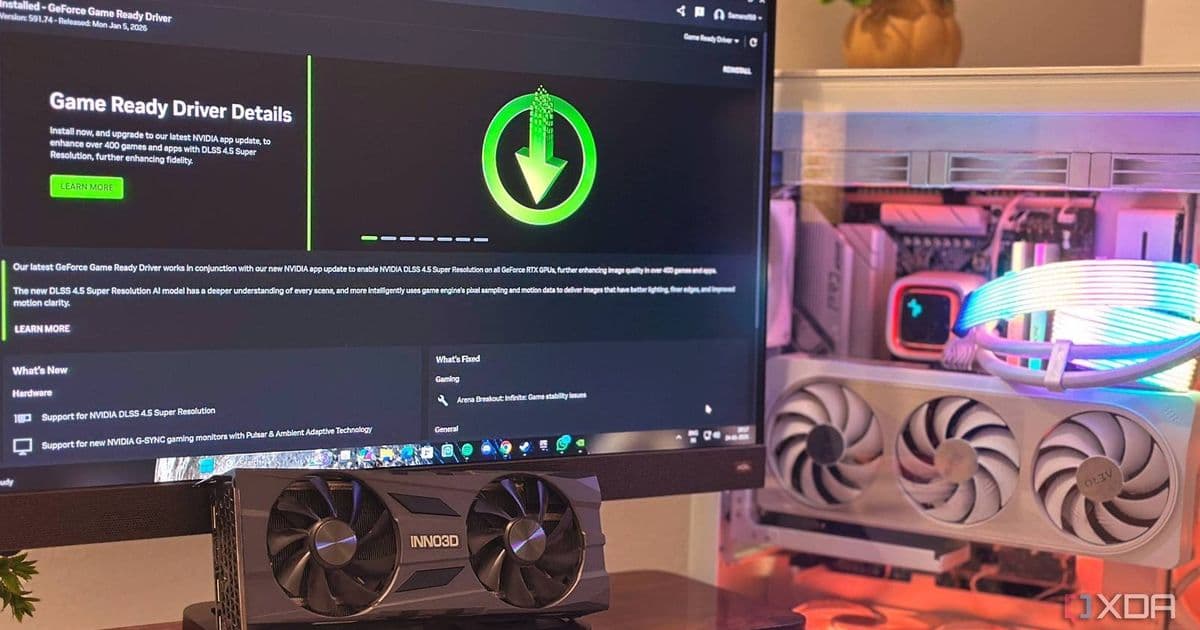
Nvidia confirms Windows 11 January update KB5074109 causes frame drops and artifacting on Nvidia GPUs, with uninstallation being the recommended temporary fix.
Nvidia has officially confirmed that the Windows 11 January update (KB5074109) is causing significant performance issues for users with Nvidia graphics cards. The update, which was rolled out to address various system improvements and security patches, has instead introduced frame drops and visual artifacting during gaming sessions.
The Problem Emerges
The issues first came to light through user reports on the Nvidia forums, where gamers began noticing degraded performance after installing the January update. Users reported experiencing sudden frame rate drops, screen tearing, and various visual artifacts that made gaming nearly impossible on systems equipped with Nvidia GPUs.
As the discussion grew on community forums, it became clear this wasn't an isolated incident but a widespread problem affecting numerous users across different hardware configurations. The common thread was the timing - all affected users had recently installed the Windows 11 January update.
Nvidia's Official Response
Manuel from Nvidia eventually stepped into the forum discussion to address the growing concerns. His confirmation that the company was actively investigating the issue provided some reassurance to affected users, though the solution remained frustratingly simple:
"Even though it started after a Windows 11 update, we are looking into it. As far as I know, the only way to resolve it appears to be uninstalling KB5074109."
This official acknowledgment from Nvidia validates what many users had already discovered through trial and error - that removing the problematic update resolved the GPU-related issues.
The Temporary Fix
For users experiencing these problems, the recommended course of action is to uninstall KB5074109. Here's how to do it:
- Open Settings > Update & Security > Windows Update
- Click on Update history
- Select Uninstall updates
- Find KB5074109 in the list
- Right-click and select Uninstall
- Restart your computer
After uninstalling the update, users should notice their gaming performance return to normal levels, with frame rates stabilizing and visual artifacts disappearing.
Microsoft's Role
While Nvidia has confirmed the issue, the responsibility ultimately lies with Microsoft to address the compatibility problem in future updates. The Windows 11 January update was intended to bring improvements and security enhancements, but this GPU compatibility issue has overshadowed those benefits for many users.
Microsoft has not yet issued an official statement regarding the problem, though given the confirmation from Nvidia and the volume of user reports, a fix is likely in development. Users can expect either a revised update or a patch that addresses the GPU compatibility issues without requiring the complete uninstallation of security updates.
Impact on Users
This situation highlights the delicate balance between system updates and hardware compatibility. For gamers and professionals relying on Nvidia GPUs, the January update has created a frustrating dilemma: maintain system security with the latest updates or preserve gaming performance by staying on an older version.
The issue affects a broad range of Nvidia hardware, from older GTX series cards to the latest RTX models, suggesting the problem lies in how Windows 11 interacts with Nvidia's driver architecture rather than being specific to certain GPU generations.
Looking Forward
As both Microsoft and Nvidia work on resolving this compatibility issue, users are left with the temporary workaround of uninstalling the problematic update. This situation serves as a reminder of the importance of system backups and the potential risks associated with major operating system updates.
For now, Nvidia GPU users who have installed the Windows 11 January update and are experiencing gaming issues should consider uninstalling KB5074109. While this means temporarily forgoing the latest security patches, it provides a functional system until an official fix is released.
The tech community will be watching closely for updates from both companies, hoping for a swift resolution that doesn't force users to choose between security and performance.
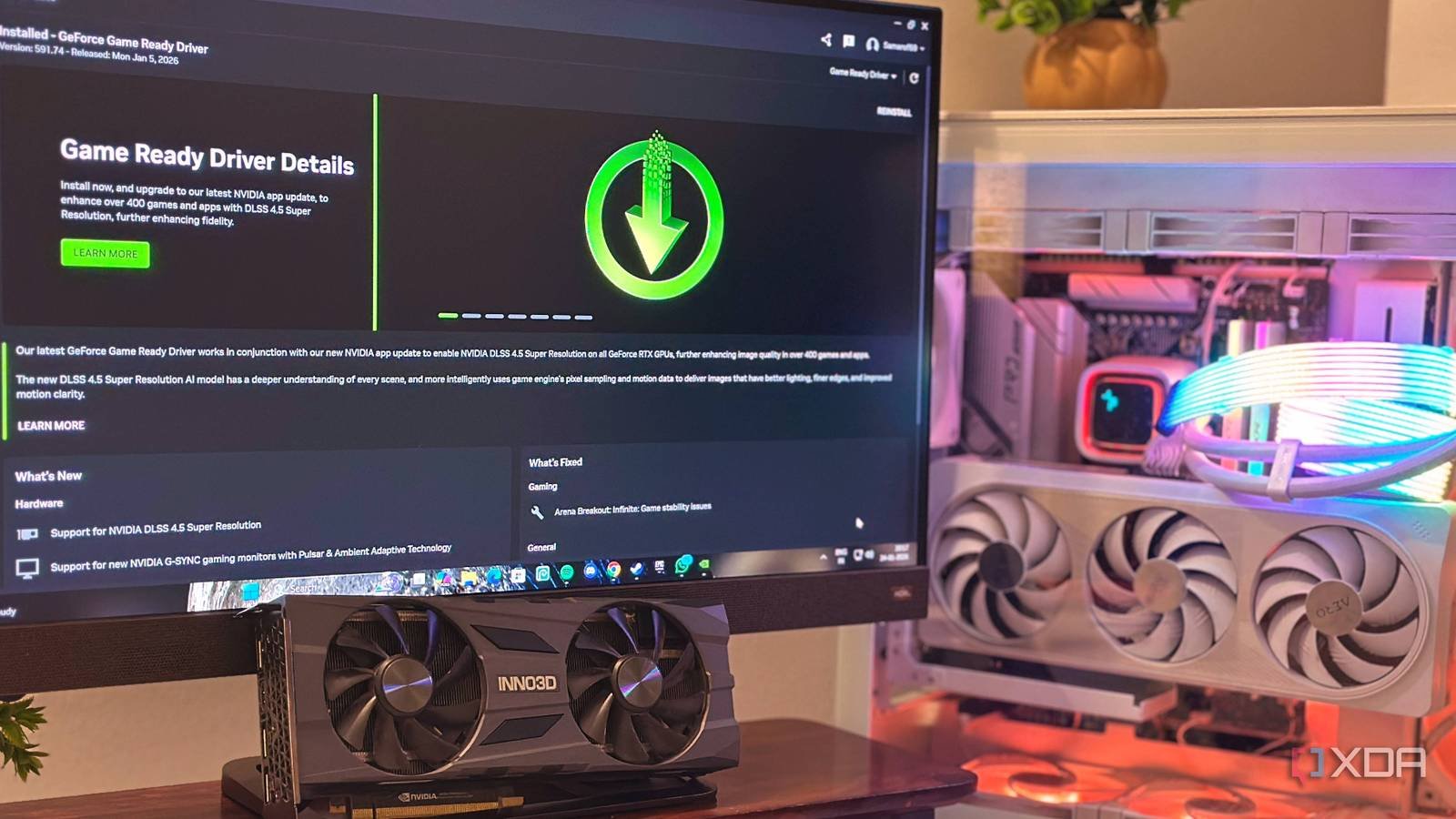
Image: Windows 11 interface showing update settings
Comments
Please log in or register to join the discussion