
The Omni Group releases OmniOutliner 6 featuring Liquid Glass redesign, universal app architecture, Omni Links connectivity, and Apple Intelligence-powered tools.

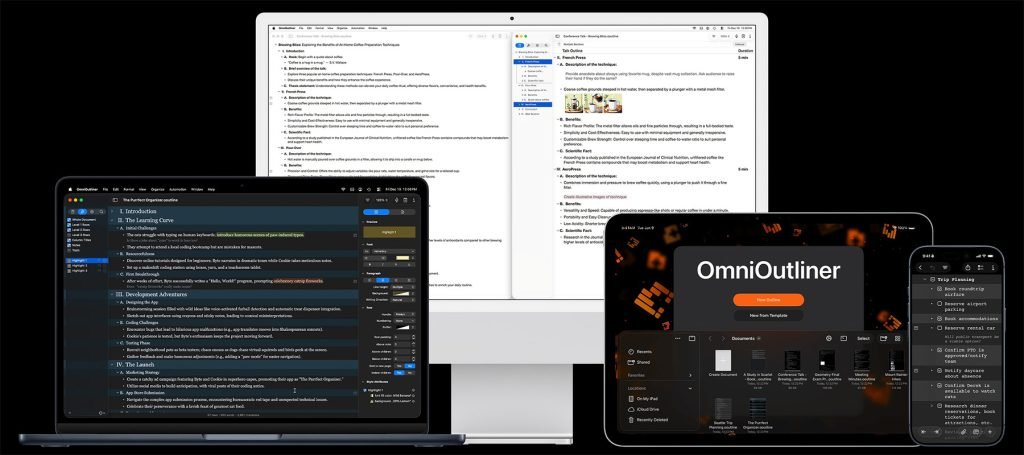
The Omni Group has officially launched OmniOutliner 6 following a brief beta period, delivering significant upgrades for outlining workflows across Apple platforms. This universal app now supports macOS Tahoe 26, iOS 26, iPadOS 26, and visionOS 26 with feature parity across devices.
Liquid Glass Visual Overhaul
 OmniOutliner 6 adopts Apple's Liquid Glass design language throughout the interface. The update includes modernized aesthetics on supported operating systems, refreshed iconography, and a context-aware app icon that adapts to clear and tinted modes. This marks the latest Omni Group application to receive the visual refresh following its implementation in OmniFocus.
Universal App Architecture
As a universal application, OmniOutliner 6 eliminates previous platform-specific limitations. Users now enjoy consistent functionality whether working on Mac, iPhone, iPad, or Apple Vision Pro. Previously exclusive features like advanced document styling on iOS/iPadOS and the collapsible bottom bar (formerly iPad-only) are now available cross-platform.
Omni Links Connectivity
 A standout addition is Omni Links – a flexible linking system supporting multiple connection types:
- Local and remote documents via Connected Folders (iCloud Drive, Dropbox, Google Drive)
- Web URLs
- Specific content within documents
- Server-based resources
Links remain shareable between OmniOutliner 6 users, enabling seamless cross-device workflows. This proves particularly powerful when referencing research materials or collaborative documents.
Enhanced Productivity Features
 Version 6 introduces several productivity refinements:
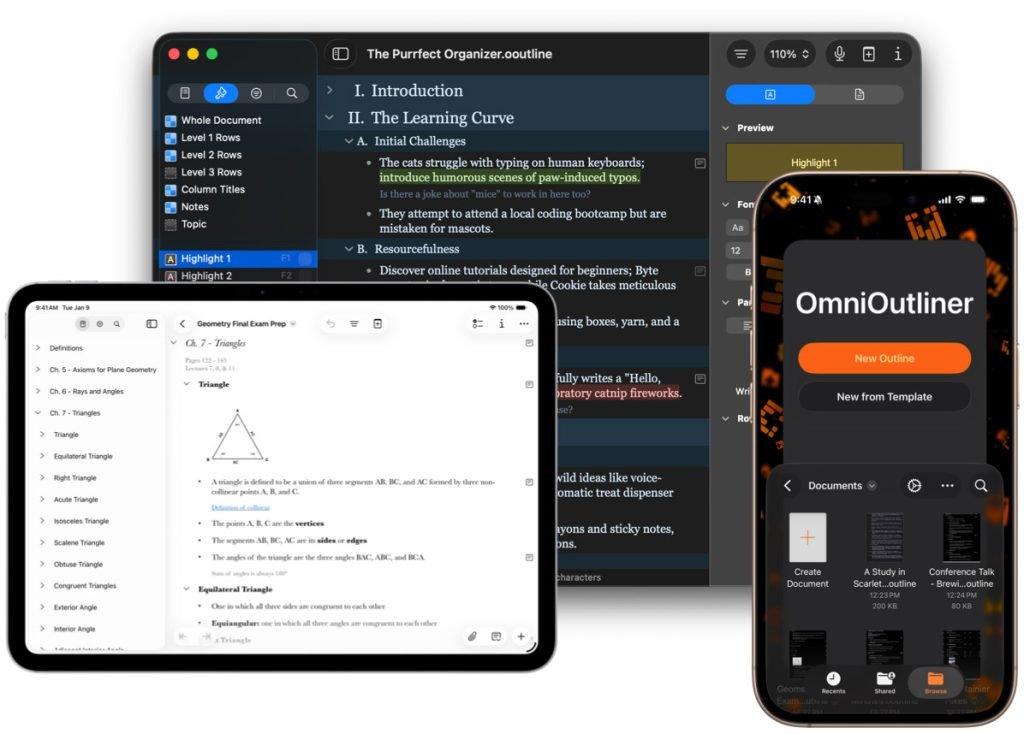
- Dynamic Themes: Templates automatically adapt to light/dark mode with customizable color schemes
- Cross-Platform Templates: Fully customizable templates sync across devices
- Structural Improvements: Notes spanning multiple columns, toggleable grid lines, unlimited outline hierarchy
- Multi-Window Editing: Open duplicate project windows for drag-and-drop reorganization
Apple Intelligence Integration
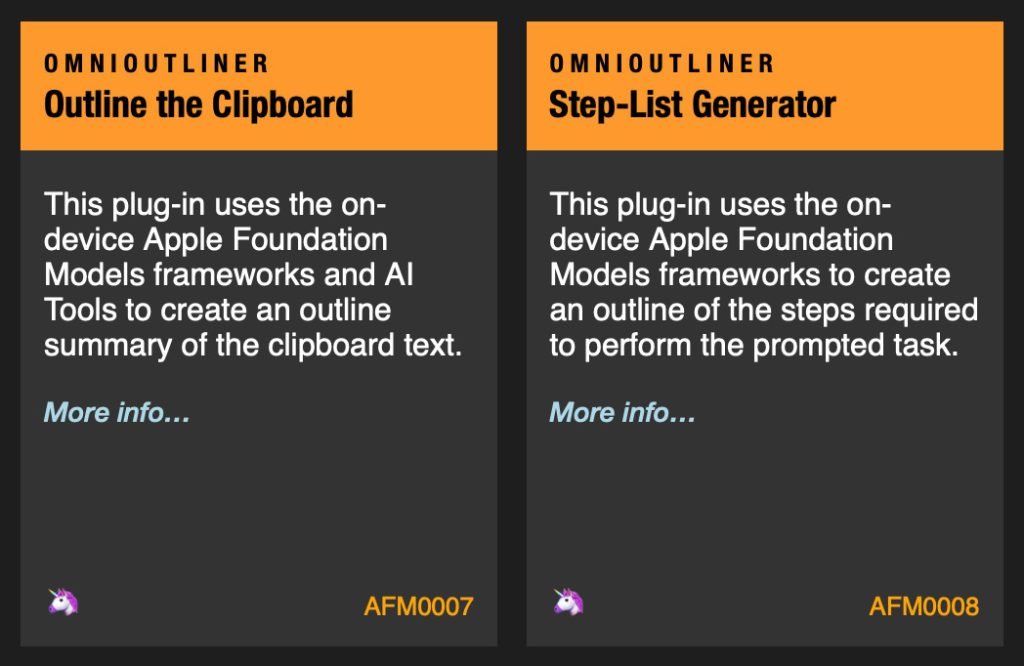 Building on technology introduced in OmniFocus 4.8, OmniOutliner 6 incorporates Apple's on-device Foundation Model through Omni Automation plugins. The new AI Tools feature enables:
- Outline generation from text extracts (emails, documents, web content)
- Prompt-based project planning (e.g., "Create itinerary for spring road trip")
- Custom JavaScript functions via Omni Automation
All processing occurs locally on-device, maintaining privacy while providing AI-assisted outlining capabilities. As Omni Group CEO Ken Case noted: "Plug-in authors can integrate the language models with your OmniFocus data in all sorts of creative ways."
Additional Updates
- Attachment Handling: Image resizing support; attachment features now in Essentials edition
- Advanced Filters: Nested AND/OR/NOT rules with date-based parameters
- Paste Controls: Granular styling options for pasted content
- Edition Toggling: Pro users can temporarily disable advanced features
OmniOutliner 6 is a universal purchase via The Omni Group's store, requiring macOS Sequoia or later, iOS/iPadOS 26+, or visionOS 26+. The Essentials edition ($49.99) and Pro edition ($99.99) maintain the same pricing as previous versions despite significant feature expansion.
For developers exploring automation possibilities, the Omni Automation documentation provides implementation details for creating custom AI Tools. New users can access comprehensive tutorials through Omni's learning resources.
The update demonstrates Omni Group's continued refinement of productivity tools, particularly notable for implementing Apple Intelligence in ways that respect user privacy while expanding creative possibilities for complex project planning and information organization.
Comments
Please log in or register to join the discussion