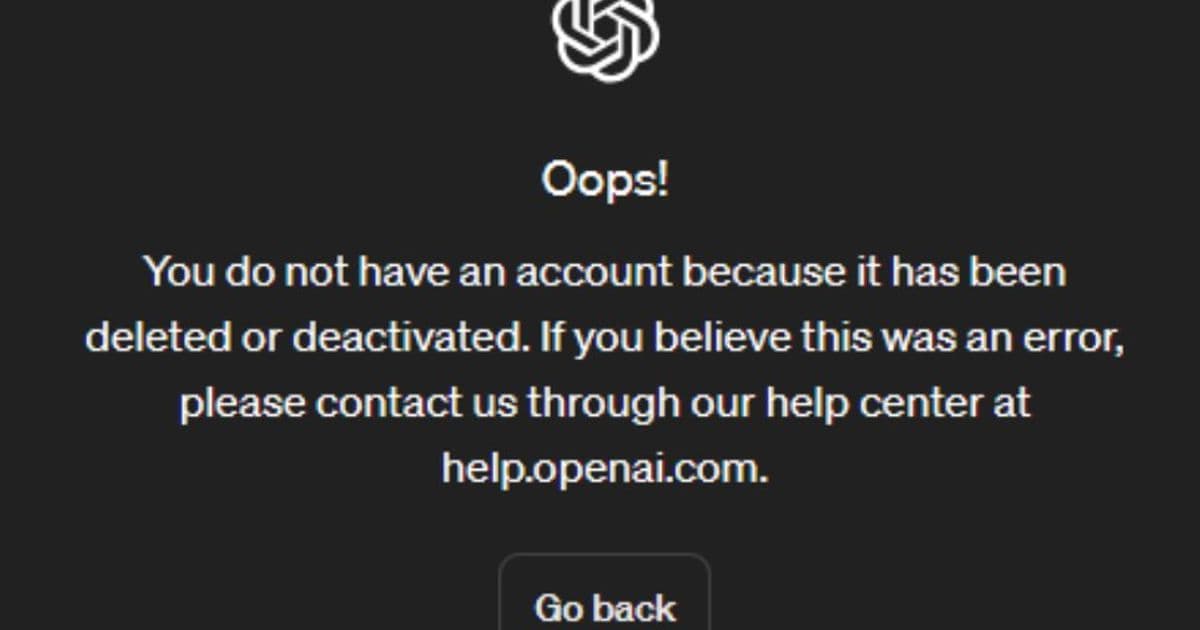
OpenAI has streamlined account deletion with two new methods: a dedicated Privacy Portal and in-app self-service, while clarifying data retention policies and subscription cancellation requirements.
OpenAI has introduced two new methods for users to delete their accounts, providing more flexibility and transparency in the account deletion process. The company now offers both a dedicated Privacy Portal and an in-app self-service option within ChatGPT, making it easier for users to permanently remove their accounts and associated data.
New Account Deletion Methods
Privacy Portal Option
Users can now visit privacy.openai.com to submit a deletion request through OpenAI's Privacy Portal. This dedicated platform allows users to make privacy requests directly, including account deletion. The process involves selecting "I have a consumer ChatGPT account" and then choosing "Delete my ChatGPT account" to follow the step-by-step instructions.
In-App Self-Service
For users who prefer to manage their account directly within ChatGPT, OpenAI has implemented a self-serve deletion option. Users can sign in to ChatGPT, click their profile icon in the top right corner, navigate to Settings, then Account, and finally select "Delete account." This streamlined process makes account deletion more accessible to regular ChatGPT users.
Important Considerations Before Deletion
Permanent Action
Deleting your OpenAI account is permanent and cannot be undone. Once deleted, users lose access to all OpenAI services, including ChatGPT and the API. The company emphasizes that this action should be taken with careful consideration.
Data Retention Policy
OpenAI will delete user data within 30 days of account deletion, with some exceptions. The company may retain limited data for longer periods where required or permitted by law. This policy balances user privacy with legal compliance requirements.
Subscription Cancellation
Users who subscribed through the Apple App Store or Google Play Store must cancel their mobile subscriptions separately through those platforms. Deleting the OpenAI account does not automatically cancel these mobile subscriptions. Users need to follow specific instructions for iOS or Android devices.
Account Reactivation and Reuse
Creating New Accounts
After account deletion, users can create a new account using the same email address after a 30-day waiting period, provided the prior account was fully deleted rather than deactivated. This policy allows users to return to OpenAI services if they change their mind after deletion.
Phone Number Limitations
OpenAI maintains a limit of three accounts per phone number for verification purposes. Deleted accounts still count toward this limit, and deleting an account does not free up additional spots. Users should be aware of this restriction when managing multiple accounts.
Authentication Method Changes
Deleting an account does not allow users to change their authentication method. However, users who originally signed up with email and password can later choose Google or Apple login for future access, providing some flexibility in authentication options.
Chat and Memory Management
Chat Retention
Deleted chats are permanently removed from OpenAI's systems within 30 days, unless they have been de-identified and disassociated from the account or must be retained for security or legal reasons. Users cannot recover chats once deleted. For users who want to hide chats without permanent deletion, the archive function is available.
Memory Deletion
Users can manage their saved memories by deleting individual memories or all memories at once through the settings. This provides granular control over personal data stored by the system.
Business vs. Consumer Services
Enterprise Privacy
OpenAI maintains different privacy policies for business and consumer services. Enterprise services, including the API and ChatGPT Enterprise, do not train on business data. Users should review the specific privacy commitments for their service type.
Content Usage for Model Improvement
For consumer services like ChatGPT, OpenAI may use provided content to improve model performance. Users have choices regarding how their content is used, and they can opt out of certain data usage practices.
Technical Requirements
Login Requirements for Deletion
Users can only delete their account if they have logged in within the last 10 minutes. If they haven't logged in recently, they must sign in again before proceeding with deletion. This security measure helps prevent unauthorized account deletions.
Confirmation Process
The deletion process includes a confirmation step where users must type their account email plus "DELETE" into input fields to unlock the "Permanently delete my account" button. This additional verification step ensures users intentionally want to delete their accounts.
Support and Additional Resources
OpenAI provides multiple support channels for users who need assistance with account deletion or have questions about the process. Users can access help through the AI Chat feature, phone support at 1-888-GPT-0090, or by contacting customer support directly.
These updates to the account deletion process reflect OpenAI's commitment to user privacy and data control while maintaining necessary security measures and legal compliance. The multiple options for account deletion provide users with flexibility in how they manage their relationship with OpenAI services.
Comments
Please log in or register to join the discussion