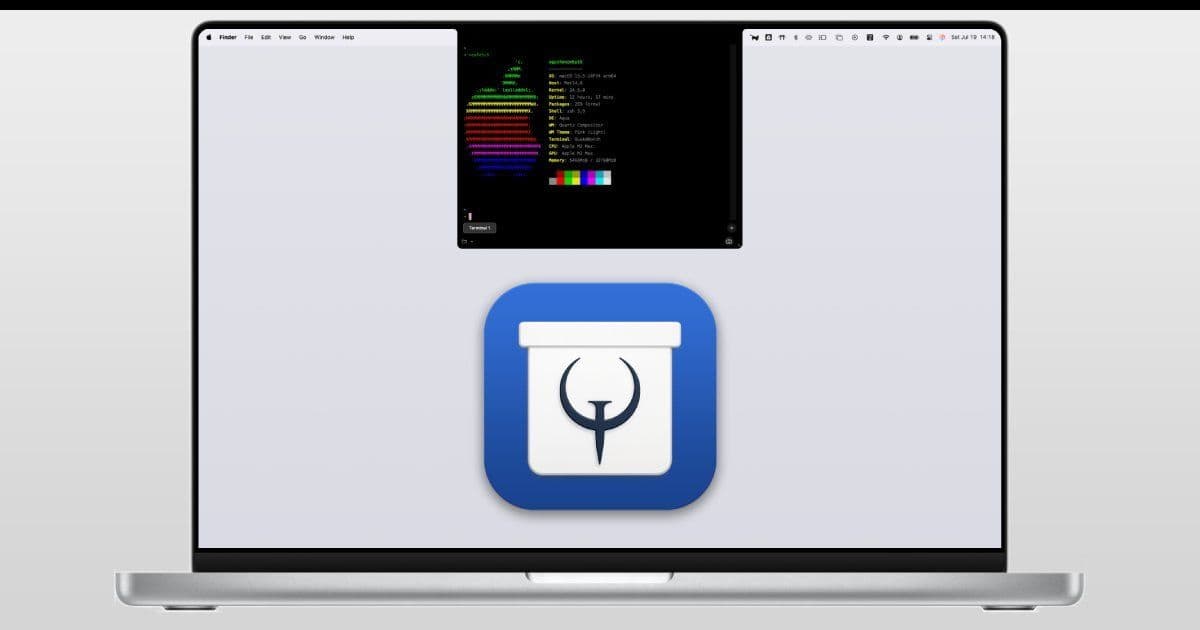
A new macOS utility, QuakeNotch, repurposes the often-maligned MacBook notch into a slide-down terminal and dynamic music visualizer, offering developers and creatives enhanced productivity and entertainment. With extensive customization, seamless Apple Music integration, and a free trial option, it turns hardware limitations into functional assets. The app, created by indie developer Meowing Cat, underscores a trend of innovative macOS utilities that push the boundaries of user interface design
The MacBook notch has long been a point of contention among users—criticized as an intrusive design flaw that eats into screen real estate. But what if it could become a hidden superpower? Enter QuakeNotch, a clever new application that reimagines the notch as a versatile tool for developers, sysadmins, and multimedia enthusiasts. Launched by solo developer Meowing Cat, this utility leverages macOS accessibility features to deliver a surprisingly robust experience that feels both futuristic and practical.
At its core, QuakeNotch provides two standout functionalities:
Slide-Down Terminal: Access a full-featured terminal instantly by triggering it from the notch. This isn't just a basic shell—it supports command execution, script running, and system management, all with smooth animations that slide down without disrupting your workflow. For developers, this means lightning-fast access to tools like Git, package managers, or debugging scripts, turning idle screen space into a productivity hub.
Dynamic Music Visualizer: Transform the notch into an audio-responsive display that syncs with Apple Music. As tracks play, the notch pulses with oscillations and animations, creating an immersive visual experience. This feature highlights the app's seamless integration with macOS services, making it ideal for creatives who want their workspace to reflect their media consumption.
Customization is a key strength, allowing users to tweak themes, colors, keyboard shortcuts, and behavior to fit personal preferences. For instance, you can set the terminal to auto-focus or return to previous apps on close, optimizing for coding marathons or creative sessions.
Technical Setup and Considerations
QuakeNotch requires Accessibility permissions to handle focus management and shortcuts, along with Apple Music automation permissions for the visualizer. After enabling these via System Settings, a quick app restart activates full functionality. If permissions cause hiccups, users can reset them with a Terminal command:
sudo tccutil reset All MeowingCat.QuakeNotch
Early reports suggest stability across macOS versions, though the developer advises restarting the app if Apple Scripts cause unexpected behavior. As a version 1.0 release, it's a promising start, but users should expect iterative updates—Meowing Cat actively solicits feedback for improvements.
The Indie Developer Edge
Created by the solo developer behind tools like the open-source debugger GDBFrontend and the MacsyZones window manager, QuakeNotch exemplifies the ingenuity of indie macOS development. It's free to download, with a Pro license available for purchase to support ongoing enhancements. This model not only funds innovation but also fosters a community-driven approach, where user suggestions directly shape future features like expanded visualizer options or terminal plugins.
QuakeNotch's true significance lies in its redefinition of hardware constraints: Instead of dismissing the notch as a nuisance, it harnesses it for utility and artistry. In an era where developers increasingly seek ways to streamline workflows, tools like this could inspire a wave of notch-centric utilities, blurring the line between form and function on modern laptops. For now, it stands as a testament to how small, focused applications can make big impacts—turning an everyday annoyance into a canvas for creativity and efficiency.
Source: QuakeNotch
Comments
Please log in or register to join the discussion