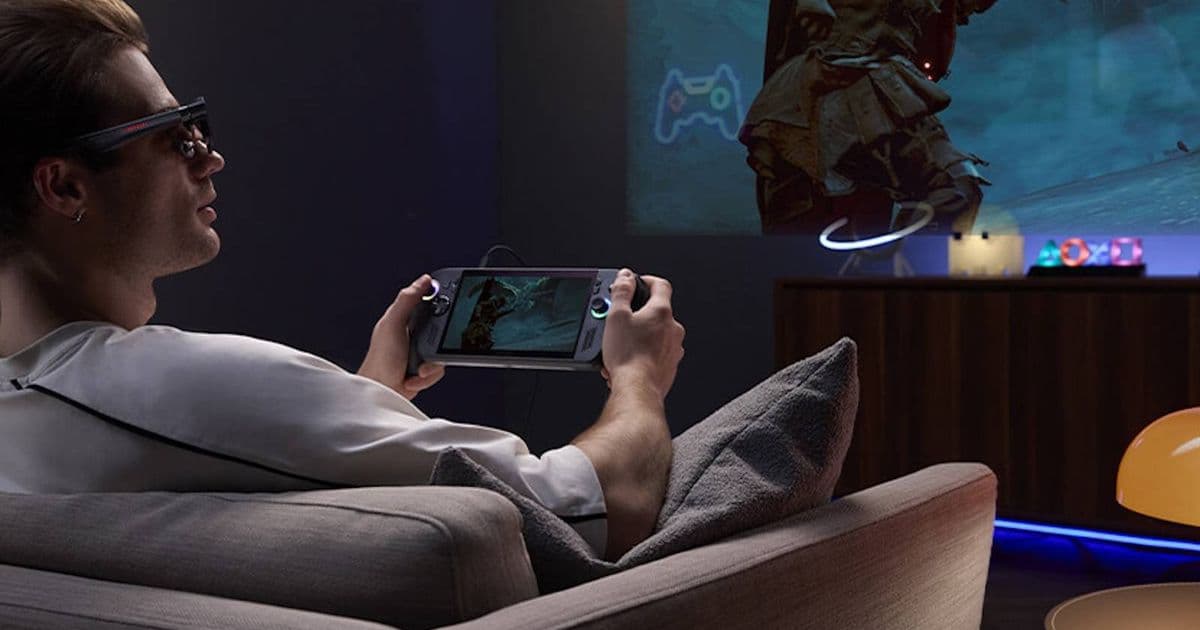
ASUS’s ROG XREAL R1 packs a 240 Hz, 0.01 ms micro‑OLED panel into a lightweight pair of glasses that connect to the ROG Ally via USB‑C. Pre‑orders start May 17 for $849, and the device offers a dedicated control panel on the Ally’s screen while you game in the glasses.
![Featured image]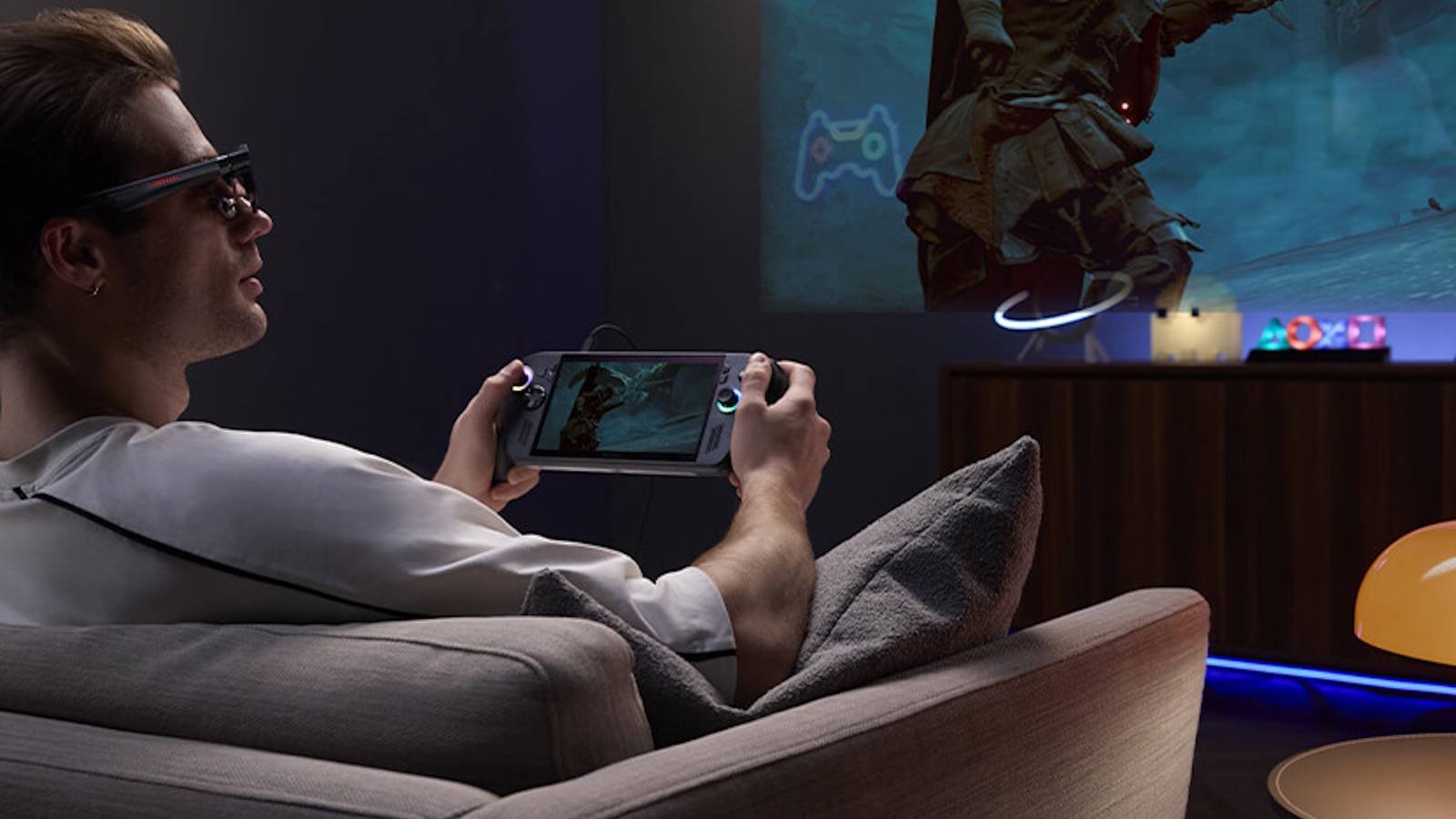
New hardware update
ASUS’s ROG division and XREAL have officially unveiled the ROG XREAL R1 gaming glasses. The unit houses a 0.01 ms response, 240 Hz micro‑OLED panel that sits directly in front of each eye. At just 91 grams, the glasses feel more like a premium pair of spectacles than a handheld monitor. They connect to the ROG Ally handheld via a single USB‑C cable, and the Ally automatically switches its built‑in display to a compact control panel so you can adjust volume, brightness, or switch input sources without removing the glasses.
The R1’s specs include:
- Resolution: 1080 × 1200 per eye (full‑HD per eye)
- Refresh rate: 240 Hz
- Response time: 0.01 ms
- Field of view: ~45° diagonal
- Weight: 91 g
- Battery: draws power from the host device; no internal battery required
Pre‑orders open on May 17 through the official ROG XREAL R1 page at $849. Early‑bird registrants receive a complimentary USB‑C docking cradle that doubles as a protective case.
Impact for developers
iOS and Android considerations
Even though the glasses are marketed alongside the Windows‑based ROG Ally, the underlying display technology is platform‑agnostic. Developers targeting iOS or Android can treat the R1 as an external display that presents a virtual‑screen surface. The key is to use the appropriate SDKs:
- Android: The android.hardware.display API lets you enumerate external displays. When the R1 is attached, it appears as a secondary display with a 240 Hz refresh capability. To take advantage of the high refresh rate, set the
android:targetSdkVersionto 34 or higher and requestandroid.permission.DISPLAY_OUTPUTin the manifest. - iOS: Use UIScreen’s
connectedScreensarray. The R1 will be reported as aUIScreenwith amaximumFramesPerSecondof 240. Apps built with Xcode 15 and iOS 18 SDK can enablepreferredFramesPerSecondon aCADisplayLinkto match the glass refresh.
Both platforms require V‑Sync handling that respects the 0.01 ms latency. Rendering pipelines that rely on fixed‑time steps (e.g., Unity’s Time.fixedDeltaTime) should be adjusted to avoid frame‑dropping when the display pushes frames faster than typical 60 Hz screens.
Cross‑platform game engines
Most major engines already support high‑refresh external displays:
- Unity (2022.3 LTS and later) can set
Screen.refreshRateat runtime. Adding a simple script that queriesDisplay.displays[1].refreshRateand forcesApplication.targetFrameRateto 240 will unlock the full experience. - Unreal Engine 5.4 includes a High Refresh Rate toggle in the project settings. When enabled, the engine will automatically scale the render pipeline to match the external display’s rate.
- Godot 4.3 now exposes
DisplayServer.get_screen_refresh_rate()which can be used to dynamically adjust the game loop.
Developers should also be aware of field‑of‑view distortion caused by the lenses. Providing a calibration UI that lets users adjust lens offset and interpupillary distance (IPD) will improve comfort, especially during long sessions.
Migration path for existing titles
- Detect the R1 – On launch, query the list of external displays. If a display reports a 240 Hz refresh and a resolution of 1080 × 1200, flag it as a ROG XREAL R1.
- Adjust rendering settings – Switch the rendering pipeline to a higher frame budget. For Unity, set
QualitySettings.vSyncCount = 0andApplication.targetFrameRate = 240. For Unreal, enable Use Fixed Frame Rate and set it to 240. - Provide UI scaling – Because the glass’s field of view is narrower than a typical monitor, UI elements can appear cramped. Use relative layout anchors rather than absolute pixel positions.
- Test latency – The 0.01 ms panel response means any input lag becomes noticeable. Profile the input path from controller to GPU to display and consider enabling DirectX 12 Ultimate or Vulkan with present mode set to
MAILBOXfor minimal queuing. - Package for both platforms – If you ship a universal binary, include separate asset bundles for Android, iOS, and Windows that reference the appropriate SDK headers (
android.hardware.displayvsUIKit’sUIScreen). This keeps the build size modest while ensuring each platform can access the high‑refresh surface.
What to watch next
The R1 is a niche product aimed at hardcore portable gamers who already own a handheld like the ROG Ally. However, its micro‑OLED panel and USB‑C power‑through design could set a precedent for future AR accessories that target mainstream smartphones. Keep an eye on the upcoming XREAL SDK (expected Q4 2026) which will expose native APIs for eye‑tracking and spatial audio, making it easier for developers to build immersive experiences without reinventing the wheel.
For more details on the ROG XREAL R1 specifications, visit the official product page and follow the developer blog on the ASUS ROG forum.
Comments
Please log in or register to join the discussion