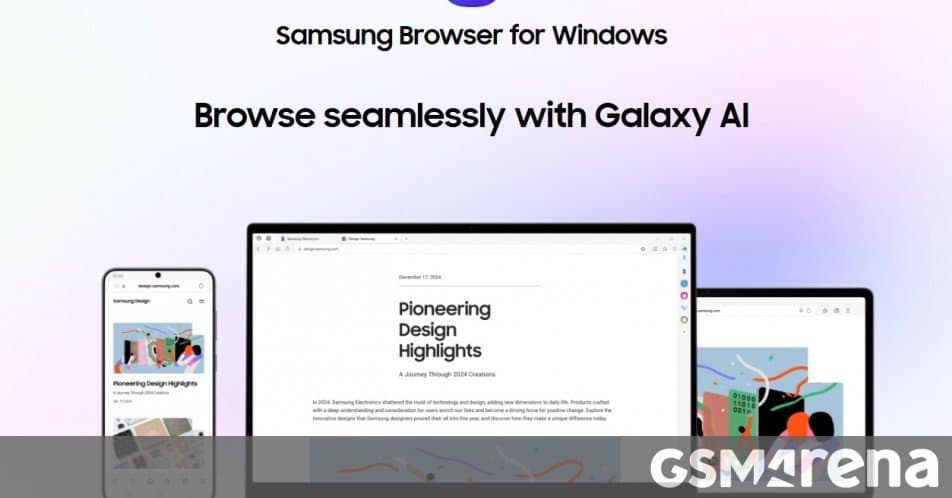
Samsung's cross-platform browser now offers AI-powered features like natural language search and video context understanding on Windows 10/11
Samsung has officially launched the stable version of its Samsung Browser for Windows, ending a five-month beta period. The browser, now at version 30.0.0.95, is available globally for Windows 10 (version 1809 or higher) and Windows 11 users. Download Samsung Browser
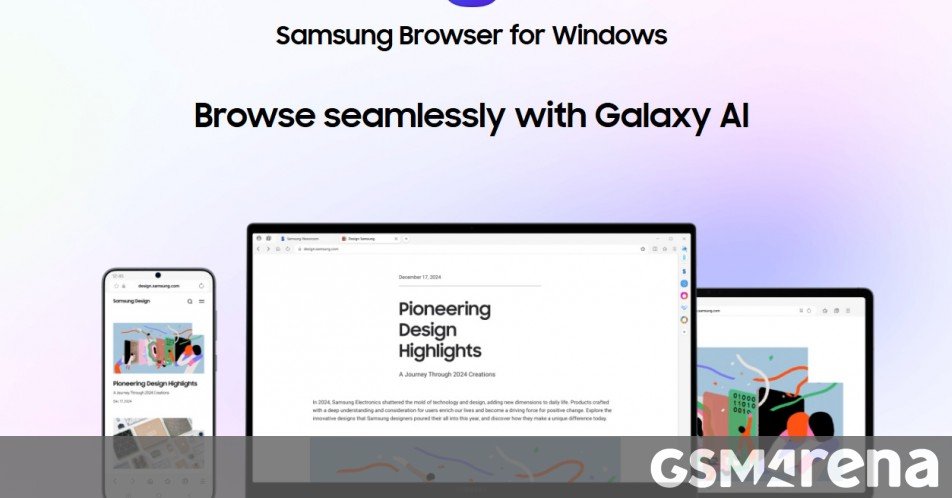
While cross-device synchronization remains a core feature—syncing bookmarks, browsing history, settings, and passwords through Samsung Pass—the standout addition is the deep integration of Perplexity AI. This partnership extends beyond Galaxy AI on Android, bringing agentic AI capabilities directly into the browsing experience.
Perplexity AI: The centerpiece feature
The browser's AI integration goes beyond simple chatbots. Users can leverage Perplexity AI for:
- Webpage summarization - Get concise summaries of lengthy articles
- Translation - Built-in translation capabilities without leaving the page
- Natural language search - Search your browsing history by describing what you're looking for
- Contextual video understanding - Ask the AI to rewind to specific segments by describing the content you need
- Tab-based task execution - Request the AI to make plans or conduct research based on your open tabs
This represents Samsung's expansion of its AI ecosystem beyond mobile devices, creating a more unified experience across platforms. The natural language processing capabilities mean you can interact with your browsing data conversationally rather than through traditional keyword searches.
Cross-platform continuity
For Samsung ecosystem users, the browser maintains the seamless experience they expect:
- Bookmarks sync across devices
- Browsing history remains consistent
- Settings and preferences transfer automatically
- Samsung Pass integration for secure password management
This continuity ensures that switching between mobile and desktop doesn't disrupt workflow or require manual data transfers.
Market positioning
The browser enters a crowded Windows browser market dominated by Chrome, Edge, and Firefox. However, Samsung's integration of Perplexity AI could appeal to users seeking built-in AI assistance without relying on extensions or separate applications.
Reader reactions on GSMArena show mixed responses, with some users preferring established browsers like Edge, Firefox, and Brave. The success of Samsung Browser for Windows will likely depend on how well the AI features perform in real-world usage and whether they provide enough unique value to justify switching from default browsers.
The global availability marks a significant expansion from the beta version, which was limited to select markets. Windows users interested in trying the browser can download it directly from Samsung's website or through the Microsoft Store.
Comments
Please log in or register to join the discussion