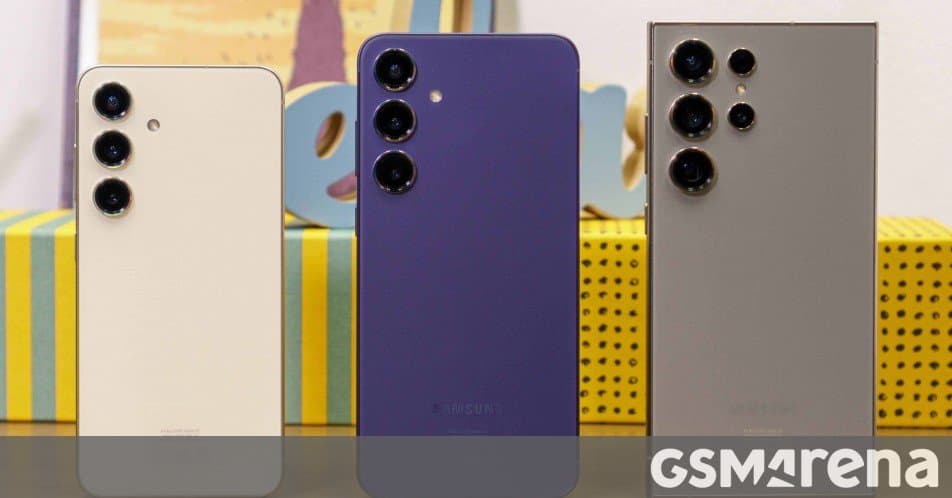
The stable One UI 8.5 update, built on Android 16, is now available for all Galaxy S24 owners. The patch adds AI‑driven photo tools, upgraded Bixby, Perplexity AI integration, and new camera modes such as dual‑lens video and live document scanning.
Samsung has finally opened the floodgates for its One UI 8.5 update on the Galaxy S24 lineup. After a brief US‑South Korea preview, the firmware is now being pushed to every region where the S24, S24+, and S24 Ultra are sold. If your device hasn’t announced the update yet, you can force a check via Settings → Software update → Download and install. In some markets the rollout may still be staggered, so a day or two of patience could be required.
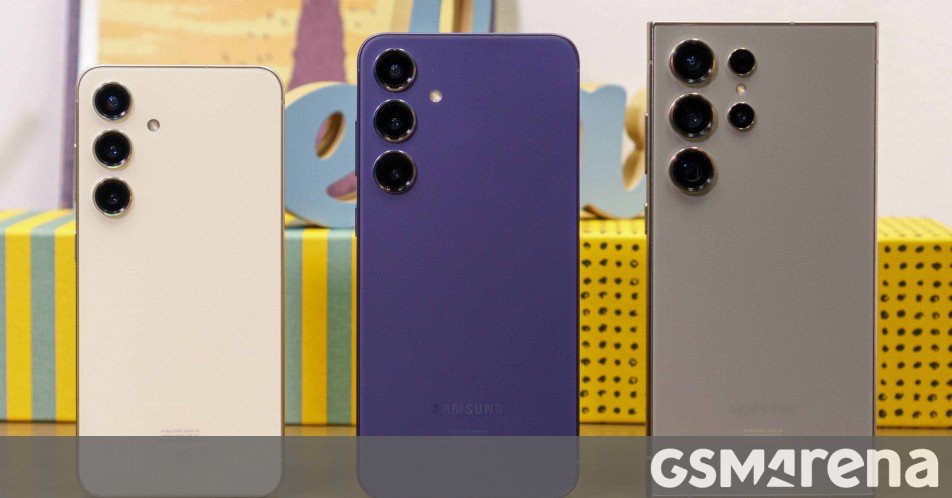
What One UI 8.5 brings
Even though the version number only moves from 8.4 to 8.5, Samsung packs a surprisingly rich set of enhancements under the hood. The changes can be grouped into three buckets: AI‑powered utilities, camera‑centric features, and system‑level refinements.
Galaxy AI upgrades
- Enhanced image editor – The built‑in editor now runs a larger on‑device model that can remove objects, replace backgrounds, and upscale photos with less noticeable artifacts. The tool works directly from the Gallery app, so you don’t need a third‑party app to get decent AI edits.
- Smarter Bixby – Bixby’s voice recognition now leverages the same language model that powers Samsung’s Perplexity AI integration, allowing more natural follow‑up questions and context‑aware suggestions (e.g., “Show me the receipt from last week”).
- Perplexity AI integration – A new shortcut in the Quick Panel opens a chat window where you can ask factual questions, get quick summaries of web articles, or generate short text snippets without leaving the device.
Camera‑focused additions
- Document Scan – The camera app now includes a dedicated scan mode that automatically detects edges, corrects perspective, and applies OCR to extract editable text. Scanned PDFs can be saved directly to Samsung Notes or the Files app.
- Log video preview – Videographers can now see a real‑time waveform overlay while recording, making exposure and color grading adjustments on the fly.
- Dual‑lens video – For the first time on the S24 line, you can record simultaneously with the front‑facing selfie camera and any of the rear sensors. The result is a split‑screen video that captures both the subject’s reaction and the scene they’re filming.
System tweaks
- Battery‑aware performance mode – The OS now monitors app usage patterns and can subtly throttle background processes when the battery dips below 20 %, extending screen‑on time without noticeable slowdowns.
- Refined notification bubbles – Bubbles now support swipe‑to‑dismiss from any edge and can be pinned to the side of the screen for quick multitasking.
- Security patches – One UI 8.5 ships with the latest Android 16 security updates, including fixes for the Stagefright media‑handling vulnerability and a hardened keystore for biometric data.
How the update fits into Samsung’s ecosystem
One UI 8.5 is more than a collection of polish; it signals Samsung’s strategy of weaving AI services tightly into the Android experience. By anchoring Perplexity AI and an upgraded Bixby inside the OS, Samsung reduces the friction of launching separate apps for quick queries. For power users who already rely on the Galaxy ecosystem—SmartThings, DeX, and the Galaxy Store—these AI tools feel like natural extensions rather than bolt‑on features.
The dual‑lens video mode also aligns with Samsung’s push toward content creation. Creators who stream or produce short‑form videos can now capture reaction shots without a secondary phone, a capability that previously required a dedicated camera rig. Combined with the improved image editor, the S24 series becomes a more self‑contained production kit.
What to expect next
Samsung has already teased One UI 9 beta, built on Android 17, for upcoming devices such as the Galaxy Z series and the future Galaxy S26. The beta will likely continue the trend of deep AI integration, so early adopters of One UI 8.5 can treat this release as a preview of the direction Samsung is heading.
If you haven’t received the update yet, keep an eye on the Software update screen and consider enabling automatic downloads over Wi‑Fi. Once installed, explore the new AI shortcuts in the Quick Panel and experiment with dual‑lens video to see how the S24 line can simplify everyday tasks and creative projects.
For a visual overview of the update, see the official Samsung announcement page.
Comments
Please log in or register to join the discussion