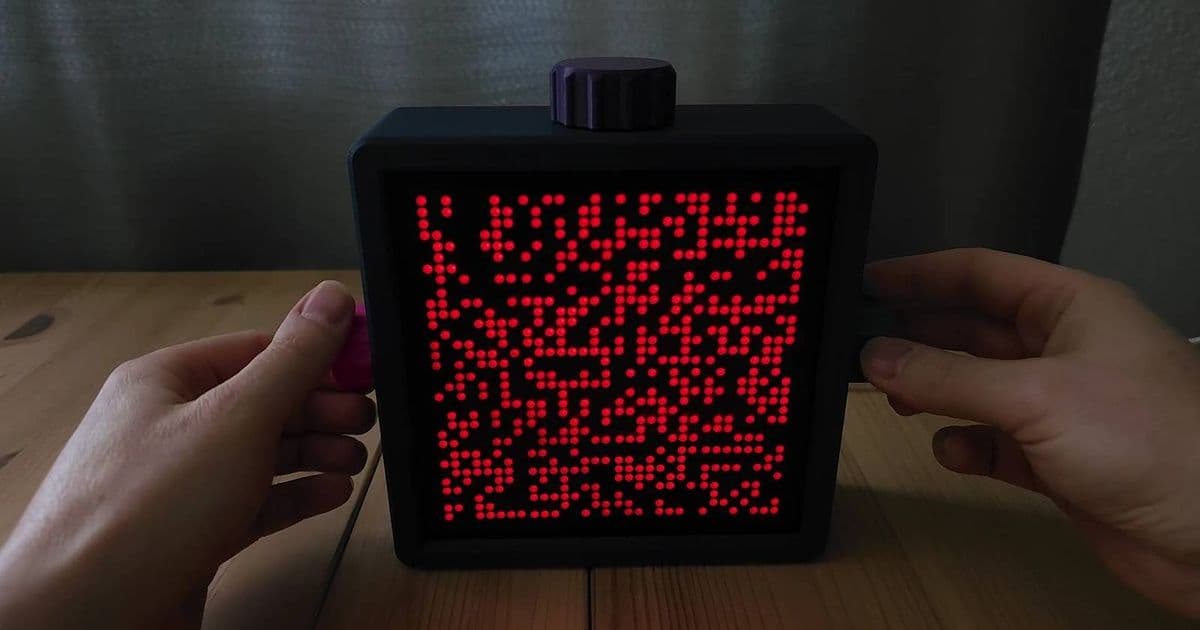
An ESP32 and four MAX7219 modules combined into this seamless 32×32 LED matrix. KY040 rotary encoders let you switch modes and play Pong with manual controls. A 3D-printed shell and clean visuals make it a sleek, playful ESP32 gadget.
An ESP32 and four MAX7219 modules combined into this seamless 32×32 LED matrix. KY040 rotary encoders let you switch modes and play Pong with manual controls. A 3D-printed shell and clean visuals make it a sleek, playful ESP32 gadget.
For instance, someone created a 32x32 LED matrix by taking four smaller LED strips, putting them together, uniting them with an ESP32, and then using them to run Pong. And if that isn't cool enough for you, they added rotary encoders to control what's on the screen.
This ESP32 project combines four LED screens into one And it looks incredibly cool
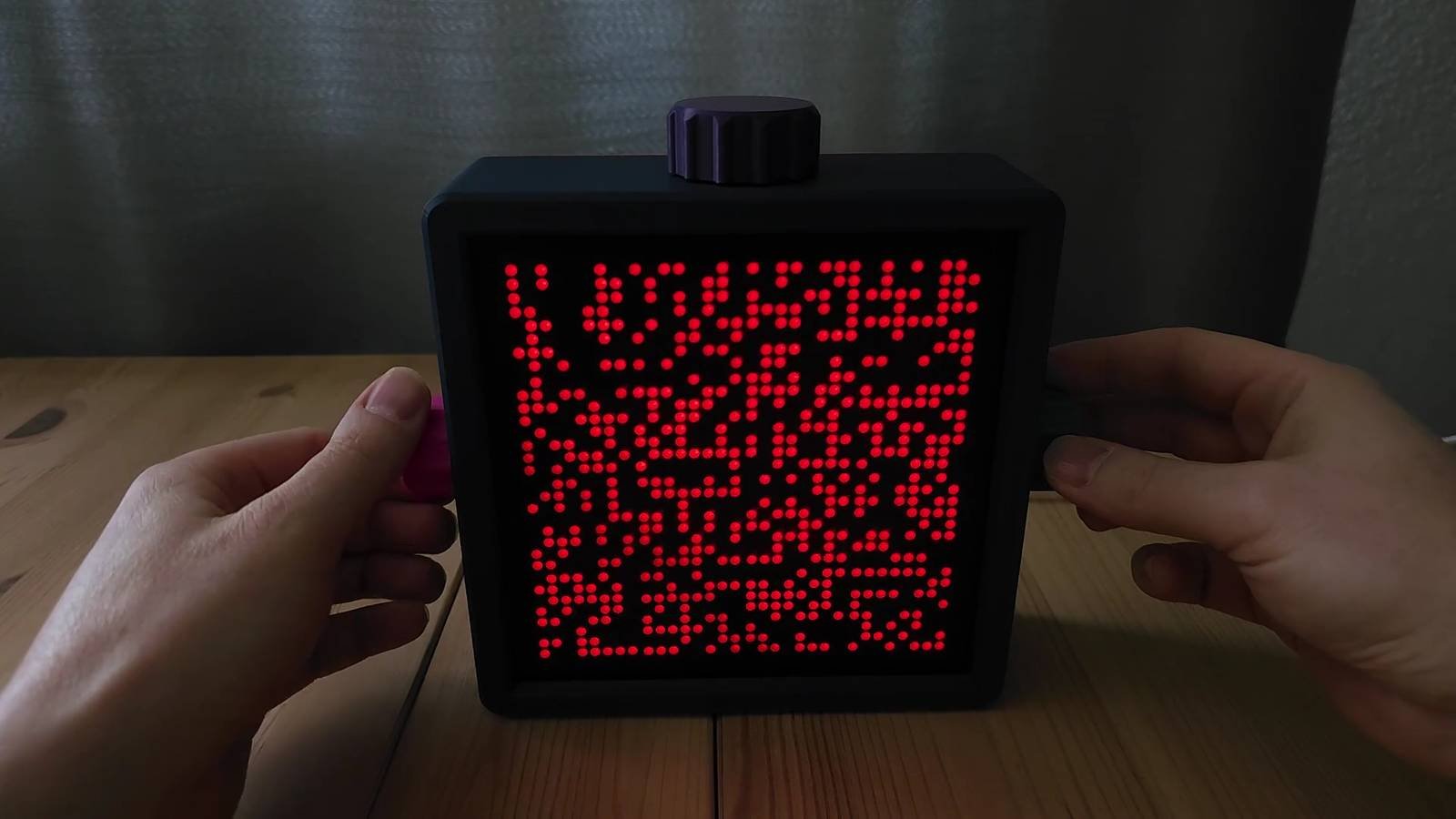
Over on the ESP32 subreddit, Akira2007 showed off their new project. It's a combination of four MAX7219 displays, each one holding 8x32 LEDs. Put them on top of each other, and now you have a 32x32 matrix. Akira2007 needed to get some code written to ensure the visuals all lined up perfectly, but I think the end results looks seamless. Check it out in the video above.
Here's how Akira2007 describes it:
Found the MAX7219 LED Boards on AliExpress and thought what could I make with these. ;-) Started with one MAX7219 and made a Textdisplay. Then I thought that is cool, more would be nice. So I used four displays and then I added more and more different display modes. In the beginning I used a webinterface but then thought manual control would be nice. So I got some encoders. And then it was perfect for Pong ;-)
If you're in the mood for more projects like this, check out these ESP32 projects that are actually useful beyond blinking an LED.
The MAX7219 LED Matrix Display
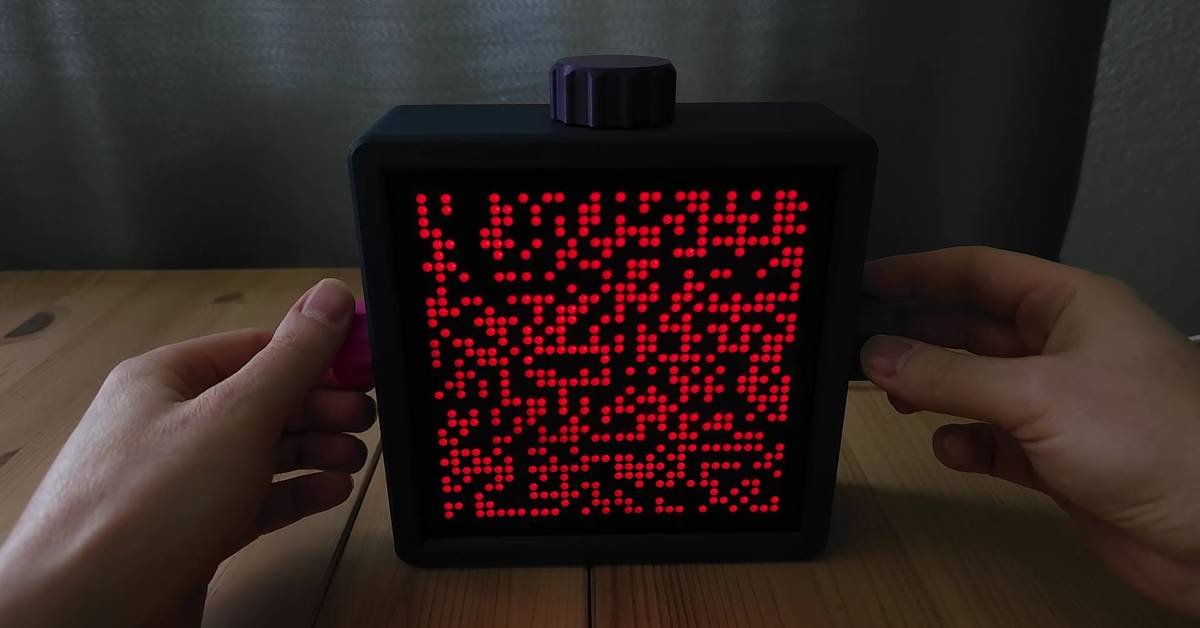
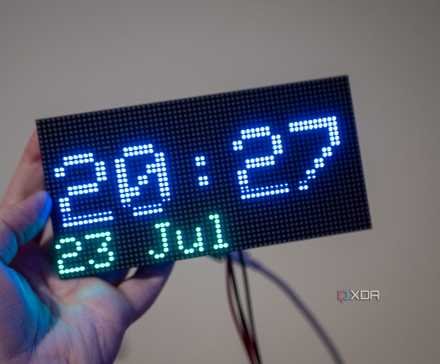
The MAX7219 is a compact, serial input/output common-cathode display driver that can control a matrix of LEDs. Each MAX7219 module typically contains an 8x8 LED matrix, but in this project, Akira2007 used 8x32 modules, which are essentially four 8x8 matrices arranged in a row.
The beauty of the MAX7219 is its simplicity. It uses a serial interface, meaning you can control multiple modules with just three pins on your microcontroller (Data In, Clock, and Load). This makes it perfect for projects where you want to create larger displays without using up all your GPIO pins.
When you chain four of these 8x32 modules together, you get a 32x32 matrix - that's 1,024 individual LEDs! The ESP32 handles the communication with all four modules, treating them as a single display.
Why the ESP32 Makes Sense
The ESP32 is a powerful microcontroller that's become incredibly popular in the maker community. Compared to its predecessor, the ESP8266, the ESP32 offers more GPIO pins, more memory, and faster processing speeds. It also has built-in Wi-Fi and Bluetooth capabilities, though Akira2007 didn't need those features for this particular project.
For a display project like this, the ESP32's processing power is crucial. It needs to handle:
- Communication with all four MAX7219 modules simultaneously
- Rendering different display modes and animations
- Reading input from the rotary encoders
- Running the Pong game logic
The ESP32's dual-core processor can handle these tasks efficiently, ensuring smooth animations and responsive controls.
Rotary Encoders: The Perfect Control Interface
Instead of using a web interface or buttons, Akira2007 chose KY040 rotary encoders for manual control. These encoders are mechanical devices that can detect both rotation and a push-button action.
For this project, the rotary encoders serve multiple purposes:
- Navigating through different display modes
- Adjusting settings or parameters
- Controlling the Pong paddles
Rotary encoders offer a tactile, intuitive interface that's perfect for projects like this. You can scroll through options, make fine adjustments, and get physical feedback - all without looking at a separate screen.
Building Your Own 32x32 LED Matrix
If you're inspired by this project and want to build your own, here's what you'll need:
Components:
- 4x MAX7219 8x32 LED Matrix Modules
- 1x ESP32 development board
- 2x KY040 Rotary Encoders
- Jumper wires
- Breadboard or PCB for prototyping
Tools:
- Soldering iron (if not using pre-soldered modules)
- 3D printer (for the case, though you could use other materials)
- Computer for programming
Software:
- Arduino IDE or PlatformIO
- MAX7219 LED Matrix library
- Rotary encoder library
The basic steps would be:
- Connect the four MAX7219 modules in series
- Wire them to the ESP32 (Data In, Clock, Load pins)
- Connect the rotary encoders
- Write code to initialize the display and handle input
- Create different display modes and animations
- Add the Pong game logic
- Design and print a case (optional but recommended)
Creative Possibilities
This project demonstrates how simple components can be combined into something much more impressive. The 32x32 matrix opens up numerous creative possibilities:
- Custom animations and visualizations
- Real-time data displays (weather, stock prices, etc.)
- Simple games beyond Pong
- Clock and calendar displays
- Scrolling text messages
- Music visualizers
The modular nature of the MAX7219 modules means you could easily scale this project up or down. Want a bigger display? Add more modules. Need something smaller? Use fewer.
Community and Learning
Projects like this are perfect examples of why the maker community is so vibrant. Akira2007 shared their work on Reddit, inspiring others and potentially getting feedback and suggestions. This kind of open sharing accelerates learning and innovation.
For beginners, this project offers a great learning opportunity. You'll gain experience with:
- Working with LED matrices
- Serial communication protocols
- Input handling with rotary encoders
- Game programming logic
- Power management for LED displays
Whether you're a seasoned maker or just starting out, projects like this 32x32 LED matrix demonstrate the creative potential of affordable, accessible technology. With just a few components and some programming know-how, you can create something that's both functional and visually impressive.
Comments
Please log in or register to join the discussion