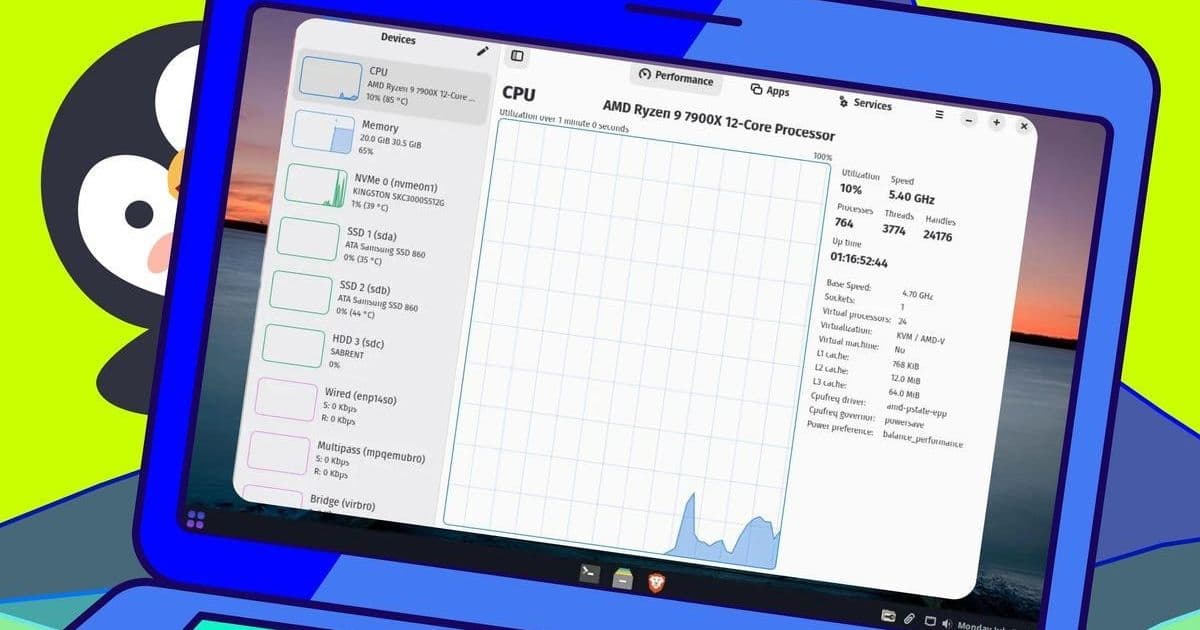
Linux power users require precise system insights to optimize performance and troubleshoot issues. We explore five essential monitoring tools—from terminal favorites like htop to sleek GUIs like Mission Center—that deliver critical metrics for administrators and developers alike. Discover why these utilities belong in every Linux professional's toolkit.
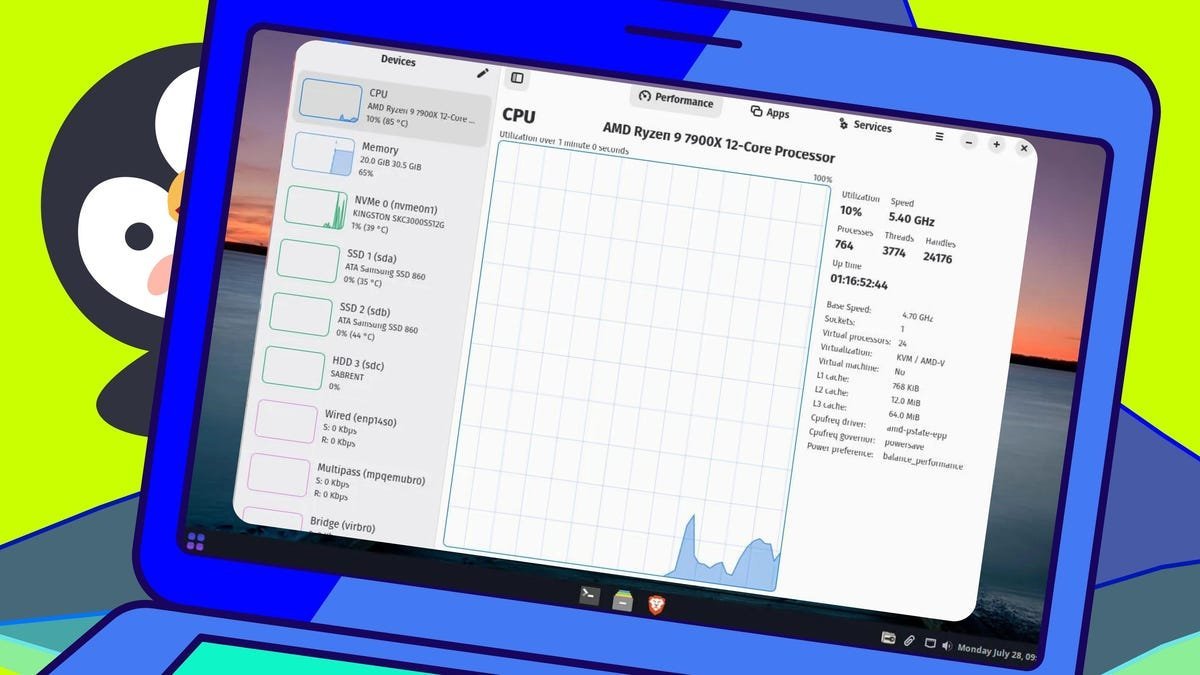
For Linux administrators and developers, system monitoring isn't just about curiosity—it's about maintaining peak performance, diagnosing bottlenecks, and preventing catastrophic failures. Unlike proprietary systems, Linux offers an ecosystem of powerful monitoring tools ranging from terminal utilities to graphical interfaces, each providing unique insights into system health. Jack Wallen's curated selection for ZDNET highlights five indispensable tools that deliver granular control over system resources.
Terminal Titans: Command-Line Powerhouses
htop remains a staple upgrade from the traditional top command, offering color-coded metrics, process tree visualization, and interactive controls. Wallen emphasizes its killer feature: "You can view the process with htop -p [PID], select it, and press F9 to terminate problematic processes without leaving the interface."
Glances pushes terminal monitoring further with container support and hardware telemetry. Its remote monitoring capability shines for distributed systems: "Run glances -w to launch a web server mode, then access real-time metrics from any browser on your network," Wallen notes. The dashboard efficiently consolidates CPU, memory, disk, temperature, and user data into a single view.
GUI Champions: Visualizing System Health
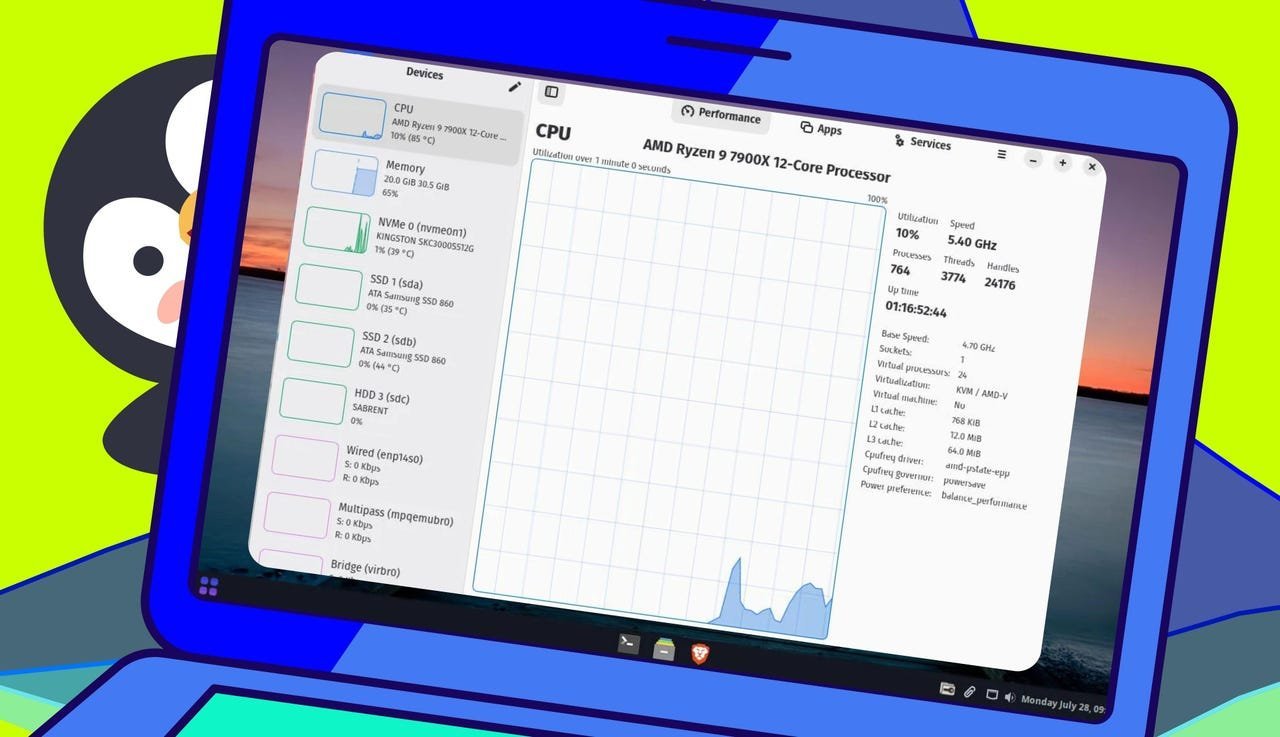
The newcomer Mission Center has rapidly gained favor for its minimalist design and real-time resource tracking. Wallen praises its intuitive handling of processes: "Though only available via Flatpak, its clean interface for stopping applications and monitoring CPU/memory/disk/network makes it my daily driver."
Desktop environment natives also excel: GNOME System Monitor provides deep process insights including file access maps and priority adjustments, while KDE System Monitor's tree view reveals parent-child process relationships—critical for avoiding accidental service disruptions. Wallen observes: "KDE's one-click process termination and historical usage graphs demonstrate how desktop integration enhances utility."
Why Monitoring Diversity Matters
"Linux's flexibility means no single tool fits all scenarios," Wallen concludes. "Terminal tools like Glances are irreplaceable for remote servers, while Mission Center's GUI delivers desktop clarity. Smart users keep multiple monitors ready—because when systems falter, seconds saved diagnosing issues translate to uptime preserved."
Whether optimizing resource-heavy development workloads or managing cloud infrastructure, these tools transform raw system data into actionable intelligence. Their open-source nature continues a Linux tradition: empowering users to dissect their systems rather than treating them as black boxes.
Source: ZDNET
Comments
Please log in or register to join the discussion