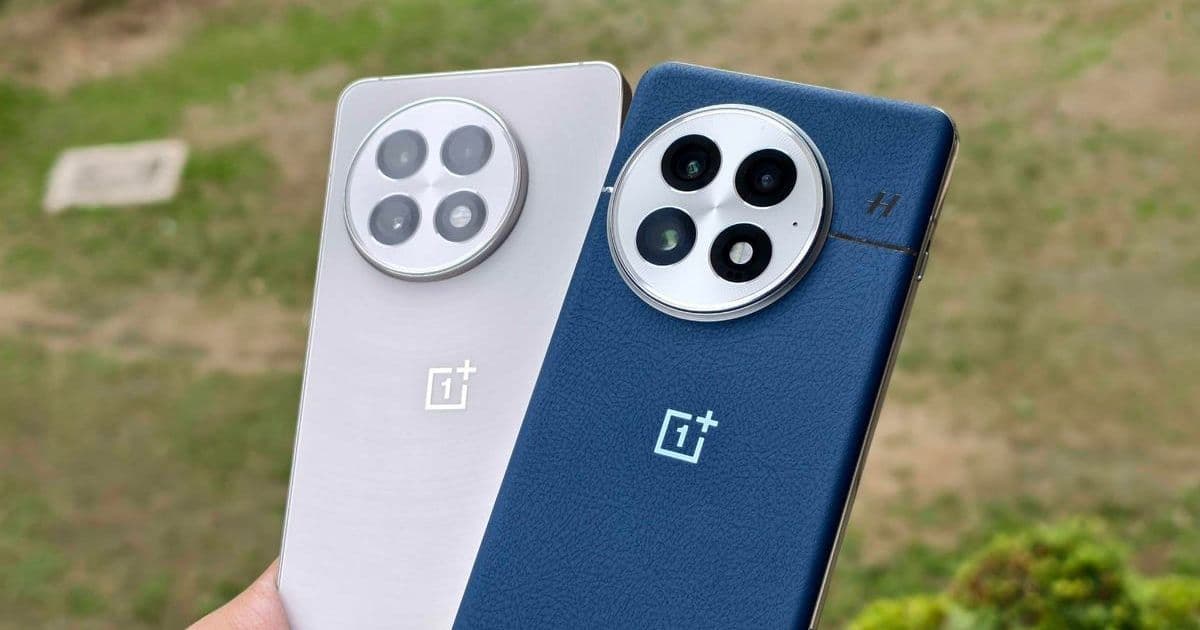

OnePlus devices, including the critically acclaimed OnePlus 13, boast a highly customizable OxygenOS interface that many users underutilize. By adjusting features like Fingerprint Quick Launch and Smart Sidebar, you can dramatically enhance productivity, battery efficiency, and user satisfaction. This deep dive reveals how these optimizations transform your smartphone from a standard device into a tailored powerhouse.
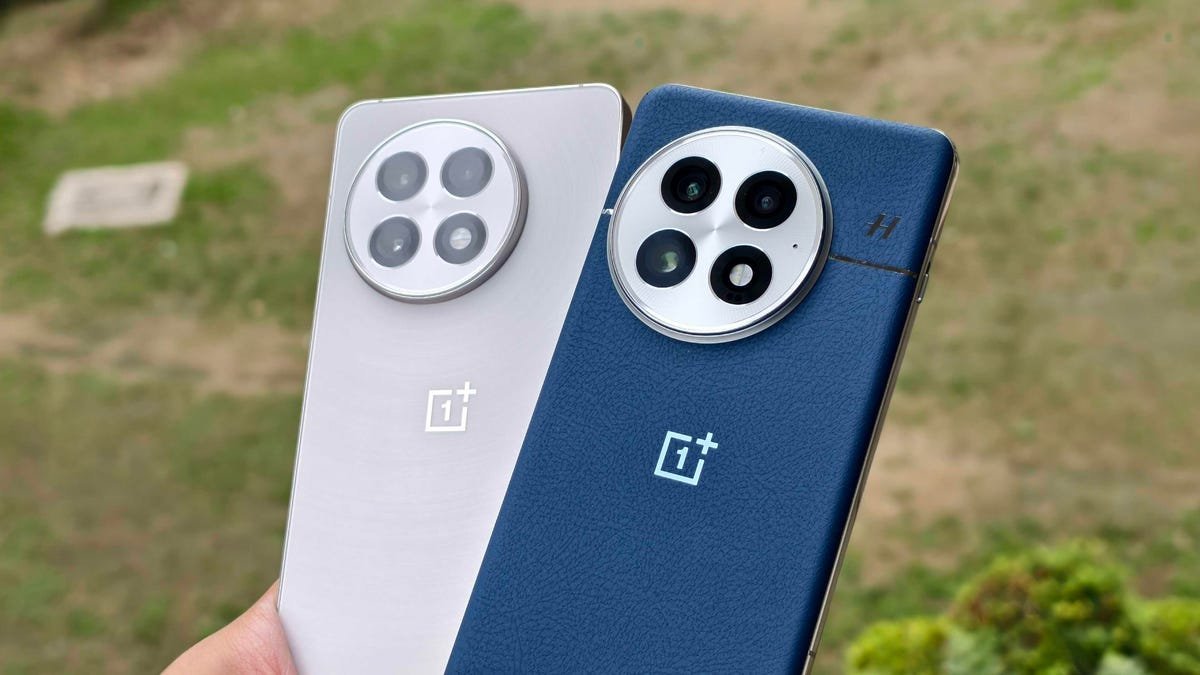
OnePlus has consistently delivered Android smartphones that blend flagship specs with aggressive pricing, but the true magic lies in its software. OxygenOS—now integrated with ColorOS—offers a level of customization that rivals industry giants, yet many users stick to default settings, missing out on transformative features. As Prakhar Khanna notes in his ZDNET article, tweaking just a few options can unlock significant performance and usability gains. For developers and tech enthusiasts, this isn't just about convenience; it's about leveraging Android's flexibility to create a more intuitive, efficient daily driver.
Why Customization Matters in Modern Smartphones
In an era where hardware differences between premium devices are narrowing, software experience becomes the key differentiator. OnePlus's approach—inspired by its "Never Settle" ethos—provides granular control over interactions, allowing users to streamline workflows and reduce friction. This is particularly valuable for power users who juggle multiple apps or demand swift access to tools. Ignoring these settings means leaving processing power, battery life, and ergonomic benefits on the table.
Key Settings to Elevate Your OnePlus Experience
Fingerprint Quick Launch: Place your finger on the sensor and swipe toward an app icon to launch it instantly from the lock screen. Enable via Settings > Security and Privacy > Finger and Face Unlock > Fingerprint > Quick Launch. This reduces app-open time by seconds—critical for productivity-heavy tasks like checking emails or capturing spontaneous moments.
Smart Sidebar with File Dock: A swipe from the edge activates this tool, offering quick access to utilities like screen recording or a voice memo app. More impressively, its File Dock lets you drag-and-drop content between apps (e.g., from Chrome to WhatsApp). Turn it on in Settings > Accessibility and Convenience > Smart Sidebar.
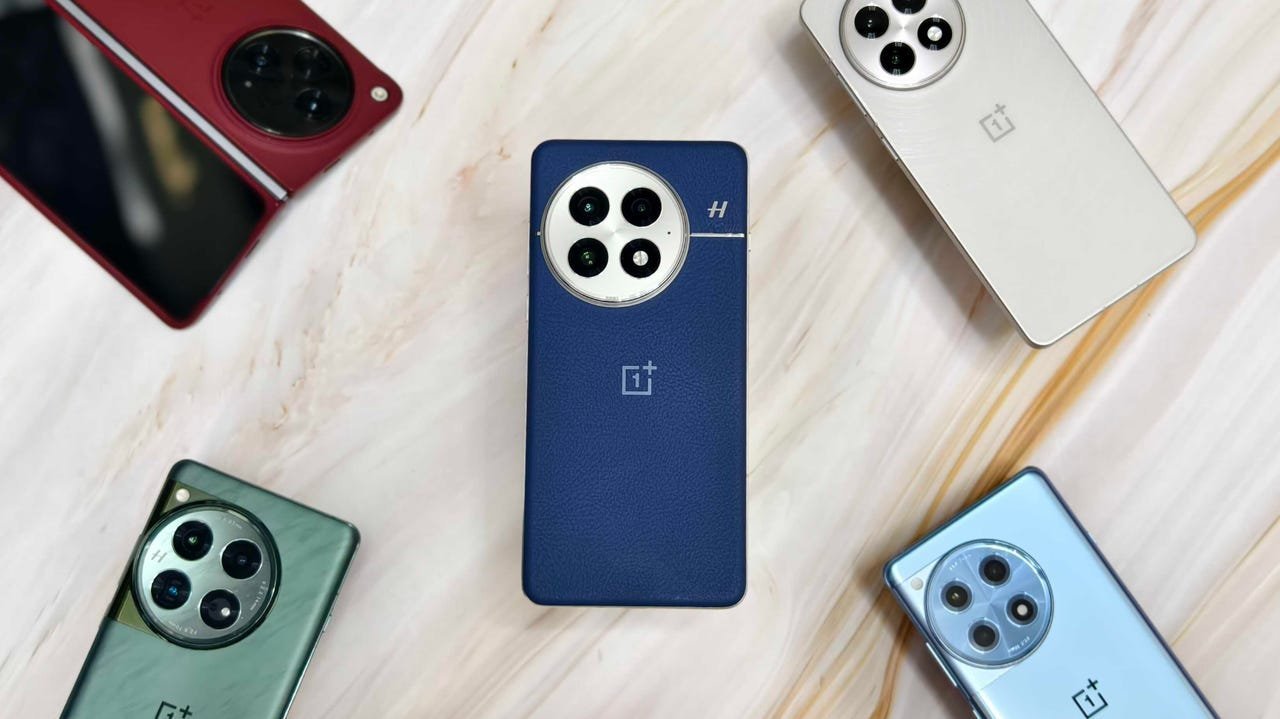 Caption: Prakhar Khanna/ZDNET
XPAN Mode for Photography: Inspired by Hasselblad, this feature captures cinematic 65:24 aspect ratio shots, perfect for landscapes. It’s buried under Camera > More—long-press to add it to your viewfinder. For developers dabbling in mobile photography, this showcases how software can emulate professional hardware.
Maximize Display Resolution: Flagships like the OnePlus 13 default to lower resolutions. Switch to QHD+ via Settings > Display & brightness > Screen resolution > High. This leverages the full hardware capability without a notable battery hit, delivering crisper visuals for coding or media.
Live Photos and AI Edits: Capture 3-second motion snippets with Live Photos (toggle in the Camera app). Post-shot, use Photos > Edit > AI Editor for tools like Reflection Eraser—ideal for refining images on the go. These AI integrations highlight how on-device processing is evolving beyond gimmicks.
Quick Search Shortcut: Add a search bar to your home screen (Settings > Home screen & Lock screen > Show search at the bottom) for instant access to files, settings, or contacts. This mirrors developer-friendly features in desktop OSes, speeding up navigation.
Beyond the Basics: Advanced Optimizations
- Always-On Display Customization: Personalize with contextual alerts (e.g., food delivery ETAs) under Settings > Wallpapers & styles > Always On Display. This turns passive info into actionable data.
- Double-Tap Gestures: Lock or wake your screen with a tap (Settings > Home screen & Lock screen), reducing physical button wear—a nod to sustainable design.
- Bonus Tweaks: Enable Raise to Wake for instant access, Pocket Mistouch Prevention to avoid accidental inputs, and Quick Settings Classic View to revert from iOS-like splits.
The Bigger Picture for Tech Enthusiasts
These tweaks underscore a broader trend: Android’s open ecosystem empowers users to mold their devices to personal and professional needs. For developers, understanding such features can inform app design, ensuring compatibility with gesture-based workflows. As OnePlus continues refining OxygenOS, these settings exemplify how thoughtful software can extend hardware longevity and user satisfaction—proving that sometimes, the most impactful upgrades are just a few taps away.
Source: Adapted from Prakhar Khanna's original reporting on ZDNET.
Comments
Please log in or register to join the discussion