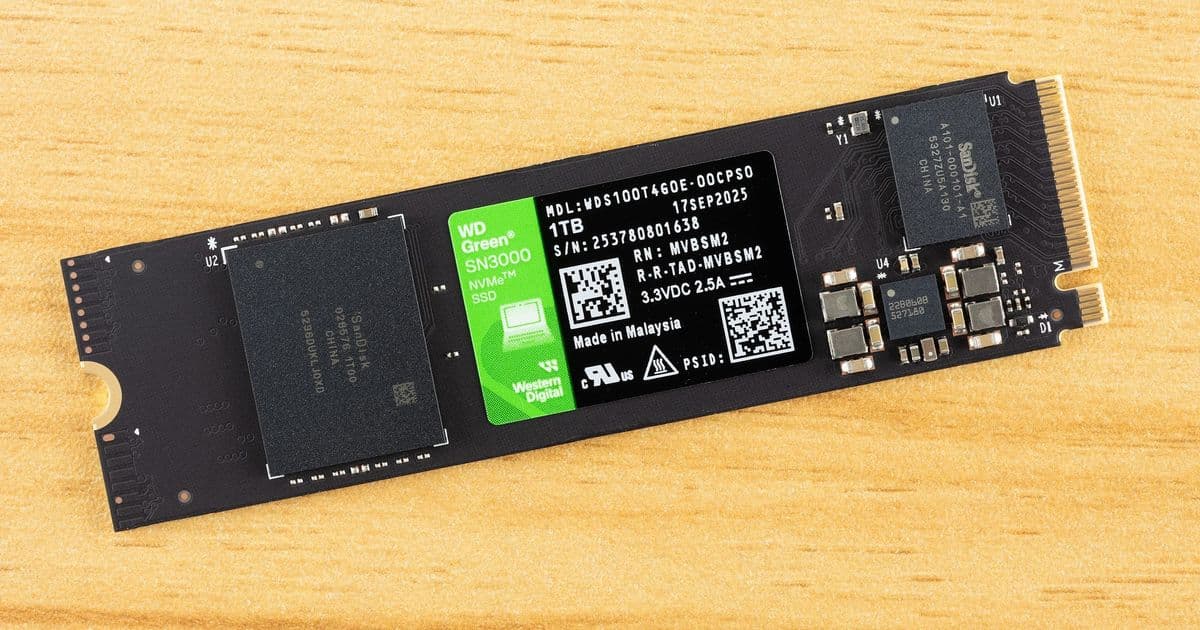
The WD Green SN3000 delivers surprising performance for a budget PCIe 4.0 SSD, leveraging SanDisk's BiCS8 QLC flash and proprietary controller to punch above its weight class despite a limited warranty.
The WD Green SN3000 represents a fascinating case study in how modern SSD technology has democratized performance across price points. At first glance, this drive appears to be just another budget offering in Western Digital's Green lineup—a series historically associated with bare-minimum specifications and ultra-low pricing. However, our testing reveals that the SN3000 is actually a hidden gem that delivers performance characteristics that belie its budget positioning.
Performance That Defies Expectations
The most striking aspect of the SN3000 is its random read performance. In our CrystalDiskMark testing, the drive achieved up to 1 million IOPS in random write workloads—a figure that would be impressive even for drives costing significantly more. This performance profile suggests that Western Digital has leveraged its BiCS8 QLC flash technology to deliver responsiveness that rivals more expensive TLC-based alternatives.
The sequential performance numbers are equally noteworthy. With rated speeds of 5,000 MB/s read and 4,200 MB/s write for the 1TB model, the SN3000 sits comfortably in the territory of early mid-range PCIe 4.0 drives like the WD Black SN770. While these figures may seem modest compared to today's flagship drives pushing 7,000-8,000 MB/s, they represent more than adequate performance for the target market segment.
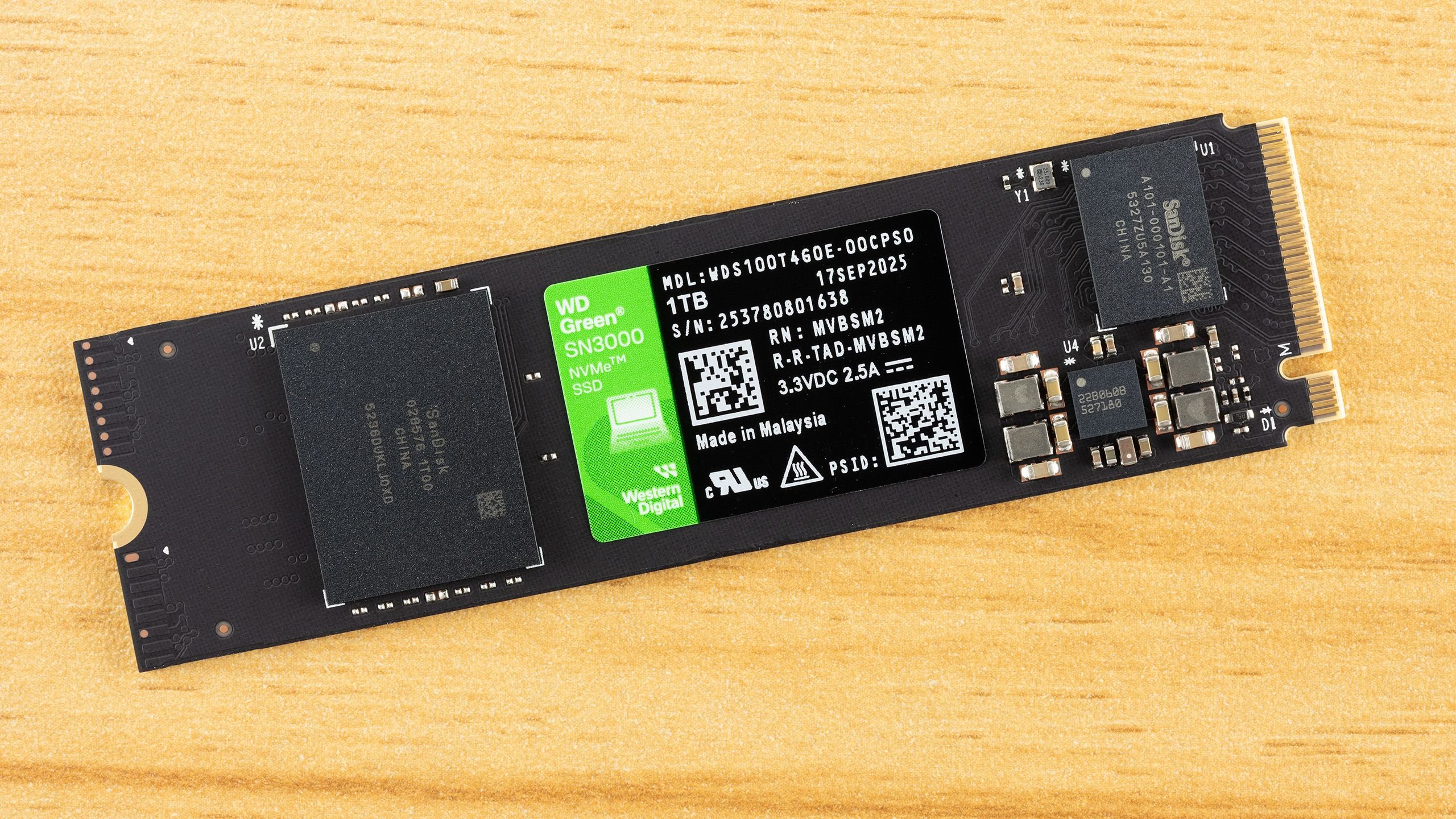
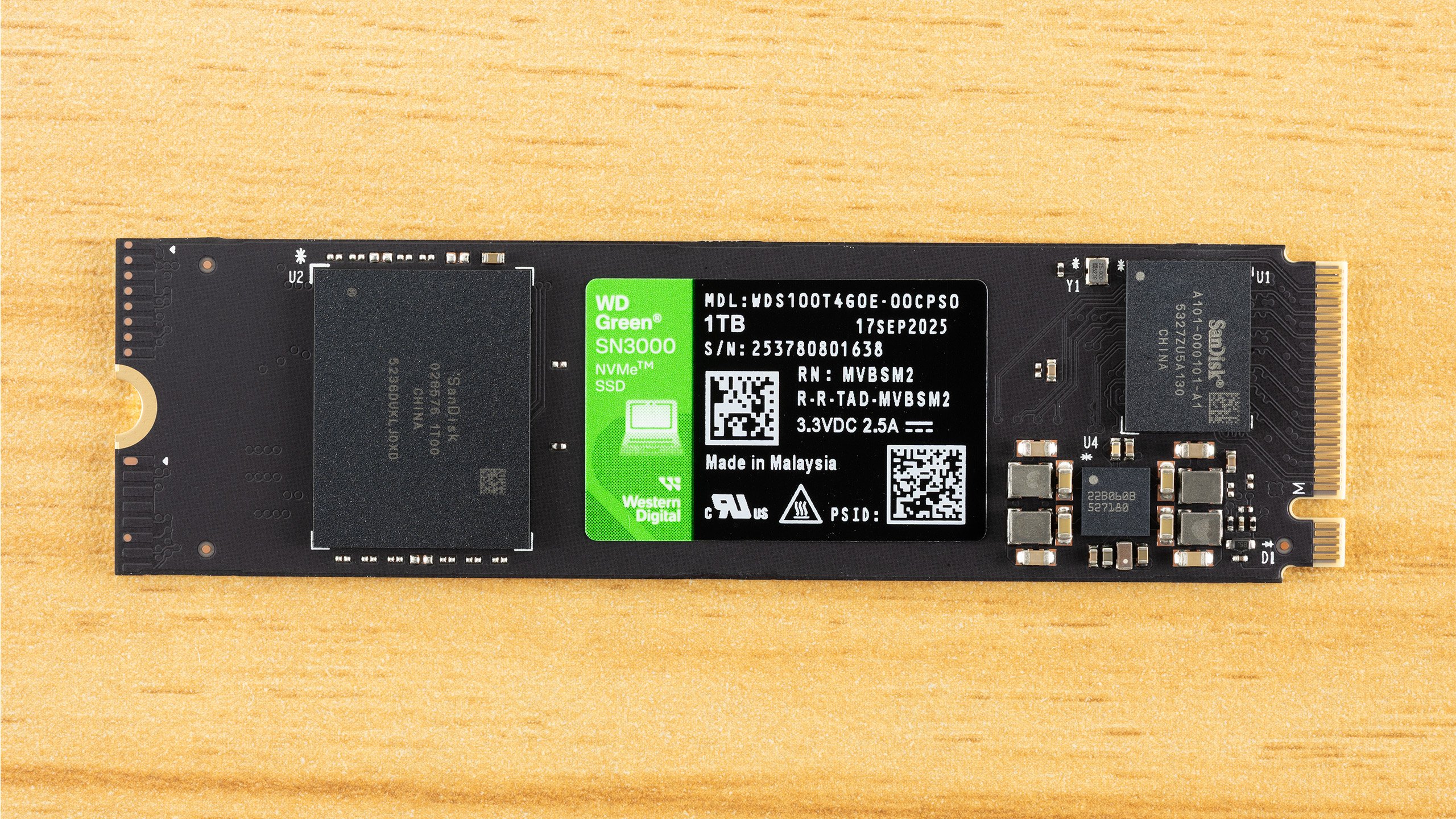
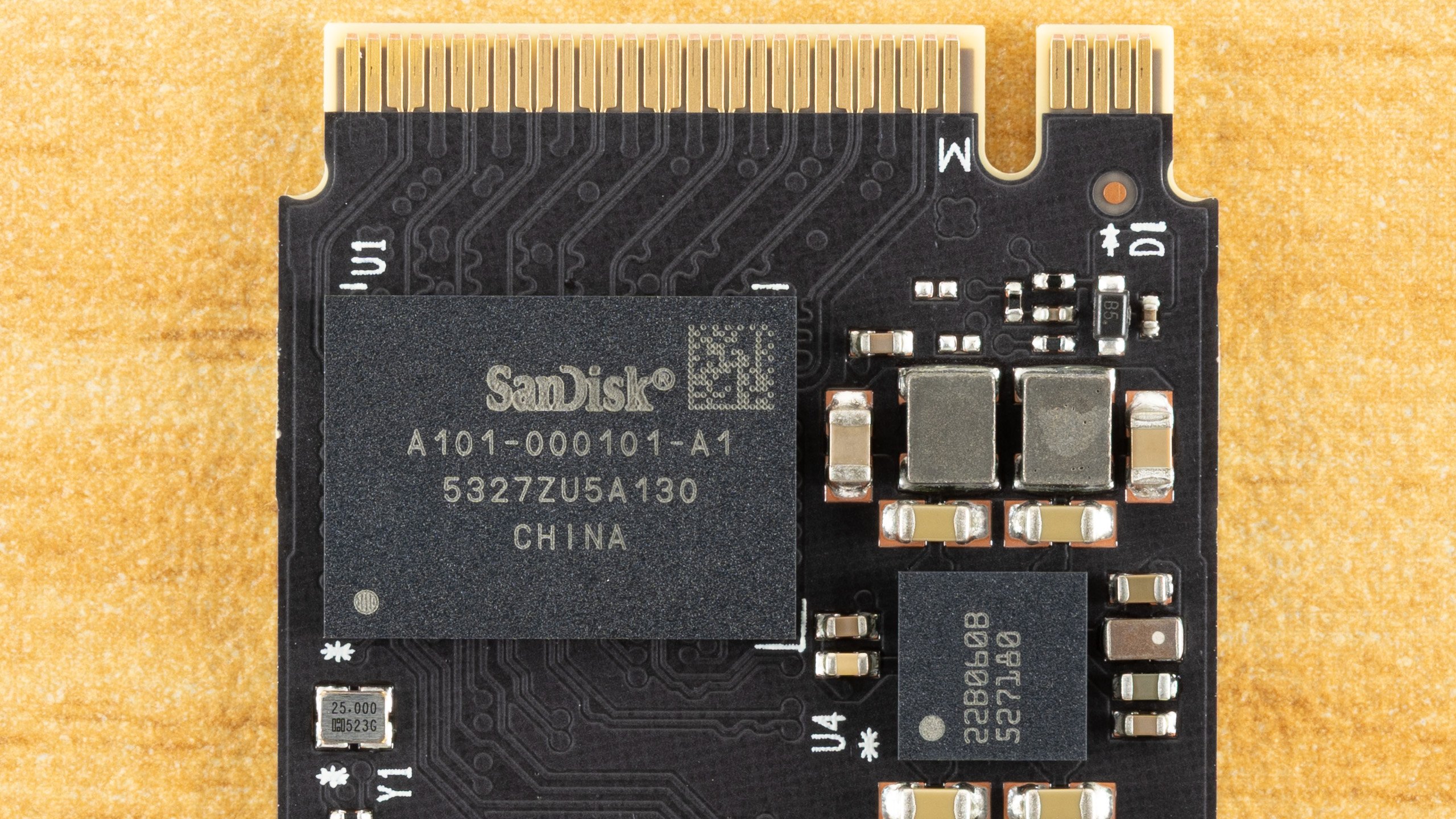
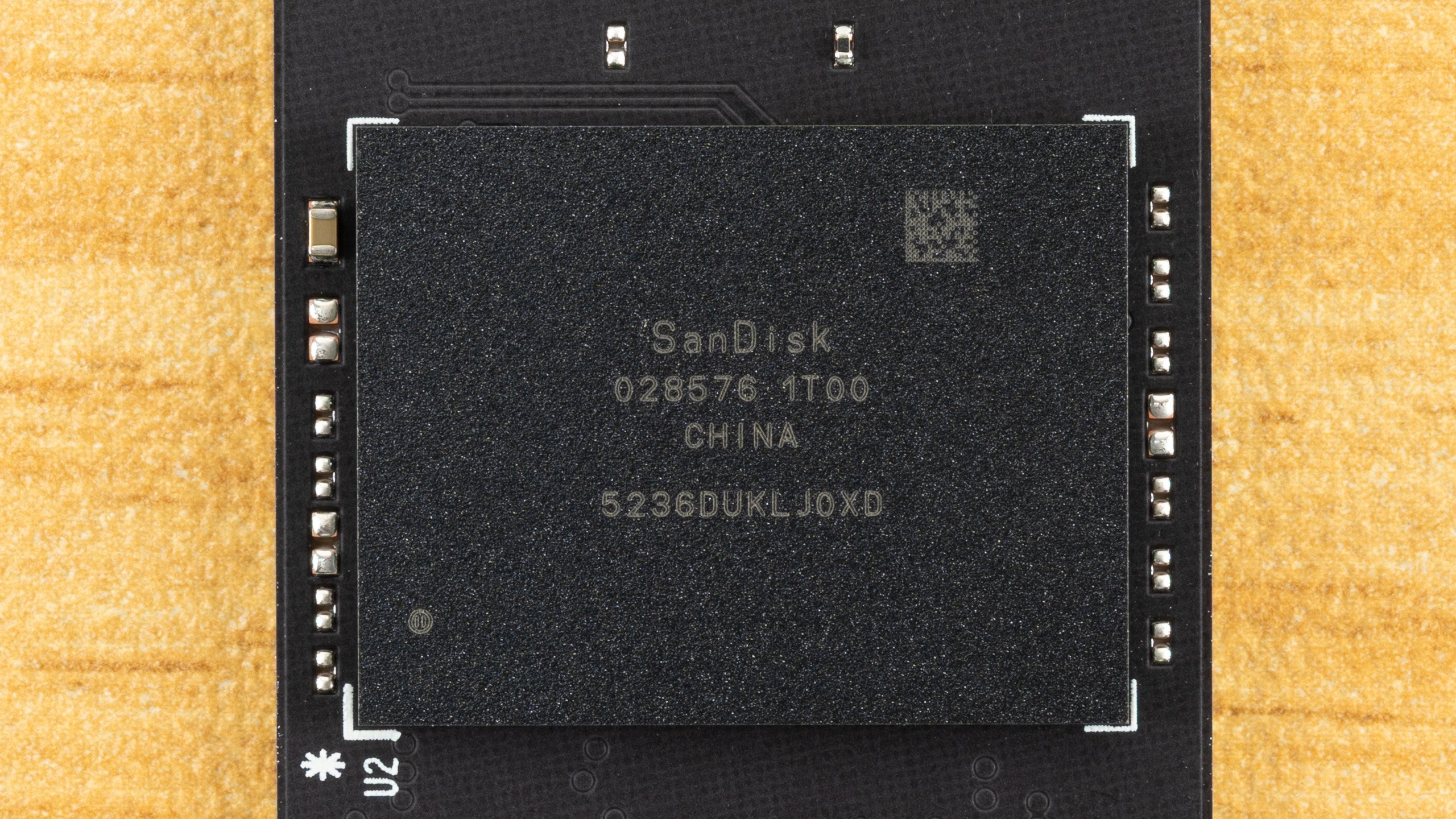
What makes this particularly interesting is the drive's architecture. The SN3000 uses SanDisk's proprietary SSD controller—the same silicon found in the Blue SN5000, Blue SN51000, and Black SN7100 series. This controller, paired with 218-layer BiCS8 QLC flash, creates a foundation that's surprisingly robust for a budget drive. The flash itself represents a generational improvement over previous QLC implementations, with architectural enhancements that deliver better latency and power efficiency compared to the BiCS6 used in earlier models.
The Trade-offs: Warranty and Endurance
Where the SN3000 makes its compromises is in warranty coverage and write endurance. The three-year warranty falls short of the industry-standard five years, and the endurance rating of 150TBW for the 1TB model is notably conservative. For context, this represents about one-quarter of what we'd typically expect from a TLC drive and roughly half the endurance of other QLC implementations.
However, these numbers need to be viewed through the lens of real-world usage patterns. Most consumers—particularly those shopping in the budget segment—will never approach these write limits. The drive's write-per-day (DWPD) metric aligns with expectations for QLC flash, suggesting that the endurance rating is more a reflection of conservative engineering margins than fundamental limitations of the technology.
Technical Architecture and Design
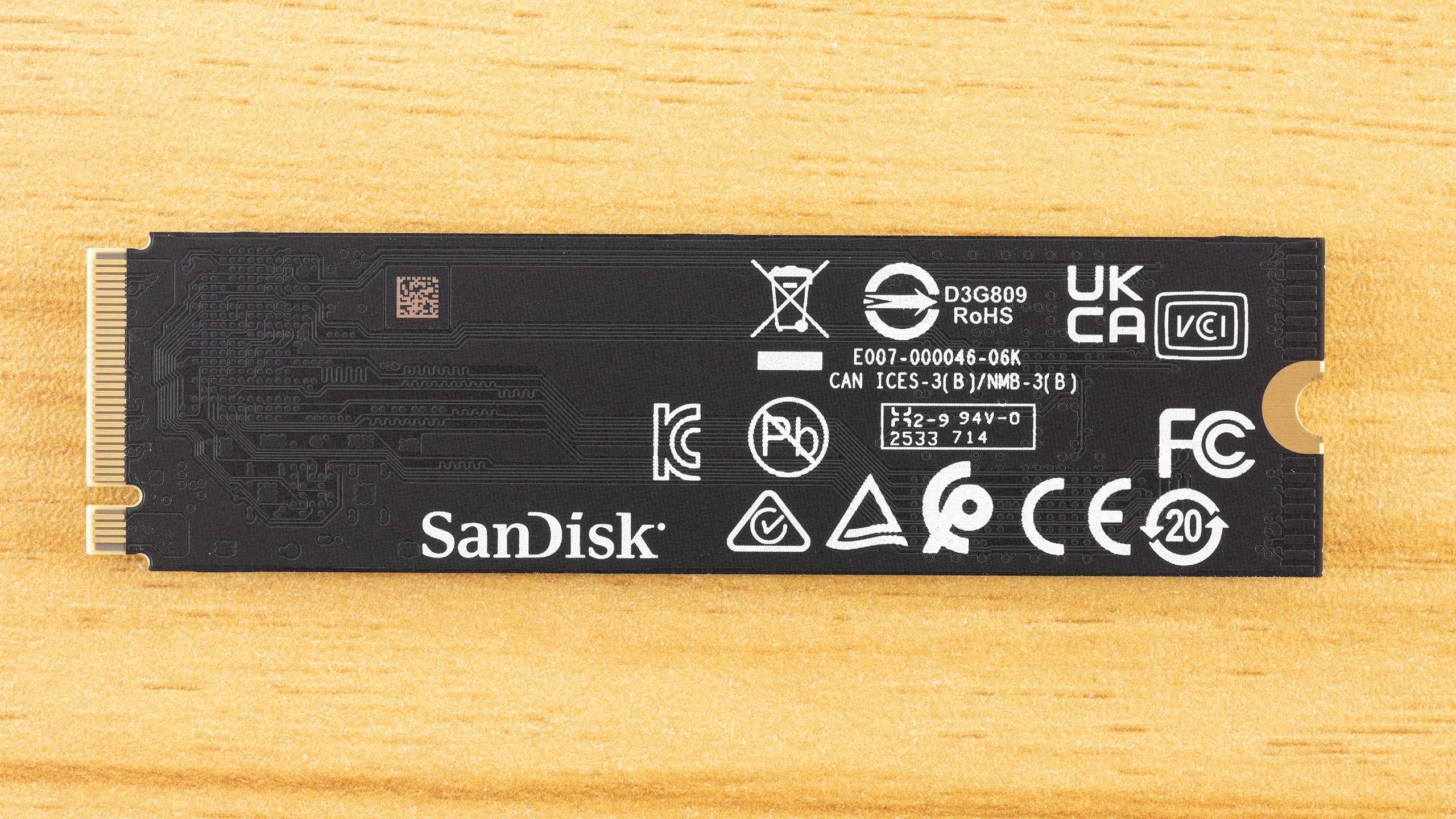
The SN3000's single-sided M.2 2280 design is worth noting for system builders. This layout not only allows for installation in space-constrained environments but also reduces heat buildup through strategic spacing between components. The drive's power characteristics are well-managed, with a maximum draw of around 5.6W despite being rated for 3.3V/2.5A (above 8W). This efficiency is a direct benefit of the BiCS8 flash technology.
Based on our analysis and performance characteristics, we're confident that the SN3000 uses the same SanDisk 218-layer BiCS8 QLC flash found in the WD Blue SN5100 (now marketed as the SanDisk Optimus 5100). The key difference appears to be in firmware tuning and possibly binning—the SN3000 runs at slightly lower speeds, which can improve reliability and reduce power consumption at the cost of peak sequential performance.
Market Positioning and Value Proposition
Priced at $149.99 for the 1TB model at Newegg (with combo deals available), the SN3000 occupies an interesting position in the market. It's not the cheapest PCIe 4.0 option available, but it delivers performance that exceeds what its price point might suggest. For users building systems where the SSD is a secondary consideration or those looking to upgrade older PCs, the SN3000 represents a compelling value proposition.
The drive's performance characteristics make it particularly well-suited for workloads that benefit from strong random read performance—common in everyday computing tasks like application loading, file searches, and multitasking. While it may not satisfy enthusiasts seeking maximum sequential throughput, it delivers a user experience that feels responsive and modern.
Software and Support
Western Digital provides the SanDisk Dashboard utility for the SN3000, offering SSD management capabilities similar to those found with WD-branded drives. The inclusion of Acronis True Image for Sandisk adds value for users looking to migrate existing systems or maintain backups. The full support for this OEM drive through WD's software ecosystem is a welcome touch that enhances the overall ownership experience.
Conclusion: A Smart Choice for Budget-Conscious Buyers
The WD Green SN3000 challenges our preconceptions about budget SSDs. By leveraging advanced QLC technology and a capable controller, Western Digital has created a drive that punches above its weight class in terms of performance while maintaining an accessible price point. The compromises in warranty and endurance are real but may be less significant than they initially appear for the target user base.
For users building budget PCs, upgrading older systems, or simply seeking good performance without breaking the bank, the SN3000 deserves serious consideration. It's a reminder that in the SSD market, brand names and product lines don't always tell the whole story—sometimes the best value comes from looking beyond the label to understand the technology underneath.
The WD Green SN3000 proves that budget doesn't have to mean compromised, delivering a user experience that feels decidedly modern despite its accessible pricing.
Comments
Please log in or register to join the discussion