OpenAI’s native Mac app outshines its competitors by delivering a polished, feature‑rich experience that mirrors the web version while leveraging macOS conventions. In a landscape where most AI labs ship browser‑based shells, ChatGPT’s commitment to product‑centric design sets a new benchmark for desktop AI tools.
Why ChatGPT’s Mac App Is the Gold Standard for AI Desktop Interfaces
In the crowded field of large language models, the user experience of the accompanying application often makes or breaks daily adoption. While Anthropic, Google, and others have pushed the envelope in model performance, the end‑user product that consistently wins the day‑to‑day battle is OpenAI’s ChatGPT Mac app. The app’s success is not a product of the underlying model alone but of a deliberate focus on native macOS integration, rapid feature rollout, and a culture that prioritizes user experience.
Native versus Web‑Shell Approaches
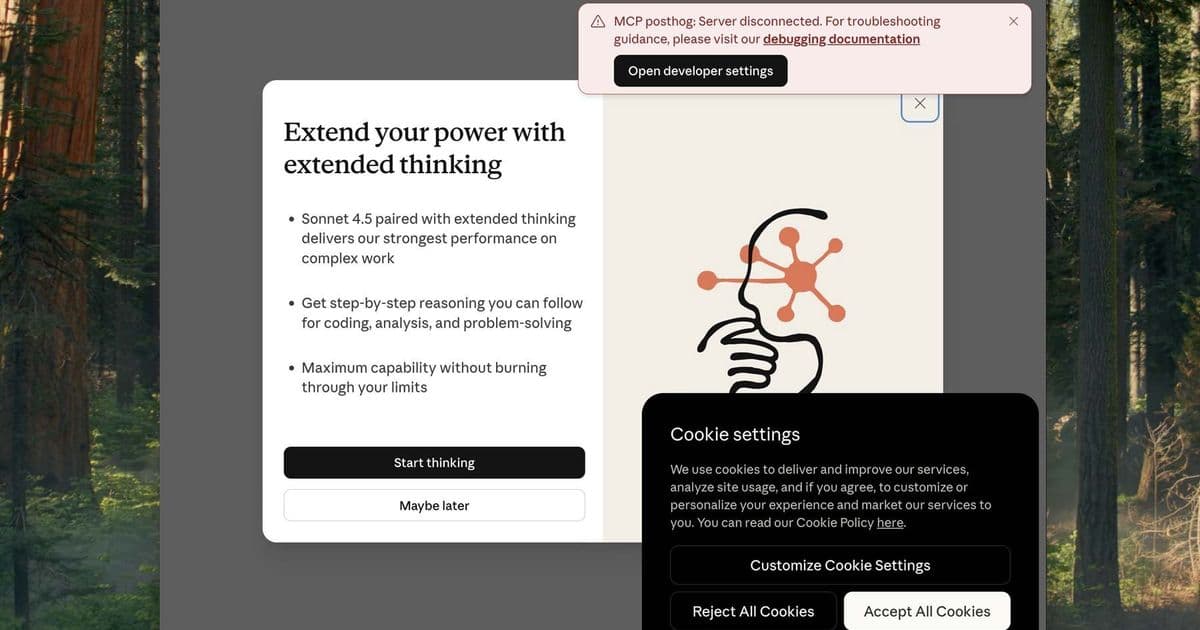
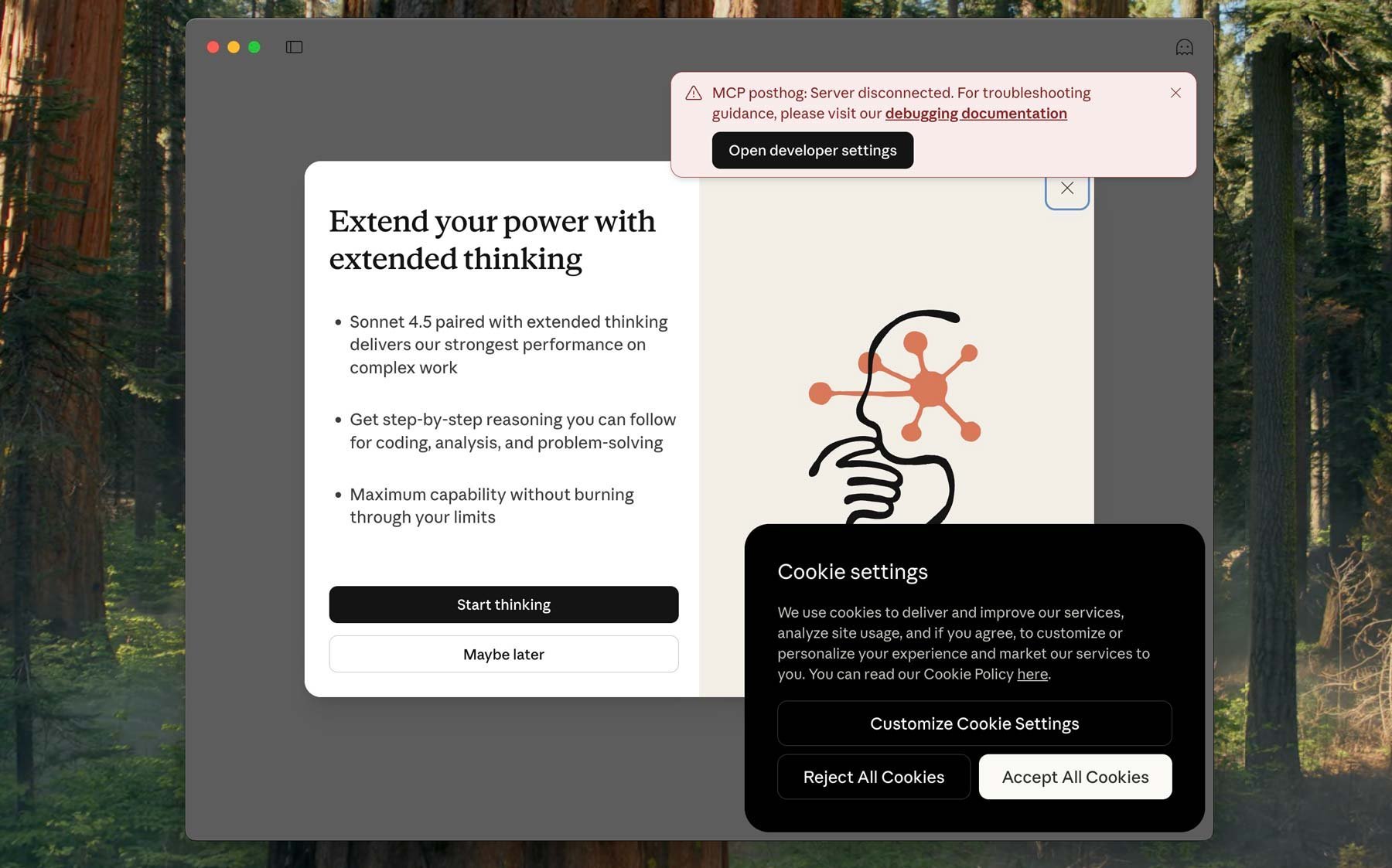
Three major LLMs currently ship Mac apps: Copilot, Claude, and ChatGPT. Of those, only ChatGPT delivers a truly native experience. The other two rely on Electron or a browser‑in‑app wrapper. Claude’s Electron shell offers a decent web UI, but users quickly encounter UI bugs—such as the inability to drag the window when a chat is open—highlighting the friction that can arise when a web app is forced into a desktop container.
Microsoft’s 365 Copilot app, meanwhile, is essentially a bare‑bones Edge instance that loads the Microsoft 365 cloud portal. It lacks the polish of a purpose‑built desktop interface, and its reliance on a web view makes it difficult to keep feature parity with the web version. The result is a disjointed experience that feels more like a “digital hermit crab” than a cohesive tool.
In contrast, ChatGPT’s native macOS app follows platform conventions exactly: menu bars, keyboard shortcuts, window resizing, and even the subtle animation of the “Work with Apps” feature. New capabilities are introduced on day one, and exclusive Mac‑only features—such as the ability to launch external applications directly from the chat—demonstrate a level of integration that would be cumbersome to implement in a web shell.
Why the Difference Matters
For developers and power users, the distinction between a native and a web‑shell app is not just aesthetic. Native apps can tap into macOS APIs for better performance, smoother animations, and tighter security controls. They also allow for more robust offline caching and background processing, which are critical for tasks that involve large language model inference or tool‑chain orchestration.
From a product‑growth perspective, a polished desktop app signals a company’s commitment to the user experience. OpenAI’s product‑led growth model, combined with an organizational priority on UX, has enabled the company to allocate resources to a dedicated Mac team. This focus has paid off: the app’s stability and rapid feature parity with the web version have turned it into a preferred tool for many users who rely on AI for coding, research, and daily productivity.
The Electron Paradox
Electron has a reputation for producing janky, memory‑heavy applications. Yet, when executed with care, it can rival native quality. Figma, Linear, and Superhuman are all Electron apps that have earned praise for their polished interfaces. The key lies in investing the same level of craftsmanship that a native team would apply: rigorous testing, consistent UI patterns, and a willingness to patch edge‑case bugs.
Anthropic, which has focused heavily on enterprise sales, has yet to demonstrate a comparable commitment to desktop UX. Their lack of a native Mac app—combined with a minimal Electron presence—suggests that enterprise‑centric priorities have outweighed the perceived value of a polished desktop experience. However, the success of ChatGPT’s Mac app could pressure Anthropic to rethink its strategy, especially as their new models gain traction.
Implications for the AI Tooling Ecosystem
The debate between native and web‑shell approaches is more than a technical choice; it reflects broader industry priorities. Companies that sell to consumers or individual developers may lean toward native apps to deliver a frictionless experience. In contrast, enterprise‑focused firms might prioritize cross‑platform consistency and lower development overhead, accepting the trade‑off of a less polished UI.
As AI tools become more multimodal and tool‑centric—requiring interaction with external applications—native integration will become increasingly valuable. The ability to launch a terminal, edit code, or run a script directly from the chat window is a feature that only a native app can seamlessly support.
A Call to Action for AI Labs
OpenAI’s success demonstrates that investing in a high‑quality desktop app can yield significant user adoption benefits. For labs like Anthropic, the time may be ripe to allocate resources toward either a native Mac app or an Electron app that rivals ChatGPT’s polish. The market will reward those who can deliver a consistent, intuitive experience across devices, especially as developers look for reliable, AI‑powered tools to augment their workflows.
In the end, the ChatGPT Mac app sets a new benchmark: a product that marries cutting‑edge AI with a thoughtfully engineered user interface. Its dominance is a reminder that the best AI models are only as useful as the applications that bring them to life.
*Source: Allen Pike, “Why Is ChatGPT So Good?” (2025).
Comments
Please log in or register to join the discussion