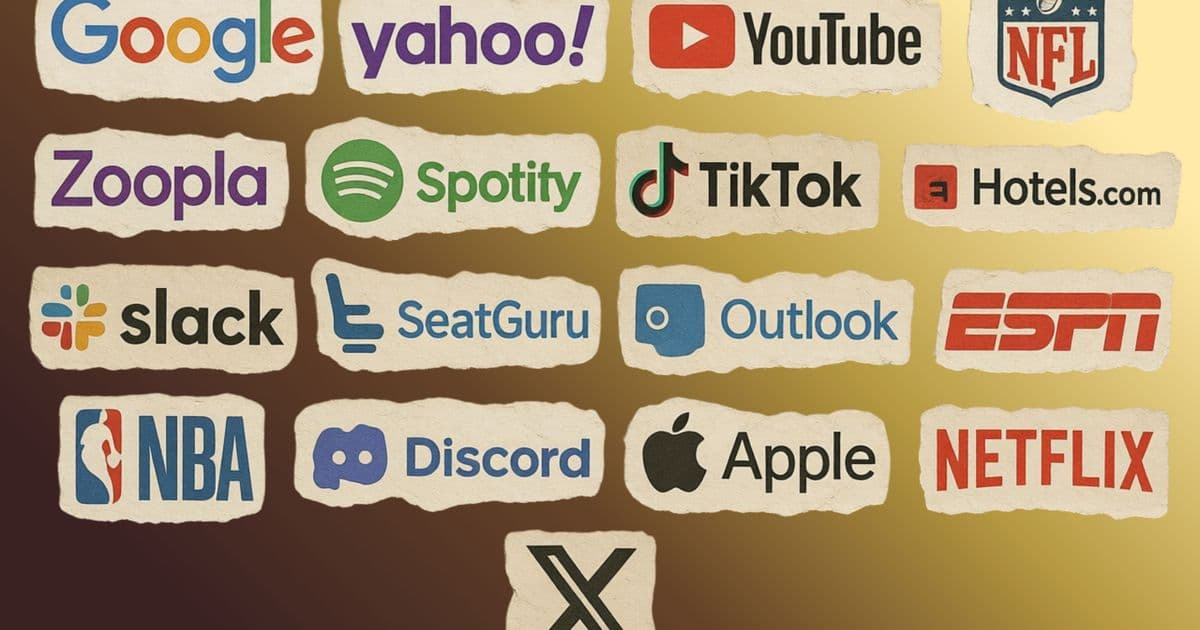
Safari and Firefox embed domain‑specific workarounds—known as “quirks” or “compatibility interventions”—to keep big sites like TikTok, Netflix, and SeatGuru functional, whereas Chrome relies on its market dominance to set the de‑facto standard. The article explores the technical mechanisms, the feedback loop that reinforces Chrome’s primacy, and the broader implications for web standards and developers.
Why Safari and Firefox Carry Site‑Specific Quirks While Chrome Does Not
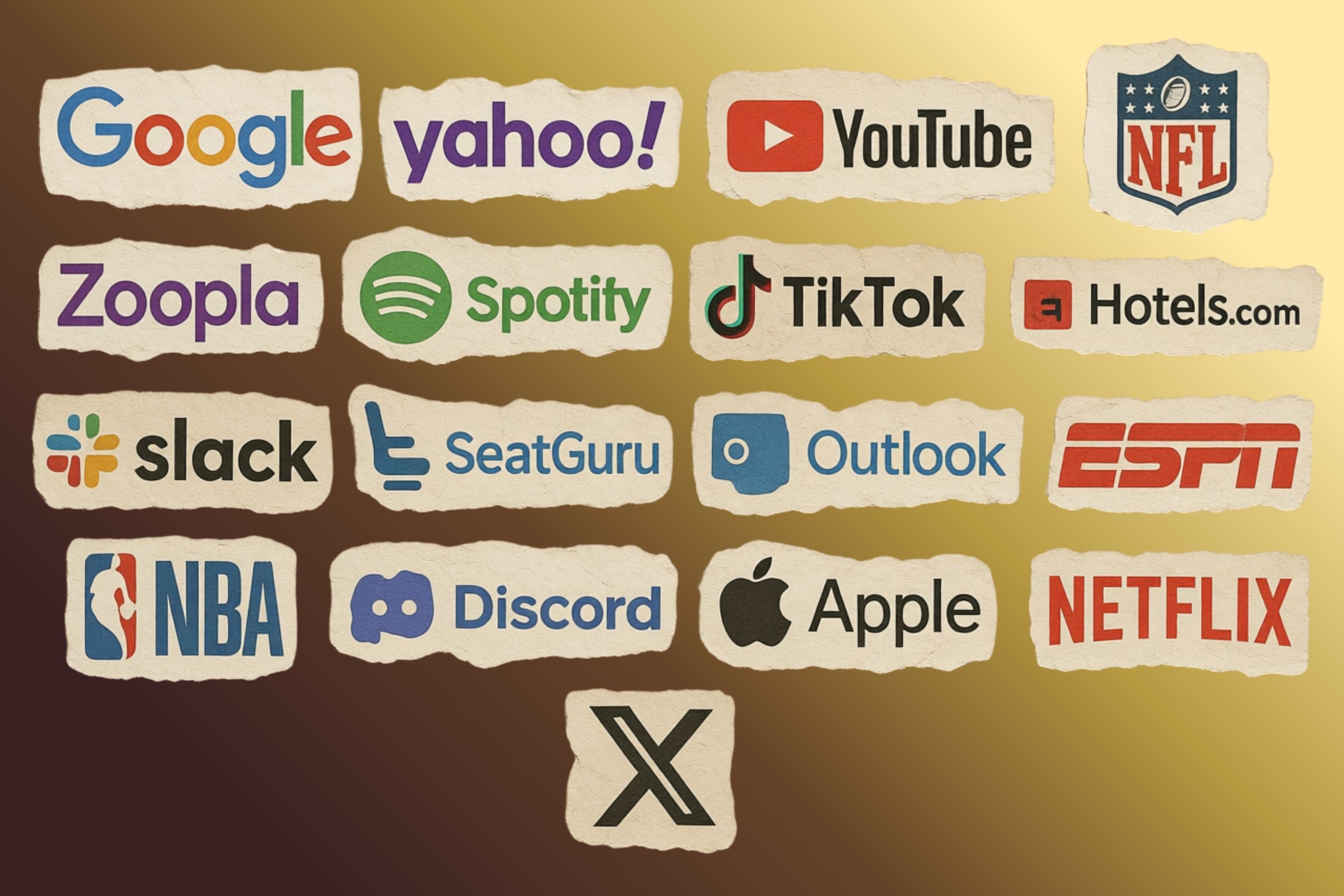
When you browse the modern web, you expect the same HTML, CSS, and JavaScript to behave identically regardless of the site you visit. In practice, Safari and Firefox quietly break that expectation: deep inside their rendering engines live long lists of if‑domain‑then‑do‑something checks. TikTok, Netflix, Instagram, even the niche travel‑site SeatGuru each receive a bespoke treatment that alters scrolling, video handling, or user‑agent strings. Chrome, by contrast, ships no comparable “quirks” file. The asymmetry is not a bug; it is a deliberate feature that reveals how market dominance reshapes the standards ecosystem.
The Mechanics of Browser‑Specific Interventions
Firefox’s about:compat
Typing about:compat in Firefox opens a page that enumerates every site‑specific fix the browser has applied. Each entry shows a toggle, allowing you to disable the workaround and watch the site break. The underlying system injects custom CSS, JavaScript, or even spoofs the user‑agent string for a particular domain. These interventions are tracked in Mozilla’s Bugzilla, where you can see the original bug report, discussion, and sometimes evidence of outreach to the site owners.
Safari’s “quirks” file
WebKit’s source contains a file called Quirks.cpp (public on GitHub). It is a collection of if (url.host == "facebook.com") { … } style branches that adjust rendering behavior. A comment in the file explains a video‑pause quirk for Facebook, X, and Reddit, while another line flags a temporary fix for SeatGuru with a FIXME note awaiting the site’s correction.
"FIXME: Remove this quirk if seatguru decides to adjust their site."
Both browsers treat these snippets as permanent parts of the compiled binary, meaning every user receives the same domain‑specific patch without any explicit opt‑in.
Why Chrome Avoids a Quirks List
Chrome’s market share exceeds 80 % on most platforms. Developers therefore write code that works first in Chrome; if a site functions there, it ships. When Chrome later changes an API or behavior, sites adapt to the new reality because their traffic would otherwise disappear. Other browsers are forced to either implement the new Chrome behavior or add a site‑specific workaround.
In effect, Chrome sets the de‑facto specification, while Safari and Firefox react. The result is a feedback loop:
- Chrome introduces a feature or change.
- Popular sites adopt it, often without waiting for a formal standard.
- Safari/Firefox detect breakage on high‑traffic domains.
- Engineers add a domain check to preserve the user experience.
- The workaround becomes part of the browser’s shipped code.
Because Chrome already works for the majority, there is little incentive for site owners to fix the underlying incompatibility; the browsers that are not dominant simply patch around it.
Real‑World Examples
- TikTok displayed a “please upgrade your browser” banner in Safari; a quirk silences the message.
- Netflix mis‑handled the “Episodes and Info” button, prompting a Safari‑only fix.
- Amazon required a custom touch‑to‑mouse translation for its product‑zoom widget.
- SeatGuru received a temporary rendering adjustment that remains in the code base with a
FIXMEcomment.
These interventions are not cosmetic. They touch fundamental browser subsystems: scrolling, viewport calculations, MIME‑type handling, and even how simulated mouse events are generated from touch input.
Implications for Developers and the Web Ecosystem
Hidden Dependencies
If you develop primarily in Chrome, you may never encounter a bug that only appears in Safari or Firefox. Your code could be relying on Chrome‑specific quirks that are invisible in your test suite. The result is a site that works for the majority of users but silently depends on a dominant browser’s undocumented behavior.
Standards vs. De‑Facto Behavior
The HTML5 “living specification” aimed to eliminate the need for browser‑specific hacks, but the reality is that developers still lean on undocumented implementation details. When those details become entrenched in Chrome, they effectively become the standard, and the other browsers must either adopt them or write workarounds.
Maintenance Overhead
Each new entry in a quirks file adds maintenance cost. Engineers must track upstream changes, monitor outreach attempts, and eventually remove the workaround when the site fixes its code. The process is visible in the commit history of WebKit and Firefox, where you can see a back‑and‑forth of bug numbers, patch submissions, and comments like “remove after site updates.”
Counter‑Perspectives
Some argue that these domain‑specific patches are a pragmatic necessity: the web is a live platform with billions of users, and waiting weeks for a third‑party site to fix a bug would degrade the experience for countless people. From a user‑centric viewpoint, an invisible fix is preferable to a broken site.
Critics, however, point out that the practice encourages a culture of “the browser will fix it for us,” reducing the incentive for site owners to adhere to standards. Over time, this can cement a fragmented ecosystem where only the dominant browser’s idiosyncrasies are considered reliable.
What You Can Do
- Test across browsers regularly – especially Safari and Firefox, not just Chrome.
- Search the quirks files – look for your domain in WebKit’s
Quirks.cppor Firefox’sabout:compatlist. If you find an entry, investigate the underlying issue. - Report broken behavior upstream – file a bug with the site, referencing the specific quirk. Even if the site is slow to respond, the record may help future engineers remove the workaround.
- Avoid Chrome‑only APIs – prefer standardized features and polyfills that have broad support.
The Road Ahead
The web’s future may involve tighter alignment between browsers and a stronger push for truly interoperable standards. Until then, the quirks files will continue to grow, serving as a living map of where the web deviates from its ideal of uniform behavior. Understanding these hidden patches offers developers a clearer view of the forces shaping the modern internet and a chance to write code that works everywhere—not just where the market dictates.
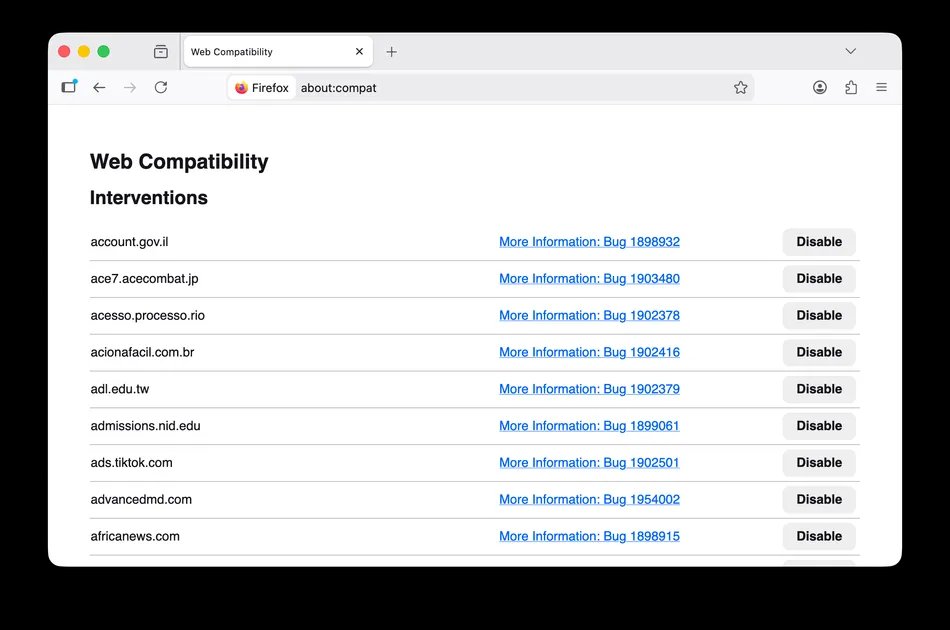
If you want to explore the source yourself, the Safari quirks file lives at the WebKit GitHub repository, and Firefox’s compatibility list can be inspected via about:compat or the Mozilla Bugzilla.
Comments
Please log in or register to join the discussion