Microsoft's major KB5062660 update for Windows 11 24H2 delivers a suite of AI-powered features headlined by a proactive settings agent for Copilot+ PCs, alongside significant enhancements like the Black Screen of Death and Quick Machine Recovery available to all users. While Snapdragon-powered devices see the deepest AI integration now, including advanced Click to Do actions and app-specific boosts in Photos and Paint, the update also brings crucial Recall refinements and broad bug fixes.
Microsoft's AI Ambition Takes Center Stage in Windows 11 24H2 Update
Microsoft has begun rolling out its substantial KB5062660 cumulative update preview for Windows 11 24H2, marking a significant step in the operating system's AI evolution. While heavily promoting capabilities designed for the new wave of Copilot+ PCs powered by Qualcomm's Snapdragon X Elite and Pro processors, the update also delivers meaningful improvements and fixes for the broader Windows 11 user base.
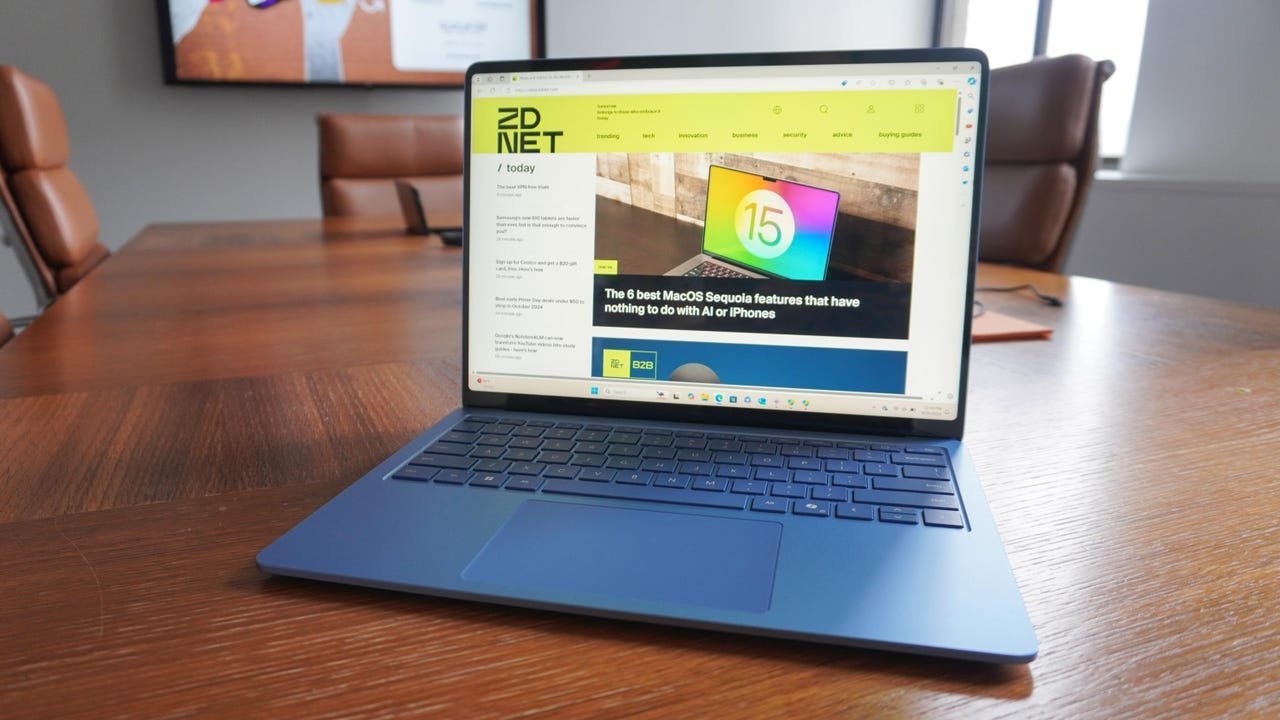 Caption: Kyle Kucharski/ZDNET
The Copilot+ AI Spotlight: Beyond Simple Assistance
At the forefront are features leveraging the neural processing units (NPUs) in Copilot+ PCs:
Proactive Settings Agent: Debuting on Snapdragon devices in English (with Intel/AMD support coming later), this agent transforms the Settings search experience. Users can describe tasks like "enable quiet hours" or "connect Bluetooth device" in natural language. The AI doesn't just provide instructions; it can execute the task directly upon user permission and offers an undo option if needed – tackling Windows' notorious settings complexity head-on.
Enhanced 'Click to Do': Expanding beyond basic copy/paste/search actions, Click to Do now integrates with Reading Coach for fluency and pronunciation help and Immersive Reader for reading/writing assistance. A new "Draft with Copilot in Word" action (requiring a Microsoft 365 Copilot subscription) lets users transform selected text into full drafts. Integration with Microsoft Teams allows initiating messages or meetings directly from email addresses within the app.
App-Specific AI Boosts (Copilot+ Exclusive):
- Photos: A new "Relight" tool adjusts lighting intensity, color, and position.
- Paint: Generate AI stickers from text prompts and perform precise element selection for targeted edits.
- Snipping Tool: Enhanced screenshot capabilities and a color picker tool.
Recall Refined: Microsoft's controversial activity-snapshot feature, Recall, receives updates:
- A dedicated Reset button is now available under Settings > Privacy & Security > Recall & Snapshots > Advanced Settings, allowing users to delete all saved snapshots.
- Recall is now available in the European Economic Area (EEA), addressing regional regulatory compliance concerns.
Upgrades for Everyone: Stability, Recovery & Polish
Users on any compatible Windows 11 24H2 device benefit from several key improvements:
- Goodbye Blue, Hello Black: The infamous Blue Screen of Death (BSOD) has been visually revamped into a Black Screen of Death, displaying the error code and problematic filename.
- Quick Machine Recovery (QMR): This critical new feature automatically activates during severe boot failures. The PC enters recovery mode, connects to the network, sends diagnostics to Microsoft, and automatically downloads and applies a fix via Windows Update – a potential lifesaver for IT admins and users alike.
- Streamlined Settings Search: The two separate search experiences within Settings have been merged into a single, unified search interface.
- Snap Assist Messaging & Gamepad Keyboard: Users receive clearer messages when utilizing the Snap tool for window management, and the touch keyboard's gamepad layout boasts improved navigation.
- Bug Fixes: Numerous fixes address issues in File Explorer, desktop icons, and notifications, improving overall stability.
Getting the Update
To install KB5062660 and upgrade to build 26100.4770:
- Go to Settings > Windows Update.
- Click Check for updates.
- If KB5062660 appears, click Download and install.
Why It Matters: This update underscores Microsoft's aggressive push to make AI an integral, proactive part of the Windows experience, particularly on dedicated NPU hardware. While Copilot+ PCs get the flashiest features, the inclusion of system-level enhancements like QMR and the Settings agent (eventually) demonstrates a commitment to improving fundamental usability and resilience for all users. The Recall refinements also show Microsoft responding to feedback on privacy and regional concerns. For developers and enterprises, the evolution of these platform-level AI services signals new integration points and user experience paradigms to consider.
Source: Based on reporting by Lance Whitney for ZDNet (July 23, 2025).
Comments
Please log in or register to join the discussion