Microsoft is preparing Windows 11 for the next generation of ultra-high refresh rate monitors by increasing the refresh rate limit to 5,000 Hz in recent Insider builds, future-proofing the OS for displays that don't yet exist.
Microsoft is preparing Windows 11 for the next generation of ultra-high refresh rate monitors by increasing the refresh rate limit to 5,000 Hz in recent Insider builds, future-proofing the OS for displays that don't yet exist.
According to patch notes from builds 26100.8106 and 26200.8106 pushed to the Release Preview Channel, "monitors can now report refresh rates higher than 1000 Hz." The Release Preview channel represents Microsoft's closest-to-retail Insider channel, shipping OS builds that are almost ready to debut to the public, suggesting this change is permanent rather than experimental.
The development was first spotted by Blur Busters, who played a significant role in implementing the feature. Their research into human visual perception, which suggests the eye can technically see up to 20,000 Hz, appears to have influenced Microsoft's decision to dramatically raise the ceiling. A Microsoft contact confirmed to Blur Busters that the maximum limit is now up to 5,000 Hz in newer Windows builds.
This software update comes at a crucial time as monitor manufacturers are pushing the boundaries of refresh rate technology. While we don't yet have monitors capable of testing the 5,000 Hz limit, Blur Busters reports that manufacturers are actively developing 2,000 Hz displays for release around 2030. Meanwhile, major companies like Samsung are launching 1,000 Hz-capable displays this year, marking a significant leap from today's high-end gaming monitors that typically top out at 360 Hz or 480 Hz.
The timing of this update aligns with AMD's recent advancements in achieving 1,000 frames per second in gaming scenarios, particularly with its X3D processors. As neural rendering improvements and AI-driven frame rate multiplication technologies continue to evolve, the demand for higher refresh rates will only increase. The software-hardware ecosystem needs to keep pace with these hardware innovations to deliver the smoothest possible gaming experiences.
Nvidia is also contributing to this high-refresh-rate future with its G-Sync Pulsar technology. The company recently released its first update for this advanced backlight strobing technology that synchronizes with a monitor's variable refresh rate (VRR). This update addresses several critical issues, including eliminating sharp double images when games run below 90 FPS and adding a fixed 60 Hz strobing mode for games capped at that frame rate. The in-monitor FPS indicator has also been fixed for sub-90 FPS scenarios.
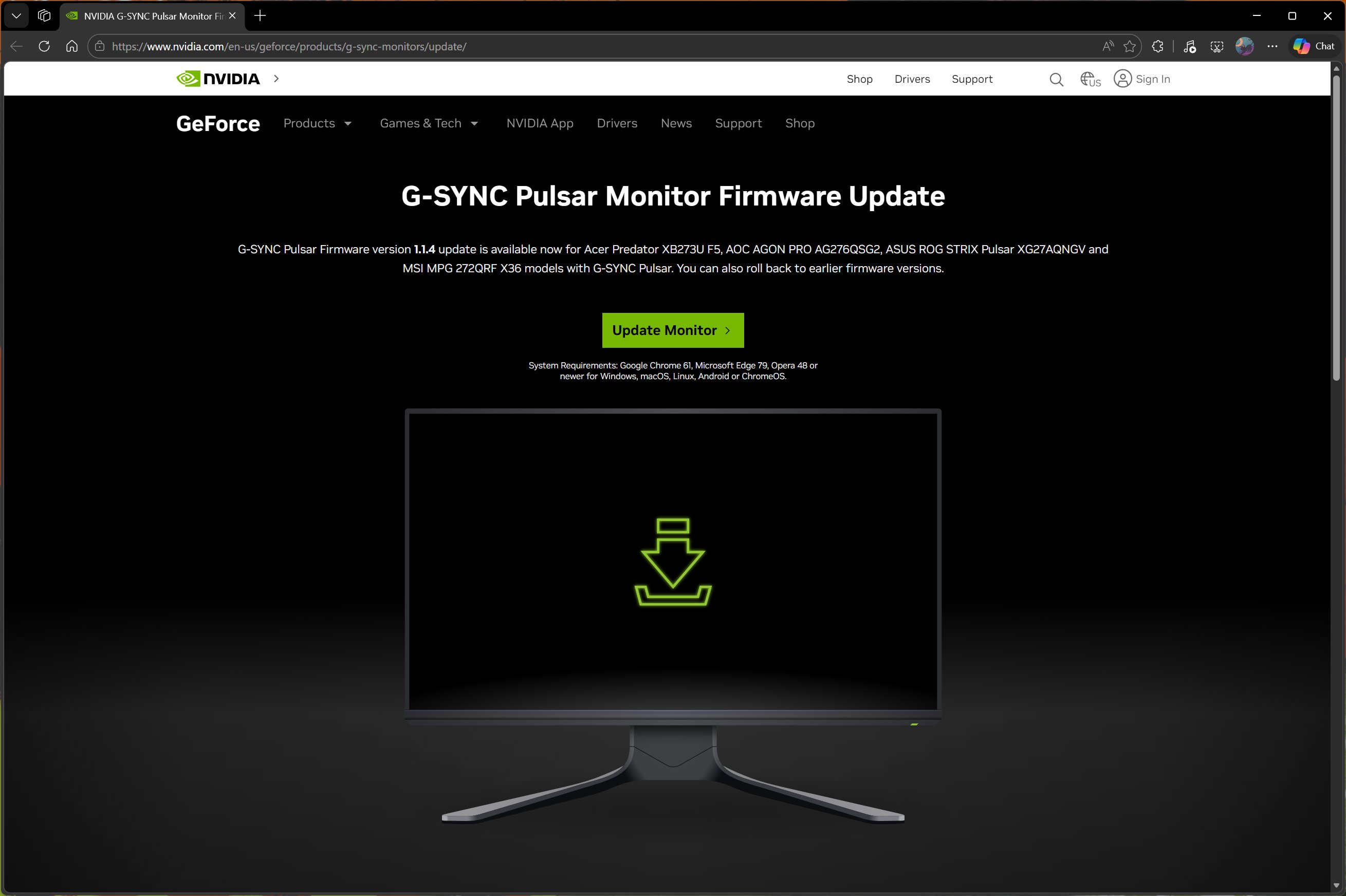
However, this level of software-hardware integration is only possible on monitors that have been vetted by Nvidia. The update is currently available on just four displays that launched at CES 2026 earlier this year, highlighting the early stage of this technology's adoption.
These parallel developments from Microsoft and Nvidia signal that a future with absolute motion clarity in gaming and professional applications is not far off. As both the operating system and graphics hardware ecosystems evolve to support these extreme refresh rates, users can expect increasingly fluid and responsive visual experiences. The combination of Windows 11's expanded refresh rate support and Nvidia's G-Sync Pulsar technology represents a coordinated effort to eliminate motion blur and ghosting at any frame rate, paving the way for the next generation of display technology.
The gradual rollout of these features through Insider channels allows Microsoft to test and refine the implementation before wider release, ensuring stability and compatibility across the vast ecosystem of Windows hardware and software. As monitor technology continues to advance toward the 2,000 Hz and beyond range, having an operating system that can properly support these extreme refresh rates will be essential for delivering the full potential of next-generation displays.
Comments
Please log in or register to join the discussion