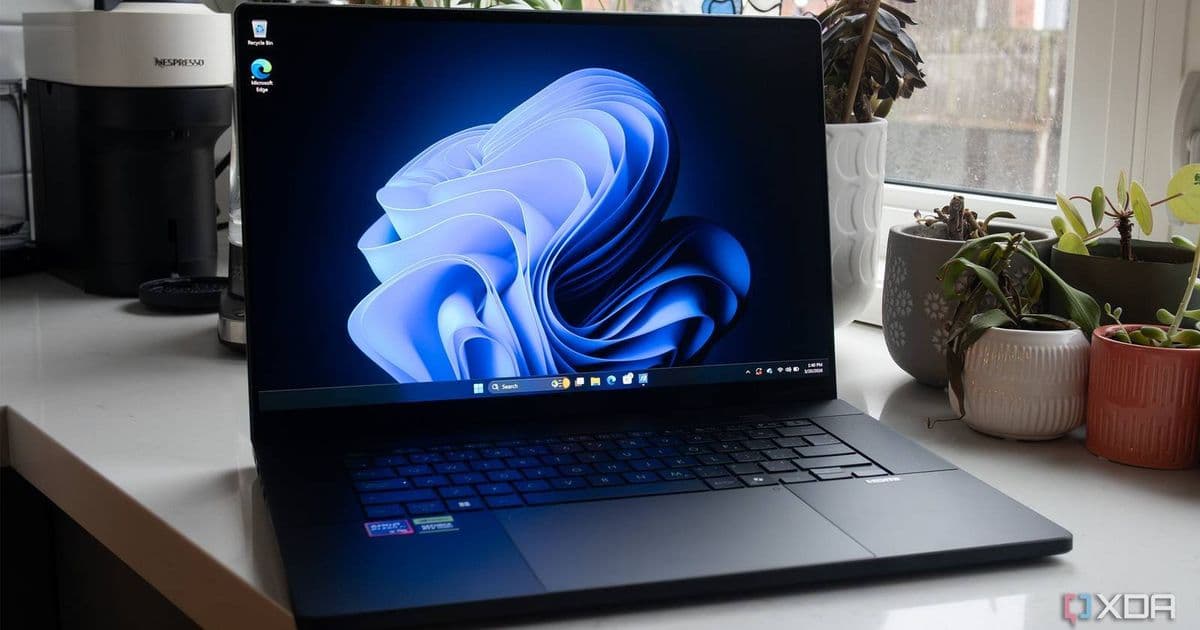
Microsoft’s Windows Insider builds are testing a ‘Low‑Latency Profile’ that temporarily pushes the CPU to full capacity when launching apps or opening the Start menu, delivering up to a 70 % speed boost with minimal impact on battery or thermals.
Windows 11’s Low‑Latency Profile: Short‑Burst CPU Boost to Speed Up App Launches
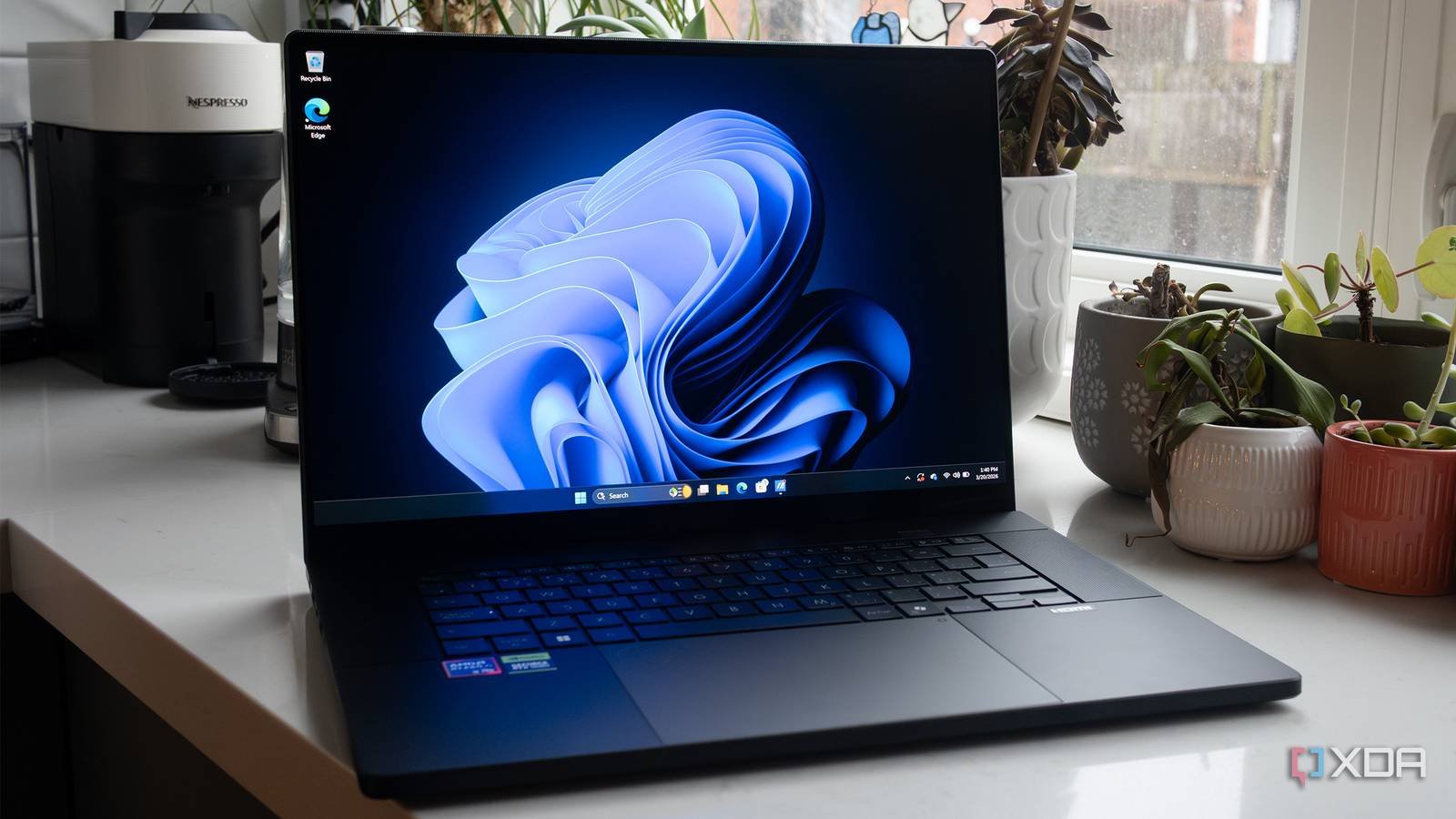
Microsoft is quietly testing a new performance mode in Windows 11 that briefly maxes out the processor to make app launches feel instantaneous. Codenamed Low‑Latency Profile, the feature is already rolling out to Windows Insider channels and promises noticeable gains for both native Windows apps and the Start menu itself.
What the feature does
When a user taps an icon—whether it’s Edge, Outlook, or a third‑party program—Windows 11 will detect the launch request and, for a few hundred milliseconds, raise the CPU’s clock speed and power allocation to its maximum allowed state. After the launch completes, the scheduler returns the core to its regular power‑saving profile.
Key numbers from the Insider build tests:
- Edge and Outlook start up roughly 40 % faster.
- Start menu opens up to 70 % faster.
- Several popular third‑party apps (e.g., VS Code, Slack) see launch times cut by 30‑45 %.
The boost is achieved without a visible UI toggle; the OS decides when to engage the profile based on a whitelist of launch events.
Why it matters for mobile‑centric developers
If you maintain a cross‑platform codebase—say, a React Native or Flutter app that runs on Android, iOS, and Windows—these launch‑time improvements can affect how your Windows build feels compared to its mobile counterparts. A snappier startup narrows the perceived performance gap that often exists between native mobile apps and their desktop equivalents.
SDK and platform requirements
- Windows SDK: The feature relies on APIs introduced in the Windows 10 SDK 10.0.22621 (Windows 11, version 22H2). Developers targeting the Low‑Latency Profile should compile against at least this version to ensure the OS can expose the necessary power‑management hooks.
- Minimum hardware: The profile requires a CPU that supports Intel Turbo Boost or AMD Precision Boost and a power‑plan that allows brief excursions to 100 % utilization. Devices lacking these capabilities will simply ignore the request.
- Battery considerations: Early telemetry shows a negligible increase in power draw—roughly 1‑2 % of the total launch energy—because the high‑power window is extremely short. Laptops on the Balanced power plan see no measurable impact on overall battery life.
How to test it today
- Enroll in the Windows Insider Program (Dev Channel) and install the latest build (e.g., 26044).
- Ensure you have the Windows 10 SDK 10.0.22621 installed. You can download it from the Microsoft Docs page.
- Open Settings → System → Power & battery → Additional power settings and confirm that the High performance plan is available. The Low‑Latency Profile works under any plan but may be more aggressive when the system is plugged in.
- Launch a whitelisted app (Edge, Outlook, or the Start menu) and observe the quicker response. For deeper analysis, use Windows Performance Recorder (WPR) to capture CPU frequency spikes during the launch.
Migration considerations for cross‑platform toolchains
| Concern | Impact | Mitigation |
|---|---|---|
| React Native for Windows | The bridge layer will benefit from faster native module init. No code changes required. | Test on Insider builds to verify that the bridge does not assume a static launch time. |
| Flutter Desktop | Flutter’s engine already requests high‑performance cores during startup; Low‑Latency Profile may overlap. | Use the --enable-android-graphics flag to keep the engine’s own boost in sync with the OS. |
| Xamarin/MAUI | Power‑profile APIs are exposed via PowerManager. |
Add a conditional compile flag to detect SDK 10.0.22621+ and log when the OS applies the boost. |
| Electron | Electron apps often spawn a separate renderer process; the OS boost applies to the main process only. | Consider bundling a small native helper that signals the OS when the renderer is ready, ensuring the burst covers the whole startup sequence. |
By aligning your app’s own warm‑up logic with the OS‑level boost, you can avoid redundant CPU spikes and keep thermals in check.
What we don’t know yet
- User control: Microsoft has not confirmed whether a toggle will appear in Settings or if the profile will run silently in the background.
- Third‑party whitelist: The current list includes Microsoft’s core apps. It is unclear how developers can request inclusion for their own executables.
- Long‑term thermal impact: While early tests show minimal heat, sustained use on low‑end laptops could still cause short‑term temperature spikes. Monitoring tools like HWInfo can help developers gauge any side effects.
Bottom line for developers
Low‑Latency Profile is a modest but meaningful tweak that can make Windows 11 feel more responsive, especially for users who switch between desktop and mobile environments. If you ship a cross‑platform app, testing on an Insider build now gives you a head‑start on any future API exposure or user‑facing toggle. Keep an eye on the Windows 11 release notes and the Windows Insider blog for the final implementation details.
Related reading: Microsoft’s broader “K2” update strategy aims to deliver staged feature drops rather than monolithic releases, a shift that could bring more frequent performance refinements like this one.
Comments
Please log in or register to join the discussion