Microsoft confirms January 2026 security patches cause critical boot failures on Windows 11 devices, forcing manual recovery as quality concerns mount.
Microsoft has acknowledged a critical issue where Windows 11 devices fail to boot after installing the January 2026 security update (KB5034441). The company states this affects physical machines running Windows 11 versions 24H2 and 25H2, triggering a fatal "UNMOUNTABLE_BOOT_VOLUME" stop error during startup.
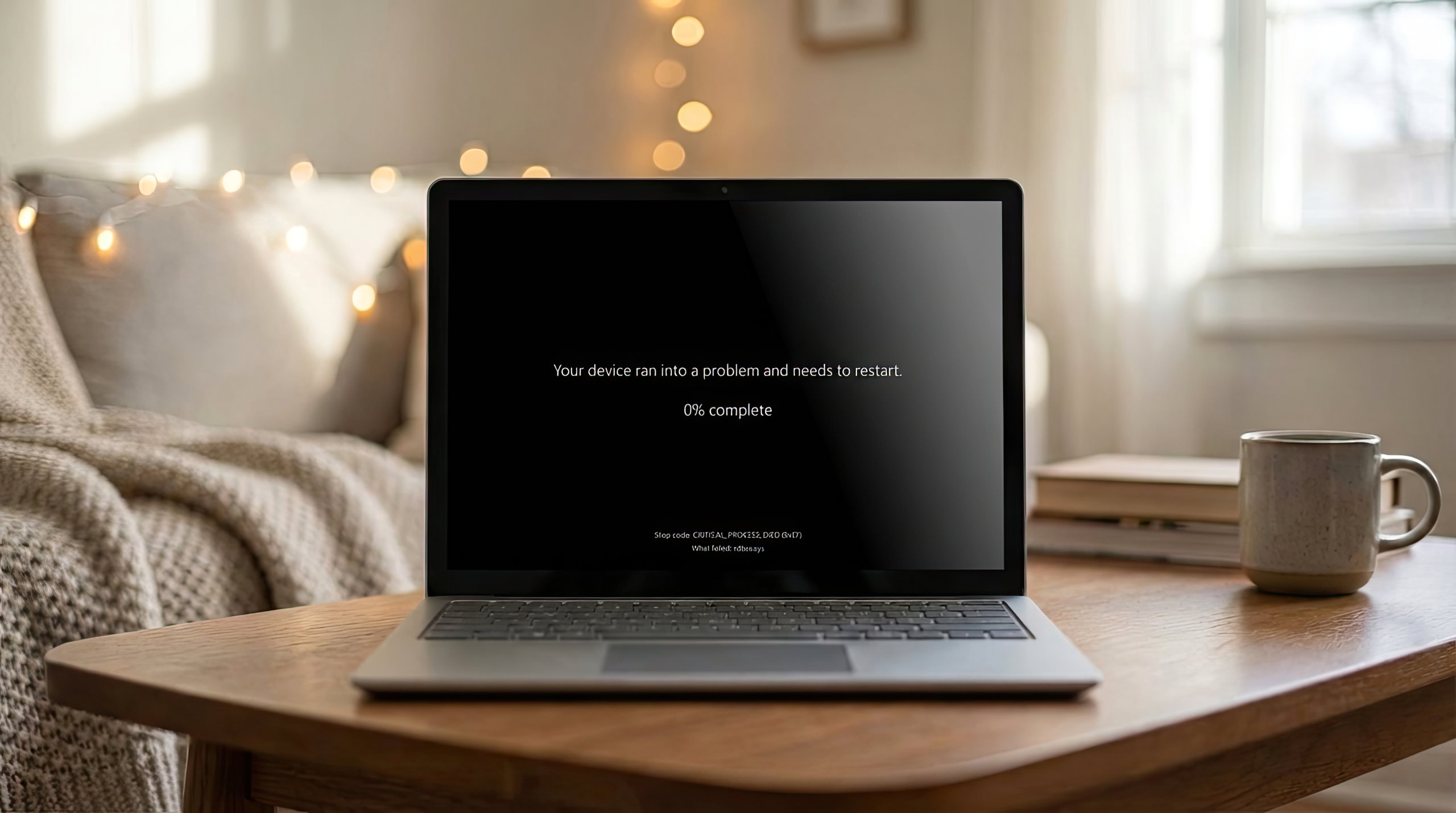
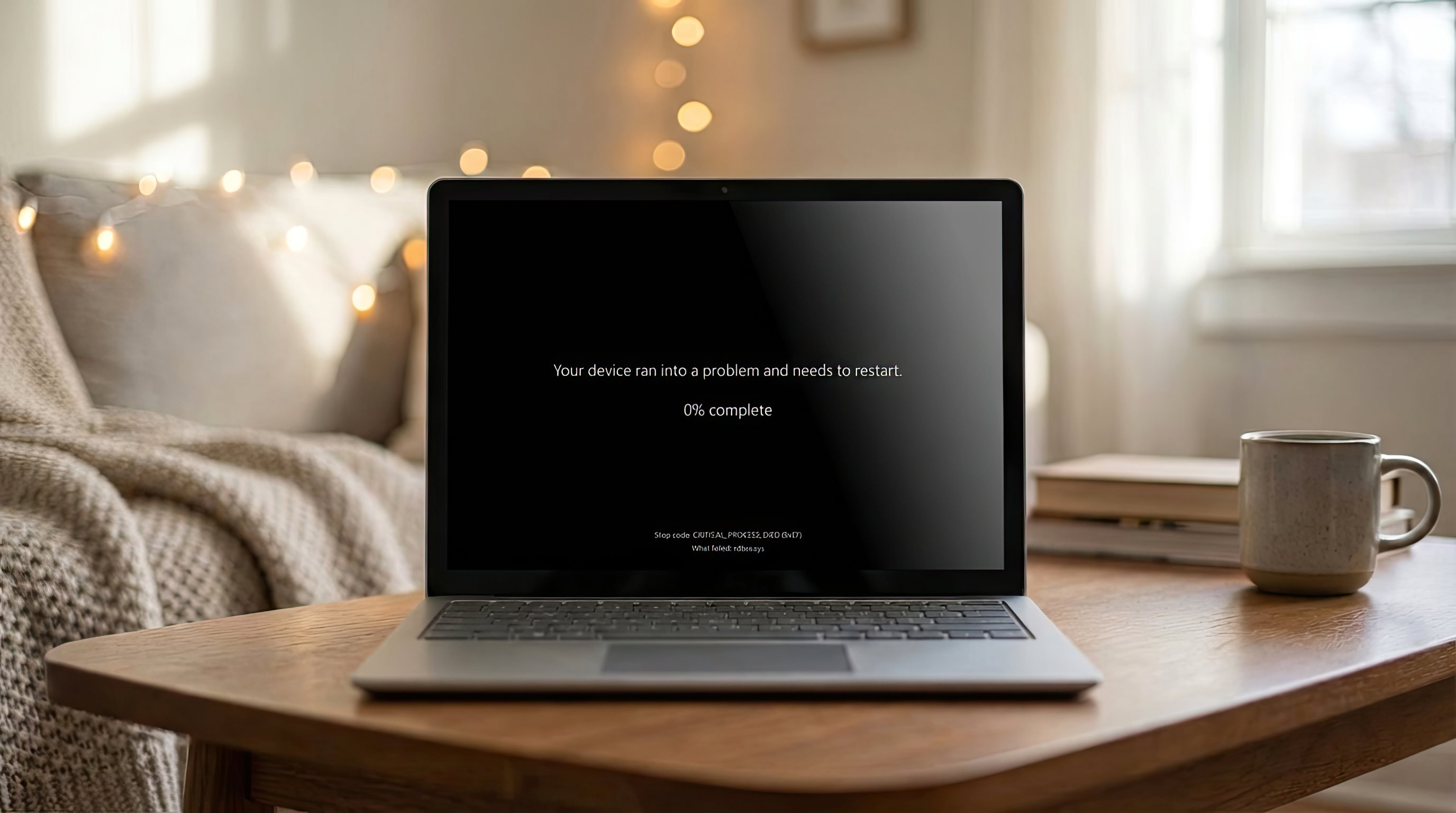
Affected systems display a black screen with the message: "Your device ran into a problem and needs a restart." This requires manual intervention through the Windows Recovery Environment (WinRE). Users must uninstall the problematic January update to regain system access. 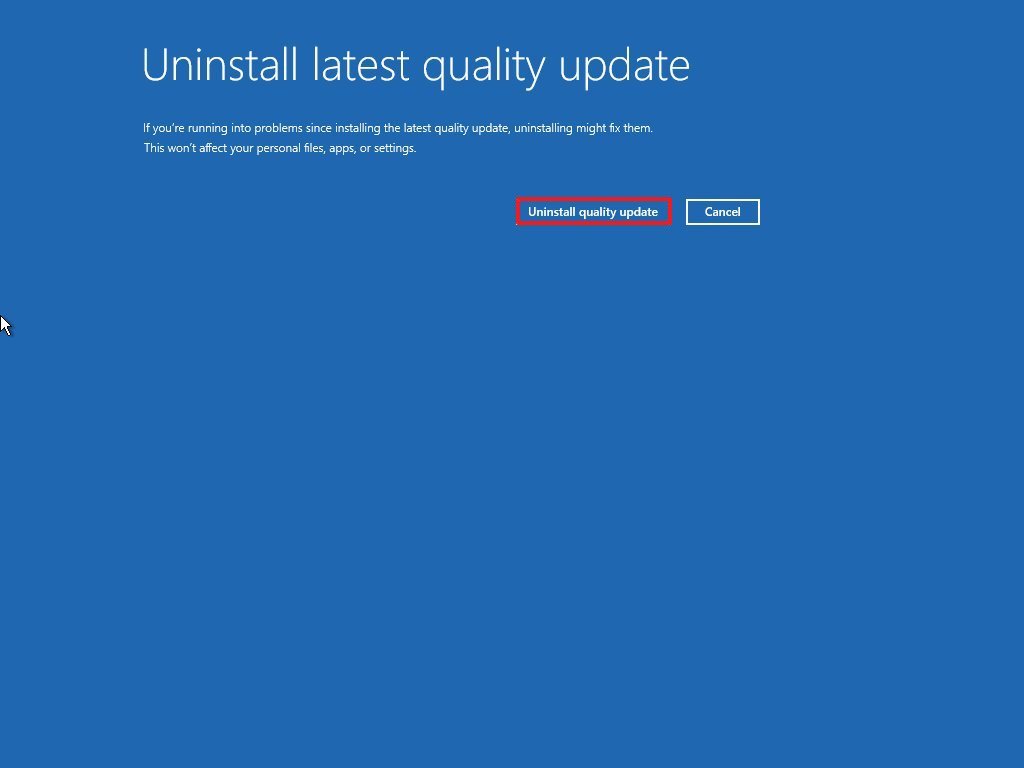
The issue compounds existing problems from January's Patch Tuesday updates, which previously caused:
- Shutdown/hibernation failures on version 23H2
- Remote Desktop sign-in blocks on versions 24H2/25H2
- Critical failures in cloud apps like Outlook and OneDrive
Microsoft released two emergency out-of-band updates earlier this month to address the app failures and Remote Desktop issues but hasn't yet resolved the boot failure problem. The company's bulletin notes the boot failures appear limited in scope but hasn't disclosed root causes or preventative measures.
This marks Microsoft's third major Patch Tuesday failure in 12 months, raising questions about Windows quality control processes. While Microsoft investigates fixes, affected users must:
- Boot into WinRE (Shift + Restart)
- Select Troubleshoot > Advanced Options > Uninstall Updates
- Remove the January 2026 security update
The pattern of disruptive updates suggests Microsoft may need structural changes to its testing and deployment pipelines. Enterprise administrators should delay January updates until Microsoft releases verified fixes.
Comments
Please log in or register to join the discussion