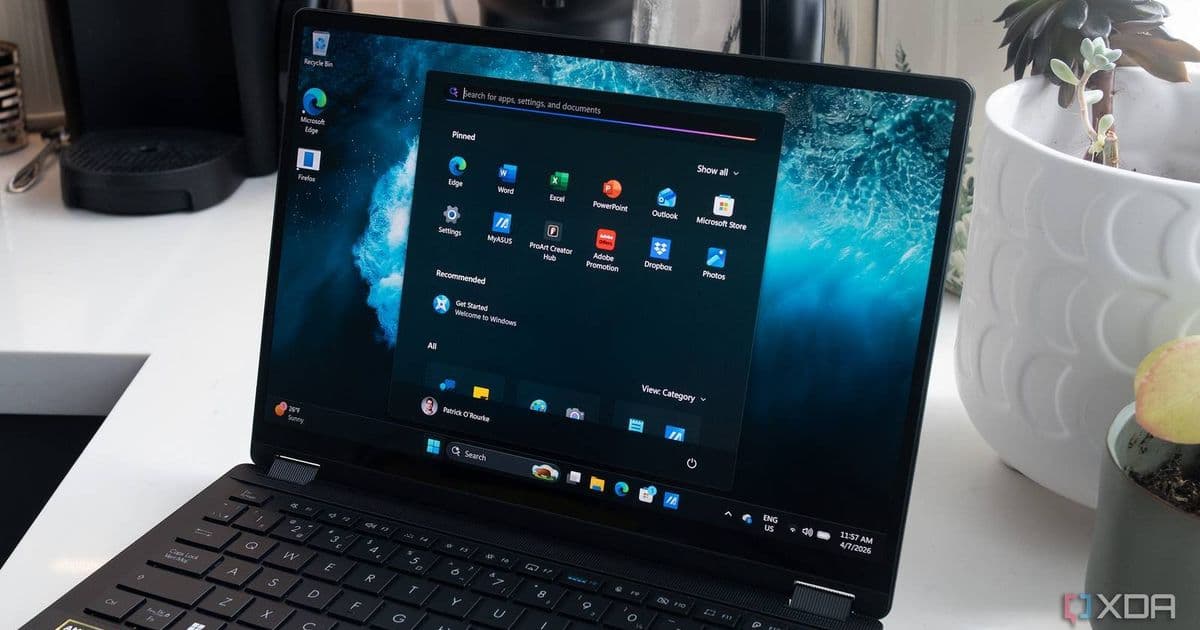
Microsoft’s Windows K2 effort moves core UI components to WinUI 3, cutting allocations, calls and WinUI time in File Explorer. The changes promise a noticeably faster launch and smoother navigation on Windows 11, while also marking a shift away from heavy Copilot integration.
Windows K2 Overhaul Slashes File Explorer Overhead, Boosts Launch Speed
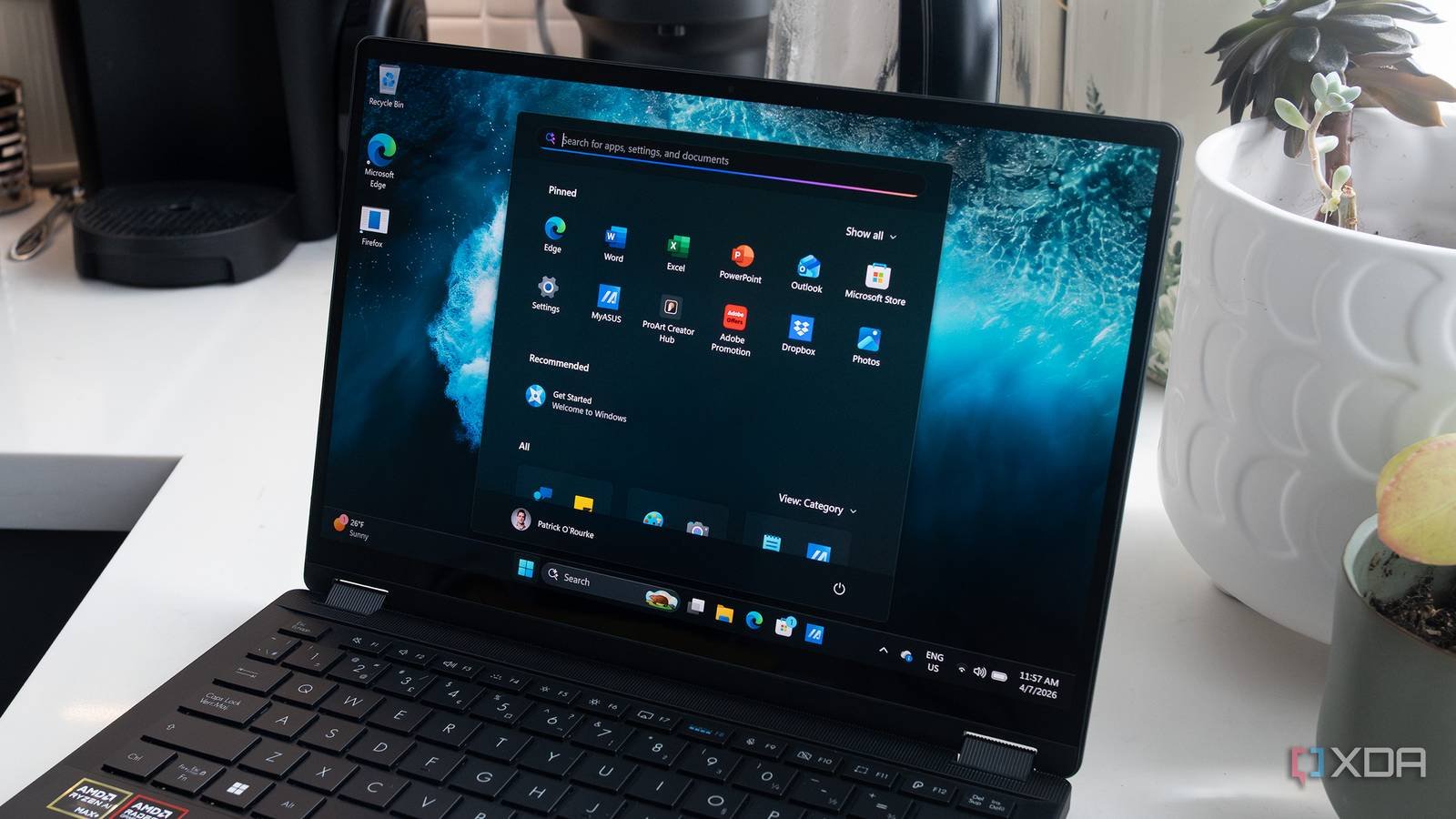
Microsoft’s internal “K2” project is now public, and the first concrete win is a leaner, quicker File Explorer. By migrating the shell’s UI layer from WinUI 2 to WinUI 3, the company has trimmed the amount of work the system does when you open a folder. The numbers released on the Windows UI GitHub repo show a 41 % drop in total allocations, a 63 % reduction in transient allocations, 45 % fewer function calls, and a 25 % cut in time spent inside WinUI code.
What the K2 update changes under the hood
WinUI 3 as the new native UI platform
WinUI 3 is Microsoft’s modern UI framework that runs directly on the OS without the extra layers required by its predecessor. It provides a more direct path to the compositor, tighter integration with the graphics stack, and a smaller runtime footprint. For developers, the migration is meant to be painless: the same XAML markup works, but the compiled binaries are leaner and the runtime performs fewer allocations.
Specific impact on File Explorer
File Explorer is built on a mixture of native C++ and XAML UI. In the K2 benchmark, the team replaced the XAML surface with WinUI 3 components and measured the following:
| Metric | Before (WinUI 2) | After (WinUI 3) |
|---|---|---|
| Total allocations | 100 % | 59 % |
| Transient allocations | 100 % | 37 % |
| Function calls | 100 % | 55 % |
| WinUI execution time | 100 % | 75 % |
The reductions translate directly into a faster UI thread, meaning the Explorer window appears on screen sooner and scrolling feels more responsive, especially on lower‑end hardware.
Why this matters for developers and power users
Faster start‑up for a daily workhorse
Most Windows users open Explorer dozens of times a day. A 30‑40 % drop in UI work can shave half a second off each launch, which adds up over a typical workday. For power users who keep multiple Explorer windows open, the lower memory churn also reduces pressure on the garbage collector and can keep the system feeling snappy longer.
Cross‑platform implications
WinUI 3 is part of the broader Windows App SDK that also powers Project Reunion. The same UI layer can be reused in Win32, UWP, and even .NET MAUI apps. By proving that a core OS component benefits from the framework, Microsoft is nudging third‑party developers to adopt WinUI 3 for their own tools, which could lead to a more consistent experience across native Windows apps and cross‑platform frameworks like React Native for Windows or Flutter Desktop.
A subtle shift away from Copilot‑heavy builds
The K2 announcement came alongside a public rollback of aggressive Copilot UI injections. By reallocating engineering time to performance work, Microsoft signals that user‑perceived speed still trumps feature bloat. For developers, this means fewer mandatory UI hooks that could interfere with custom styling or accessibility work.
Migration path for developers
If you maintain a Windows‑desktop app that still relies on WinUI 2, the transition steps are straightforward:
- Update the Windows App SDK to the latest stable release (currently 1.5). The SDK includes the WinUI 3 NuGet package.
- Replace
Microsoft.UI.Xamlreferences with the newer version. Most XAML markup works unchanged; the compiler will warn about any deprecated APIs. - Run the performance profiler (e.g., Windows Performance Analyzer) on your app to verify the expected allocation and call‑count reductions.
- Test on the K2 branch of Windows 11 (available via the Windows Insider Program) to ensure compatibility with the upcoming OS changes.
Microsoft has published a migration guide on the official documentation site. It includes a checklist for updating project files, handling API changes, and benchmarking performance.
When to expect the changes in the wild
The K2 branch is currently being rolled out to Windows 11 Insider builds. The team says the Explorer improvements will move from the development branch to the stable channel “soon,” which typically means a rollout within the next two to three feature updates. Users on the Release Preview channel should see the speed boost by the end of the summer, while the broader public release is likely to follow in the fall.
Bottom line
The Windows K2 overhaul demonstrates that a focused UI framework upgrade can deliver measurable speed gains without a massive rewrite. For developers, the move to WinUI 3 offers a path to leaner apps and better cross‑platform alignment. For everyday users, the most immediate benefit will be a snappier File Explorer that feels less like a background process and more like a responsive part of the desktop.
Stay tuned for the next Windows update, and consider testing your own apps on the K2 branch to see how WinUI 3 can improve performance for your specific workloads.
Comments
Please log in or register to join the discussion