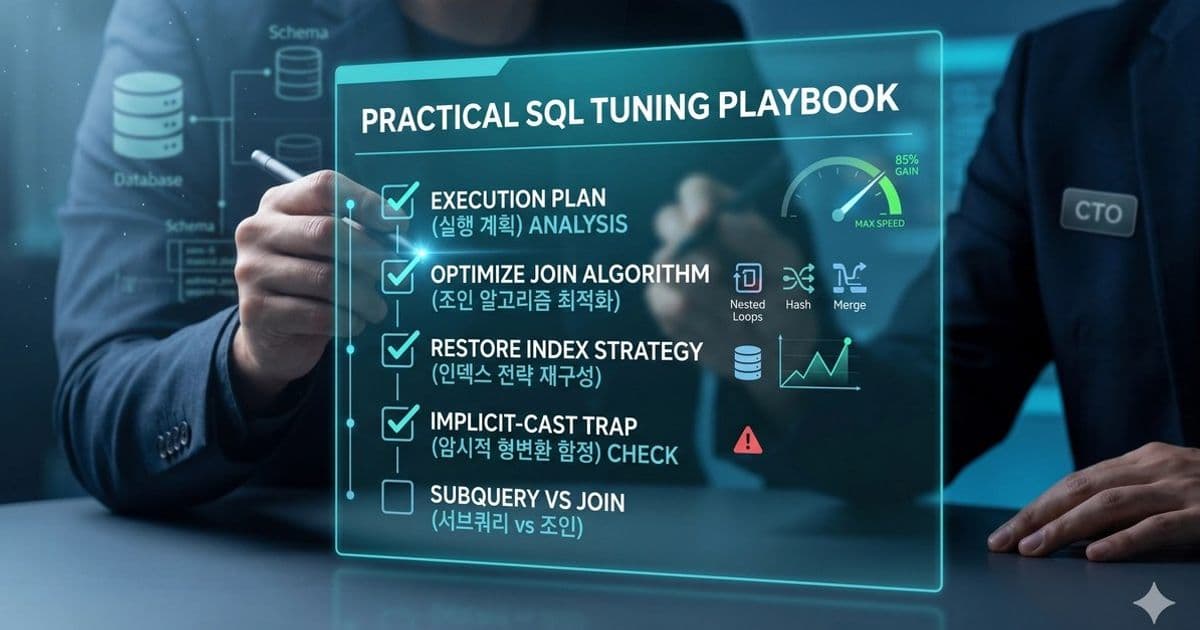
When a query slows down, the first step is to measure, then to read the execution plan, and finally to apply targeted changes—whether that means rewriting a join, adding a composite index, or fixing a type mismatch. This article walks through the iterative tuning loop, explains the key operators in execution plans, and highlights common pitfalls that can bite developers mid‑optimization.
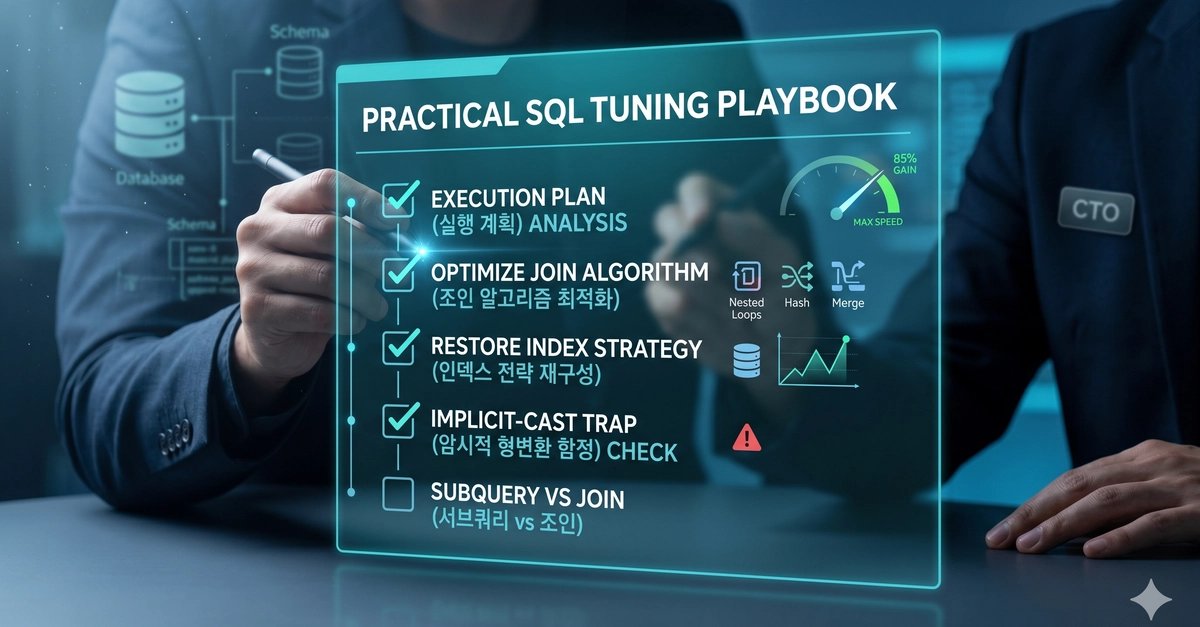
Problem
A seemingly simple SELECT or UPDATE that once ran in milliseconds now hangs for seconds or minutes. The database server is busy, the application logs show a spike, and the customer support team is asking why the response time has doubled. Without a systematic approach, you might add indexes blindly, rewrite queries without testing, or, worse, make the problem worse.
Solution approach
The tuning loop is a disciplined cycle:
- Identify the culprit – use slow‑query logs, profiler output, or user‑reported latency to isolate the exact statement.
- Measure a baseline – capture execution time, I/O, CPU, and memory usage with tools like
EXPLAIN,SHOW PROFILES, or the database’s performance schema. - Read the execution plan – understand how the engine will execute the statement, spot full scans, expensive joins, or unnecessary sorts.
- Rewrite the query – eliminate redundant joins, push predicates into the WHERE clause, convert subqueries to joins, and select only needed columns.
- Revisit indexes – evaluate existing indexes, add composite or filtered indexes, or drop dead ones that hurt write performance.
- Consider schema changes – if a column is updated too often for an index to be worthwhile, move it to a separate table.
- Tune the environment – adjust buffer sizes, parallelism settings, or hardware resources if the bottleneck is systemic.
- Re‑test and iterate – re‑run the query, re‑examine the plan, confirm the improvement, and monitor for regressions.
Reading the execution plan
Every major RDBMS exposes a plan: EXPLAIN in MySQL/PostgreSQL, EXPLAIN PLAN FOR in Oracle, and SET SHOWPLAN_ALL ON in SQL Server. The plan lists operators such as:
| Operator | What it does | Typical cost |
|---|---|---|
| Full Table Scan | Reads every row | High if the table is large |
| Index Scan | Reads rows via an index | Low if the index matches the predicate |
| Index Seek | Jumps directly to key values | Very low |
| Nested Loops / Hash Join / Merge Join | Ways to combine two tables | Depends on data size and indexes |
| Sort | Orders data | Expensive if many rows |
Three numbers are crucial:
- Cost – the optimizer’s estimate of resources needed. Lower is better.
- Cardinality – expected number of rows returned.
- Selectivity – how tightly a filter reduces the row set.
Start at the operator with the highest cost, trace the data flow, and identify the bottleneck.
Tools to surface real‑world metrics
- MySQL –
EXPLAIN SELECT …,performance_schema.events_statements_summary_by_digest,SHOW PROFILES. - PostgreSQL –
EXPLAIN ANALYZE,pg_stat_statements. - Oracle –
SQL*Trace+TKPROF,DBMS_XPLAN. - SQL Server –
SET STATISTICS IO ON,SET STATISTICS TIME ON.
Keep statistics fresh with ANALYZE TABLE or the database‑specific equivalent.
Query‑level rewrites
- Select only the columns you need – less data to move and less work for the engine.
- Filter in WHERE, not HAVING – push predicates before aggregation.
- Make predicates index‑friendly – avoid leading wildcards, use equality or range checks that match an index.
- Convert subqueries to joins – especially when the subquery is correlated; use a
WITHclause to materialize it once. - Push computation to the database – but watch out for implicit type conversions.
- Batch large writes – split massive
INSERT/UPDATE/DELETEoperations into chunks.
Indexing strategy
- Covering indexes – include all columns needed by the query so the engine can satisfy the request from the index alone.
- Composite indexes – order matters; put the most selective column first.
- Partial/filtered indexes – useful when only a subset of rows is queried frequently.
- Clustered vs. non‑clustered – choose based on access patterns; a clustered index orders the data physically, which can help range scans.
- Prune dead indexes – unused indexes add maintenance overhead.
Join algorithms – when to pick which
| Algorithm | Typical use case | Performance notes |
|---|---|---|
| Nested Loops | Small outer table, highly selective | Fast when the inner side has an index on the join key |
| Hash Join | Large tables, no index on join key | Requires enough memory to build the hash table |
| Merge Join | Both inputs sorted on the key | Efficient when sorting cost is low |
The optimizer usually chooses automatically, but you can influence it with hints or by restructuring the query.
Common traps that kill performance
- Implicit casts – comparing a string column to a number forces the engine to cast one side, disabling the index and adding CPU load. Keep data types aligned, or create a generated column that stores the casted value and index that.
- Correlated subqueries – executed once per outer row; often replaced by a join or a CTE.
- Unnecessary joins – join tables only when you need data from them; each join adds cost.
- Large result sets – if the query returns many rows, consider pagination or filtering further.
Trade‑offs
| Decision | Benefit | Cost |
|---|---|---|
| Adding an index | Faster reads | Slower writes, higher storage |
| Rewriting a query | Immediate speedup | Requires testing and validation |
| Changing schema | Long‑term performance | Migration effort |
| Tuning configuration | System‑wide improvement | Risk of affecting other workloads |
The key is to measure before and after, keep changes small, and always test against a realistic dataset. A single, well‑placed index or a small rewrite can save a production system hours of CPU time per day.
Takeaway
SQL tuning is an iterative practice that blends measurement, analysis, and targeted changes. By mastering execution plans, understanding join algorithms, and avoiding common pitfalls like implicit casts, you can turn a sluggish query into a lean, efficient statement that scales with your data. The next time a query slows, follow the loop: identify, measure, analyze, rewrite, index, and re‑measure. The gains are tangible, and the process becomes part of your development workflow.

Comments
Please log in or register to join the discussion