
Adobe has rolled out a significant update to Acrobat's AI features, directly challenging NotebookLM's viral podcast generation with its own 'Generate Podcast' tool, while adding chat-based PDF manipulation and enhanced collaboration to its PDF Spaces.
Adobe's push into AI-powered document interaction has taken a decisive leap forward. The company announced a major upgrade to its Acrobat platform today, adding a suite of new AI features that squarely target the niche NotebookLM has carved out for itself. The centerpiece is a new "Generate Podcast" feature, but the update also includes natural language PDF editing and expanded collaboration tools for its PDF Spaces.
The Podcast Feature: A Direct Challenge
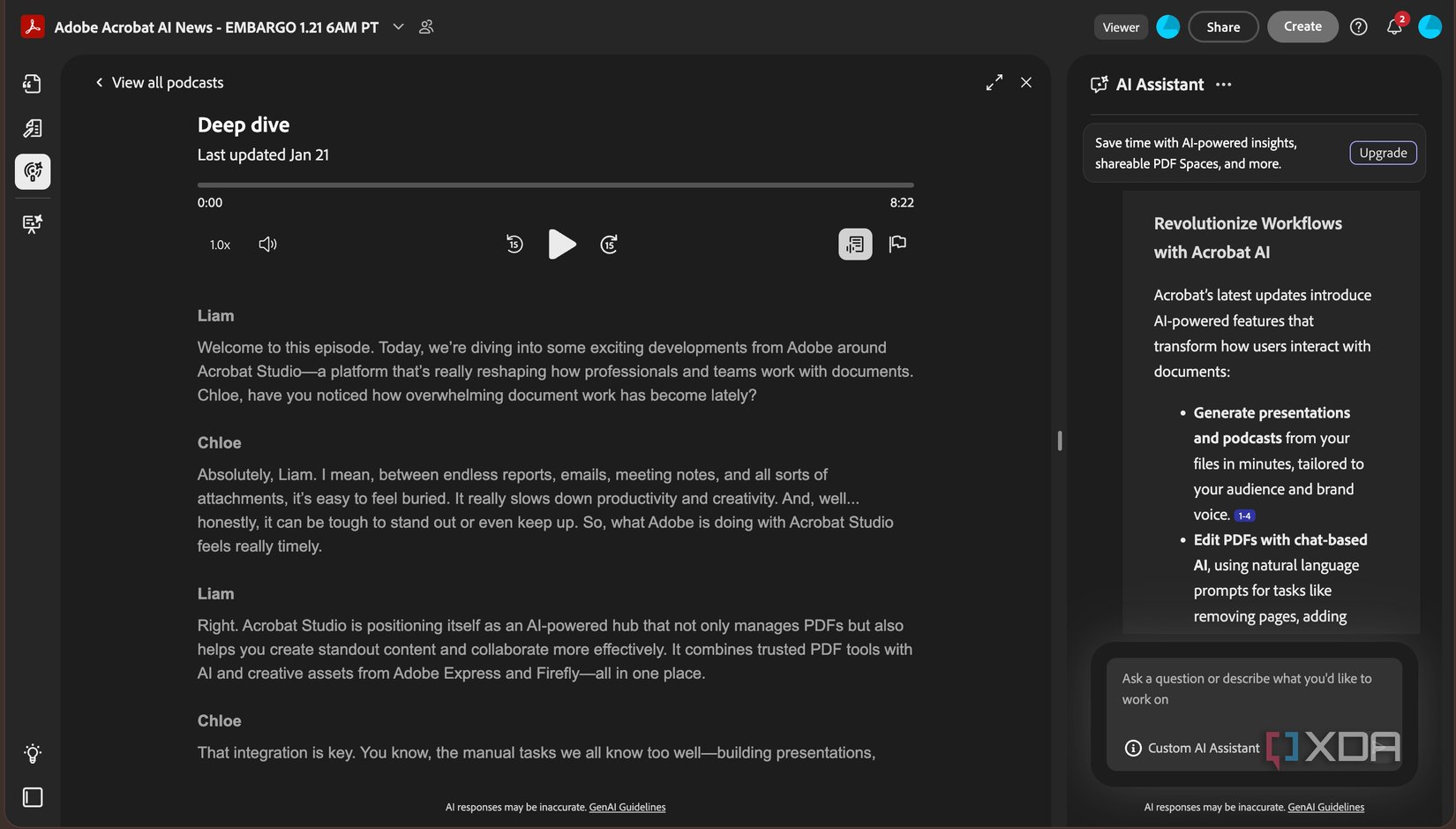
The most notable addition is the ability to generate podcast-style summaries from documents within a PDF Space. This is the exact feature that propelled NotebookLM to viral fame, allowing users to turn dense research papers, legal documents, or study materials into an engaging audio conversation between two AI hosts.
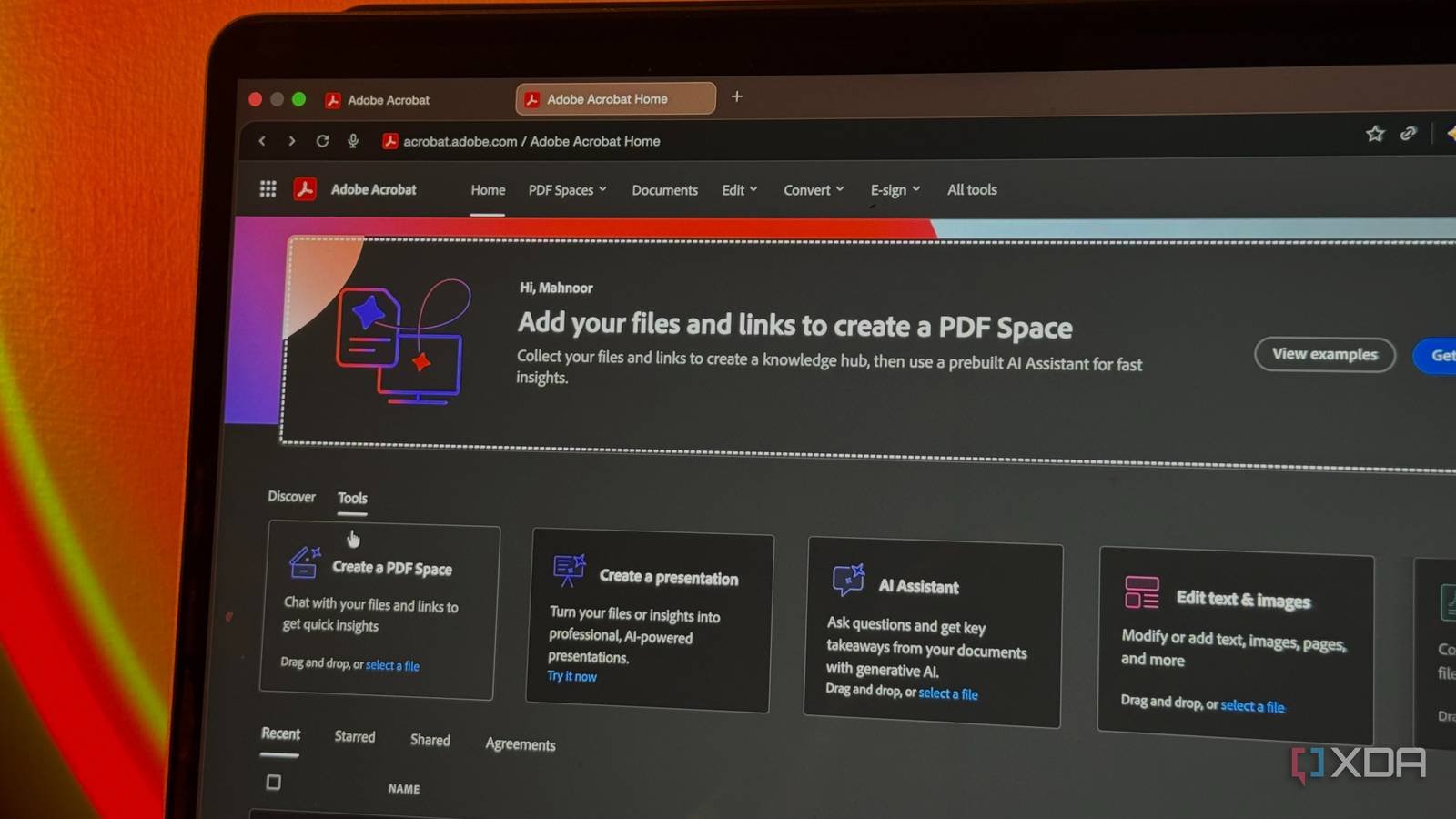
Adobe's implementation works by processing the content you've uploaded to a PDF Space. You can then prompt the AI assistant to create a podcast, which it generates using Adobe Express under the hood. The result is a conversational breakdown where the hosts discuss your sources, pulling out key insights and explaining complex topics in a digestible format. You can pause, skip, or replay sections, and the AI is designed to keep all information grounded in your specific uploaded files, avoiding the hallucinations that can plague general-purpose AI models.
This isn't just a novelty. For developers and professionals who need to quickly absorb technical specifications, API documentation, or lengthy project briefs, a hands-free audio summary can be a productivity booster. It's particularly useful for cross-platform developers who need to stay updated on both iOS and Android ecosystem changes without being tethered to a screen.
Chat-Based PDF Manipulation: Natural Language as an Interface
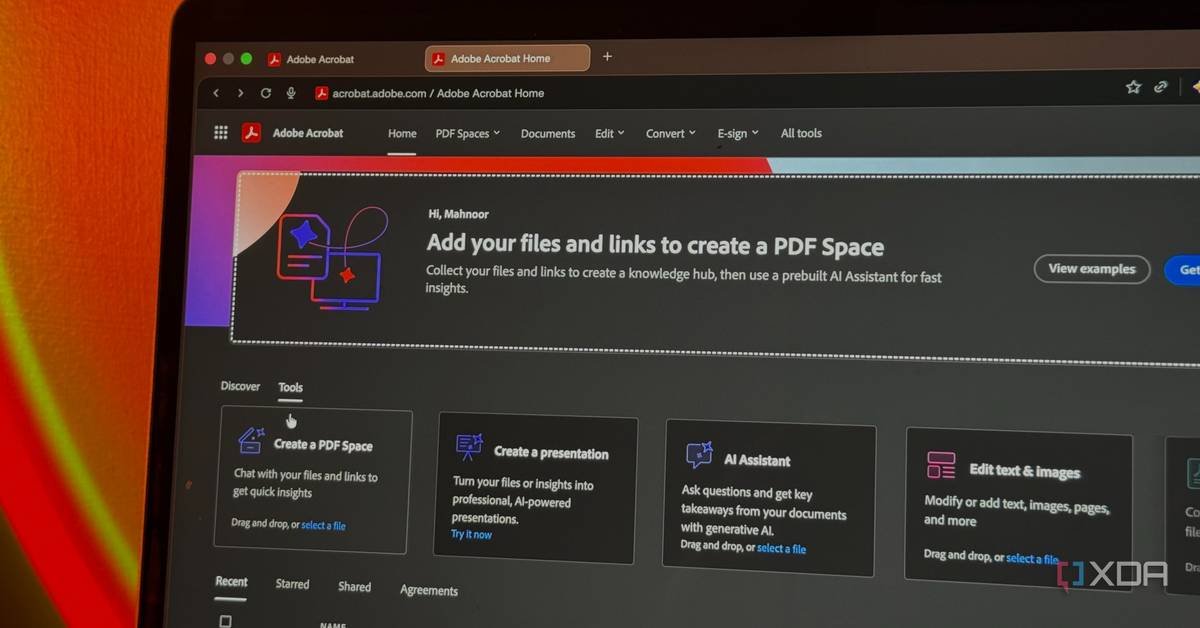
Beyond content consumption, Adobe is making PDF editing more intuitive with chat-based AI. Instead of navigating menus or learning specific tool shortcuts, you can now use natural language prompts to manipulate documents.
For example, a mobile app developer could type:
- "Delete the appendix pages from this technical spec"
- "Find all instances of 'deprecated' and replace with 'legacy'"
- "Add a digital signature to page 12"
- "Password-protect this document"
The AI assistant interprets these commands and executes them instantly. This reduces the friction in document workflows, especially for tasks that are infrequent enough that you forget the exact menu path. For teams managing cross-platform SDK documentation or release notes, this can streamline the process of updating and securing files.

Enhanced Collaboration in PDF Spaces
PDF Spaces, Adobe's AI-powered workspace for document interaction, is also receiving collaboration upgrades. You can now invite team members to join a Space, where they can add their own files, leave notes, and complete tasks collaboratively.
This is particularly relevant for development teams working on platform-specific requirements. For instance, an iOS developer and an Android developer could collaborate in a shared PDF Space containing both Apple's Human Interface Guidelines and Google's Material Design documentation. They could annotate sections, add code snippets, and generate podcast summaries of the key differences between the two platforms—all within a single, AI-enhanced environment.
The collaboration features support task management, making it possible to assign document review or content refinement tasks directly within the workspace. This could be valuable for teams maintaining apps on both iOS and Android, where platform requirements and SDK versions change independently and need to be tracked carefully.
Integration and Availability
All these features are now available within Acrobat Studio, Adobe's unified platform for PDF and document management. The company emphasizes that the podcast generation is powered by Adobe Express, meaning users have access to Express's editing tools directly within Acrobat to customize slides, add visuals, and adjust formatting without switching applications.
This tight integration is a key advantage over standalone tools. For developers who already use Adobe's ecosystem for design assets or documentation, having AI-powered document interaction within the same environment reduces context switching and maintains workflow continuity.
The Competitive Landscape
Adobe's update positions Acrobat as a more comprehensive solution than NotebookLM. While NotebookLM excels at conversational interaction with documents, Adobe's offering adds robust PDF editing, security features, and enterprise-grade collaboration. The podcast feature is a direct response to NotebookLM's popularity, but Adobe's broader toolset could appeal to users who need more than just content digestion.
For mobile developers, the implications are practical. The ability to quickly generate audio summaries of SDK release notes, security bulletins, or platform policy changes can help maintain awareness without constant reading. The chat-based editing can streamline documentation maintenance, and the collaboration features support team workflows that span multiple platforms.
Technical Considerations
From a technical perspective, Adobe's approach leverages its existing AI infrastructure, which is already integrated into its Creative Cloud and Document Cloud services. The podcast generation likely uses similar text-to-speech and conversational AI models that power other Adobe Sensei features. The chat-based PDF manipulation probably combines natural language processing with Acrobat's existing API for document editing.
For developers interested in the underlying technology, Adobe's blog post provides more details on the implementation. The company has been steadily building its AI capabilities, and this update represents a convergence of its document and creative AI tools.
Practical Impact for Developers
For developers maintaining cross-platform applications, these features offer several concrete benefits:
Rapid Information Absorption: Podcast summaries of lengthy technical documents can be consumed during commutes or breaks, keeping developers informed without dedicated reading time.
Streamlined Documentation Workflows: Natural language commands reduce the learning curve for document manipulation, making it easier to update specs, security policies, or user guides.
Enhanced Team Collaboration: Shared PDF Spaces with task management can improve coordination between iOS and Android teams, especially when dealing with platform-specific requirements.
Reduced Context Switching: Having AI-powered document interaction within Acrobat means developers don't need to juggle multiple tools for different aspects of document management.
Getting Started
To use these new features, developers will need an Acrobat subscription that includes Acrobat Studio. The company has made the features available immediately, so teams can start experimenting with podcast generation and chat-based editing right away.
For those new to PDF Spaces, Adobe provides documentation on setting up and managing these AI-powered workspaces. The collaboration features are particularly well-documented, with guides on inviting team members and managing shared tasks.
Looking Ahead
Adobe's aggressive push into AI-powered document interaction signals a broader trend in the software industry: the integration of conversational AI into productivity tools. As these features mature, we can expect to see more sophisticated interactions, such as AI agents that can not only summarize and edit documents but also generate code snippets, create diagrams, or even suggest architectural improvements based on technical specifications.
For mobile developers, staying aware of these tools is part of maintaining an efficient workflow. The ability to quickly process and collaborate on documentation is increasingly important as platforms evolve and cross-platform development becomes more complex.
Adobe's latest upgrade to Acrobat represents a significant step in making document interaction more intuitive and collaborative. Whether it's enough to win over dedicated NotebookLM users remains to be seen, but for developers already in the Adobe ecosystem, the integration and additional features make it a compelling option.
Resources:
Comments
Please log in or register to join the discussion