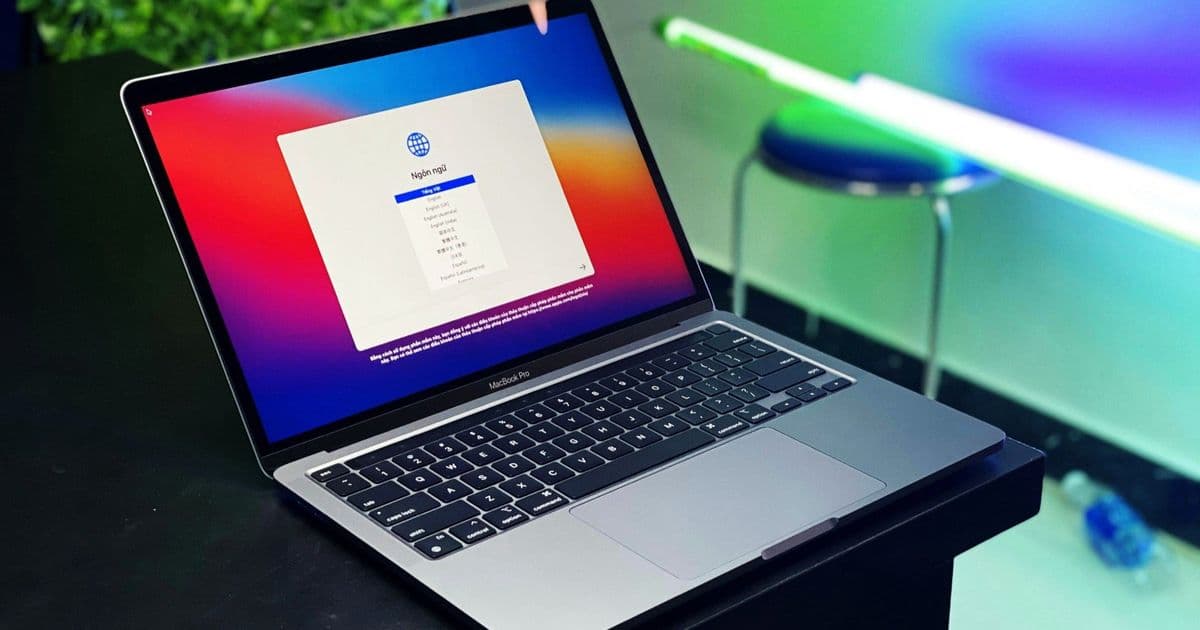
A critical macOS bug causes MacBooks to slow down and applications to malfunction after exactly 49 days, 17 hours, 2 minutes and 47.296 seconds of uptime due to a 32-bit counter overflow that prevents proper network connection termination.
Apple MacBooks, including the MacBook Neo, MacBook Pro, and iMac models, suffer from a critical performance degradation issue that manifests after exactly 49 days, 17 hours, 2 minutes and 47.296 seconds of continuous operation. This bug, identified by Photon, acts as a "time bomb" that gradually degrades system performance and causes applications to malfunction, requiring a restart to resolve the issue temporarily.
The Root Cause: 32-bit Counter Overflow
The fundamental problem stems from macOS using a 32-bit counter to track the duration of network connections and system uptime. This counter can store values up to 2³² nanoseconds, which mathematically equals 4,294,967,295 nanoseconds or precisely 49 days, 17 hours, 2 minutes and 47.296 seconds. When this value is exceeded, the counter overflows and stops functioning correctly, leading to a cascade of network-related issues.
This isn't an isolated problem unique to Apple's operating system. The same 32-bit limitation caused Windows 95 and Windows 98 to crash after 49.7 days of continuous operation. Similarly, some Linux distributions that use 32-bit counters to record seconds since the Unix epoch will encounter errors on January 19, 2038, commonly known as the "Year 2038 problem."
How the Bug Manifests
After the 49-day threshold is reached, network connections are no longer terminated properly. This creates a gradual accumulation of open connections that should have been closed. As a result:
- CPU utilization increases as the system manages hundreds or even thousands of connections that should have been terminated
- Available network ports (typically 16,384) become exhausted
- New network connections cannot be established once all ports are used
- Applications that rely on network connectivity begin to malfunction
- Previously established connections continue to work without issues
- macOS still responds correctly to ping requests, making the problem harder to diagnose
The issue is particularly insidious because it develops gradually over weeks rather than causing an immediate system crash, making it difficult for users to identify the root cause of their performance problems.
The Temporary Fix
The only reliable solution to this problem is restarting the affected Mac. A restart resets the 32-bit counter, effectively clearing all accumulated network connections and freeing up the exhausted ports. However, this fix is temporary, as the same issue will recur after another 49 days, 17 hours, 2 minutes and 47.296 seconds of continuous operation.
Impact on Users
This bug particularly affects users who rarely restart their MacBooks, such as those who keep their devices running continuously for weeks or months. Common symptoms include:
- Gradual system slowdown over time
- Applications becoming unresponsive or crashing
- Network-dependent applications failing to connect to new servers
- Increased CPU usage without apparent cause
- Overall system instability that resolves after a restart
Historical Context and Similar Issues
The 49-day limitation is a well-known limitation in computer science, stemming from the constraints of 32-bit arithmetic. While modern systems have largely moved to 64-bit counters that extend these limitations far into the future, legacy code and certain system components can still be affected by these fundamental limitations.
Apple's implementation of this counter in macOS network management represents a significant oversight, as the company typically maintains high standards for system stability and performance. The fact that this issue has persisted through multiple macOS versions suggests it may be deeply embedded in the operating system's networking stack.
Recommendations for Users
To mitigate the impact of this bug, users should:
- Restart their MacBooks at least once every 49 days as a preventive measure
- Monitor system performance for gradual degradation over time
- Be aware that network connectivity issues after several weeks of uptime may be related to this bug rather than hardware failure
- Consider setting up automated restart schedules if the device is used in a 24/7 capacity
For more detailed technical information about this bug and its underlying mechanisms, Photon's comprehensive report provides additional insights into the networking stack behavior and potential workarounds.
The persistence of this 32-bit limitation in modern operating systems serves as a reminder that fundamental architectural decisions can have long-lasting consequences, even as computing technology continues to advance rapidly.
Comments
Please log in or register to join the discussion