
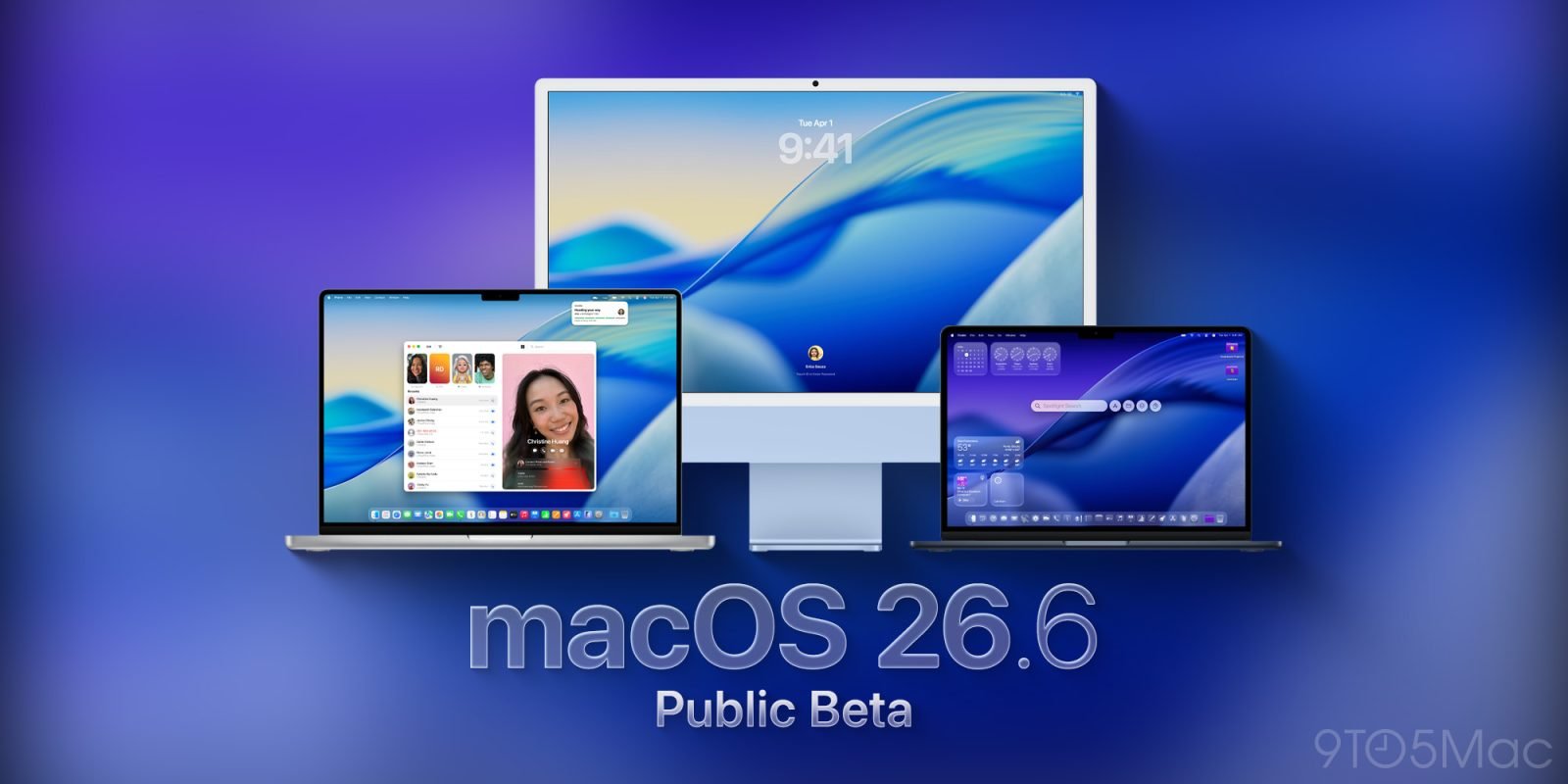
Following the developer release earlier this week, Apple has now made macOS 26.6 public beta 1 available to participants in the public beta program. This minor update primarily addresses an issue with incorrect app identification in deprecation notifications.
Apple has begun rolling out the first public beta of macOS 26.6, following the developer version released earlier this week. The update is now available to participants in Apple's public beta program, though it appears to be a relatively minor release focused on addressing specific issues rather than introducing new features.
According to Apple's release notes, macOS 26.6 beta 1 primarily fixes an issue that could cause macOS deprecation notifications to incorrectly identify some applications as Intel-only when they are actually compatible with Apple Silicon. This type of fix is important for maintaining compatibility as Apple continues its transition away from Intel processors, though it's not the kind of change that users will immediately notice in their day-to-day usage.
The build number for this public beta release is 25G5028f, which matches the build number of yesterday's developer release, confirming that this is essentially the same software now being made available to a wider audience of beta testers.
This beta comes as part of what appears to be a maintenance cycle for macOS 26, which was originally released last fall. Typically, these point releases focus on bug fixes, security patches, and minor improvements rather than major feature additions. The macOS 26.6 beta cycle is expected to continue for the next few weeks, with the official release likely coming after Apple's Worldwide Developers Conference (WWDC) in June, where the company is expected to introduce macOS 27.
For those interested in trying out the public beta, Apple has made the process straightforward. First, users need to enroll in the public beta program at https://beta.apple.com/. Once enrolled, they can install the beta by following these steps:
- Open System Settings
- Go to General ⇾ Software Update
- Click the 'i' icon next to Beta Updates
- From the dropdown menu in the top-right, select the macOS Tahoe 26 Public Beta
- Hit 'Done'
After completing these steps, the system should detect and offer the macOS 26.6 public beta 1 for installation. As with any beta software, users should be aware that this is pre-release software that may contain bugs or issues. It's generally recommended to install beta releases on non-primary devices or to ensure you have proper backups before proceeding.
For developers, while this particular beta may not introduce major changes, it's still important to test their applications against the latest build to ensure compatibility with the fixes Apple has implemented, particularly regarding the deprecation notification issue. This can help prevent potential problems when the final version is released to the general public.
The relatively minor nature of this beta suggests that Apple is likely focusing its major development efforts on macOS 27, which is expected to be announced at WWDC 2026. Historically, major version updates of macOS have brought significant design changes, new features, and underlying architecture improvements, while point releases like this one tend to be more incremental.
As with all beta releases, Apple will likely continue to refine macOS 26.6 based on feedback from both developers and public beta testers. This iterative process helps identify and address issues before the software is released to the general public, ensuring a more stable experience for all users when the final version arrives.
For those who do install the beta and notice any changes or issues, Apple encourages feedback through the Feedback Assistant application, which is the standard channel for reporting bugs and suggesting improvements during the beta testing period.
This release continues Apple's pattern of making beta software available to both developers and the general public, allowing for broader testing and feedback collection. While this particular beta may not be exciting for most users, it represents an important part of Apple's software development and quality assurance process.
As we move closer to WWDC and the expected announcement of macOS 27, users and developers alike will be watching for what new features and changes Apple has in store for its desktop operating system. In the meantime, these incremental updates help maintain stability and address specific issues in the current version of the software.
Comments
Please log in or register to join the discussion