
Apple’s upcoming Series 12 is expected to keep the familiar look but bring a new 3 nm‑based S‑chip, possible health sensor upgrades, and subtle UI changes. This article breaks down the hardware timeline, watchOS 11 requirements, and how to prepare your apps for a smooth transition.
Apple Watch Series 12: What Developers Need to Know
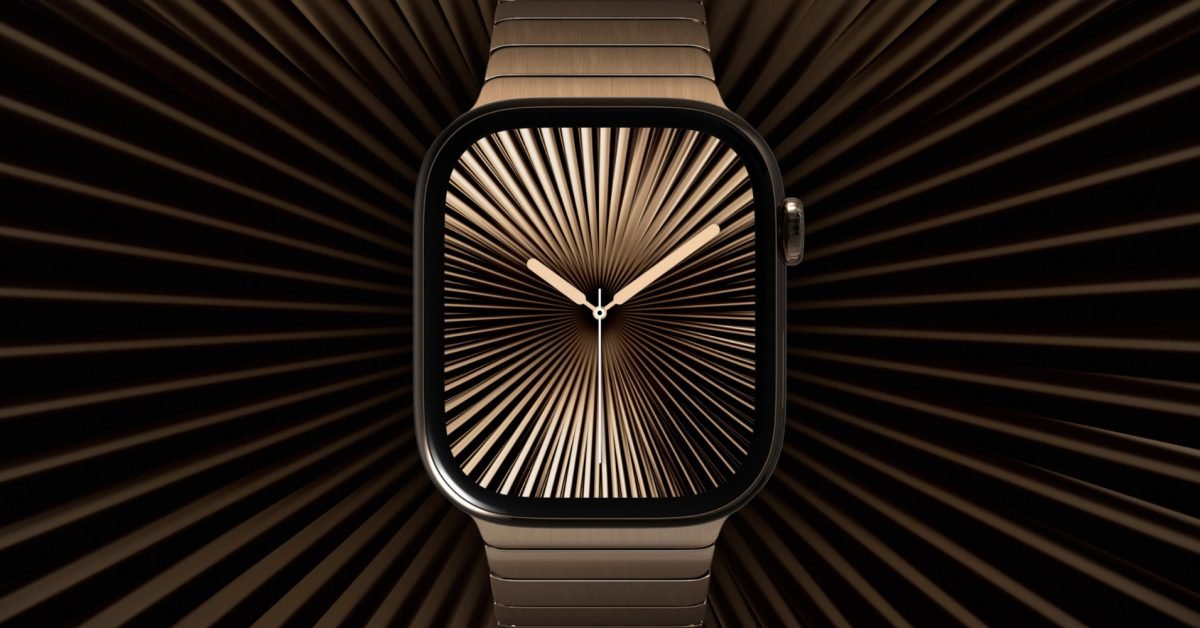
Apple is slated to announce its next‑generation watch in September 2026. While the consumer‑focused press releases will highlight colors and fitness features, the real impact for iOS developers lies in the hardware refresh, the watchOS version that will ship with it, and the subtle API changes that follow.
Hardware update – the new S‑chip
Apple traditionally introduces a brand‑new processor for the Watch roughly every three years. The S6 (2020) was based on the A13 Bionic, the S9 (2023) on the A16. Rumors point to a S12 built on a 3 nm node, likely derived from the upcoming A19 architecture. A smaller process means:
- Higher single‑core performance – expect roughly a 15‑20 % uplift in CPU benchmarks compared with the S9. This benefits heavy background tasks such as real‑time health analytics.
- Improved GPU efficiency – the new GPU should deliver smoother animations in watchOS 11, especially for third‑party complications that use custom graphics.
- Better power envelope – despite the extra performance, the 3 nm design should keep battery drain similar to the Series 11, giving developers more headroom for background processing.
For developers, the key takeaway is that the minimum supported watchOS will be 10.0, but the new hardware will ship with watchOS 11. Apple’s SDK documentation confirms that watchOS 11 will require Xcode 15.2 or later and the iOS 17 SDK.
Reference: Apple Developer – watchOS 11 Release Notes
Software impact – watchOS 11 changes
watchOS 11 introduces several APIs that directly relate to the rumored health sensors and UI refinements:
| Feature | API | Migration notes |
|---|---|---|
| Blood‑pressure monitoring (rumored) | HKQuantityTypeIdentifierBloodPressureSystolic / Diastolic |
Already present in HealthKit; watchOS 11 adds real‑time streaming support. Update your HKWorkoutSession handling to listen for HKLiveWorkoutBuilder updates. |
| Blood‑glucose sensor (speculative) | HKQuantityTypeIdentifierBloodGlucose |
No breaking changes, but Apple may require explicit user permission via requestAuthorization(toShare:read:) with the new HKAuthorizationStatus. |
| Complication rendering | CLKComplicationTemplateGraphicCircular improvements |
New strokeWidth property allows finer control of line‑based complications. Existing templates will continue to work, but Apple recommends adopting the graphic family for better visual fidelity on the larger display. |
| Background tasks | BGTaskScheduler for watchOS |
watchOS 11 expands the allowed execution time for BGProcessingTask. Adjust your task identifiers and ensure you call setTaskCompleted(success:) promptly to avoid throttling. |
If your app targets watchOS 10, you can continue to ship without changes, but you’ll miss out on the performance gains and new health‑sensor streams that the Series 12 hardware will expose.
Cross‑platform considerations
Most developers maintain a shared codebase for iOS and watchOS using SwiftUI. The new SDK brings a few nuances:
- SwiftUI 5.0 (bundled with Xcode 15.2) adds
@Observableproperty wrappers that work across iOS 17 and watchOS 11. Migrating to these wrappers can reduce boilerplate in shared view models. - UIKit vs. WatchKit – while UIKit is no longer available on watchOS, the new
WKHostingControllernow supportsignoresSafeAreaEdgesfor edge‑to‑edge content. Update any custom hosting controllers accordingly. - App Clips – Apple is deprecating App Clips on watchOS. If you rely on lightweight launch experiences, consider using
WKAppBundleresources instead.
Migration checklist for existing Watch apps
- Update Xcode to 15.2 or later and set the Base SDK to watchOS 11.
- Raise the deployment target to watchOS 10 if you want to use the new APIs; keep a fallback path for older devices.
- Audit HealthKit permissions – add the new identifiers to your
Info.plist(NSHealthShareUsageDescription,NSHealthUpdateUsageDescription). - Test on the Series 12 simulator (available in Xcode 15.2) to verify performance and battery impact.
- Review background task schedules – increase the interval for non‑critical tasks now that the OS allows longer execution windows.
- Update UI assets – the Series 12 display size remains the same, but the new graphic complication templates look sharper; replace legacy templates where possible.
What this means for your roadmap
If your app relies heavily on health data, the Series 12 hardware could unlock real‑time blood‑pressure or glucose streams without requiring an external accessory. Plan a feature branch that integrates the new HealthKit types and schedule a beta test with the watchOS 11 public beta (available through the Apple Developer portal).
For apps that are primarily UI‑driven, the performance uplift from the S12 chip means you can add richer animations or more frequent complication updates without sacrificing battery life.
Final thoughts
The Apple Watch Series 12 appears to be an evolutionary step rather than a radical redesign. The 3 nm S12 chip, watchOS 11, and incremental health‑sensor support give developers a solid platform to enhance existing experiences. By updating your toolchain, reviewing the new APIs, and testing on the simulator, you can ensure a smooth transition and take advantage of the extra horsepower when the device lands in users’ hands this September.
For more details on the watchOS 11 SDK, see the official Apple documentation linked above. Stay tuned for the official September announcement and the accompanying developer beta.
Comments
Please log in or register to join the discussion