Microsoft's new StandardV2 NAT Gateway flow logs provide unprecedented visibility into outbound traffic patterns, enabling security auditing, usage analytics, and troubleshooting capabilities that were previously unavailable in Azure deployments.
Microsoft has introduced a powerful new capability for Azure's StandardV2 NAT Gateway: flow logs that provide unprecedented visibility into outbound traffic patterns. This feature addresses a critical gap in Azure networking, where customers previously had no way to monitor or audit NAT gateway traffic flows.
What Changed
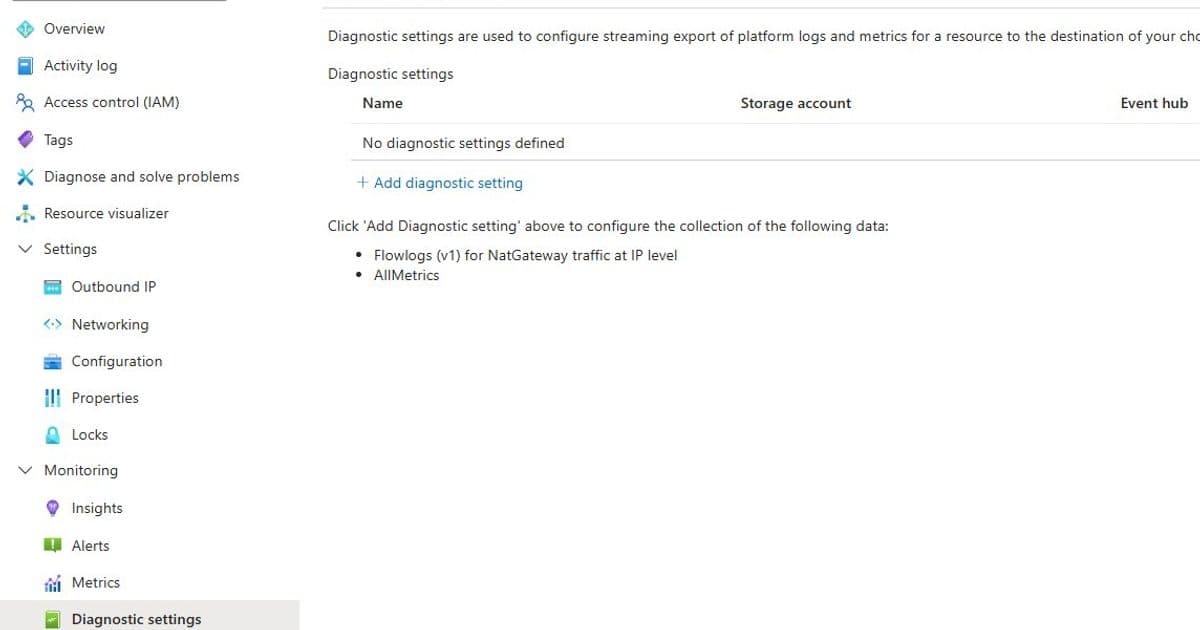
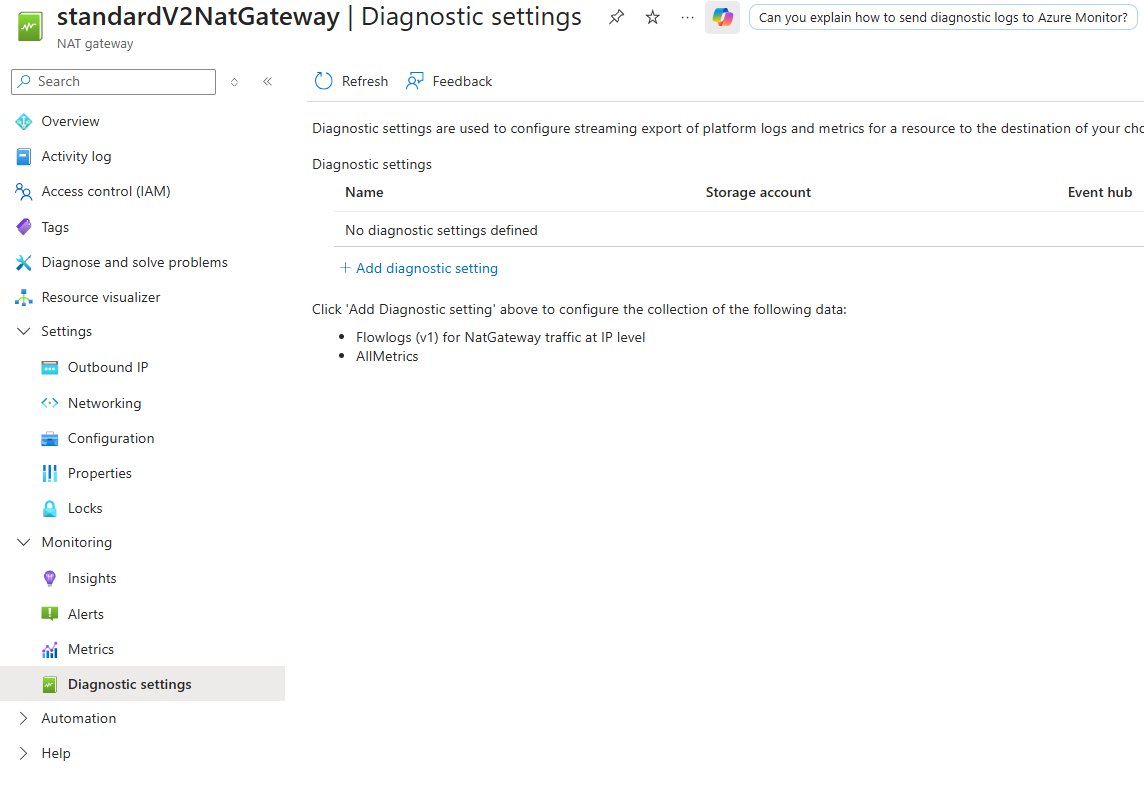
StandardV2 NAT Gateway now supports flow logging through Diagnostic settings, allowing organizations to capture detailed IP-level information about traffic flowing through their NAT gateways. The logs can be sent to Log Analytics, storage accounts, or Event Hubs, with the "NatGatewayFlowlogV1" category providing comprehensive connection data.
Why It Matters
Prior to this release, Azure customers faced significant challenges in monitoring outbound connectivity. Without visibility into NAT gateway operations, teams struggled to validate security policies, audit suspicious activity, and meet compliance requirements. The new flow logs solve these problems by providing a complete audit trail of source IP to destination IP connections, including packet and byte counts.
Key Capabilities
The flow logs offer several critical benefits:
Security and Compliance Visibility
- Validate that only approved destinations are being accessed
- Audit suspicious or unexpected outbound patterns
- Satisfy compliance requirements that mandate traffic recording
- Track source IP → NAT gateway outbound IP → destination IP relationships
Usage Analytics
- Identify which VMs generate the most outbound requests
- Determine which destinations receive the most traffic
- Analyze throughput growth patterns
- Debug unexpected billing spikes and connection bottlenecks
Important Technical Note Flow logs only capture established connections. The TCP 3-way handshake (SYN → SYN/ACK → ACK) or UDP ephemeral session setup must complete. Connections blocked by NSGs, routing mismatches, or SNAT exhaustion won't appear in the logs.
Real-World Troubleshooting Example
Consider a scenario where VMs using StandardV2 NAT Gateway intermittently fail to reach github.com. The troubleshooting workflow demonstrates the practical value of flow logs:
Step 1: Health Verification Check the datapath availability metric. Values above 90% confirm the NAT gateway is healthy and functioning correctly.
Step 2: Enable Flow Logs Enable the "NatGatewayFlowLogsV1" category in Diagnostic settings, preferably with Log Analytics as the destination for easy querying.
Step 3: Query Connection Establishment Use Log Analytics to search for flows matching the source VM IP and destination github.com IP. If no records exist, the issue likely involves connection establishment problems requiring investigation of SNAT metrics, NSGs, or routing.
Step 4: Analyze Packet Drops Query for "PacketsSentDropped" and "PacketsReceivedDropped" metrics. Non-zero values indicate rate limiting due to excessive traffic on single connections. The solution involves distributing traffic across multiple connections or adding more public IP addresses to the NAT gateway.
Business Impact
The introduction of NAT Gateway flow logs represents a significant advancement for Azure networking. Organizations can now:
- Enhance Security Posture: Real-time visibility into outbound traffic enables proactive threat detection and policy enforcement
- Improve Compliance: Maintain detailed audit trails for regulatory requirements
- Optimize Performance: Identify and resolve connectivity bottlenecks before they impact users
- Control Costs: Detect unusual traffic patterns that could indicate billing anomalies
- Streamline Troubleshooting: Reduce mean time to resolution for connectivity issues
Implementation Considerations
For maximum benefit, organizations should enable flow logs proactively rather than waiting for issues to occur. This ensures historical data is available when troubleshooting is needed. The logs integrate seamlessly with existing Azure monitoring tools and can be incorporated into automated alerting systems.
Getting Started
Microsoft provides comprehensive documentation for enabling and managing StandardV2 NAT Gateway flow logs:
- Manage StandardV2 NAT Gateway Flow Logs
- Monitor with StandardV2 NAT Gateway Flow Logs
- Azure NAT Gateway Pricing
The feature is available immediately for StandardV2 NAT Gateway deployments, representing a significant enhancement to Azure's outbound connectivity capabilities. As organizations increasingly rely on cloud-native architectures, this level of visibility becomes essential for maintaining security, compliance, and performance standards.
Comments
Please log in or register to join the discussion