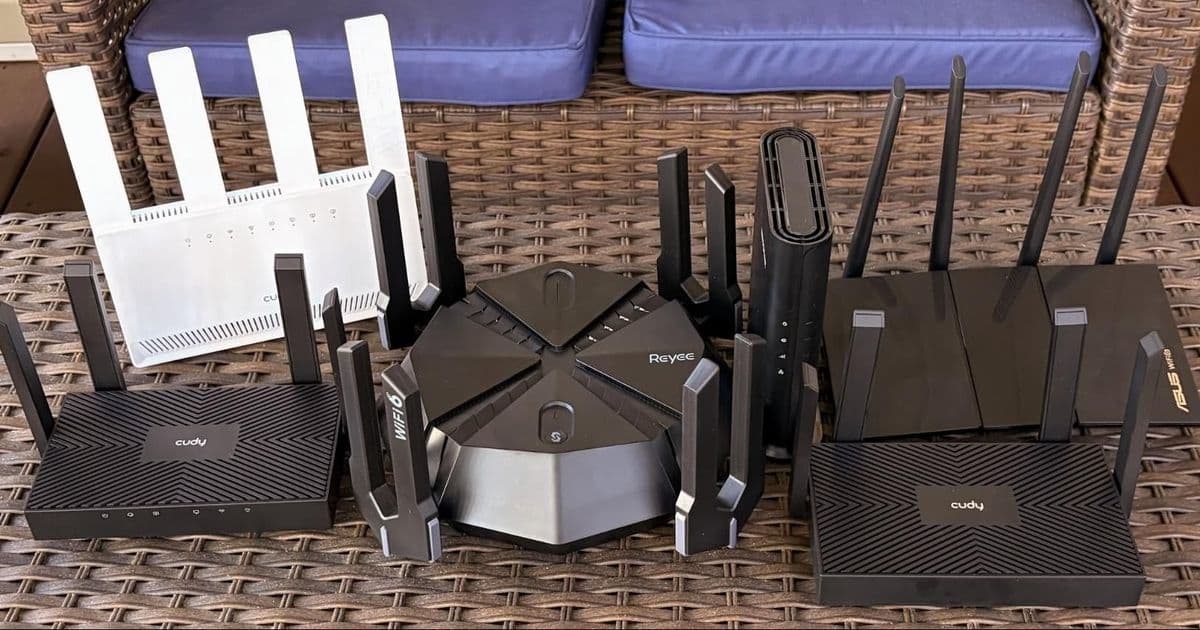
A comprehensive performance analysis of seven budget wireless routers priced under $100, comparing Wi-Fi 6 and dual-band Wi-Fi 7 models to determine which offers the best value for money based on real-world throughput benchmarks.
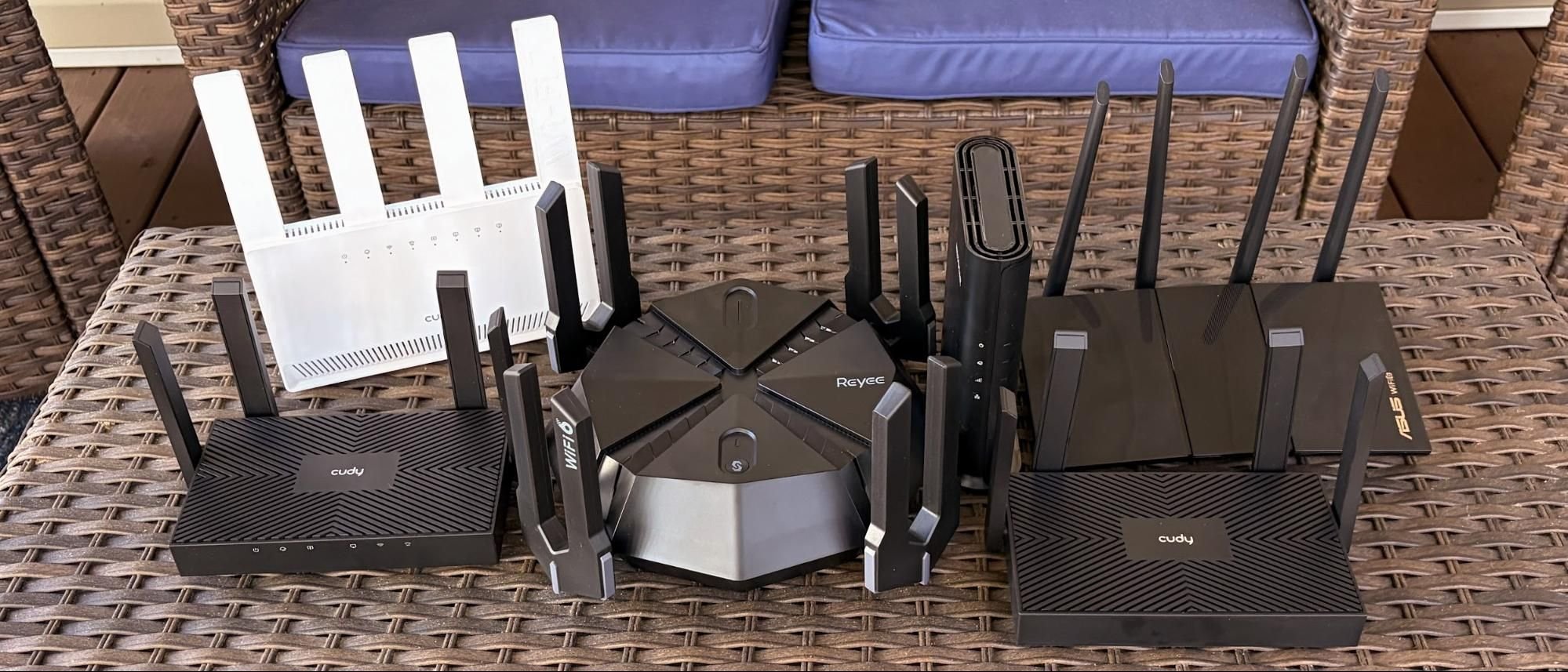
The sub-$100 wireless router market has become a battleground where Wi-Fi 6 and the newer Wi-Fi 7 standard are now competing directly on price. With dual-band Wi-Fi 7 routers now dipping below the $100 threshold, consumers face a critical decision: stick with the proven Wi-Fi 6 standard or pay a small premium for the latest Wi-Fi 7 features? To answer this, we tested seven routers from brands like TP-Link, Asus, Netgear, and Cudy, running extensive throughput benchmarks to see if the theoretical advantages of Wi-Fi 7 translate into meaningful real-world performance gains.
Wi-Fi 6 versus Wi-Fi 7: The Technical Divide
The fundamental difference between the two standards lies in their underlying IEEE specifications: Wi-Fi 6 is 802.11ax, while Wi-Fi 7 is 802.11be. This generational leap brings several key technical advancements. Wi-Fi 7 doubles the maximum spatial streams from 8 to 16 and doubles the maximum bandwidth per stream from 1,200 Mbps to 2,400 Mbps. The theoretical maximum data rate skyrockets from 9.6 Gbps to 46 Gbps, though real-world speeds are always a fraction of these figures.
A crucial differentiator is channel bandwidth. Wi-Fi 6 is capped at 160 MHz, while tri-band Wi-Fi 7 (which includes the 6 GHz band) can use 320 MHz channels. However, the budget dual-band Wi-Fi 7 routers in this roundup are limited to 240 MHz, as they lack the 6 GHz band. This is a critical point for buyers: a dual-band Wi-Fi 7 router does not have the 6 GHz band, which is the primary performance differentiator for the standard.
Wi-Fi 7 also introduces 4K-QAM (Quadrature Amplitude Modulation), a significant upgrade from Wi-Fi 6's 1024-QAM. This allows for denser data packing, increasing data rates by up to 20% in ideal conditions. Furthermore, Wi-Fi 7 supports Multi-Link Operation (MLO), which allows a client device to connect and transmit data simultaneously across multiple bands (2.4 GHz and 5 GHz on dual-band models), potentially improving reliability and reducing latency.
The Test Contenders: Specifications at a Glance
We gathered a mix of Wi-Fi 6 and dual-band Wi-Fi 7 routers, all priced under $100. Here’s a quick look at their key specifications:
| Model | Price | Standard | Bands | 2.4 GHz Speed | 5 GHz Speed | Key Ports |
|---|---|---|---|---|---|---|
| Cudy WR1500 | ~$35 | Wi-Fi 6 | 2 | 300 Mbps | 1,201 Mbps | 1x 1G WAN, 3x 1G LAN |
| Cudy WR3000 | ~$50 | Wi-Fi 6 | 2 | 574 Mbps | 2,402 Mbps | 1x 1G WAN, 3x 1G LAN |
| Asus RX-AX1800S | ~$70 | Wi-Fi 6 | 2 | 574 Mbps | 1,201 Mbps | 1x 1G WAN, 4x 1G LAN |
| Netgear Nighthawk R6700AX | ~$70 | Wi-Fi 6 | 2 | 574 Mbps | 1,201 Mbps | 1x 1G WAN, 4x 1G LAN |
| Reyee RG-E6 | ~$70 | Wi-Fi 6 | 2 | 1,148 Mbps | 4,804 Mbps | 1x 2.5G WAN, 4x 1G LAN |
| Cudy WR3600E | ~$67 | Wi-Fi 7 | 2 | 688 Mbps | 2,882 Mbps | 1x 1G WAN, 3x 1G LAN |
| TP-Link Archer BE3600 | ~$87 | Wi-Fi 7 | 2 | 688 Mbps | 5,764 Mbps | 1x 2.5G WAN, 1x 2.5G LAN, 3x 1G LAN, USB 3.0 |
Deep Dive: The Budget Wi-Fi 6 Routers
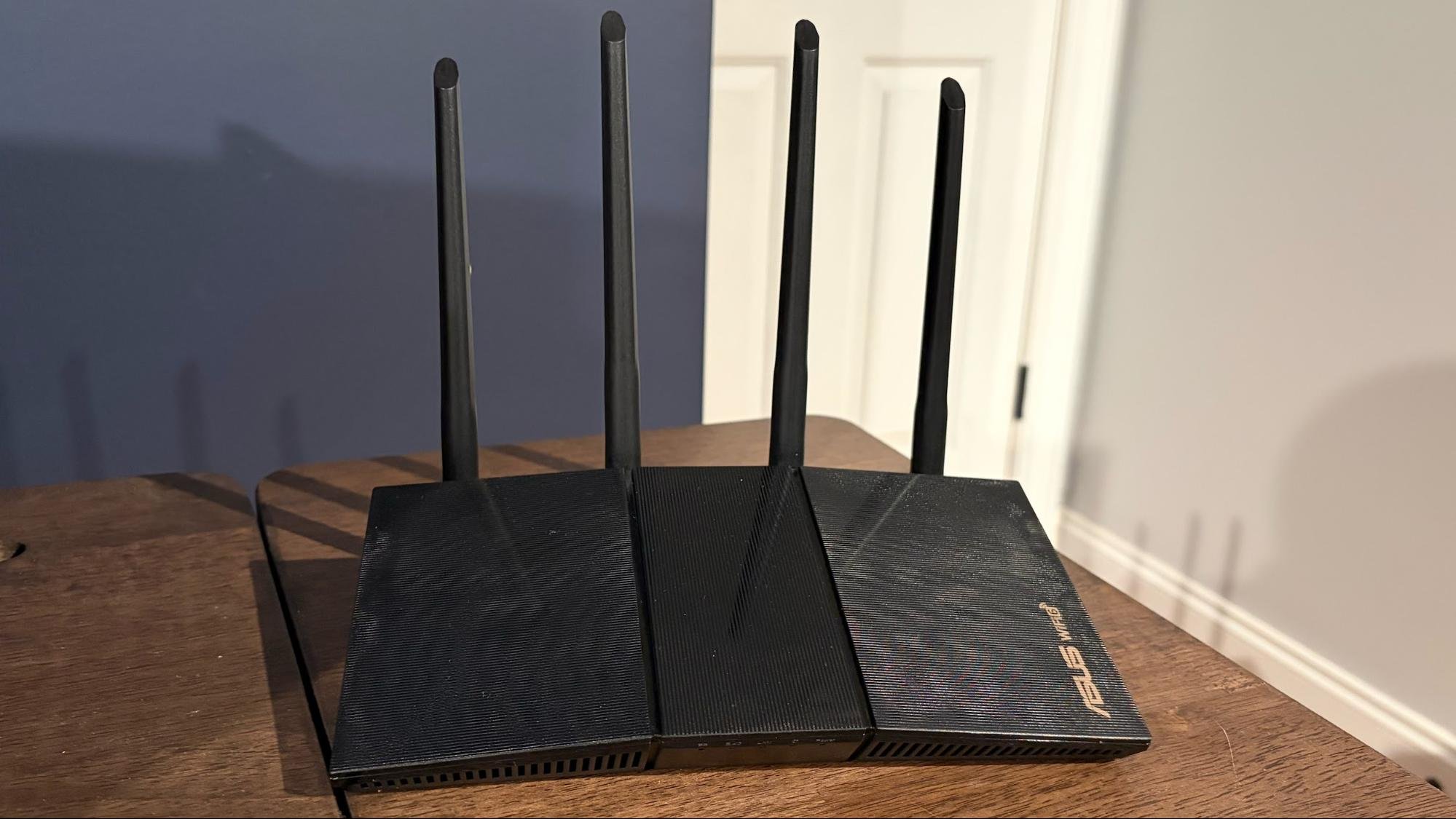
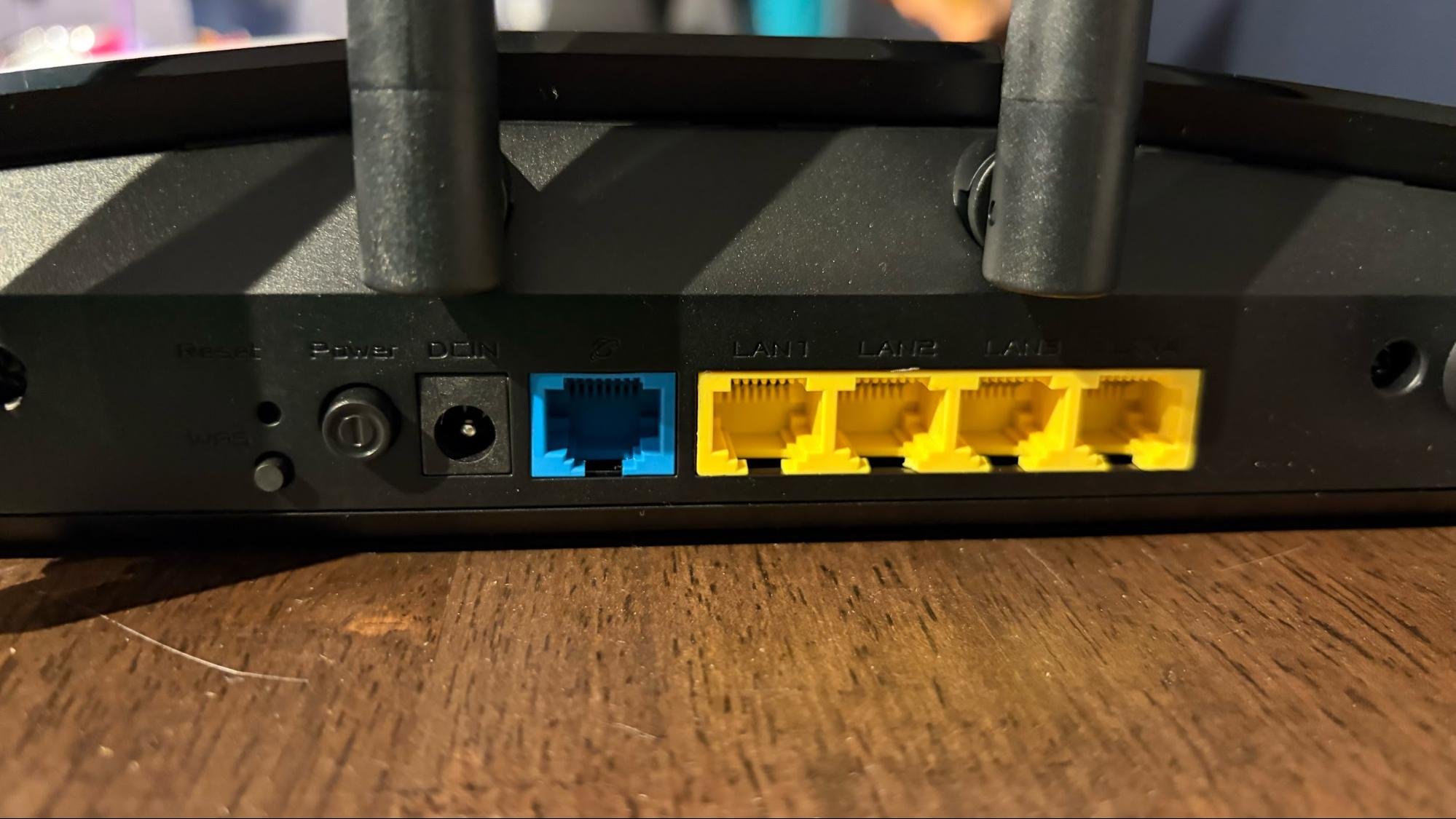
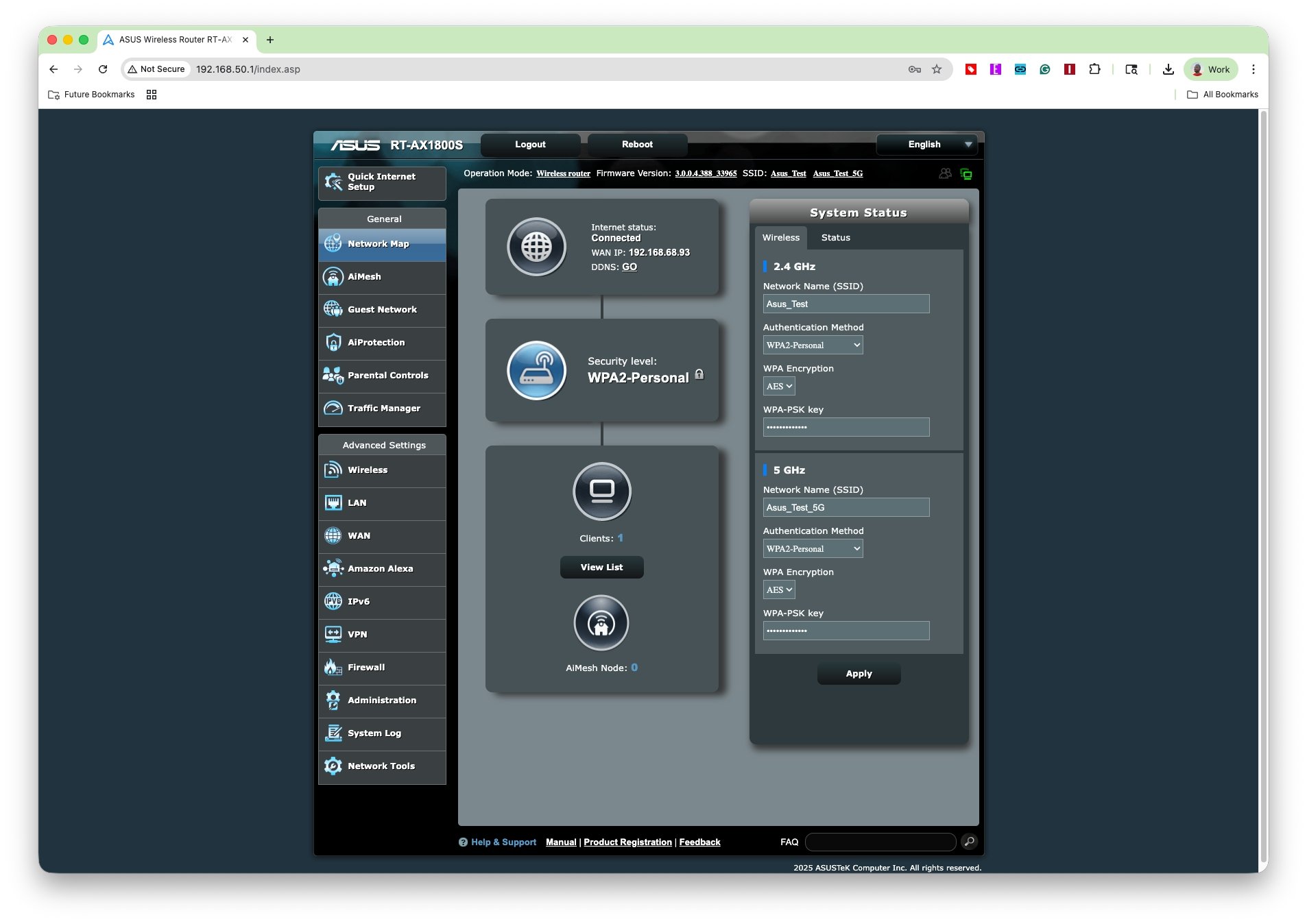
Asus RX-AX1800S This router stands out for its build quality and software. It features a robust plastic housing with four large, movable antennas. The rear panel offers a standard GbE WAN port and four GbE LAN ports. Its greatest asset is the ASUSWRT dashboard, a web interface renowned for its depth of configuration options and user-friendly design. Priced at $69.99, it's a solid performer with excellent software support.
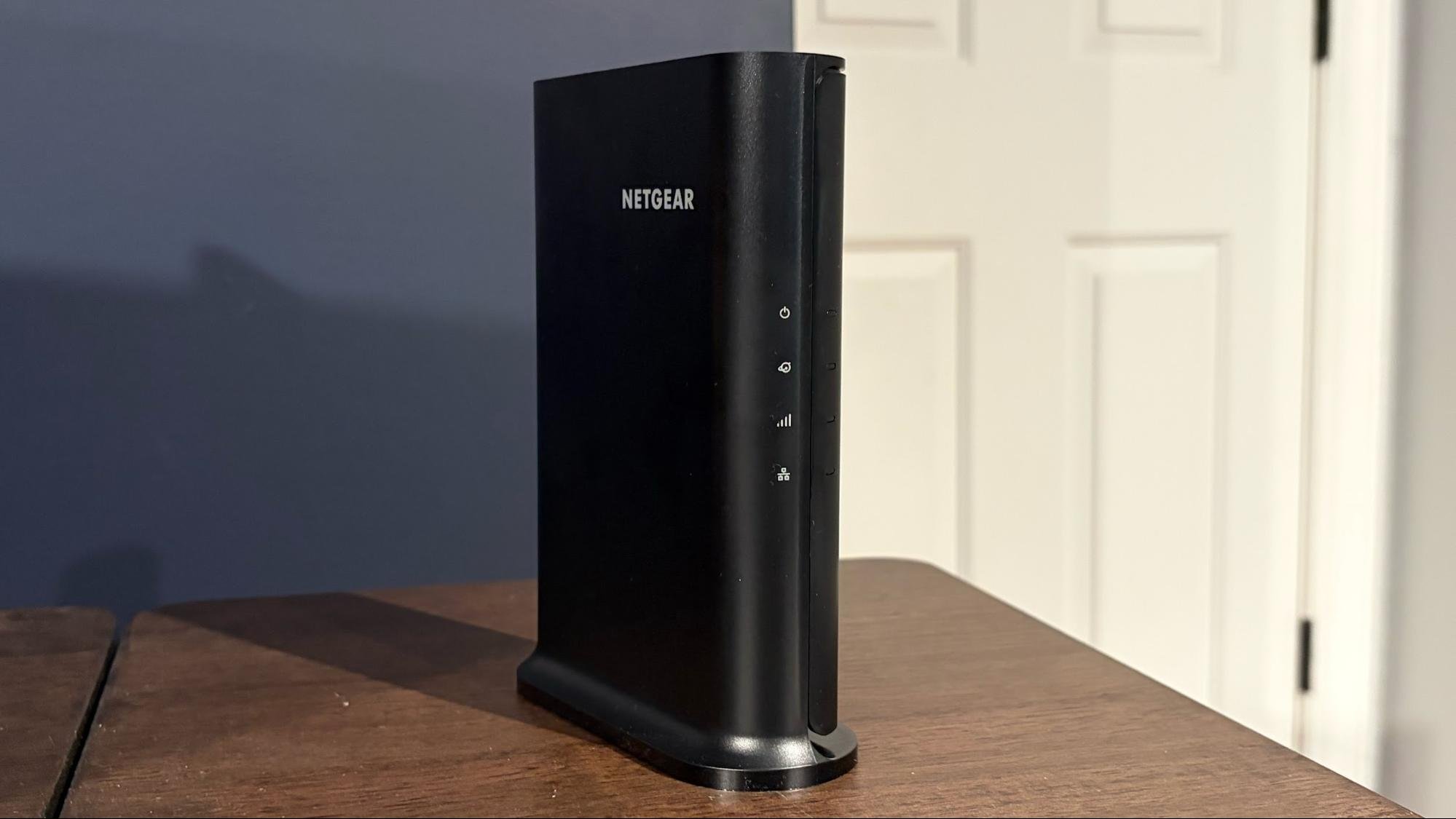
Netgear Nighthawk R6700AX A compact, tower-style router, the R6700AX is lightweight and can be easily tipped by cables. Its port selection is basic: one GbE WAN and four GbE LAN ports. It lacks a USB port or a physical WPS button. The $69.99 price tag buys you a reliable router from a major brand, but the physical design feels less stable than the Asus.
Reyee RG-E6 Marketed as a gaming router, the RG-E6 features eight antennas in a unique tuning-fork arrangement. Its standout feature is a 2.5 GbE WAN port and a dedicated "Game Port" that can be link-aggregated with another LAN port for higher wired throughput. However, a major concern emerged during testing: the router appears to be discontinued. Firmware updates are no longer available through the standard UI, requiring manual downloads from customer support. This is a significant red flag for long-term security and support. It sold for around $70 before being delisted.
Cudy WR1500 At just under $35, this is the cheapest router in the roundup. The build quality reflects the price, with a very thin plastic housing that makes it prone to tipping. It has a single status LED and a basic port layout (1x 1G WAN, 3x 1G LAN). Despite the spartan web interface, Cudy provides a functional smartphone app for remote management. It's the ultimate penny-pincher's choice.
Cudy WR3000 A step up from the WR1500, the WR3000 features thicker, higher-quality plastic and six status LEDs. The port layout is identical to its cheaper sibling. It uses the same web interface and app as the WR1500. At $49, it offers a noticeable build quality improvement over the WR1500 for a modest price increase.
Dual-Band Wi-Fi 7 Routers Under $100
TP-Link Archer BE3600 This is the most feature-rich router in the test. It boasts a 2.5 GbE WAN port, a 2.5 GbE LAN port, three GbE LAN ports, and a USB 3.0 port for network storage or Time Machine backups. The web interface is comprehensive, and the Tether app provides mobile management. Priced at $86.99, it's the most expensive in the group but offers the most advanced hardware. Its dual-band nature means it lacks the 6 GHz band, but it leverages Wi-Fi 7's other features like 4K-QAM and MLO.
Cudy WR3600E A compact, vertically-oriented router with a stable base and four fixed antennas. All four Ethernet ports are Gigabit, including the WAN port, and it lacks a USB port. It's priced at around $67 after coupons, making it the cheapest Wi-Fi 7 option. It represents the entry point for the new standard.
Performance Benchmarks: Theory vs. Reality
Testing was conducted using an iPerf3 server connected via a 10 GbE link to the router's fastest LAN port, and a client with a Wi-Fi 7 adapter. Tests were run at 6-foot and 25-foot distances, both in clean conditions and with congested traffic (six wireless clients streaming 4K video).
5 GHz Band Results (Close Range, 6 ft, No Traffic):
- TP-Link Archer BE3600: 1,100+ Mbps
- Reyee RG-E6: 852 Mbps
- Cudy WR3600E: 782 Mbps
- Asus RX-AX1800S: 777 Mbps
The Archer BE3600 dominated at close range, leveraging its 2.5 GbE port and Wi-Fi 7 optimizations. The Wi-Fi 6-based Reyee RG-E6 performed surprisingly well, likely due to its high 5 GHz speed rating (4,804 Mbps).
5 GHz Band Results (Long Range, 25 ft, No Traffic):
- Reyee RG-E6: 582 Mbps
- Cudy WR3600E: 564 Mbps
- TP-Link Archer BE3600: 382 Mbps
Performance dynamics shifted dramatically at distance. The Archer BE3600's lead evaporated, falling to third place. The RG-E6 and the Cudy WR3600E (Wi-Fi 7) took the top spots, showing that signal strength and antenna design are critical for real-world coverage.
2.4 GHz Band Results (Close Range, 6 ft, No Traffic): The Archer BE3600 was the clear leader at 214 Mbps, with the Netgear Nighthawk R6700AX in second at 135 Mbps. This demonstrates the benefit of Wi-Fi 7's 4K-QAM and higher spatial streams, even on the older 2.4 GHz band.
Congested Traffic Tests: The rankings remained largely consistent. The Archer BE3600 maintained its lead at close range but fell back at distance. The RG-E6 again performed strongly at long range. The 2.4 GHz results mirrored the clean tests, with the Archer BE3600 leading at close range.
Closing Thoughts: Which Budget Router Should You Buy?
There is no single winner for every scenario, but clear patterns emerge for different user needs.
For the Best Overall Performance and Features: The TP-Link Archer BE3600 is the standout choice. At under $80, it delivers the fastest close-range speeds on both 2.4 GHz and 5 GHz bands, a 2.5 GbE WAN port for future-proofing, a 2.5 GbE LAN port for high-speed wired devices, and a USB port for network storage. Its Wi-Fi 7 features provide a tangible performance advantage over Wi-Fi 6 at close range, making it worth the small premium.
For Balanced Performance on a Budget: If you want a middle-ground option, the Cudy WR3600E (Wi-Fi 7) and the Asus RX-AX1800S (Wi-Fi 6) offer similar real-world performance profiles. The WR3600E is cheaper at ~$67, but the Asus router's superior ASUSWRT software suite is a significant advantage for users who value configuration depth and stability. For most, the Asus is the better buy for its software and brand support.
For the Ultimate Penny Pincher: The Cudy WR1500 is the undisputed king of the sub-$40 segment. Performance is at the back of the pack (668 Mbps at close range, 237 Mbps at long range), but it's sufficient for basic web browsing, streaming, and connecting a handful of devices. The inclusion of a functional smartphone app and remote management makes it a surprisingly capable ultra-budget option.
What About Wi-Fi 7? For budget-conscious buyers, dual-band Wi-Fi 7 (without the 6 GHz band) offers a modest performance uplift at close range but does not provide the revolutionary leap associated with the standard. The Archer BE3600 justifies its Wi-Fi 7 label with its hardware features (2.5 GbE ports, USB), not just its wireless standard. For most, a high-quality Wi-Fi 6 router like the Asus RX-AX1800S remains an excellent value, especially if you don't have a 2.5 GbE internet connection or wired devices that can benefit from the faster LAN port.
The market has converged, offering excellent value at every price point. Your choice should hinge on your specific needs: raw close-range speed, long-range coverage, wired port requirements, or simply the lowest possible price.
Comments
Please log in or register to join the discussion