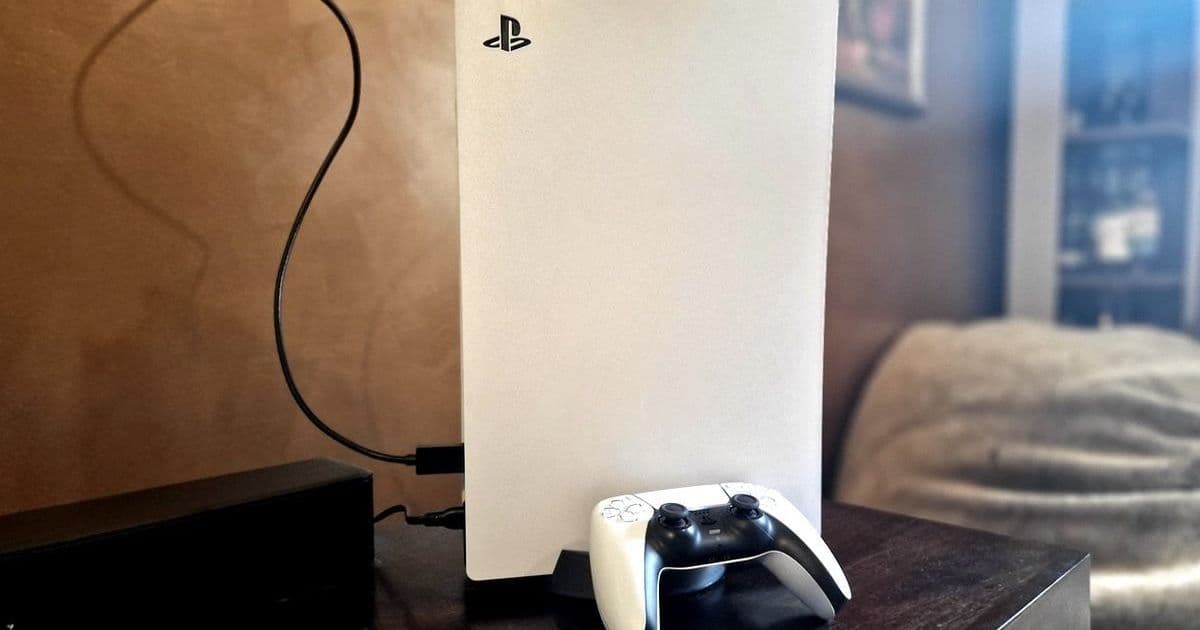
Unlock significant improvements in your PlayStation 5 experience with three targeted setting adjustments. From extending DualSense battery life to optimizing display output and tightening privacy controls, these expert-recommended tweaks transform how you game and stream.
Boost Your PS5: 3 Critical Settings Tweaks for Peak Performance and Privacy
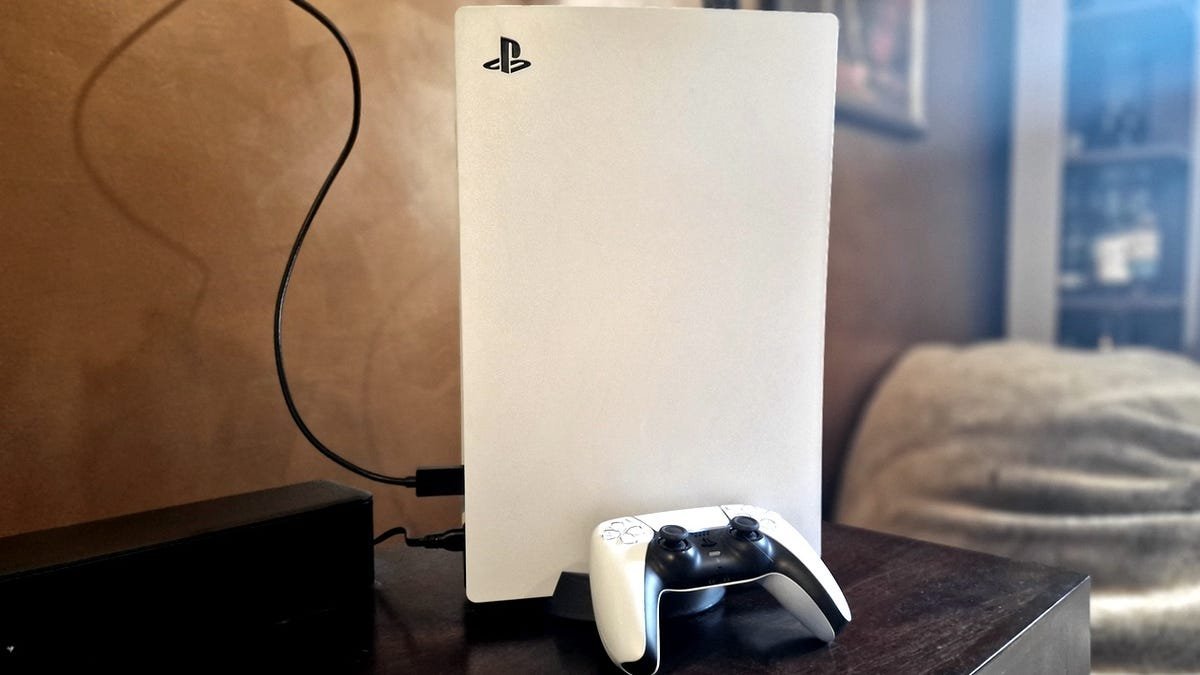 Optimizing your PS5 settings enhances both entertainment and security (Source: ZDNET)
The PlayStation 5 has evolved beyond a gaming console into a central entertainment hub, yet most users never tap into its full potential. According to ZDNET's latest analysis, strategic settings adjustments can dramatically improve performance, extend hardware longevity, and safeguard personal data—all achievable in minutes without technical expertise.
1. Revolutionize DualSense Battery Efficiency
The controller's battery life remains a common pain point, but these adjustments yield tangible gains:
Settings > Accessories > Controller (General)
- Controller Indicators Brightness → Dim
- Trigger Effect Intensity → Weak/Off
- Vibration Intensity → Weak/Off
- Controller Speaker Volume → Reduce slider
Why it matters: Dimming LEDs and reducing haptic feedback can extend playtime by hours. For media streaming, automate power savings:
"Set controllers to turn off after 10 minutes via System > Power Saving. This prevents idle drain during Netflix binges" – Chris Bayer, ZDNET
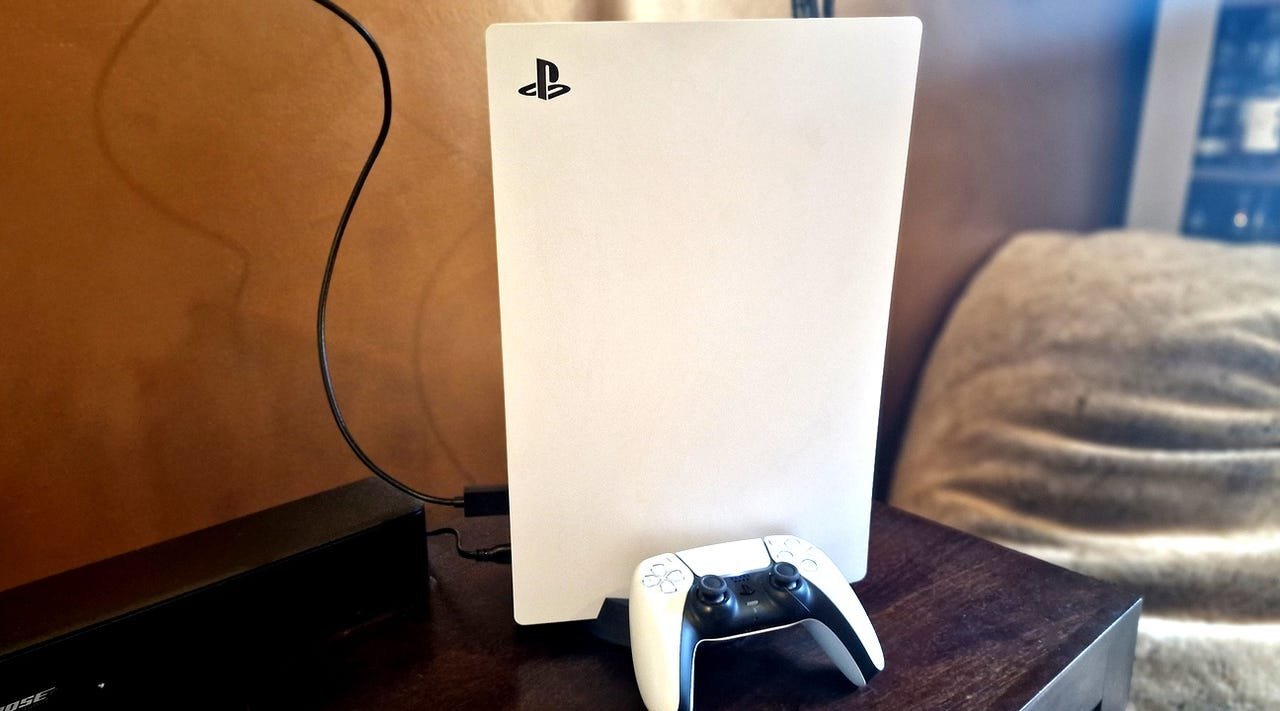 Fine-tuning display settings maximizes visual fidelity (Credit: Charlie Osborne/ZDNET)
2. Unleash Your Display's True Potential
Modern TVs offer features the PS5 doesn't enable by default. If your display supports HDMI 2.1:
Settings > Screen and Video > Video Output
- VRR → Automatic (Enable 'Apply to Unsupported Games')
- 120Hz Output → Automatic
- ALLM → Automatic
- HDR → Always On
Technical impact:
- VRR (Variable Refresh Rate) eliminates screen tearing by syncing frame rates dynamically
- 120Hz Output enables buttery-smooth motion in supported games
- ALLM (Auto Low Latency Mode) slashes input lag to 10ms or less
Pro tip: Run the Adjust HDR calibration wizard for perfect black levels and color accuracy.
3. Lock Down Your Digital Privacy
PS5's data collection defaults expose more information than necessary. Fortify your defenses:
Settings > Users and Accounts > Privacy
- View/Customize Privacy Settings → Restrict visibility to 'Close Friends Only'
- Data You Provide → Limited
- Personalization → Disable all options
- Voice Data Collection → Don't Allow
Security implications: These changes prevent Sony from harvesting voice commands, limit behavioral tracking, and block strangers from seeing your gaming activity—critical in an era of escalating gamer-targeted phishing attacks.
The Invisible Upgrade Path
These optimizations demonstrate how subtle software adjustments can rival hardware upgrades. While enthusiast forums obsess over SSD expansions, the real performance leaps often live in Settings > Screen and Video and Settings > Privacy. As gaming consoles morph into holistic entertainment platforms, mastering these configurations becomes as essential as choosing the right GPU. Your PS5 isn't just playing games—it's curating experiences. Treat its settings accordingly.
Source: ZDNET
Comments
Please log in or register to join the discussion