As Windows 10 approaches end-of-life, many users consider migrating to Linux but face application compatibility hurdles. This guide explores five technical approaches—from compatibility layers to virtualization—that enable critical Windows software to function seamlessly on Linux environments. Discover which solution best fits enterprise, development, and gaming use cases.
Unlocking Windows Applications on Linux: A Technical Guide
With Windows 10's impending end-of-support deadline driving migration considerations, many technical professionals face a critical challenge: how to maintain access to essential Windows applications within Linux environments. As Jack Wallen notes in his ZDNET analysis, "Linux has several ways you can get that Windows app running"—though success depends on application complexity and implementation approach. Below we examine five technically distinct methods, each with specific strengths for different use cases.
1. Wine: The Veteran Compatibility Layer
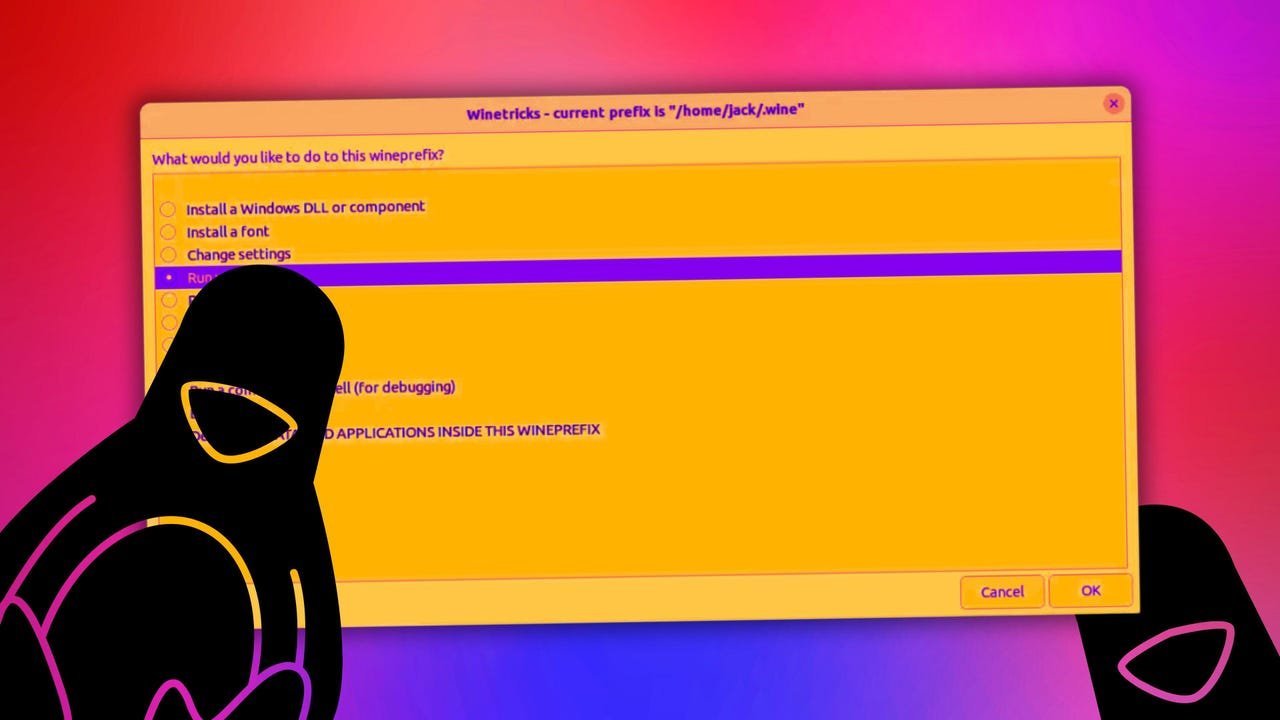
Wine (Wine Is Not an Emulator) remains the foundational solution after decades of development. This compatibility layer translates Windows API calls into POSIX-compliant equivalents, allowing direct execution of Windows binaries on Linux. Modern GUI tools like WineGUI and WineZGUI have eliminated traditional command-line complexities. As Wallen observes: "Every time I've used Wine... I find it just works."
Technical considerations:
- Consult the Wine Application Database for compatibility ratings
- Handles enterprise applications better than DRM-protected games
- Minimal performance overhead compared to virtualization
2. Bottles: Containerized Windows Environments
Bottles leverages Wine's core technology while adding crucial isolation through containerization. Each Windows application runs in a sandboxed environment with dedicated dependencies and Wine versions. This prevents DLL conflicts and simplifies management of legacy applications requiring specific runtime components.
Implementation insights:
- Install via Flatpak for enhanced security constraints
- Version-pinning capability critical for business-critical legacy apps
- Resource-efficient alternative to full virtualization
3. Steam Proton: Gaming Performance Optimized
Valve's Proton layer—built on Wine, DXVK, and VKD3D—specializes in translating DirectX to Vulkan for gaming performance. Integrated directly into the Steam client, it supports thousands of Windows games with controller compatibility spanning Xbox, PlayStation, and third-party peripherals.
Gaming-specific advantages:
- Automatic shader compilation for smoother performance
- Regular updates synced with Steam client
- ProtonDB community reports provide compatibility metrics
4. VirtualBox: Full Windows Virtualization
For applications resistant to compatibility layers, Oracle's VirtualBox provides hardware-assisted virtualization. This approach runs a full Windows instance alongside Linux, enabling native execution of problematic applications—particularly proprietary business software with complex dependencies.
Enterprise implications:
- Snapshot functionality enables rollback after failed updates
- Requires Windows licensing and significant system resources
- GPU passthrough possible but complex for gaming
5. Winboat: The Emerging Container Alternative
Currently in beta, Winboat represents a paradigm shift by containerizing Windows applications via Docker. Rather than API translation, it runs apps in lightweight Windows containers managed through an app-store style interface. Early testing shows promise despite current installation complexity.
Future potential:
- Docker Compose architecture enables reproducible environments
- Automated installation scripts streamline deployment
- Could revolutionize enterprise Windows app deployment on Linux
The Evolving Compatibility Landscape
While no solution guarantees 100% Windows application compatibility, the technical ecosystem has matured significantly. Wine and Bottles cover most productivity use cases, Steam dominates gaming, and VirtualBox remains the fallback for stubborn applications. Emerging solutions like Winboat suggest a future where containerization could fundamentally change cross-platform workflows. As migration pressures increase, these tools provide crucial bridges for organizations balancing open-source adoption with practical application requirements.
Source: Adapted from Jack Wallen's original reporting at ZDNET
Comments
Please log in or register to join the discussion