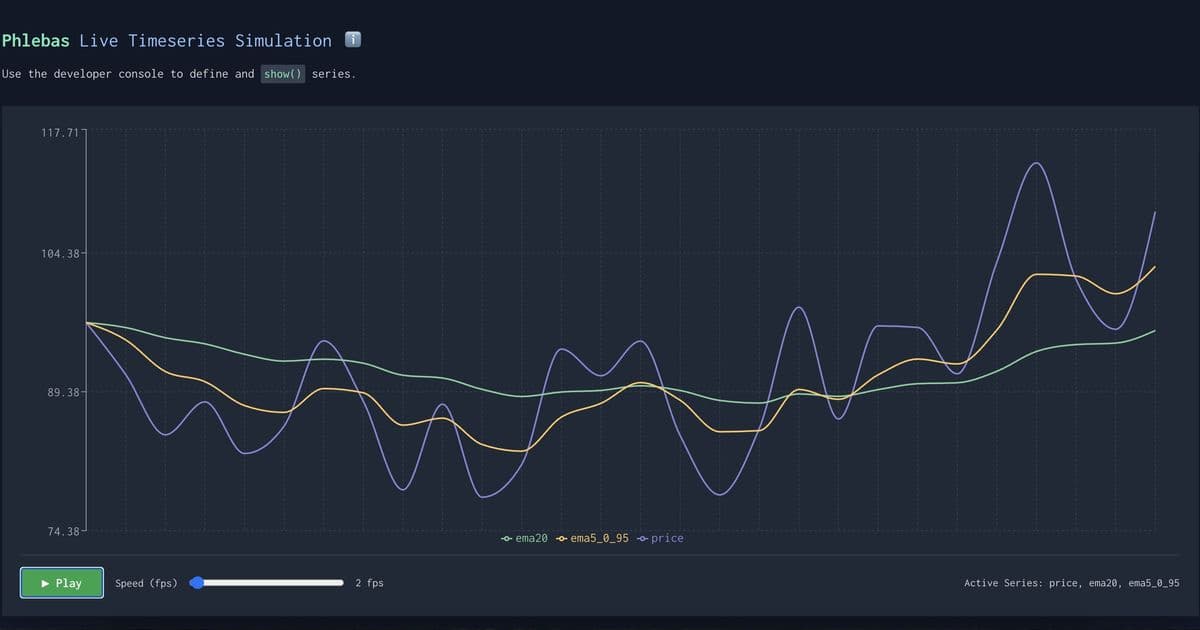
Developer builds phlebas.dev—a novel web experiment enabling real-time manipulation of Brownian motion time series directly from browser DevTools. This console-driven playground allows chaining mathematical operations and visualizing results instantly, turning complex data experiments into interactive sessions.
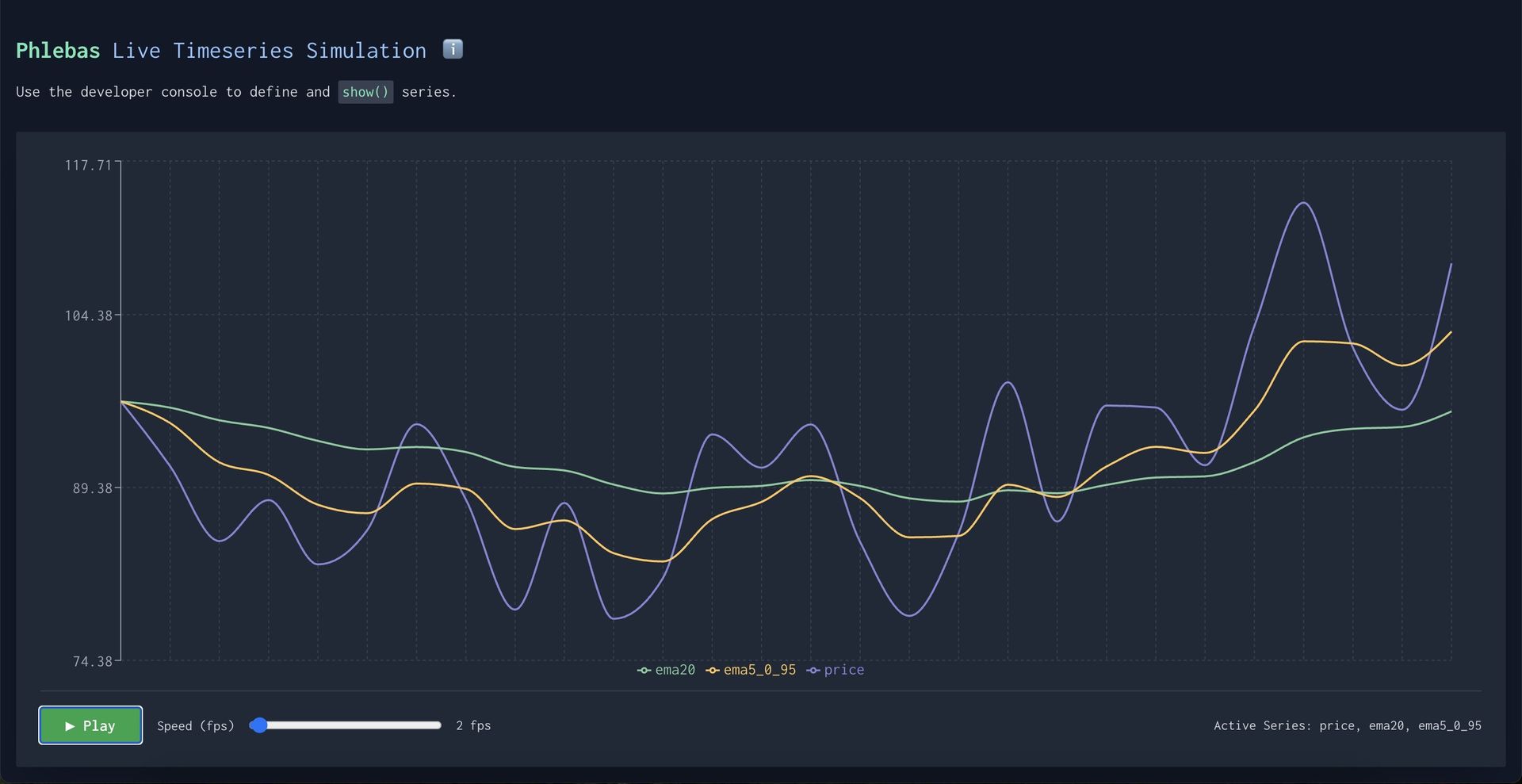
What if your browser's Developer Tools console could transform into a dynamic laboratory for financial modeling or physics simulations? That's the premise behind phlebas.dev, a weekend project enabling developers to generate and manipulate Brownian motion time series through intuitive console commands—no domain-specific language (DSL) required.
Brownian motion—a mathematical model for random particle movement—underpins algorithms in finance, physics, and machine learning. Traditionally, experimenting with such models requires specialized tools or complex code. Developer "GreenVitriol" sidestepped this by creating a web environment where all interactions happen directly in the console:
// Define Brownian series with optional parameters
p.price = new BrownianGenerator(100, 0.1, 0.5);

// Apply transformations
p.movingAvg = p.price.sma(20);  // Simple moving average
p.volatility = p.price.subtract(p.movingAvg).abs();

// Visualize instantly
show(p.price, p.movingAvg, p.volatility);
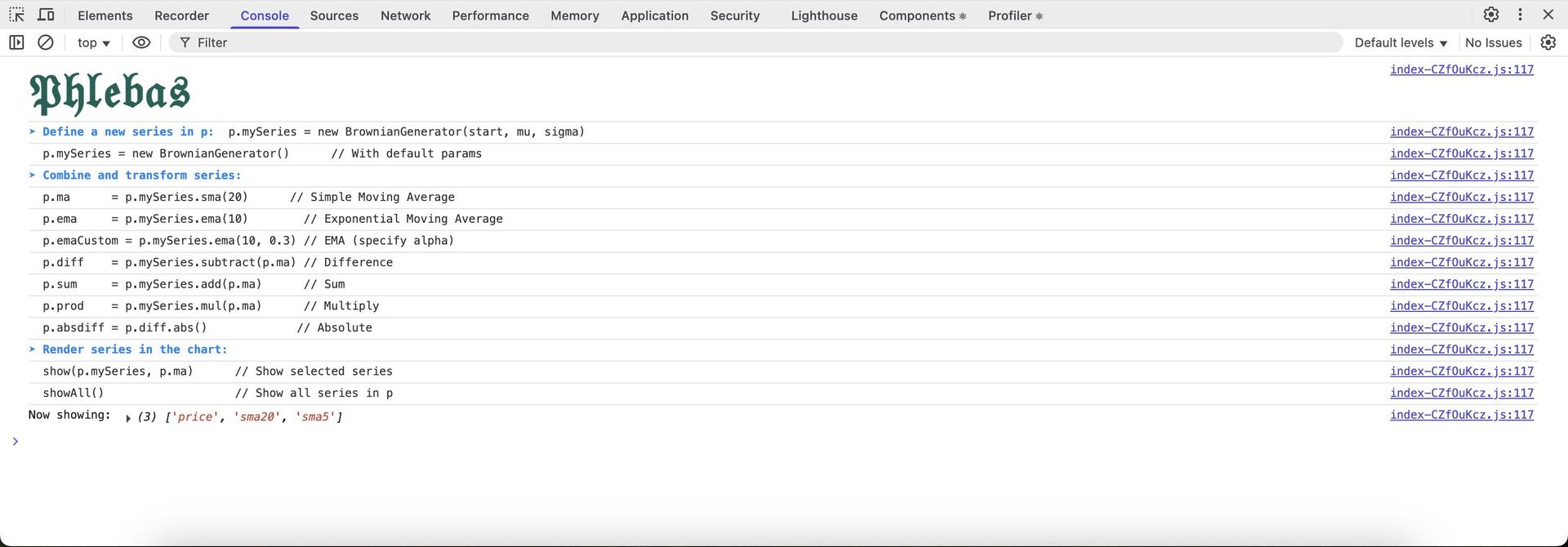
{{IMAGE:3}} Using the console to generate and visualize series (Credit: GreenVitriol)
The tool supports chaining operations (e.g., p.diff = p.price.subtract(p.movingAvg).mul(10)) and handles arithmetic with numbers or other series. Under the hood, composable generators like AddGenerator resolve dependencies dynamically:
class AddGenerator extends TimeseriesGenerator {
  next(cache: Map<string, number>): number {
    // Resolve sources and compute sum
    const valueA = this.sourceA.next(cache);
    const valueB = /* ...resolve sourceB... */
    return valueA + valueB;
  }
}
 Real-time EMA visualization (Credit: GreenVitriol)
Why does this matter? For developers, it democratizes time-series experimentation:
- Rapid Prototyping: Test statistical operators (SMA, EMA) without boilerplate.
- Educational Clarity: Visual feedback helps intuit how operators affect data streams.
- Extensible Design: The generator/operator pattern invites custom extensions.
Built in just two afternoons, phlebas.dev is admittedly unoptimized—yet it proves how browser-native tooling can unlock unexpected workflows. As computational experimentation shifts toward interactive environments, projects like this hint at a future where complex modeling feels as fluid as sketching on a whiteboard.
Try it yourself: Open phlebas.dev, launch DevTools (F12), and start generating.
Source: GreenVitriol
Comments
Please log in or register to join the discussion