
The Budgie desktop environment is dropping X11 support entirely in version 10.10, marking a significant shift toward Wayland as the project prepares for its first major version upgrade in ten years.
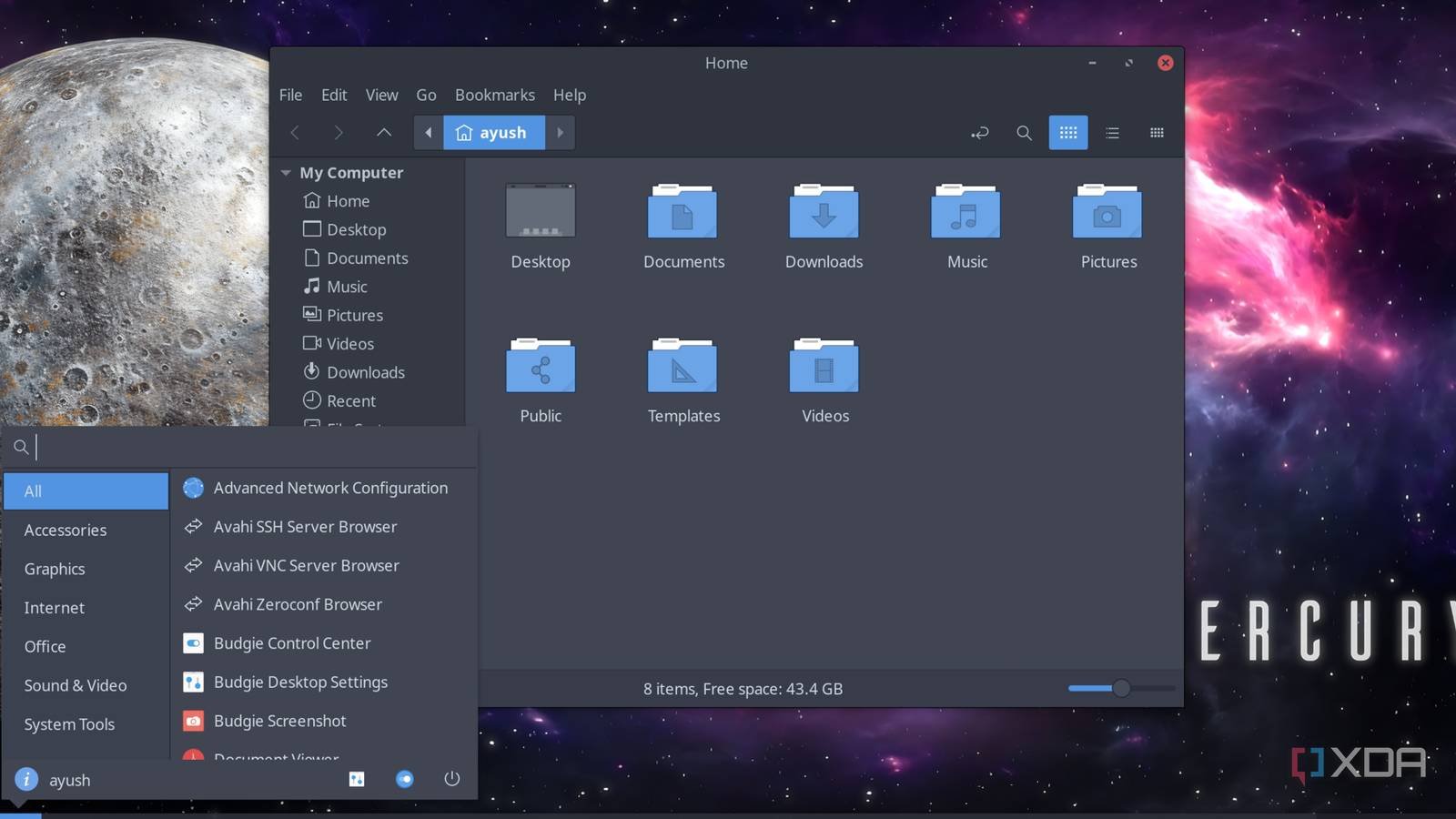
The Budgie desktop environment team has announced that version 10.10 will be Wayland-only, effectively ending support for X11 in what appears to be a strategic move to prepare for the upcoming Budgie 11 release. This transition comes after a decade of development on the current version series and signals the project's commitment to modern display server technology.
What Changes in Budgie 10.10
According to Joshua Strobl's blog post, the transition to Wayland-only represents more than just a backend change. While the core Budgie experience remains intact—applets, panels, Raven notification center, icons, and keyboard shortcuts all function as expected—the move fundamentally alters the application compatibility landscape for users.
The decision to drop X11 support wasn't made lightly. Budgie's development team has been working toward this milestone for years, and 10.10 serves as the bridge release that forces the issue. Once users upgrade to 10.10, there's no going back to X11 within that version.
The Budgie 11 Connection
This Wayland-only push is directly tied to the planned release of Budgie 11, which will represent the first major version upgrade since the desktop environment's inception. The team is using 10.10 to establish a clean baseline for the next generation of Budgie development.
Once Budgie 11 releases, version 10 will enter maintenance mode. This means bug fixes and security patches only, with no new features. The development focus will shift entirely to Budgie 11 and its Wayland-native architecture.
Application Compatibility: The Real Impact
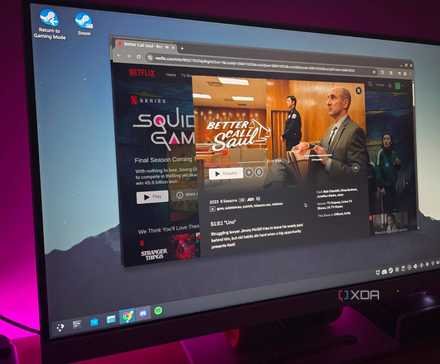
The most significant change for existing Budgie users centers on application compatibility. Wayland handles window management, input handling, and screen sharing differently than X11, which means applications built specifically for X11 may exhibit unexpected behavior or fail entirely.
Common issues users might encounter include:
- Screen recording tools that rely on X11 capture methods
- Window management utilities that manipulate X11 windows directly
- Legacy applications with hardcoded X11 dependencies
- Remote desktop solutions that expect X11 protocol
The Budgie team's approach appears pragmatic: they're not trying to maintain X11 compatibility indefinitely, which would slow development and create technical debt. Instead, they're making a clean break and placing the onus on the broader Linux ecosystem to adapt.
Your Options as a User
If you're currently running Budgie and rely on X11-only applications, you face three paths forward:
Option 1: Stay on Budgie 10.9 or earlier If you're not ready to upgrade, you can remain on the last X11-compatible version. However, this means eventually missing security updates and bug fixes once 10 enters maintenance mode. This is a short-term solution at best.
Option 2: Find Wayland-compatible replacements The Linux ecosystem has made significant strides in Wayland support. Tools like OBS Studio now have robust Wayland capture, and many utilities have been ported or rewritten. This requires research and potentially workflow changes, but it's the most forward-looking approach.
Option 3: Switch desktop environments If your workflow depends on specific X11-only tools that have no Wayland equivalent, you might need to consider alternatives. Xfce, MATE, and Cinnamon still maintain X11 support, though they're also gradually moving toward Wayland.
The Broader Linux Desktop Context
Budgie isn't alone in this transition. The entire Linux desktop ecosystem is gradually shifting to Wayland. Ubuntu-based distributions have been pushing Wayland as default for years, and other desktop environments are following similar paths.
This momentum reflects Wayland's technical advantages: better security through process isolation, superior handling of mixed-DPI displays, native support for modern graphics features, and a cleaner architecture for the modern computing landscape.
However, the transition hasn't been seamless. Wayland's protocol is still evolving, and certain use cases—particularly those involving screen sharing, remote access, or specialized input devices—remain challenging.
What This Means for the Future
Budgie's move to Wayland-only in 10.10 represents a calculated risk. The desktop environment has built a loyal user base by offering a clean, traditional desktop experience. Pushing users toward Wayland could alienate those with specific workflow requirements.
Yet the decision also demonstrates confidence in the Linux desktop's direction. By committing fully to Wayland, Budgie's developers can focus their energy on building features that leverage modern display server capabilities rather than maintaining legacy compatibility.
For developers and power users, this transition serves as a reminder that the Linux desktop is entering a new era. The comfortable X11 world that sustained Linux desktops for decades is giving way to a more complex but ultimately more capable Wayland future.
Users considering the upgrade to Budgie 10.10 should test their critical applications in a Wayland environment first. Virtual machines and live USBs provide safe testing grounds where you can verify compatibility before committing to the transition.
The Budgie team's blog post provides additional technical details about the transition, and users experiencing issues can consult the project's documentation for guidance on Wayland-specific configuration and troubleshooting.
Comments
Please log in or register to join the discussion