For those moments when glancing at a screen feels like too much effort, Apple's Shortcuts framework offers clever workarounds to announce the time on demand. From iPhone Action button triggers to Apple Watch gestures, we explore three accessibility-focused implementations—and their practical trade-offs.
Imagine waking in darkness, conscious enough to wonder about the time but too drowsy to endure screen glare. This common scenario drove one developer to engineer screen-free time announcements using Apple's automation tools—discovering multiple approaches with distinct compromises along the way.
The iPhone Action Button Solution
The simplest implementation uses Shortcuts, Apple's automation app:
- Create a shortcut named "Announce Time"
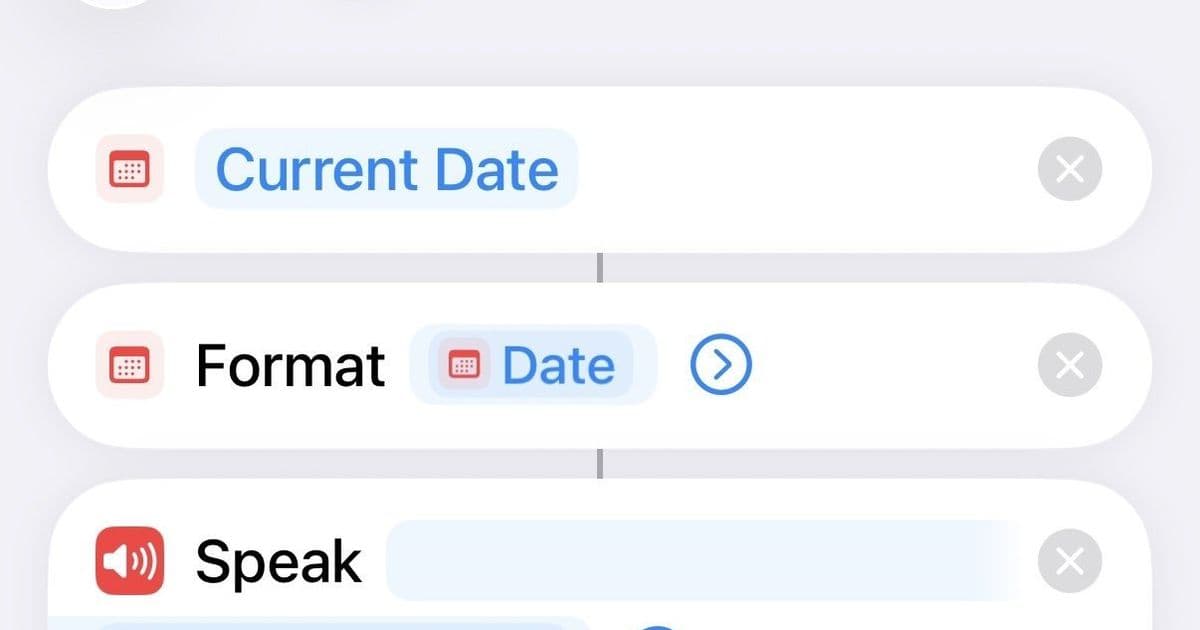
- Add "Current Date" and "Format Date" actions (setting format to time only)
- Chain to a "Speak Text" action
Once saved, bind it to the iPhone's Action Button under Settings. A long-press triggers vocal time announcements, though users report occasional first-attempt failures after prolonged screen inactivity.
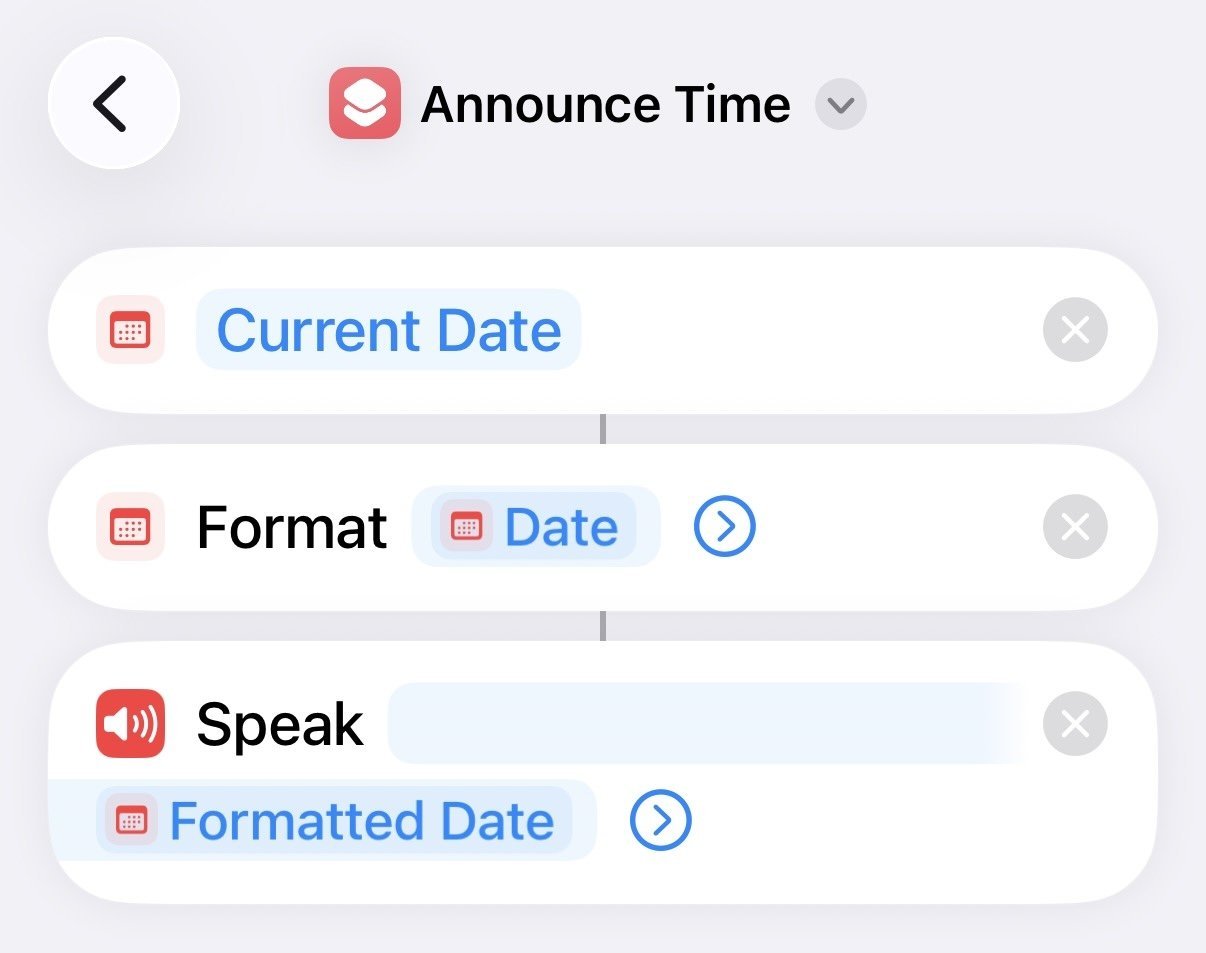 The Shortcuts workflow for time announcements (Source: swordandsignals.com)
Apple Watch Alternatives
Two WatchOS paths exist. First, enable the same shortcut via AssistiveTouch:
1. Enable "Show on Apple Watch" in shortcut settings
2. Navigate to Watch Settings > Accessibility > AssistiveTouch
3. Map a hand gesture to the shortcut
This method suffers from noticeable 4-6 second delays and unadjustable volume. The native approach proves more efficient: enabling "Speak Time" (Settings > Clock) allows two-finger holds on the watch face for audio feedback, while "Taptic Time" conveys hours/minutes through vibration patterns. However, precise gesture execution remains challenging without visual confirmation.
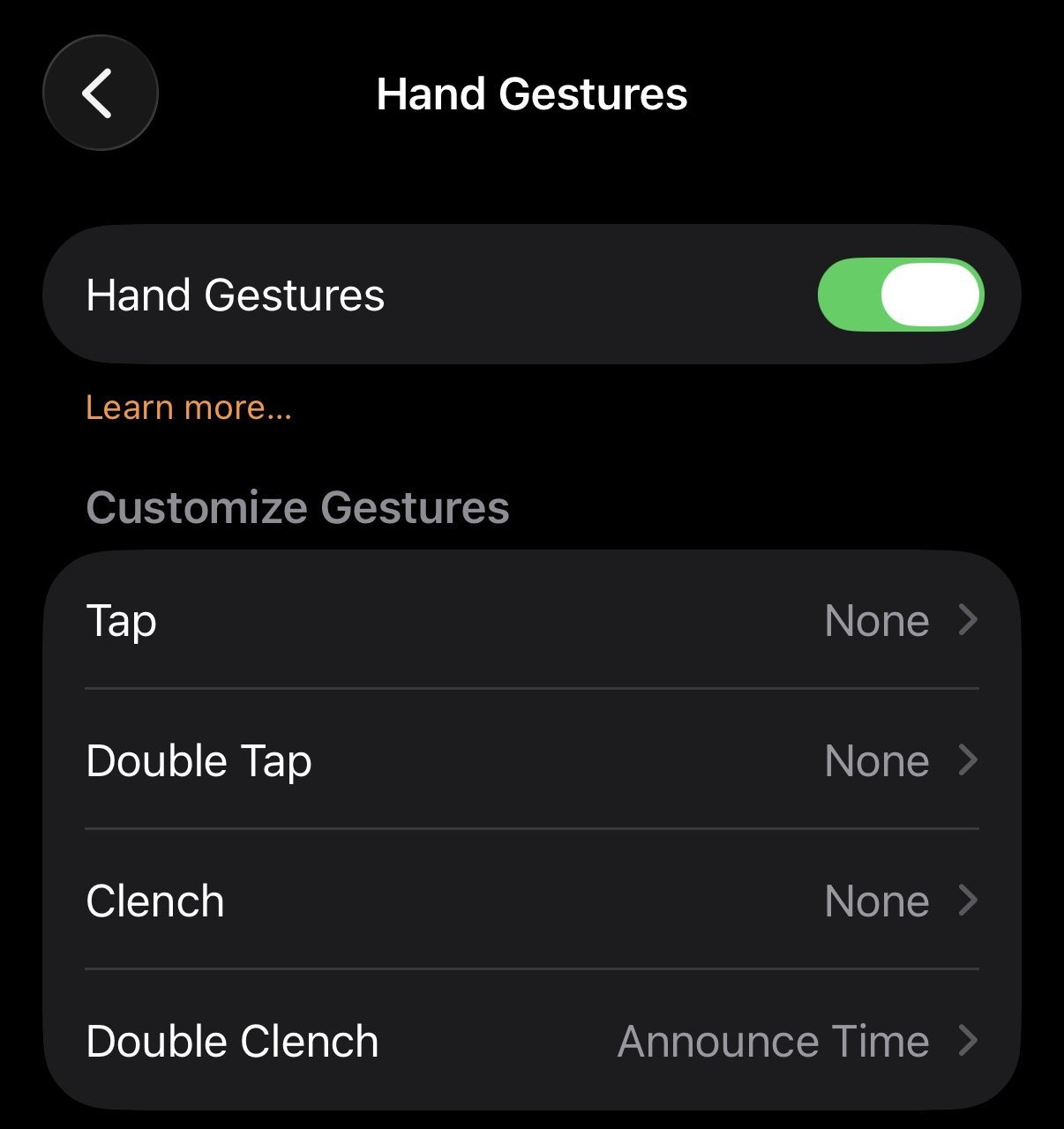 AssistiveTouch gesture configuration (Source: swordandsignals.com)
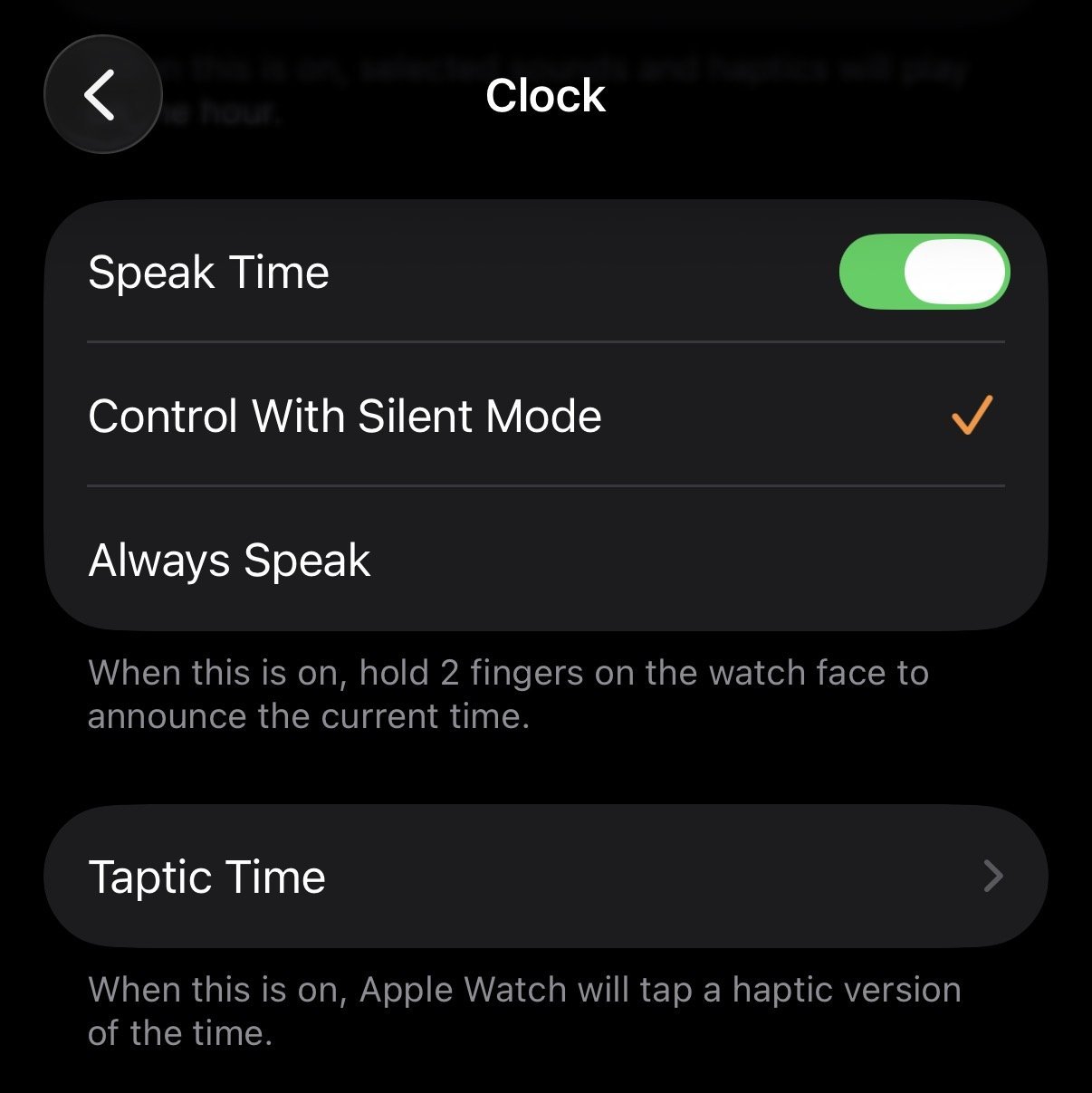 Native Speak Time setting on Apple Watch (Source: swordandsignals.com)
Accessibility Implications
These implementations highlight how minor automation tweaks can solve real-world accessibility needs. While none offer perfect experiences—lag, volume control, and gesture reliability present hurdles—they demonstrate Apple ecosystem's flexibility. The solutions particularly benefit low-vision users or situations where screen interaction is impractical, like nighttime checks or medical scenarios.
As noted by the developer, such features exemplify "vibe coding"—solving problems through configuration rather than traditional development. With voice interfaces gaining traction, expect more demand for glance-free interactions that prioritize sensory accessibility over visual dependence.
Source: swordandsignals.com
Comments
Please log in or register to join the discussion