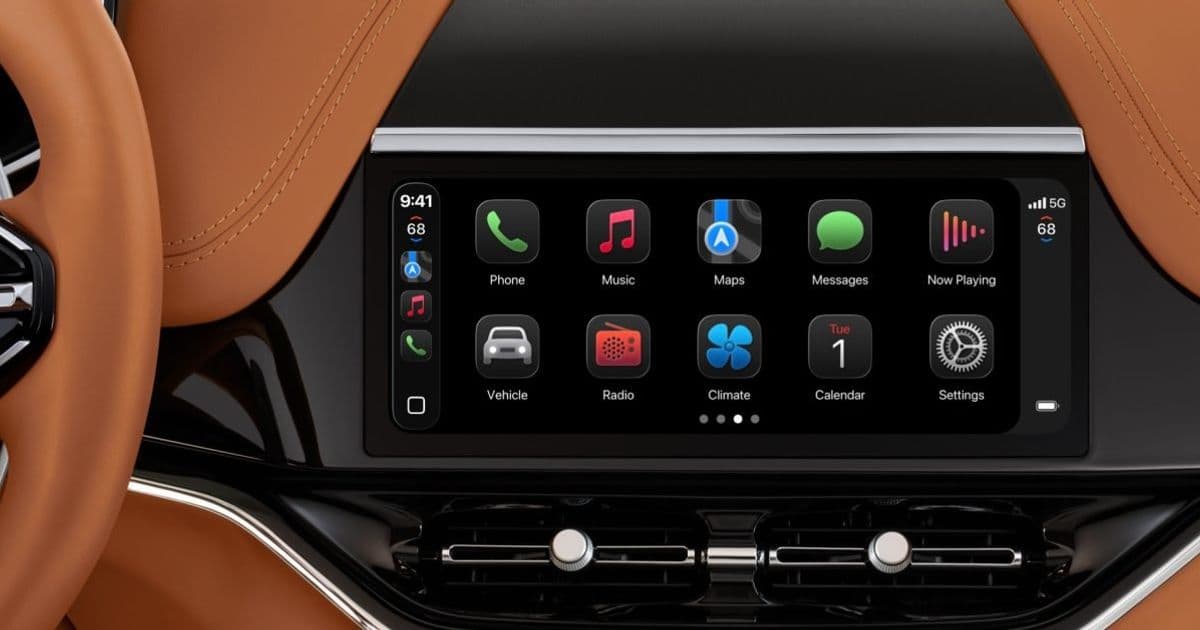
iOS 26 introduced voice‑only AI chatbots and expanded widget support for CarPlay, while recent point releases added a third simultaneous widget slot and an Apple Sports widget, giving drivers more information without taking eyes off the road.
CarPlay keeps getting better, here are two new features I’ve been loving
By Ryan Christoffel – May 8 2026
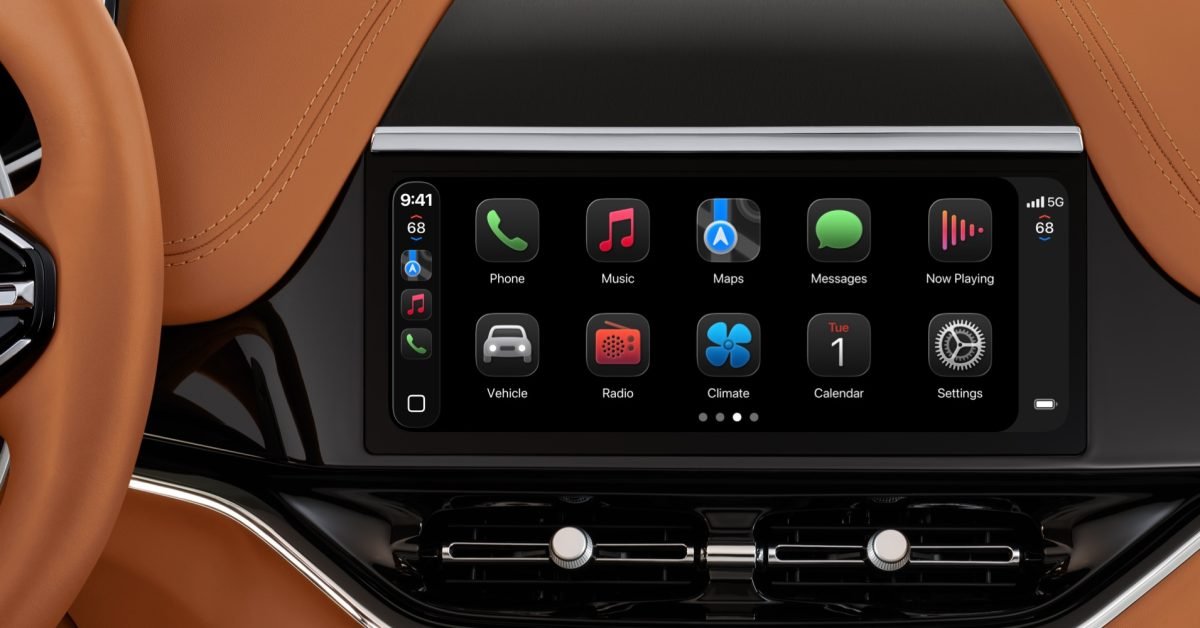
Apple’s CarPlay has been on a steady upgrade path since iOS 26 arrived last year. Two of the most useful additions landed in the 26.4 and 26.2 point releases, and they both focus on keeping drivers productive while staying hands‑free.
1. Voice‑only AI chatbot apps
iOS 26.4 opened a brand‑new category for CarPlay: voice‑based conversational apps. The system now treats AI assistants like ChatGPT, Perplexity, and Grok as first‑class CarPlay experiences. When you connect your iPhone, a dedicated “Chat” icon appears on the home screen, and the app launches in a minimal UI that only accepts spoken input.
How it works
- The app registers a CarPlay‑compatible intent that tells the system it can run without a visual component.
- Audio is routed through the car’s microphone and speakers, so you never need to glance at the screen.
- Responses are streamed back as synthesized speech, using the same low‑latency pipeline that powers Siri.
Because the interaction is voice‑only, the risk of distraction drops dramatically compared with using a phone‑based chat window. You can ask for a quick weather update, look up a restaurant’s opening hours, or get a summary of a news article while the car is in motion.
What’s next?
Apple’s documentation hints that future iOS releases will let developers expose custom shortcuts inside the chatbot flow, meaning you could trigger a HomeKit scene (like turning on the garage lights) directly from a conversation. That would blur the line between a pure AI assistant and a smart‑home controller, all while staying safely tucked behind the car’s audio system.
2. More widgets – now three at once, plus Apple Sports
Widgets have been part of CarPlay since iOS 26, but the original limit was two simultaneous slots. iOS 26.2 lifted that restriction for a handful of supported vehicle models, allowing three widgets to share the screen.
Practical impact
- Navigation + Music + Calendar – you can see turn‑by‑turn directions, the current track, and your next appointment without swapping screens.
- Traffic + Weather + Battery – useful for long trips where you need to monitor multiple data points.
If your car supports the expanded layout, you’ll notice the extra column appear automatically after the update; no extra configuration is required.
Apple Sports widget
The latest 26.4 release added a dedicated Apple Sports widget. It pulls live scores, game status, and schedule reminders directly into CarPlay. The widget respects the three‑slot limit, so you’ll need to decide which combination works best for you.
Why it matters
- You can glance at a quick score without pulling out your phone.
- The widget updates in real time, using the same push‑notification channel that powers the iPhone version of Apple Sports.
- Because it’s a widget, interaction is limited to tap‑to‑open the full app on your iPhone, keeping the CarPlay interface distraction‑free.
Ecosystem context
These updates illustrate Apple’s broader strategy of deepening CarPlay’s integration with the rest of iOS while keeping the experience safe for drivers. By exposing voice‑only AI apps, Apple sidesteps the visual clutter that has traditionally limited third‑party CarPlay apps. The widget expansion, meanwhile, shows that Apple is willing to negotiate hardware constraints (screen real‑estate, processing power) to give users more data at a glance.
For owners of newer vehicles—especially those equipped with the latest infotainment hardware—these features feel like a natural extension of the iPhone’s ecosystem. If you’re still on an older head unit, you may not see the three‑widget layout until a firmware update from the car maker adds support.
What to try next
- Open the Chat app on CarPlay and ask a simple question, like “What’s the traffic like on I‑95?”
- Rearrange your widgets in the CarPlay settings on your iPhone (Settings → General → CarPlay) to prioritize the Apple Sports widget.
- Keep an eye on iOS 27 beta releases; Apple has hinted at deeper Siri integration with these AI chatbots, which could eventually let you control HomeKit devices directly from CarPlay.
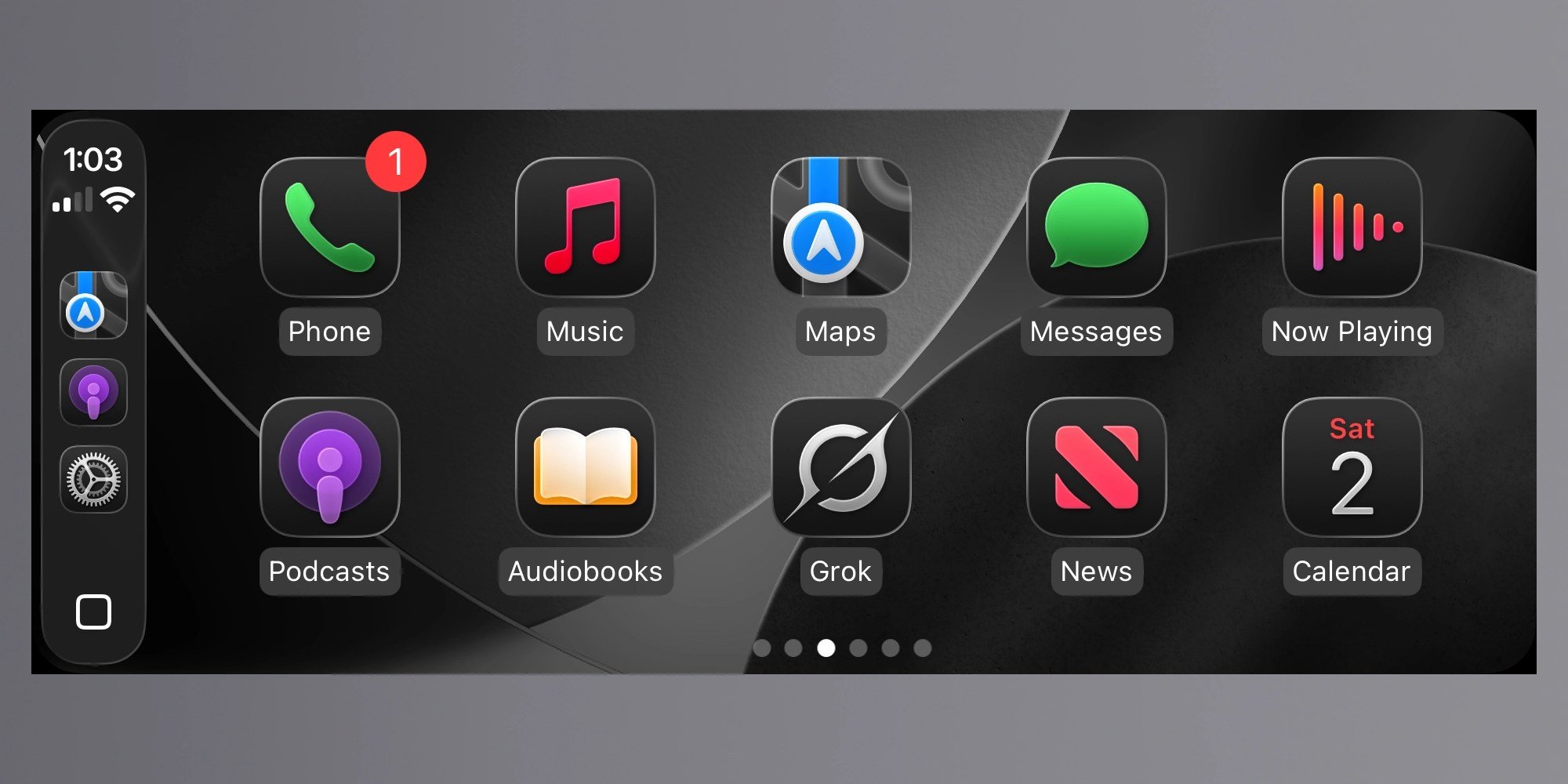
Reader tip: If your vehicle doesn’t yet show three widgets, check the manufacturer’s support site for a firmware update. Many brands released a small OTA patch in early June that unlocks the extra slot for compatible models.
Comments
Please log in or register to join the discussion