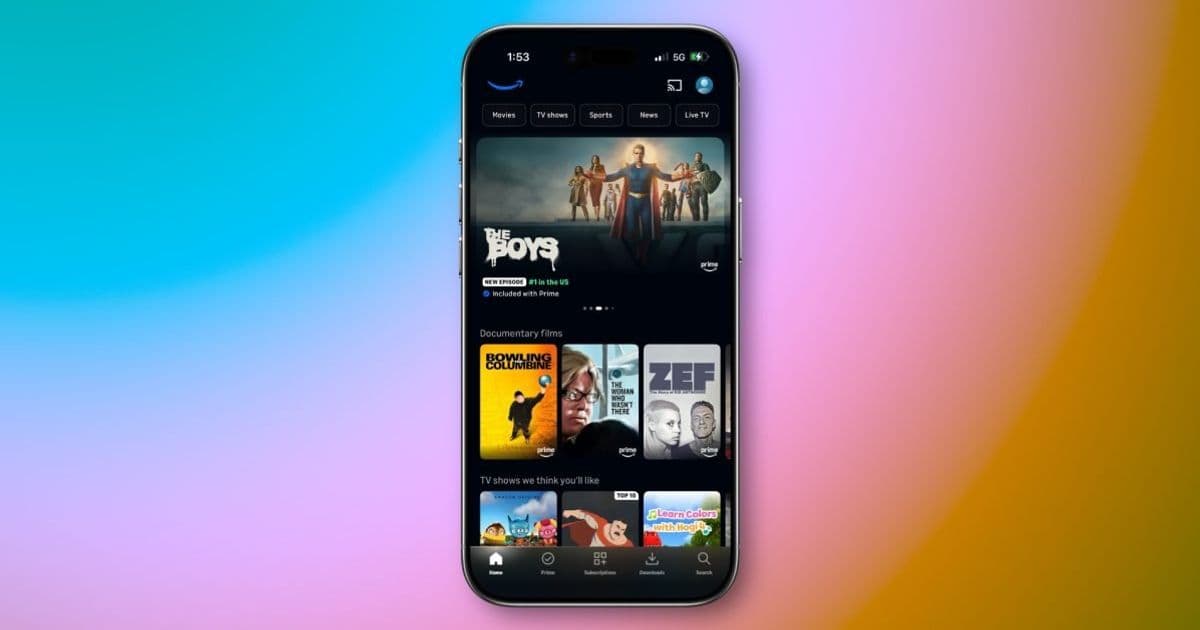
Amazon adds a scrollable short‑form vertical video carousel to Prime Video’s mobile apps, expanding the feature beyond NBA highlights to movies and series. The rollout starts on iOS 17+, Android 13+ and recent Fire OS devices, with full availability expected this summer.
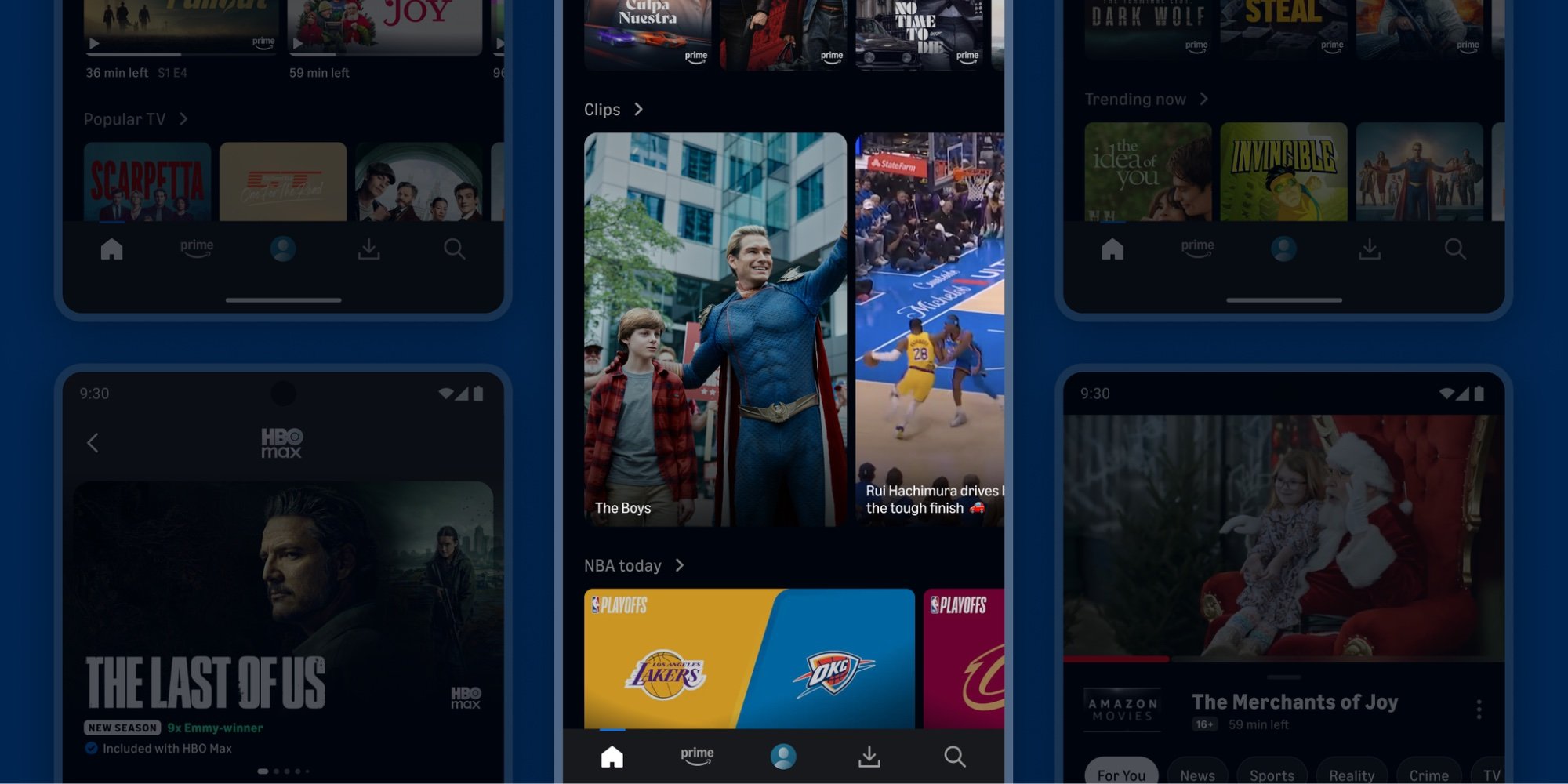
Amazon has begun shipping a new Clips vertical video feed inside the Prime Video mobile apps. The feature mirrors the short‑form scrollable experiences that have become common on TikTok, Instagram Reels and the recent Disney+ “Verts” and Netflix “Clips” launches.
Platform update
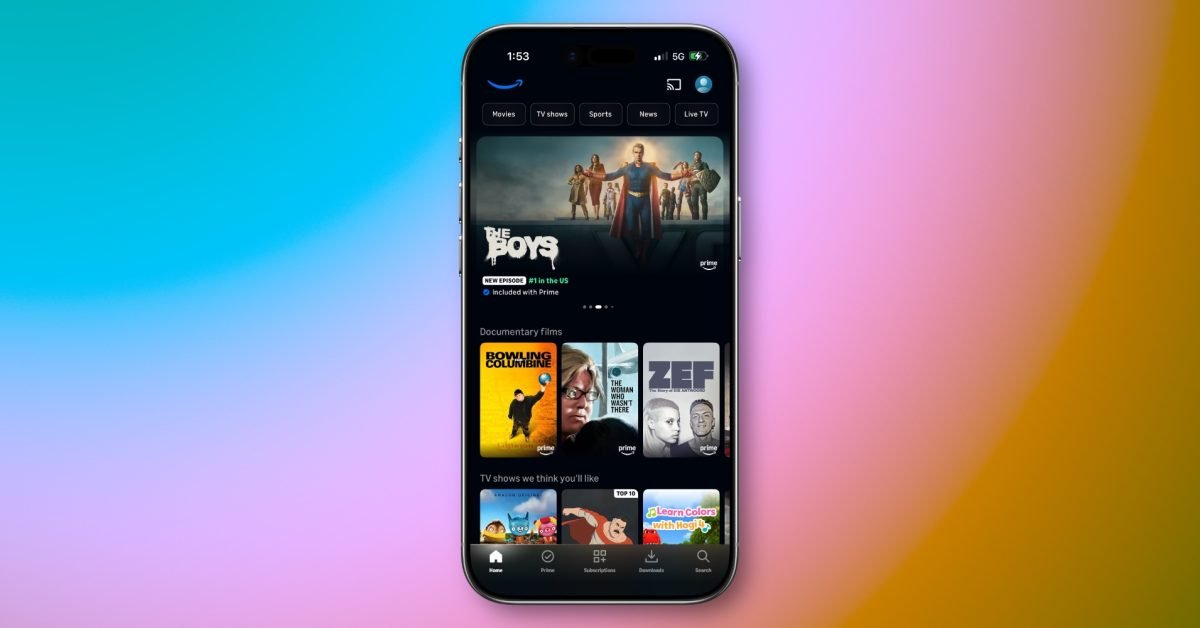
The Clips carousel appears on the home screen of the Prime Video app for iOS, Android and Fire tablets. According to the press release, the feed is initially available to a subset of U.S. users and will expand to all customers by the end of the summer.
- iOS requirement: iOS 17 or later (the app now targets the iOS 17 SDK). Users on iOS 16 will continue to see the classic grid layout until they update.
- Android requirement: Android 13 (API level 33) or later. The Android build now includes the Android 13 SDK and targets compileSdkVersion 34 for future compatibility.
- Fire OS requirement: Fire OS 8 (based on Android 13) on devices released after 2022. Older Fire tablets will receive the feature once they are upgraded to the latest system update.
Developers who maintain in‑house video players or custom UI layers should note that the new feed uses AVFoundation on iOS and ExoPlayer 2.19 on Android, both of which support adaptive bitrate streaming in portrait orientation out of the box.
Developer impact
For teams that embed Prime Video SDKs or rely on deep linking, a few adjustments may be necessary:
- Deep link schema changes – The new feed opens a full‑screen activity (
com.amazon.avod.ClipsActivity) on Android and aClipsViewControlleron iOS. Existing deep links that point toprimevideo://still work, but they now route through the Clips UI when the target is a short‑form clip. - Analytics hooks – Amazon has added a
ClipsViewedevent to its analytics SDK. If you already sendVideoStartedevents, consider adding the new event to capture user interaction with vertical clips. - UI testing – The vertical carousel uses a
UICollectionViewCompositionalLayouton iOS and aRecyclerViewwith aLinearLayoutManageron Android. Automated UI tests should be updated to scroll the carousel and verify that tapping a clip launches the full‑screen player. - Content licensing – It is still unclear whether third‑party titles (e.g., Apple TV‑Peacock bundles) will be eligible for Clips. Developers who own the rights to content should monitor the Prime Video Partner Portal for updates on eligibility criteria.
Migration checklist
If you manage a custom wrapper around Prime Video or ship a branded version of the app, follow these steps to stay compatible:
- Update dependencies: bump
com.amazon.android:primevideo-sdkto 2.7.0 (or later) which includes the Clips UI components. - Target latest SDKs: set
minSdkVersionto 21 (Android) anddeploymentTargetto iOS 14 to avoid runtime crashes on older devices. - Add permission for camera roll (optional): some Clips allow users to share a short clip to their photo library. Include
NSPhotoLibraryAddUsageDescriptionon iOS andWRITE_EXTERNAL_STORAGEon Android if you enable sharing. - Test on real devices: vertical video rendering can differ between simulators and hardware, especially regarding hardware‑accelerated decoding.
- Monitor rollout: use the Amazon Appstore console or the Apple App Store Connect release notes to confirm that the latest app version (iOS 2.30.0, Android 2.30.0) is live for your user base.
What this means for the broader mobile video market
The rapid adoption of vertical video feeds across major streaming services suggests a shift in how users discover content on mobile. From a development perspective, the move forces teams to treat portrait‑only video as a first‑class experience rather than a secondary layout. This includes:
- Ensuring adaptive bitrate works at typical portrait resolutions (720×1280, 1080×1920).
- Providing gesture‑friendly controls (tap to like, swipe to dismiss) that feel native on both iOS and Android.
- Leveraging platform‑specific UI components that handle safe‑area insets and notch avoidance automatically.
As the feature matures, we can expect deeper integration with recommendation engines, allowing the feed to surface personalized moments from a user’s watch history.
Resources
- Official Amazon Prime Video press release: https://press.amazon.com/prime-video-clips-launch
- iOS SDK documentation for AVFoundation: https://developer.apple.com/documentation/avfoundation
- Android ExoPlayer guide: https://developer.android.com/guide/topics/media/exoplayer
- Prime Video SDK on Maven: https://repo.maven.apache.org/maven2/com/amazon/android/primevideo-sdk/
Comments
Please log in or register to join the discussion