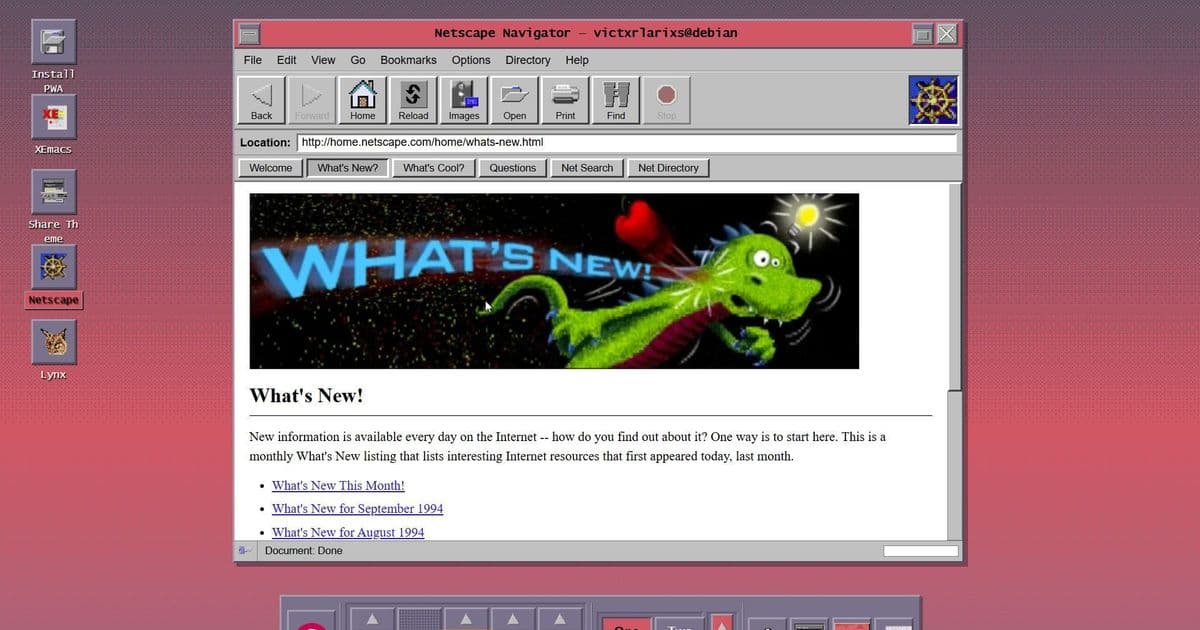
Developer Victor Larios has built an open-source Progressive Web App that faithfully recreates the Common Desktop Environment from 1994, complete with Netscape browser and XEmacs editor.
A developer has resurrected the classic Common Desktop Environment from 1994, creating an open-source Progressive Web App that faithfully recreates the look and feel of early Linux operating systems. The project, called CDE Time Capsule, is available to try in any modern browser without installation.
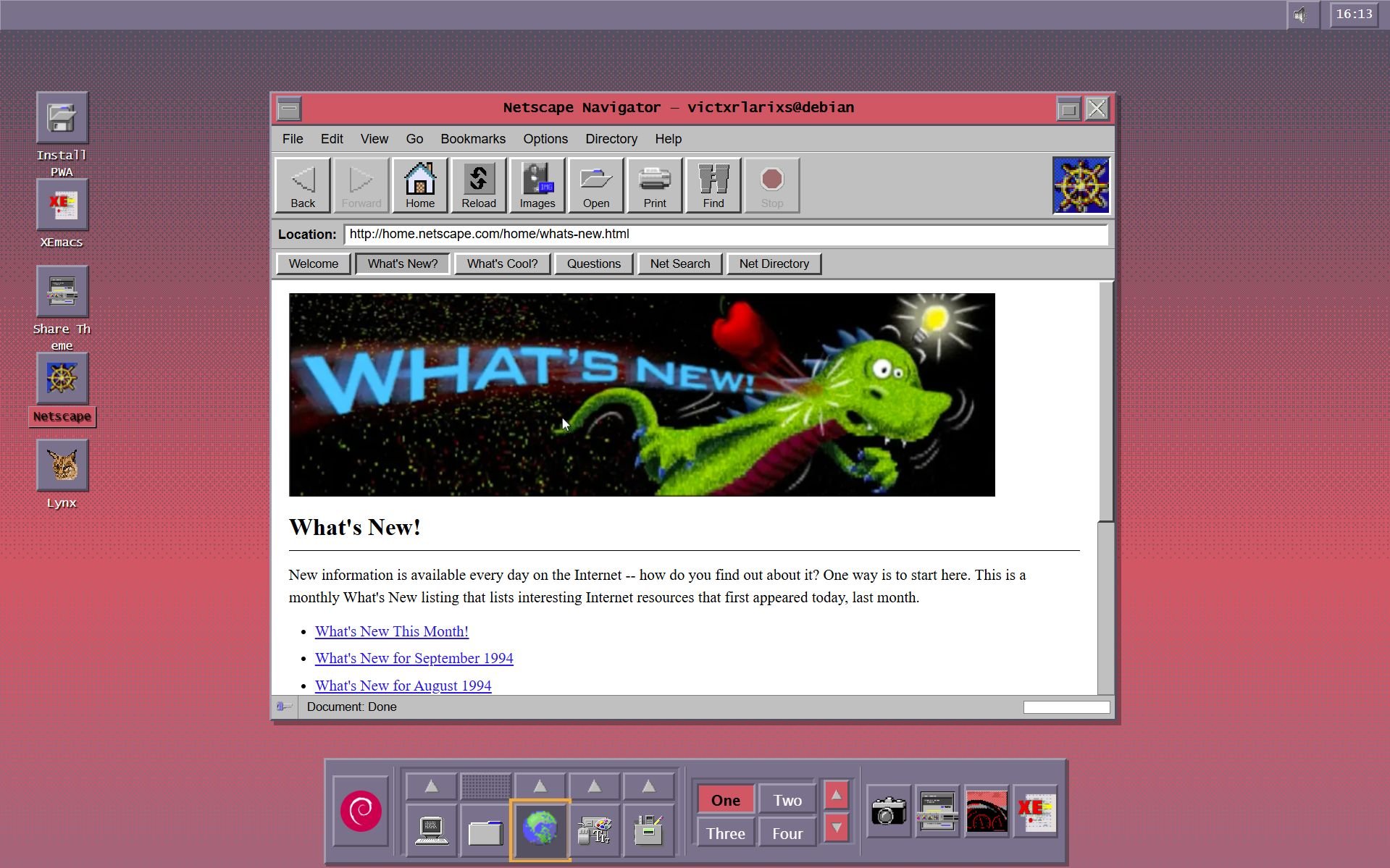
Created by Victor Larios, the project captures the essence of mid-1990s Unix computing with remarkable authenticity. "A modern Progressive Web App that brings 1990s Unix to any device," Larios describes it. "Desktop, tablet, phone—the experience adapts. Touch gestures on mobile. Keyboard shortcuts on desktop. Always authentic."
The recreation goes beyond mere visual mimicry. It includes 76 authentic color palettes and 198 original XPM backdrops from the original CDE release. Users can watch a pseudo boot sequence before being dropped into the familiar desktop environment.
Once running, the virtual desktop features the classic CDE layout: an icon bar at the bottom, system information and clock at the top, and a workspace switcher for navigating between four virtual desktops. The environment includes several period-accurate applications:
- Netscape web browser (with limited pre-loaded pages from the era)
- Terminal emulator
- XEmacs text editor
- File manager
- System applications for process control
While the Netscape browser doesn't function as a modern web browser would—only accessing a limited selection of hard-coded pages with their original 1990s designs—the project succeeds in capturing the authentic experience. The interface is responsive and works across devices, including mobile platforms with touch gesture support.
Heavy customization options allow users to modify how the environment looks and feels, though the default settings provide the most authentic experience. The project is hosted on GitHub under the GPL license, with comprehensive documentation for new users, power users, and potential contributors.
Those interested can try the CDE Time Capsule without installation by visiting the project's dedicated website. For a more permanent experience, installing it as a Progressive Web App is as simple as clicking an "Install PWA" button in any modern browser.
The project represents more than just nostalgia—it's a functional preservation of computing history that demonstrates how modern web technologies can recreate and preserve digital artifacts from previous eras. For those who never experienced the original CDE environment or simply want to revisit it, the CDE Time Capsule offers an accessible window into 1990s Unix computing.
Comments
Please log in or register to join the discussion